
 View on Asset Store (opens in new tab)
Package details
- Latest version
- 1.0.0
- Last updated
- First released
- Unity version
- 2020.3.41 or later
- Package size
- 9.6 MB
- Files
- 51
- Favorites
- 7
- Views in the past week
- 7
Price tracking
- Last checked
- Tracked since
- Lowest recorded
- $9.99 on
Keywords

Terrain Editing Tools
Terrain Editing Tools is a tool that allows you to create and edit terrains very quickly, and get amazing results, both in the editor as in runtime.
Affiliate link · Purchases support this site
Price history
Last 6 months
USDAsset preview
1 / 7

Terrain Editing Tools screenshot 1



About this asset
--- discord --- [email protected] ---
--- overview ---
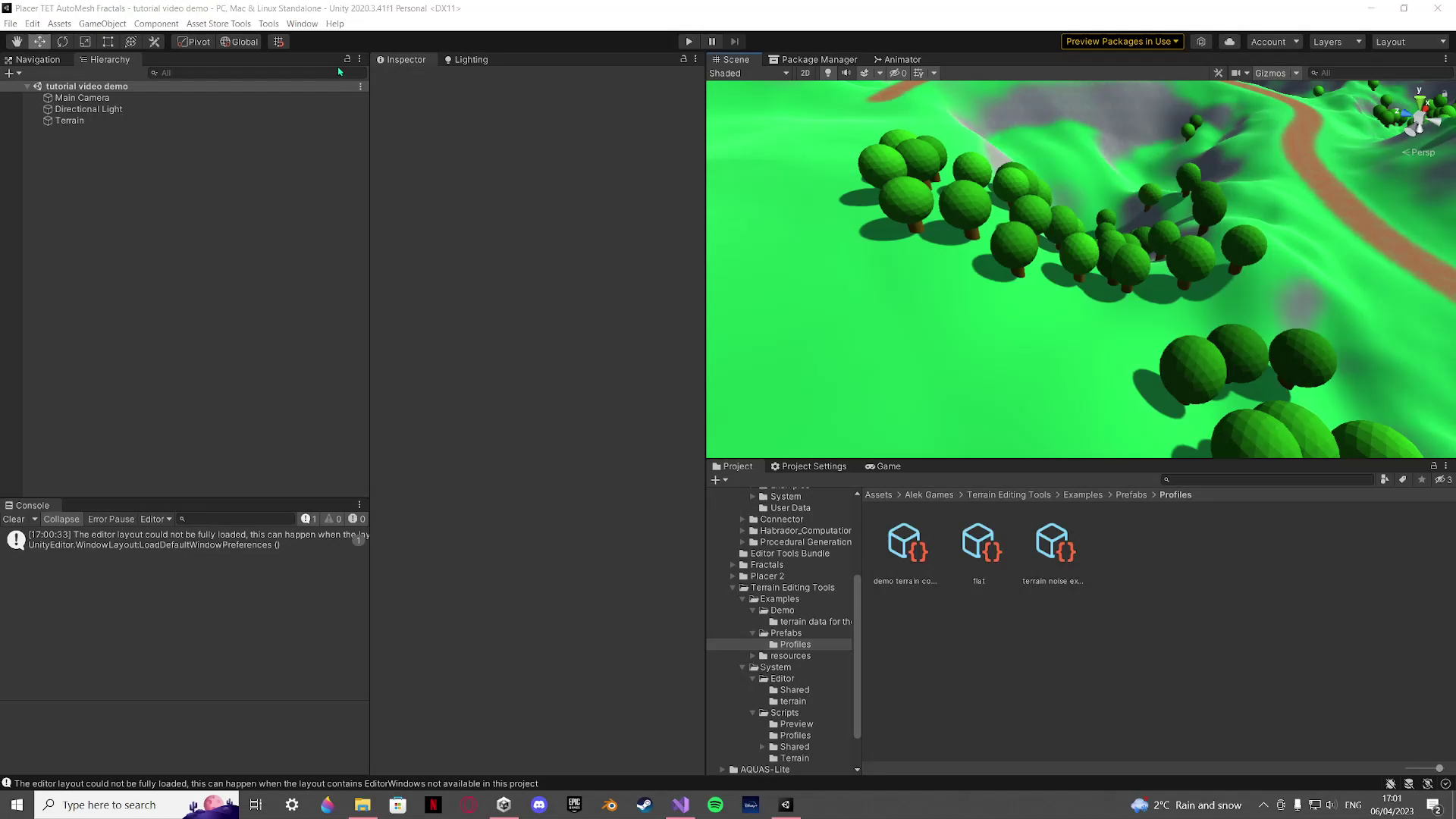
Terrain Editing Tools is an asset that offers a few tools that help you edit/make the terrain both in the editor as in runtime.
If you want to make your terrain look beautiful and natural in a small amount of time, this is the perfect choice for its cheap price.
I made it because GAIA is way too big of a file on my disc. GAIA is way better though, so if you have the money i advise you to buy GAIA and not this. along with Placer 3 (preferably the PRO version), GAIA is the perfect combination of level editing tools. Still, this is a really good tool if you don't want to be broke after 1 purchase.
----- functions -----
with Terrain Editing Tools you can do the following:
1. shape the terrain with noise or an image (grayscale of the image converted to height)
2. create roads with curves (even tilted ones!)
3. move/scale individual terrain trees (you can even change their color)
4. automatically apply terrain layers (textures) to the terrain based on set conditions (height/ steepness (you can ask for more if needed))
NOTE:
- as of now the road system doesn't work multi-terrain
- the card/icon/cover image does not represent the package content (the screenshots do but, the terrain in said images is just an example of what you potentially could do, if you have good models)
From the publisher's Asset Store listing.
Compatibility
| Unity version | Built-in | URP | HDRP | Custom |
|---|---|---|---|---|
| 2020.3.41f1 | Compatible | Compatible | Compatible | Compatible |
the asset edits the terrain, not the renderer pipeline, so you can use whatever you want
As listed on the Asset Store.