
 View on Asset Store (opens in new tab)
Package details
- Latest version
- 1.5.4
- Last updated
- First released
- Unity version
- 6000.3.13 or later
- Package size
- 3.1 MB
- Files
- 27
- Favorites
- 21
- Views in the past week
- 21
Price tracking
- Last checked
- Tracked since
- Lowest recorded
- $4.99 on
Keywords
DevBricks - RTS Camera
With touch support! Save days of fiddling about your game camera! The RTS Camera is an easy to use camera solution for the Real-Time Strategy, City Builder, Action-RPG, MOBA or any Top-Down genre.
Price $9.99
Buy on Asset Store (opens in new tab)
Affiliate link · Purchases support this site
Price history
Last 6 months
USDAsset preview
1 / 4

DevBricks - RTS Camera screenshot 1


About this asset
Try the WebGL demo!
The camera is fitted for:
- RTS (Real-Time Strategy) like StarCraft, WarCraft, Command & Conquer and Age of Empires
- Top-Down / Action-RPG (Role-Playing Game) like Diablo
- MOBA (Multiplayer Online Battle Arena) like DOTA and League of Legends
- Tower Defense like Defense Grid and Plants vs. Zombies
- City Builder like SimCity and the Anno series
Setup:
- Install with 2 clicks
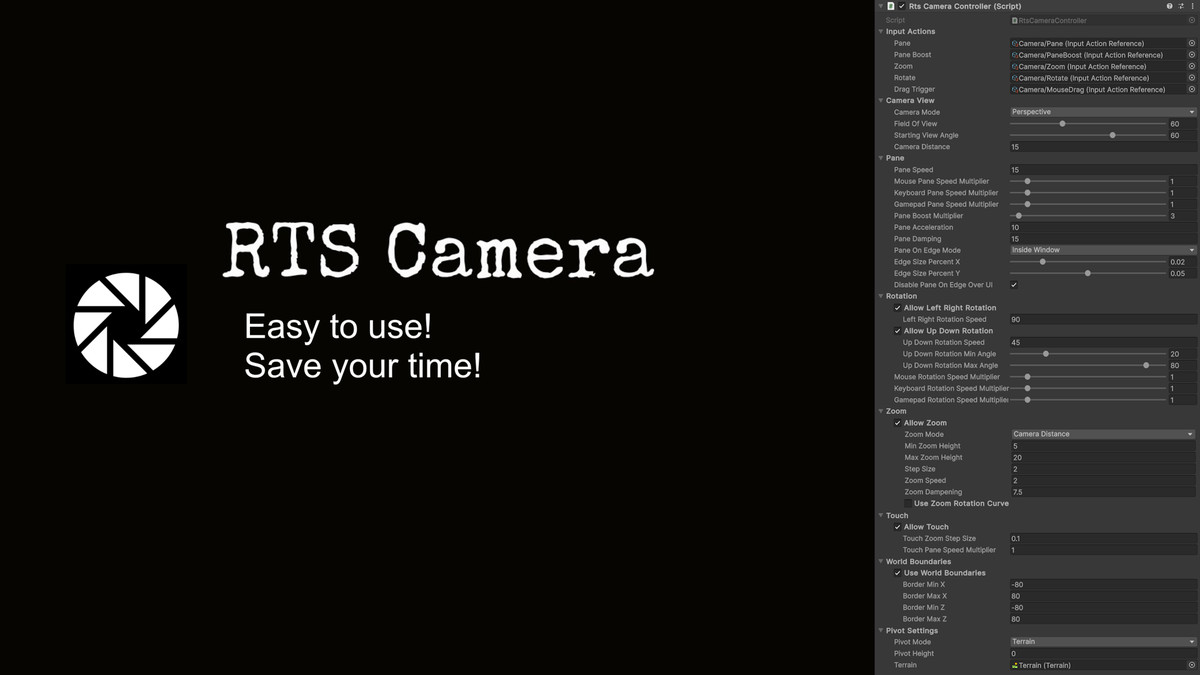
- Easy setup in inspector with custom editor
Features:
- Supports perspective and orthographic cameras
- Use the new input system to easily customize the key bindings
- Automatic terrain height level follow modes for Unity terrains and mesh terrains
- Pane the camera via keyboard, mouse or controller
- Zoom in and out (supports Distance, Field of View and Orthographic Zooming)
- Auto-Rotate x-axis on zoom (used in many RTS Games)
- Drag the camera view with your mouse
- Rotate the view via keyboard, mouse or gamepad
- Touch support for drag, zoom and rotate
- Customize the individual pane & rotation sensitivity of each type of input device (mouse, keyboard, gamepad)
- Boost modifier for camera pane
- Define which features the user is allowed to use
- Set movement borders of the camera to restrict the game area
- Full documentation and code
From the publisher's Asset Store listing.
Compatibility
| Unity version | Built-in | URP | HDRP |
|---|---|---|---|
| 6000.3.13f1 | Compatible | Compatible | Compatible |
The RTS Camera uses the New Input System.
As listed on the Asset Store.