
 View on Asset Store (opens in new tab)
Package details
- Latest version
- 1.0.0
- Last updated
- First released
- Unity version
- 2021.3.6 or later
- Package size
- 36.5 MB
- Files
- 68
- Favorites
- 13
- Views in the past week
- 7
Price tracking
- Last checked
- Tracked since
- Lowest recorded
- $10.50 on
Keywords

Sci-Fi Control Desk
Sci-Fi style control desk/table for decorating your environment.
Affiliate link · Purchases support this site
Price history
Last 6 months
USDAsset preview
1 / 7

Sci-Fi Control Desk screenshot 1


About this asset
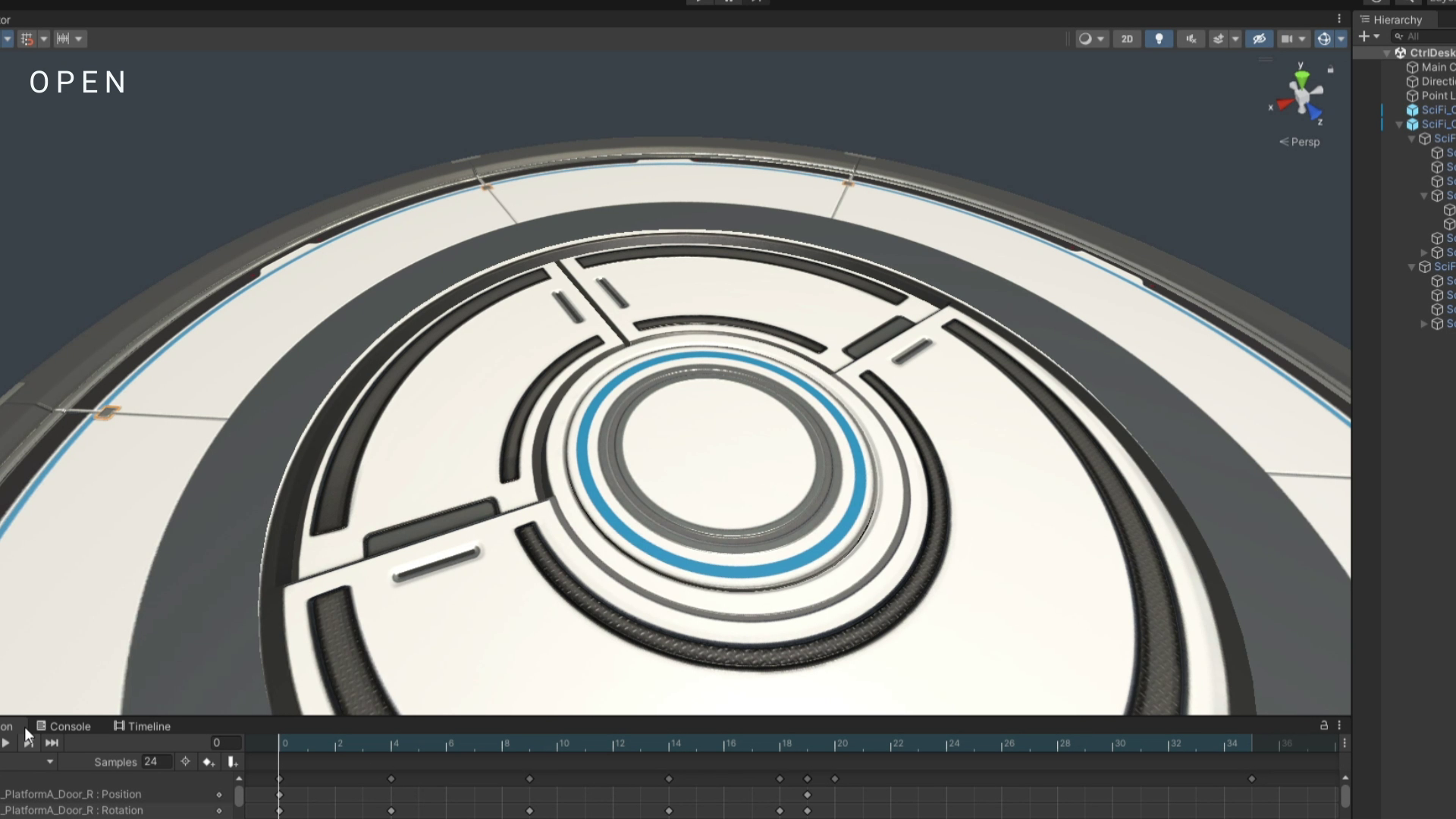
Control desk default is placed under the circular platform, and will rise when platform doors open.
Desk comes with 5 animation sets:
- Platform doors open
- Lower small side door opens
- Middle square opening opens and rises
- Right circular opening opens and rises
- Left second monitor rises.
Desk monitor UI image opacity can be adjusted to hide or show the UI.
Can place any object inside the square and circular openings.
This desk is made to be placed on the floor or on any plane. So does not have any bottom side face meshes.
From the publisher's Asset Store listing.
Technical details
1 custom emission color mask (RGB) specular surface shader for changing emission properties separately with ColorMask. Mainly 3 separate groups: Red, Green and Blue.(SciFi_CtrlDesk_ColorMask). For example, can light up different parts of the desk emission in different orders with animation keys.
Each emission texture have their own original blue version, and an extra grayscale version in the EmissionPack_wColorMask folder for you to choose from. The grayscale version are for clearer adjustment of the colors if needed, and to be used with the color mask material shader.
1 custom unlit double sided shader for monitor UI image.
Total Polycount: 17285 Triangles
CONTROL DESK:
Polycount: 14467 Triangles
Table A
PNG Texture: 2048 x 2048
(Albedo, AO, Normal, Emission, and Specular)
Table B
PNG Texture: 2048 x 2048
(Albedo, AO, Normal, Emission, and Specular)
Side Door
PNG Texture: 2048 x 2048
(Albedo, AO, Normal, Emission, and Specular)
For designed white interior, assign 1 material element to mesh
For black interior, assign 2 material element to mesh, and the second one apply SciFi_CtrlDesk_SideDoor_IntBlack material. (For effect see image number 5)
Openings
PNG Texture: 2048 x 2048
(Albedo, AO, Normal, Emission, and Specular)
Color Mask RGB: 2048 x 2048
(Different colors for representing different emission light up orders or groups, when opening opens. You can create your own color mask, and use with the color mask shader for different purposes too.)
If don't want to use the color mask material, can choose the defalut blue material to apply ( SciFi_CtrlDesk_TOpenings).
Monitor
PNG Texture: 2048 x 2048
(Albedo, AO, Normal, Emission, and Specular)
Monitor UI PNG Image 2048x 2048
custom double sided shader for UI image
Platform A:
Polycount: 1234 Triangles
PNG Texture: 2048 x 2048
(Albedo, AO, Normal, Emission, and Specular)
Platform B:
Polycount: 1584 Triangles
PNG Texture: 2048 x 2048
(Albedo, AO, Normal, and Specular)
Compatibility
| Unity version | Built-in | URP | HDRP |
|---|---|---|---|
| 2021.3.6f1 | Compatible | Not listed | Not listed |
As listed on the Asset Store.