
 View on Asset Store (opens in new tab)
Package details
- Latest version
- 2.0.0
- Last updated
- First released
- Unity version
- 2022.3.62 or later
- Package size
- 2.8 MB
- Files
- 182
- Favorites
- 19
- Views in the past week
- 18
Price tracking
- Last checked
- Tracked since
- Lowest recorded
- $4.99 on
Keywords

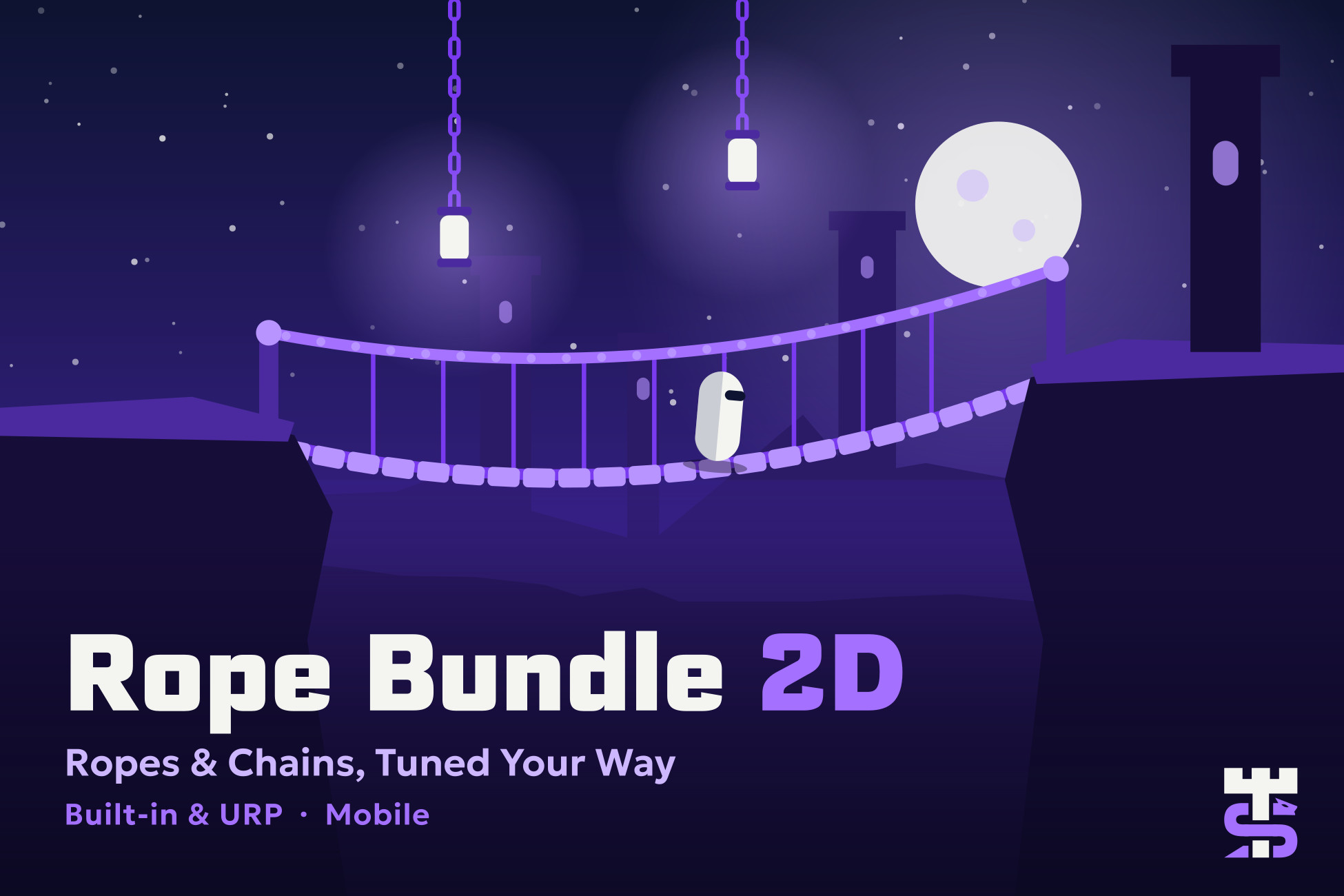
Rope Bundle 2D - Bridges, Chains & Rope Cutting
2D rope physics for Unity: ropes, chains, cables and wires that hang, swing, collide with Collider2D and push Rigidbody2D. Rope bridges, winches and cut-the-rope at runtime. Built-in RP and URP
Affiliate link · Purchases support this site
Price history
Last 6 months
USDAsset preview
1 / 9
Rope Bundle 2D - Bridges, Chains & Rope Cutting screenshot 1

About this asset
Rope Bundle 2D is a 2D rope physics asset for Unity. Add ropes, chains, cables, wires and elastic strings that hang under gravity, collide with Collider2D shapes and push dynamic Rigidbody2D bodies. A Verlet rope solver runs on Physics2D, so you don't have to write and tune your own rope physics.
Build hanging ropes, swinging chains, rope bridges, winches and cut-the-rope mechanics for platformers and physics puzzle games. Set up each rope in the inspector, control it from C# at runtime, and render it as a LineRenderer line, a textured strip or a chain of link sprites. Works in the Built-in Render Pipeline and URP.
Create a 2D rope, chain or cable in a few clicks
Choose GameObject > Serpentower > Rope and pick a preset: Rope, Chain, Cable or Elastic. The menu builds a ready 2D rope with a pivot to hang from, a node prefab, a profile and a LineRenderer with a material. Move the pivot, press Play, and the rope falls, hangs and drapes over your colliders. A basic rope needs no code and no extra material.
Rope physics presets: Rope, Chain, Cable
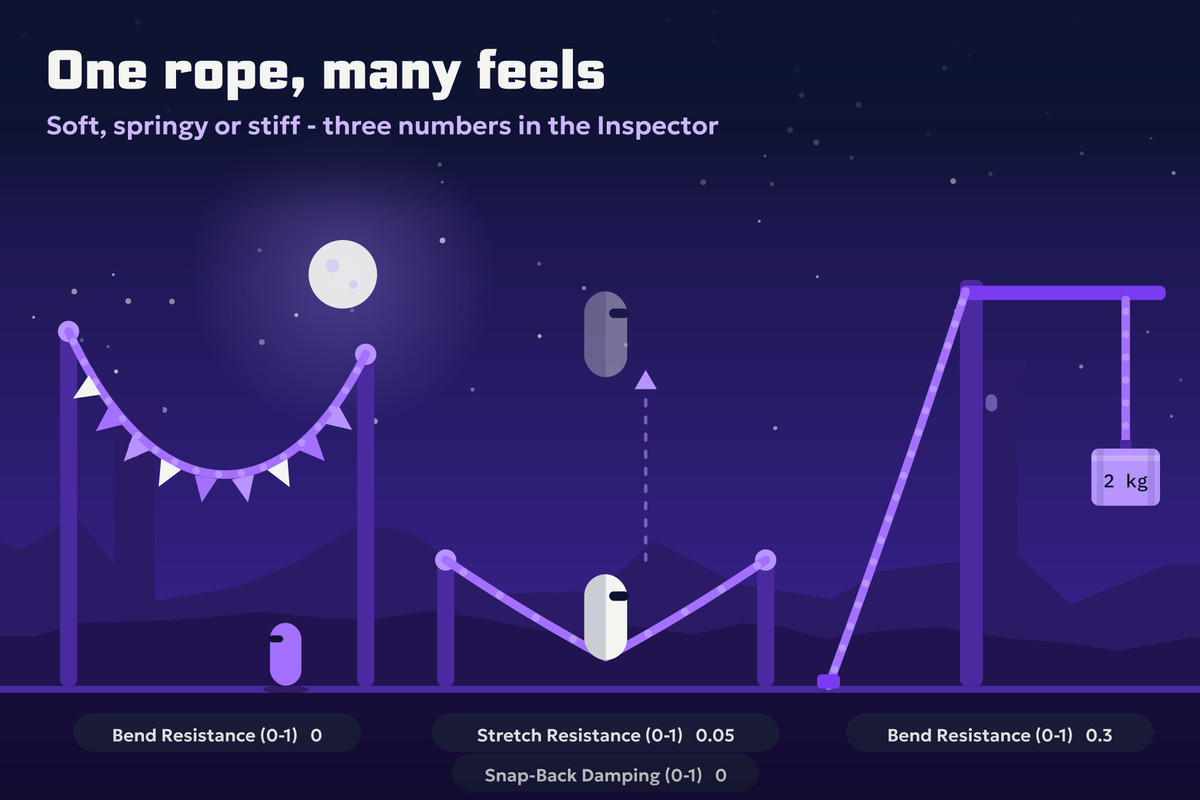
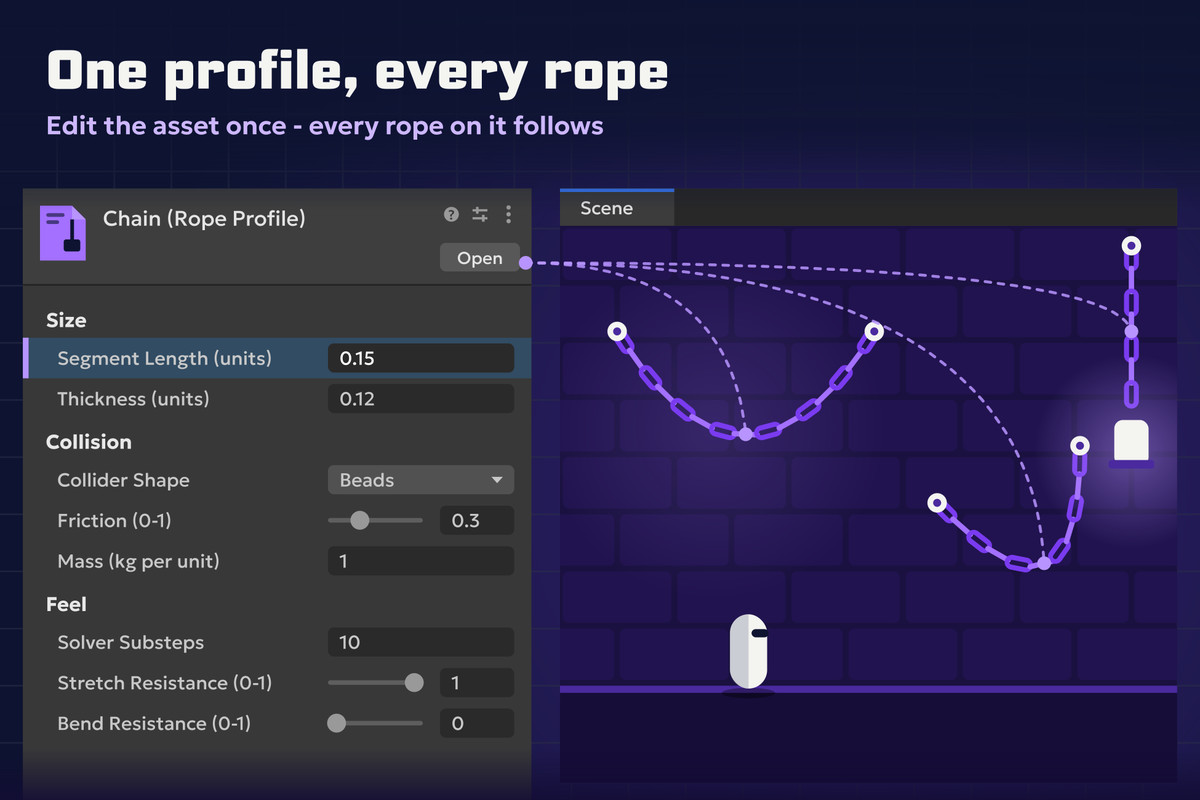
The feel of a rope lives in a RopeProfile asset: segment length, thickness, stretch resistance, bend resistance, snap-back damping, friction, mass, damping, gravity scale and solver substeps. Many ropes can share one profile, so one change updates all of them. A rope can also keep its own values. Feel values can change from C# at runtime and apply on the next physics step, with no rebuild.
The four presets cover the common cases. Rope is a light, flexible line. Chain collides as beads and grips harder. Cable resists bending and settles quickly. Elastic stretches under load like a rubber band.
Attach ropes to objects and Rigidbody2D bodies
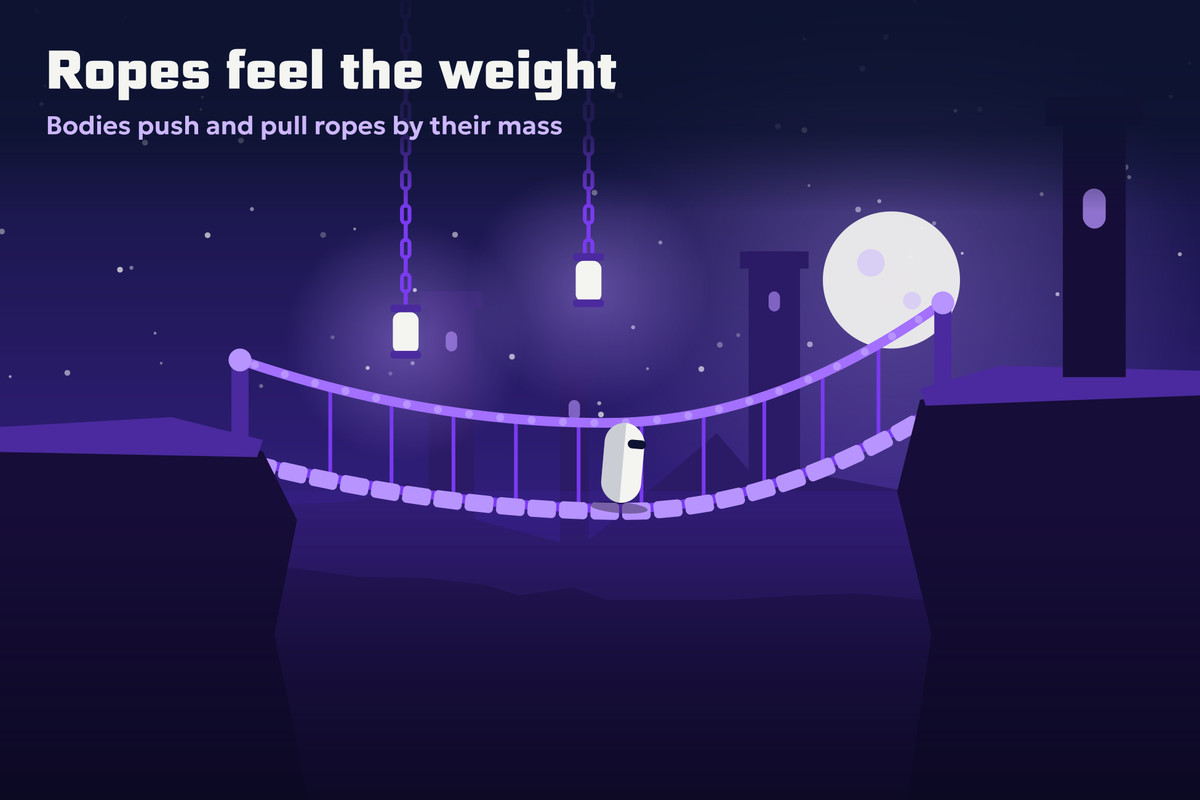
Pin either end of a rope to an object, or leave it free. A static or kinematic object holds the rope like a pin. A dynamic Rigidbody2D on an anchor is pulled by the rope and can still swing, which makes swinging weights and pendulums easy. Put the anchor on a child object to hang the rope from a hook point on a body. Node Attachments pin any node in the middle of the rope to an object, so one rope can run through several fixed points.
Rope winch: reel in and pay out at runtime
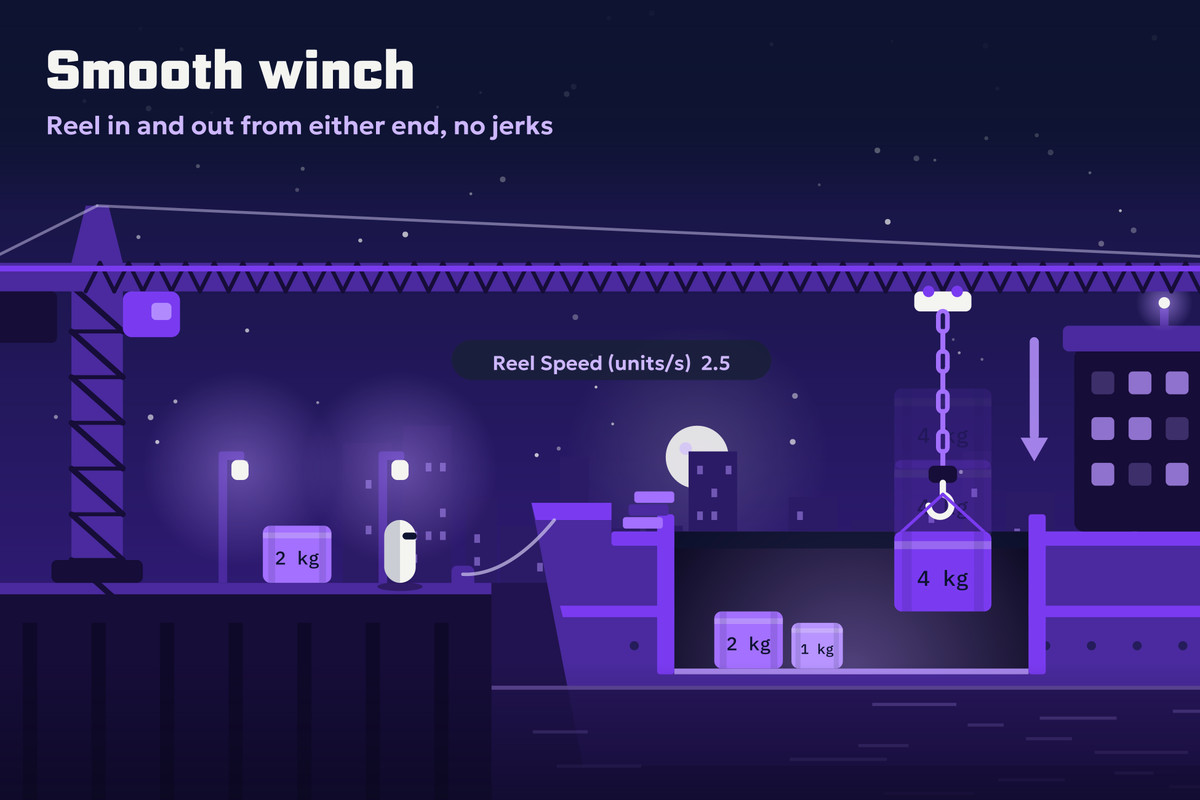
A winch makes the rope longer or shorter at one end while the game runs. Set a target length from C#, and the rope moves towards it at the reel speed. Pins stay on their nodes while the rope changes length. Each added or removed node raises an event.
Cut the rope at runtime
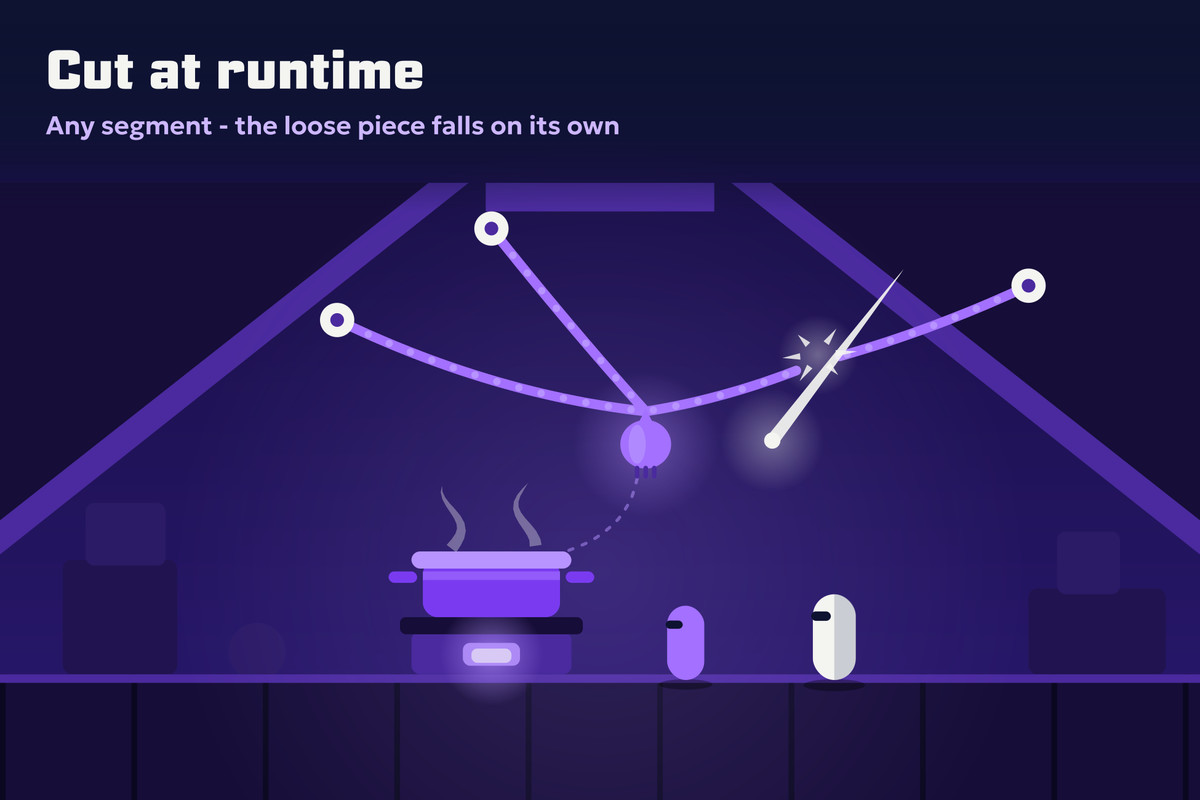
Rope.Cut(segment) splits a rope at any segment and returns the cut piece. The piece keeps its speed, its pins and the end anchor, and it keeps falling. The OnRopeCut event reports every cut. Turn on Destroy Cut Piece to remove the piece at the end of the frame instead. Use it for cut-the-rope puzzles, breaking rope bridges and ropes the player slices. The demo scenes include rope bridges.
2D rope collision and contact events
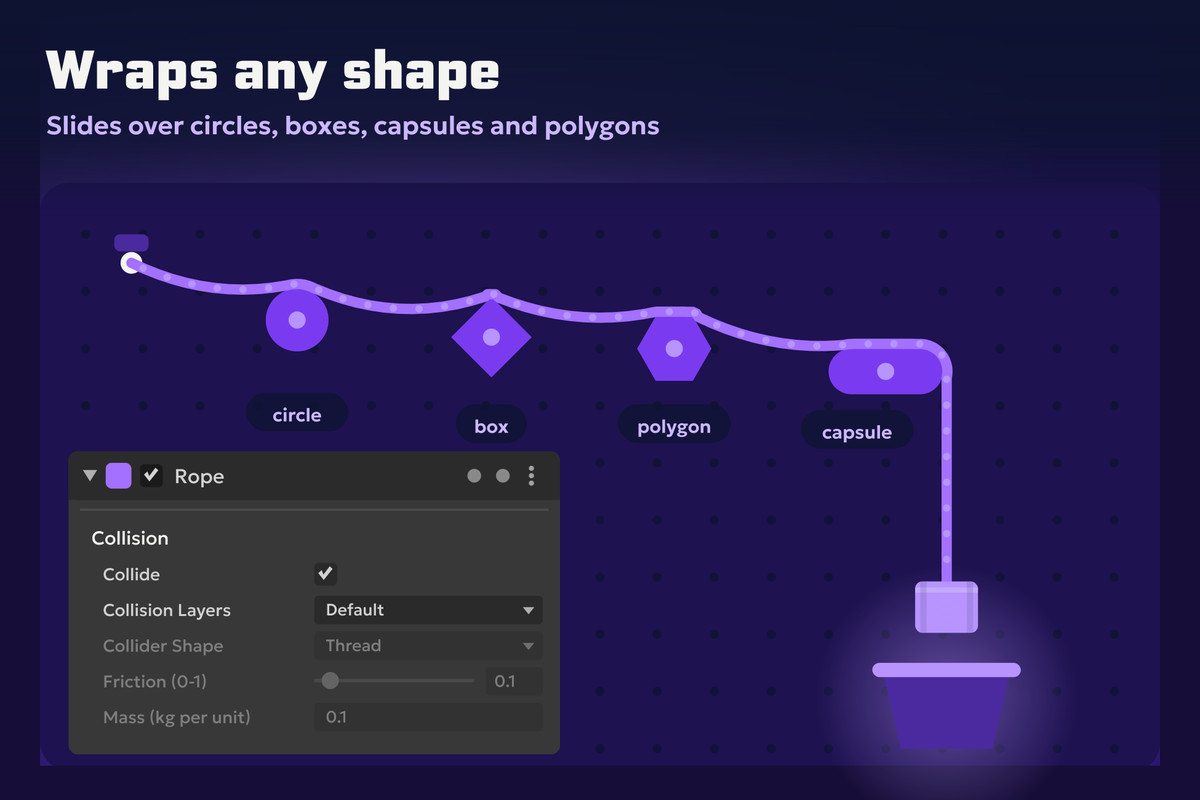
Pick the collision layers the rope hits. Choose Thread, where each segment collides as a capsule, or Beads, where each node collides as a circle. Friction decides whether the rope slides off edges or catches on them. Give the rope mass, and it pushes dynamic Rigidbody2D bodies it lies on. OnRopeContactBegan and OnRopeContactEnded fire once per collider, and GetTouchedColliders lists current contacts without allocating.
Rope rendering: LineRenderer, textured strip or chain sprites
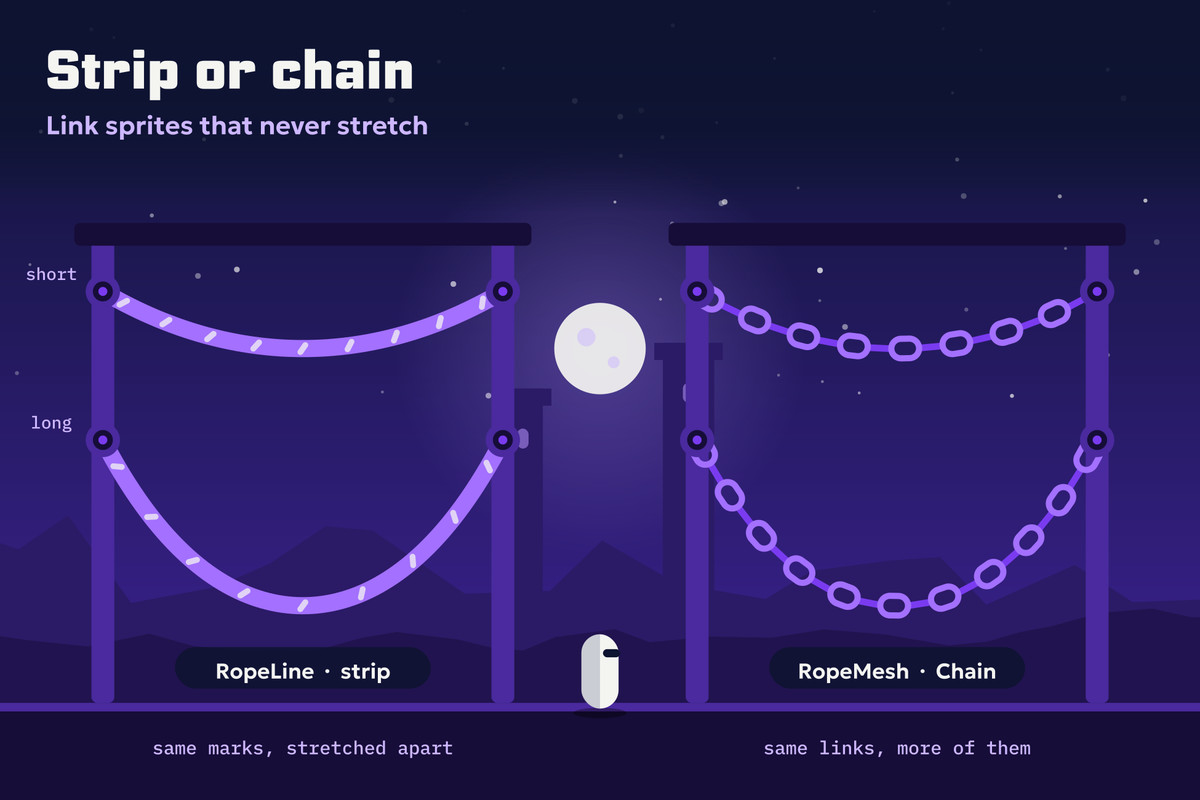
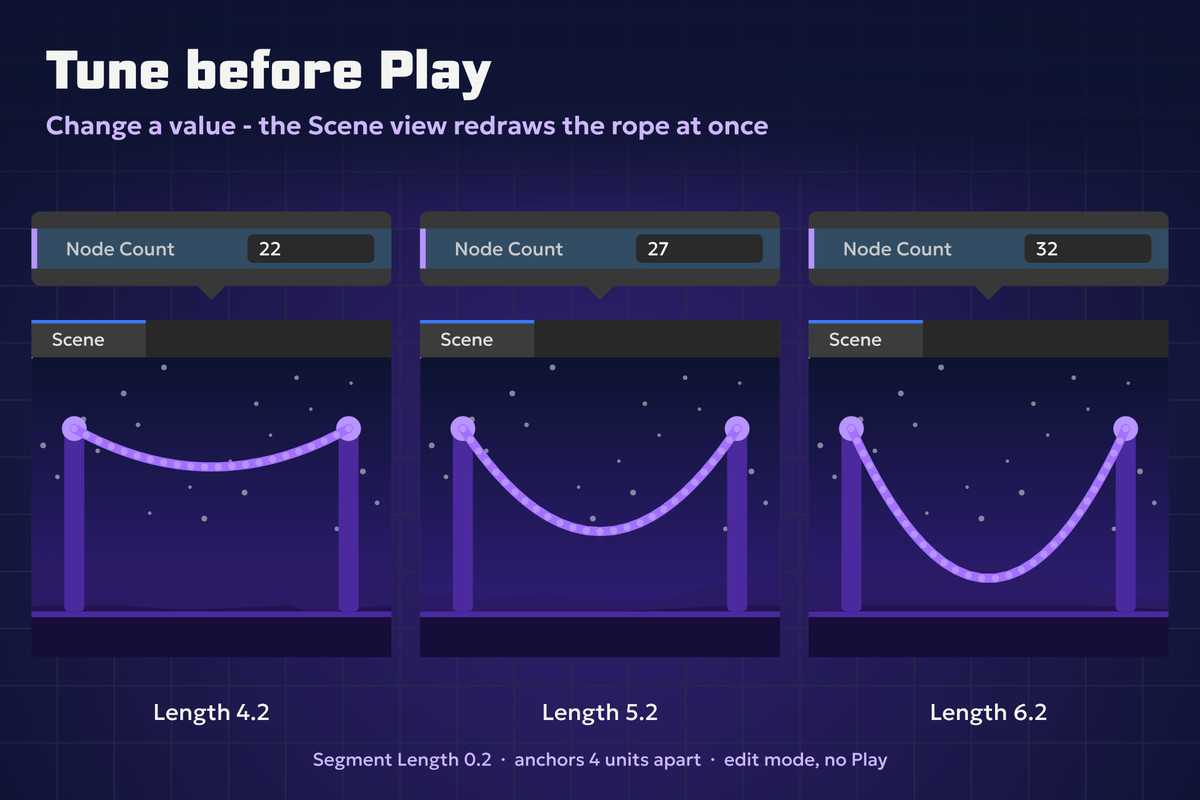
RopeLine draws the rope through a LineRenderer and can match its width to the rope thickness. RopeMesh generates a mesh in two modes. Strip repeats a rope texture along the line. Chain lays one link sprite per link, keeps each sprite's proportions and supports overlap for interlocking chain art. Link Order picks which sprite each link shows: Repeat, Ping Pong, or your own order written as a small C# class. Line and mesh are interpolated between physics steps, so the rope moves smoothly when the frame rate is higher than the physics rate. RopeMesh also draws in edit mode, so you see the rope in the Scene view without pressing Play.
Built-in Render Pipeline and URP support
Rope Bundle 2D works in the Built-in Render Pipeline and in URP with the 2D Renderer or the Universal Renderer. The package has no URP dependency and compiles without it. The demo materials use Unity's built-in Sprites/Default shader, so they do not turn pink in either pipeline and need no upgrade step.
Documentation, C# API and tests
A 41-page manual covers every inspector field, property, method and event, with C# examples for the winch, rope cutting, contact events and changing rope feel from code. The package ships with EditMode and PlayMode tests. Projects on version 1.x can update to 2.0 with the migration steps in the manual.
Use cases
Rope Bundle 2D fits 2D platformers, physics puzzle games and cut-the-rope style games:
- hanging ropes, chains and cables
- swinging weights and pendulums
- rope bridges that sag and break
- winches, cranes and pulleys that reel rope in and out
- ropes and chains the player cuts
From the publisher's Asset Store listing.
Technical details
Simulation
- 2D rope physics on Physics2D
- Verlet solver stepped in FixedUpdate on scaled physics time
- Rope hangs under Physics2D.gravity multiplied by Gravity Scale; 0 floats, negative rises
- Solver substeps per physics step, adjustable
Feel and presets
- RopeProfile: rope feel saved as an asset and shared between ropes
- Feel settings: segment length, thickness, stretch resistance, bend resistance, snap-back damping, friction, mass per length, damping, gravity scale, solver substeps
- Feel changes from code apply on the next physics step, no rebuild needed
- 4 presets: Rope, Chain, Cable, Elastic
Anchors
- Start Anchor and End Anchor pin the rope ends to objects
- Node Attachments pin any node to an object
- Static or kinematic anchors act as pins; a dynamic Rigidbody2D is pulled and can still swing
- Anchors on child objects work as hook points on a body
- Anchored ends move smoothly across substeps
Winch
- Pay out and reel in the rope at runtime from code
- Target Length, Reel Speed, Reel End (start or end)
- OnRopeNodesCountChanged event for each added or removed node
Rope cutting
- Rope.Cut(segment) returns the cut piece
- The cut piece keeps its speed, pins and end anchor
- OnRopeCut event
- Option to destroy the cut piece at the end of the frame
Collision
- Rope collision with Collider2D on selected collision layers
- Collider Shape: Thread (capsule per segment) or Beads (circle per node)
- Friction against colliders
- Pushes dynamic Rigidbody2D bodies when rope mass is above 0
- OnRopeContactBegan and OnRopeContactEnded events
- GetTouchedColliders without allocations
Rendering
- RopeLine: draws through a LineRenderer, optional width from rope thickness
- RopeMesh Strip mode: repeating texture along the rope
- RopeMesh Chain mode: link sprites, link overlap, sorting layer and order
- Link Order: Repeat, Ping Pong, or a custom RopeLinkOrder class
- Interpolated line and mesh rendering
Editor
- GameObject > Serpentower > Rope menu entries for each preset
- Scene view preview in edit mode
- Rebuild button for the preview
- Warning when the rope is shorter than the gap between its anchors
Scripting API
- Methods: Generate, Clear, AddNode, RemoveNode, Cut, AttachTo, AttachEndTo, AttachNodeTo, GetNodeAt, GetFirstNode, GetLastNode, GetAllNodes, GetTouchedColliders, CopyPositions, SetNodesVisible
- Events: OnRopeNodesCountChanged, OnRopeCut, OnRopeContactBegan, OnRopeContactEnded
- CopyPositions and GetTouchedColliders allocate nothing
- Own assemblies under the Serpentower.RopeBundle namespace
Render pipelines
- Built-in Render Pipeline
- URP with 2D Renderer or Universal Renderer
- No URP dependency
- Demo materials use Sprites/Default and do not turn pink
Documentation and tests
- manual with C# examples
- EditMode and PlayMode tests
- Demo scenes, including rope bridges
Version
- Version 2.0
- 1.x projects migrate with the steps in the manual
Limits
- 2D only; does not use 3D physics
- Not a character controller
- Ropes ignore triggers
- One rope pushes up to 8 bodies per physics step
- A body faster than 30 units/s can pass through the rope
- Node sprites are not interpolated; line and mesh are
- Demo materials are unlit and ignore 2D lights
Compatibility
| Unity version | Built-in | URP | HDRP |
|---|---|---|---|
| 2022.3.62f3 | Compatible | Not listed | Not listed |
Works in Built-in and URP (2D Renderer and Universal Renderer). No dependency on URP; compiles without it. Demo uses its own unlit shader. Demo ropes ignore 2D lights.
As listed on the Asset Store.