
 View on Asset Store (opens in new tab)
Package details
- Latest version
- 1.0.0
- Last updated
- First released
- Unity version
- 2020.3.38 or later
- Package size
- 457 KB
- Files
- 6
- Favorites
- 44
- Views in the past week
- 21
Price tracking
- Last checked
- Tracked since
- Lowest recorded
- $19.99 on
Keywords

AutoGen - AI Images
- Price drop
Speed up your prototyping and development process by generating unique interface images simply by writing a text description without the need of a dedicated artist and without any copyright issues.
Lowest recorded price
Get 33% off on Asset Store (opens in new tab)Affiliate link · Purchases support this site
Price history
Last 6 months
USDAsset preview
1 / 2

AutoGen - AI Images video 1

About this asset
* NO other subscription or payment needed aside from the original purchase of this plugin.
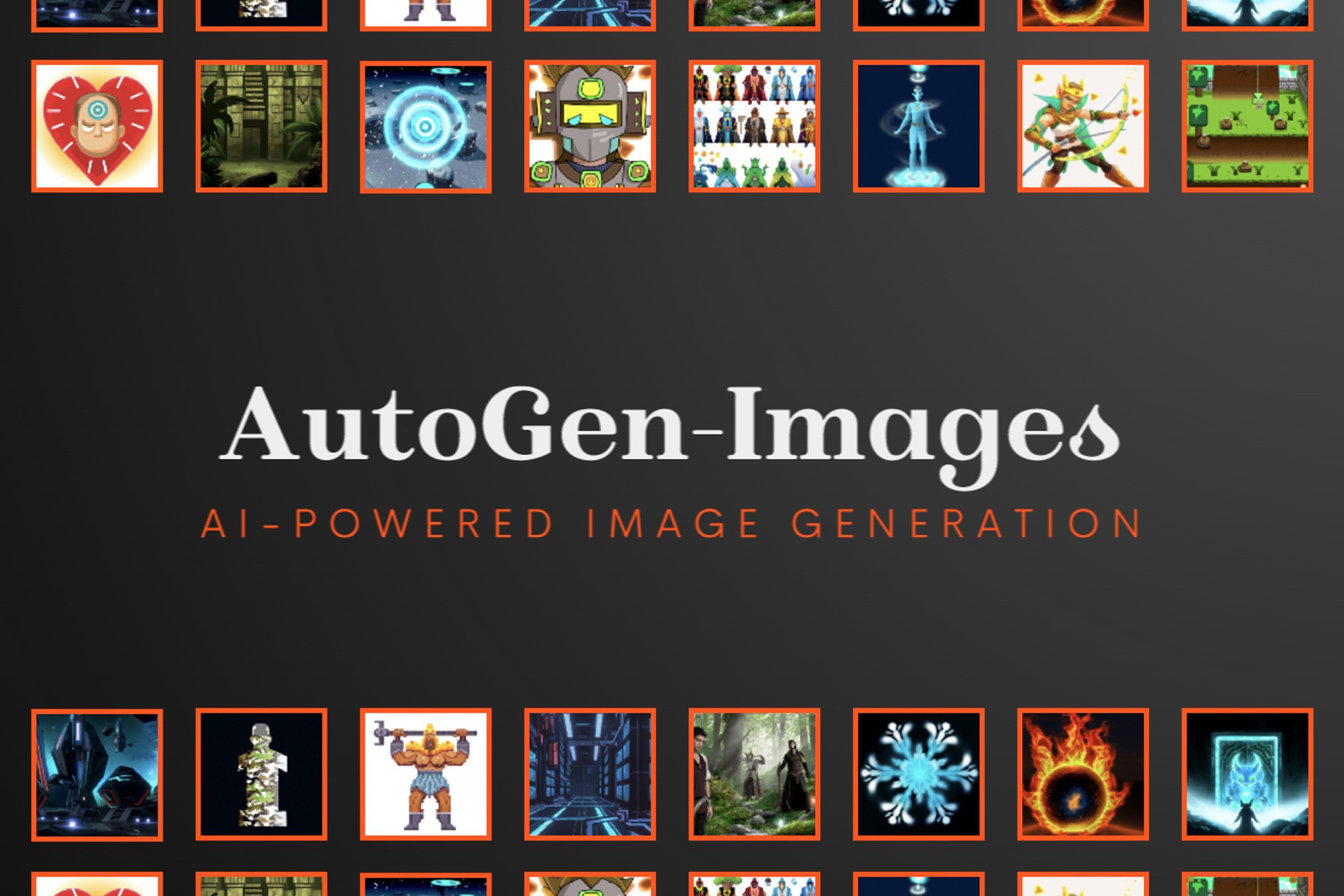
AutoGen - Images allows you to quickly generate images based on a text description. This tool will quickly help you to create and prototype interfaces or other two dimensional images from simple text queries. Generation is carried out by an AI system using neural networks.
- Automated text to image generation, quickly create:
- UI interfaces (image, backgrounds, buttons)
- General game art (characters, spells, backdrops)
- Most assets of a 2D game (heroes, weapons, clothing, level art)
- Product related items (APP icons, marketing images)
- And its all UNIQUE, so get creative with it!
* This plug-in does not support generating images during runtime in a standalone game outside of editor mode. For queries regarding generating them during in-game runtime in a final product (such as in an app or game) please contact us directly.
From the publisher's Asset Store listing.
Technical details
To create a new generated image, simply right click in the hierachy and go to UI -> 'AutoGen - New Image'. In the newly added gameobject go to the 'AutoGen - New Image' component, fill in the 'Description of the image' field and click 'Generate'.
If you have previously created image gameobjects which you want to edit, you can go to Add Component -> UI -> 'AutoGen - Existing Image' and the AutoGen component's 'Generate' button will automatically overwrite your previous image using the description you set.
All resulting images correspond to the text description. Accurate text descriptions allow you to get the most suitable images. For quick prototyping, you can use several pre-selected options using the 'Choose type of an Image' dropdown toggles. You can also toggle on several options at the same time, creating combinations of them.
All generated images will be saved to a separate folder named 'Generated Images', in case you need to reuse or set a previously generated image.
Compatibility
| Unity version | Built-in | URP | HDRP | Custom |
|---|---|---|---|---|
| 2020.3.38f1 | Compatible | Compatible | Compatible | Compatible |
As listed on the Asset Store.