
 View on Asset Store (opens in new tab)
Package details
- Latest version
- 1.29.0
- Last updated
- First released
- Unity version
- 2022.3.62 or later
- Package size
- 67.3 MB
- Files
- 2,188
- Favorites
- 87
- Views in the past week
- 50
- Requires
Price tracking
- Last checked
- Tracked since
- Lowest recorded
- Free on
Keywords

Biomes and Presets 1 for MicroVerse
Biomes and Presets which facilitate quick creation of Unity scenes with assets from the Unity Asset Store in combination with MicroVerse.
Affiliate link · Purchases support this site
Price history
Last 6 months
USDAsset preview
1 / 20

Biomes and Presets 1 for MicroVerse video 1


About this asset
Important: This asset contains Biome and Preset configurations for the MicroVerse Content Browser. It does NOT contain any of the assets that are supported, nor does it contain MicroVerse itself.
The dependency is listed on MicroVerse only, that's mandatory, please check the list of Supported Assets about the additional dependency on individual assets. That solely depends on what you use.
Overview
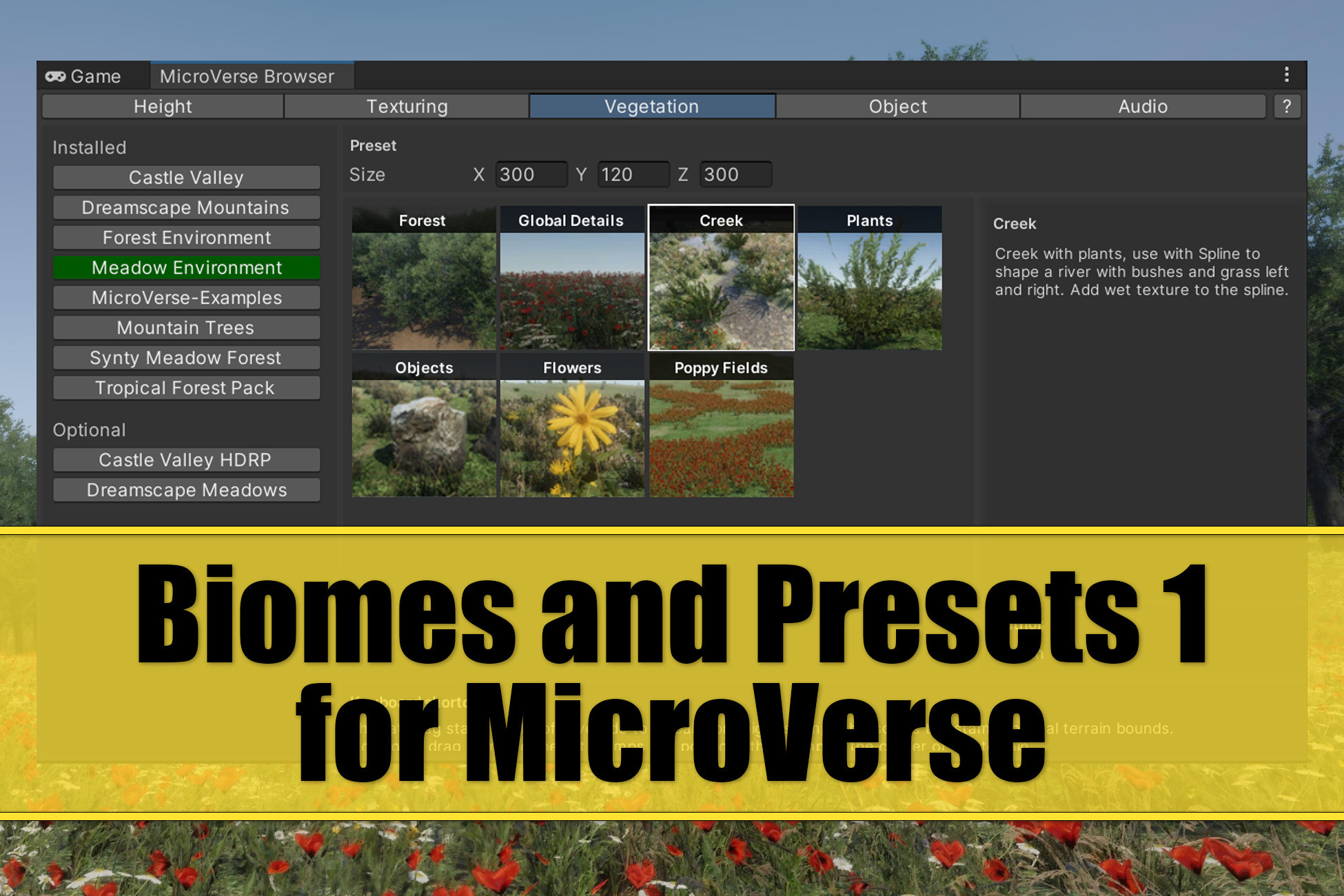
Biomes and Presets for MicroVerse allows you to quickly create your scenes using MicroVerse by dragging pre-defined configurations from the MicroVerse Content Browser on your terrain. These spawners are used for quick terrain population.
You probably already have a huge collection of assets, the task at hand is how to distribute their content. Jason Booth released MicroVerse recently. MicroVerse is awesome. It's such a quick and easy way to set up a scene in a non-destructive manner. In order to make this task even easier for you the Content Browser was created.
You may consider this asset as bridge between top quality Unity assets from the Unity Asset Store and MicroVerse. If you have checked out my youtube channel, you can see that I'm all for quick scene creation with all kinds of assets in various categories.
I started creating MicroVerse presets for re-use and shared them with the community. This got awesome recognition and I was asked if I could create presets for other assets as well. As easy as creating those biomes and presets is, it still does take time to set it all up, install assets, test it and what not. That's why I decided to create this dedicated asset.
Bundle Options
You can get this asset also as part of these assets:
- Biomes and Presets 2 for MicroVerse
- Biomes and Presets 3 for MicroVerse
- Biomes and Presets 4 for MicroVerse
- World Building Bundle for MicroVerse
Supported Assets
Here's a list of publishers and assets of which Biomes and Presets are currently supported:
NatureManufacture
- Meadow Environment - Dynamic Nature
- Forest Environment - Dynamic Nature
- Mountain Environment - Dynamic Nature
- Mountain Trees - Dynamic Nature
- Landscape Ground Pack
- Landscape Ground Pack 2
- L.V.E 2019 - Lava & Volcano Environment 2019
- Autumn Valley - Level
Goatogrammetry
Baldinoboy
Synty Studios
- POLYGON Meadow Forest - Nature Biomes - Low Poly 3D Art by Synty
- POLYGON Swamp Marshland - Nature Biomes - Low Poly 3D Art by Synty
- POLYGON Tropical Jungle - Nature Biomes - Low Poly 3D Art by Synty
Polyart Studio
- Dreamscape Nature : Meadows : Stylized Open World Environment
- Dreamscape Nature : Mountains : Stylized Open World Environment
- Dreamscape Nature : Tower - Stylized Open World Environment
- Dreamscape Village - Stylized Open World Environment
BK
- Pure Nature 2: Meadows (v1.x)
- Pure Nature 2: Mountains (v1.x)
- Pure Nature 2: Fantasy Forest (v1.x)
Angry Mesh
TriForge Assets
VIVID Arts
Mana Station
BK
ALP
- Nature Package - Forest Environment (Built-In RP)
- Nature Package - Forest Environment (HDRP)
- Nature Package - Forest Environment (URP)
SeedMesh Studio
Raygeas
SICS Games
Unity Technologies
Staggart Creations
Daelonik Artworks
* Please note that I added some of these presets I created in MicroVerse directly at your convenience.
Showcase Videos and Screenshots
The videos and screenshots are example scenes that were created with this asset. Please read the youtube video descriptions for the full list. The focus in these videos is to show how quickly you can set up a custom scene.
Demo
I included several of these biomes and presets directly in MicroVerse. Feel free to check them out before you purchase this asset. If you find good use for them, I do appreciate your support.
From the publisher's Asset Store listing.
Technical details
Biomes and Presets for MicroVerse consists of configurations for the MicroVerse Content Browser. This allows you to quickly create your custom scenes by dragging content on your Unity terrain.
Compatibility
| Unity version | Built-in | URP | HDRP | Custom |
|---|---|---|---|---|
| 2022.3.62f3 | Compatible | Compatible | Compatible | Compatible |
The render pipeline compatibility depends on the compatibility of the assets that are used for the biomes and the presets.
As listed on the Asset Store.