
 View on Asset Store (opens in new tab)
Package details
- Latest version
- 1.5.1
- Last updated
- First released
- Unity version
- 2022.3.62 or later
- Package size
- 2.6 MB
- Files
- 411
- Favorites
- 99
- Views in the past week
- 18
Price tracking
- Last checked
- Tracked since
- Lowest recorded
- $64.99 on
Keywords

Hewn Core
Hewn Core is a powerful grid system and worldbuilding framework optimized with Unity DOTS.
Affiliate link · Purchases support this site
Price history
Last 6 months
USDAsset preview
1 / 12

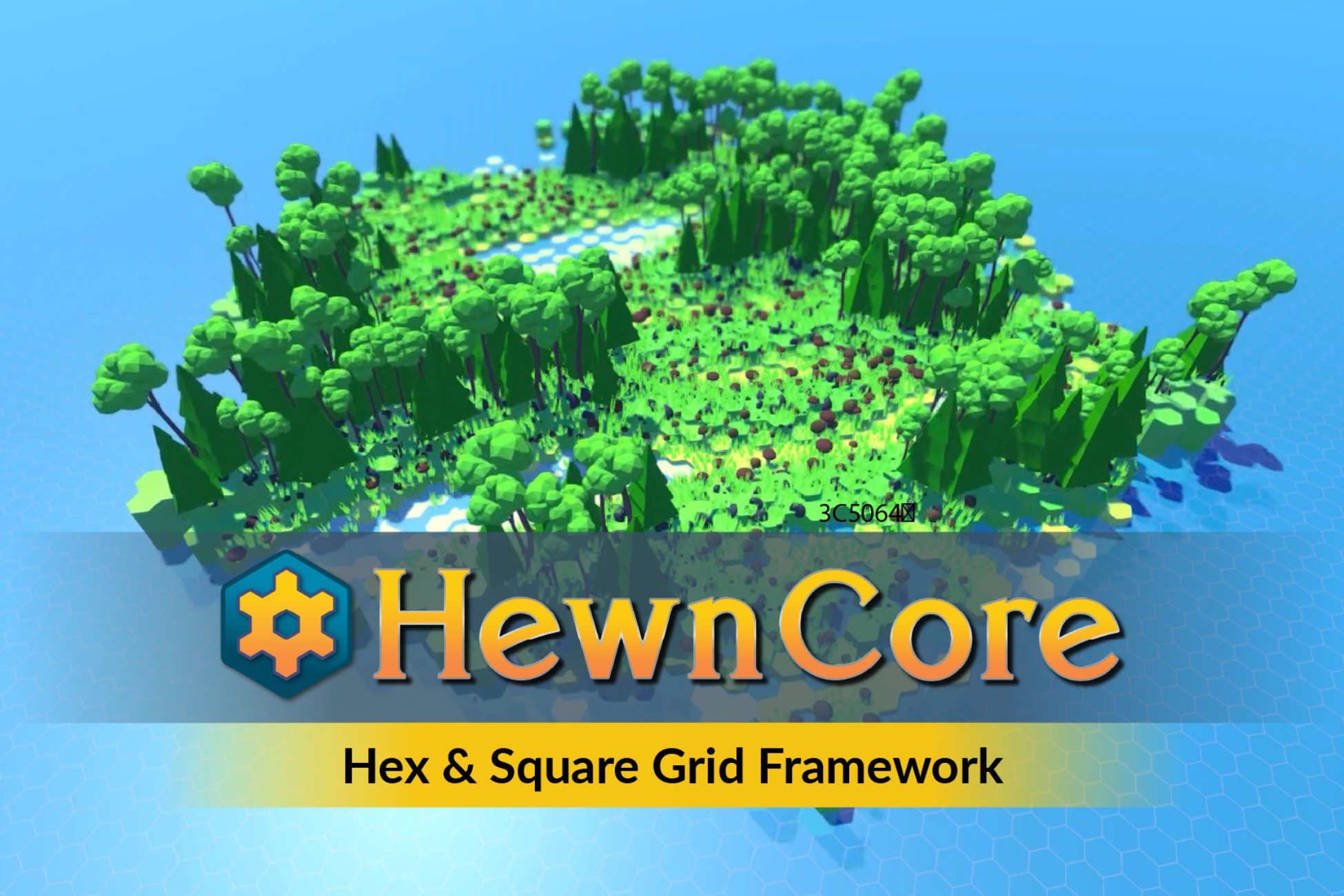
Hewn Core screenshot 1


About this asset
Documentation | Discord | Forum | Website
🆕 NEW IN v1.5.0 🆕
- Updated for Unity 6 package and API requirements.
- Improved terrain setup with world/scene-based terrain handling and per-layer terrain data.
- Added block component fog tinting, hidden states, and marker tint/emission support.
- Improved block component spawning to prevent duplicate components in the same tier.
- Improved resource baking and prefab registration for more reliable setup.
- Improved Endless World sample performance and vegetation cleanup.
Hewn Core is a block-based grid system and worldbuilding framework built with Unity's Data-Oriented Tech Stack (DOTS).
🌟 FEATURES
✅🆕 2D & 3D Modes: easily set up Hewn World for 2D or 3D graphics.
✅🆕 Area Culling: perform frustum and/or radius culling to hide entities.
✅ Procedurally Generated Block Meshes: These meshes sit above blocks and provide a seamless look. Great for bodies of water or lava!
✅ Highly Optimized Framework: Powered by Unity DOTS, Hewn Core is optimized for speed and efficiency, ensuring smooth gameplay even in vast block worlds.
✅ Block Components: Blocks can be decorated with props, plants, rocks for infinite visual combinations.
✅ Layers: Hewn Core layers can help organize your world, display or hide regions, and quickly rotate and move large areas of blocks.
✅ Voxel Mode: Hewn Core’s voxel mode unlocks 3D coordinates to more easily create overhangs and caves.
✅ Flexible Coordinate Systems: Whether it’s hexagonal charm or the classic square grid, Hewn Core has you covered.
✅ Grid Mathematics: Hewn Core is equipped with intuitive tools and methods to handle grid calculations for features like fog of war and pathfinding.
✅ Layer Offsets: Translate layers vertically and horizontally to easily shift your world at runtime.
✅ Grid Scaling: Scale your world nonuniformly to customize grid cell sizes.
✅ Lots of Samples: Hewn Core comes packed with over a dozen sample projects to guide and inspire.
✨AND ALSO
🛠️Extensibility: Visuals, grid properties, and other aspects of Hewn Core can be extended, modified, and toggled on and off to better adapt to your project.
🔧 Real-Time Grid Manipulation: Blocks and block components are entities that can be added, interacted with, modified, and removed on the fly.
🧑💻 Full Source Code Access: With full access to the source code, you have the freedom to tweak, modify, and truly make the framework your own. New to DOTS? Hewn Core is a great way to introduce yourself to ECS and DOD concepts.
🤝 Fast and friendly support
⬆️ Regular updates and new features
🌤️OVERVIEW
Hewn Core provides easy-to-use methods for creating and manipulating world entities, like blocks and block decorations. Simply use the add, update, and remove methods, and the Hewn Core takes care of the rest.
Hewn Core lets you build big without sacrificing performance. Powered by Unity's Data-Oriented Tech Stack (DOTS), Hewn Core is blazing fast when spawning, updating, and rendering world entities.
Hewn Core is super adaptable to many game types. Choose between hex and square coordinates, toggle voxel mode, and add grid layers to get the look and feel you need.
Whether you’re building a small puzzle game, a giant sandbox RPG, or anything in between, use Hewn Core and worry less about building your own grid system.
If you have any questions or feedback, please let us know!
Discord | Forum | 𝕏 | Documentation
From the publisher's Asset Store listing.
Technical details
☑️Requirements ☑️
- Custom Physics Authoring. To install, locate Unity Physics in the Package Manager and install Custom Physics Authoring from Samples.
📦What's Inside📦
- Grid system for managing grid properties, blocks, block components, and layers.
- Common utilities for pathfinding, fog of war, block selection, file management, character interaction, and procedural generation.
- Sample models, shaders, and materials.
- 17 sample scenes
🌄Samples🌄
- Click Create: create and elevate blocks by clicking a plane game object.
- Layers: add, modify, and remove layers of blocks.
- Hex Square Switch: convert the grid space of an existing world between hex and square coordinates.
- Block Components: click the map to place trees, rocks, and grass.
- Block Interaction: use a raycast job to click blocks and change their color.
- Procedural Generation: click a button to procedurally generate blocks, trees, grass, and rocks using noise.
- Player Movement: move around a GameObject on the block terrain.
- Blasterman: shoot projectiles to explode the environment.
- Modify World: change world properties, like physics and animation.
- Voxelize: fill the bounds of meshes with blocks.
- Tactica: move characters around using pathfinding and team line of sight.
- Save Load: save and load worlds to and from disk.
- Transform World: modify block scale and block component scaling behavior.
- Endless World: use layer offsets to walk around an endless procedurally created world.
- Procedural Mesh: paint and erase procedurally generated water meshes on an environment.
- Mountaineer: climb to the top of the mountain in this 3D platformer jumping scene using physics-based movement and side-on 2D perspective.
- Terra Land: explore a 2D world in this top-down scene.
Compatibility
| Unity version | Built-in | URP | HDRP | Custom |
|---|---|---|---|---|
| 6000.5.5f1 | Not listed | Compatible | Compatible | Compatible |
| 2022.3.62f3 | Not listed | Compatible | Compatible | Compatible |
As listed on the Asset Store.