
 View on Asset Store (opens in new tab)
Package details
- Latest version
- 0.11.1
- Last updated
- First released
- Unity version
- 2021.3.29 or later
- Package size
- 128 KB
- Files
- 137
- Favorites
- 96
- Views in the past week
- 4
Price tracking
- Last checked
- Tracked since
- Lowest recorded
- Free on
Keywords

Inspector Graph
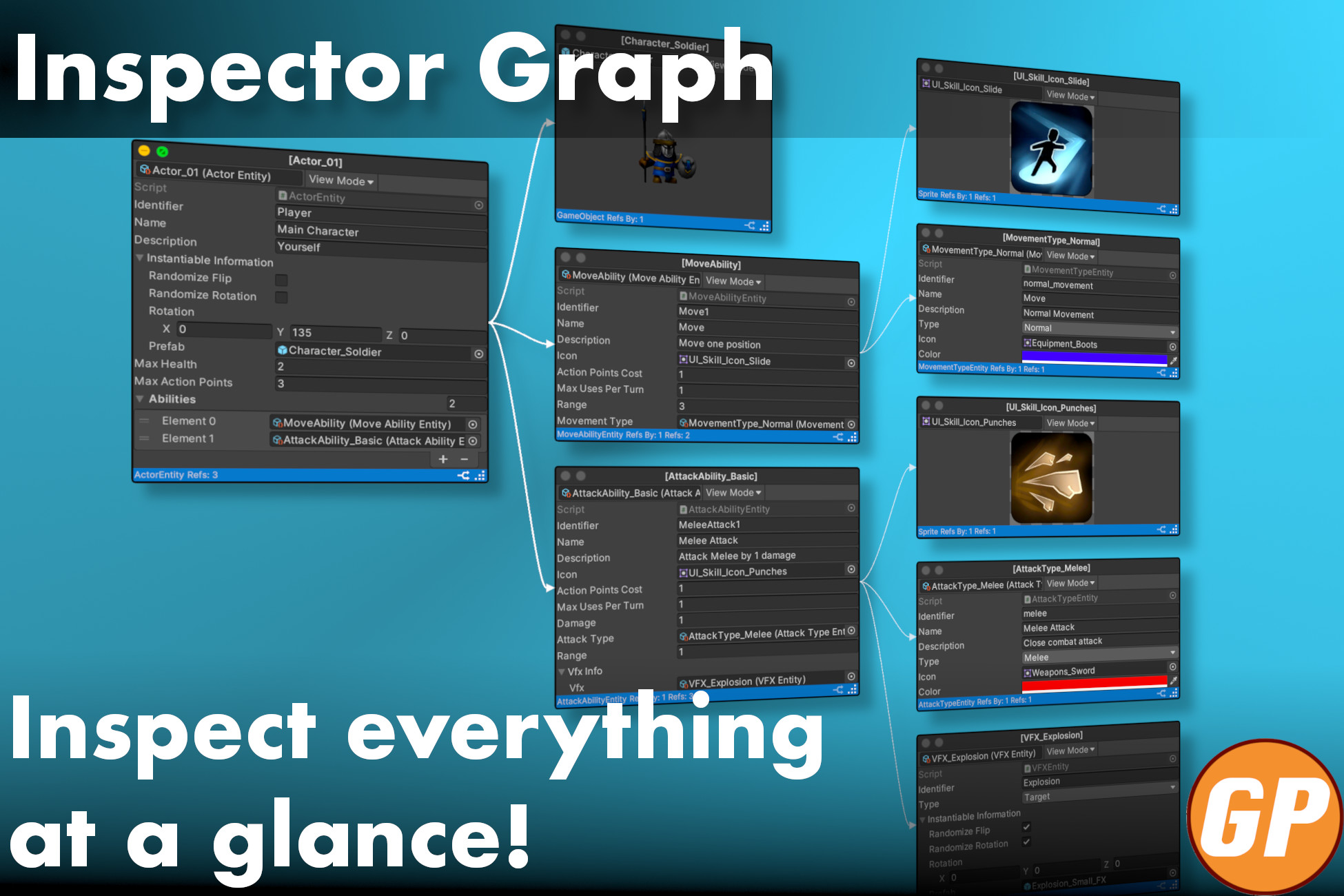
The Inspector Graph is a tool to better visualize, understand and manipulate objects in a reference hierarchy.
Affiliate link · Purchases support this site
Price history
Last 6 months
USDAsset preview
1 / 5

Inspector Graph screenshot 1


About this asset
Inspector Graph provides a simple, yet powerful, asset visualization to improve your workflow, preventing you from getting lost and save valuable time that you can use making games instead of keeping track of where all assets are.
Some common uses cases are:
- Ever wondered what assets are involved in a particular prefab? 🤨
With Inspector Graph is easy, just select the prefab you want to inspect, enable the GameObject filter to show and expand options and you will see all the assets involved in a nice hierarchy graph.
- Do you have Scriptable Objects referencing multiple other Scriptable Objects that makes it hard to edit and modify content? 😵💫
Inspector Graph was created to solve this problem. Just select the root Scriptable Object you want to edit and it will show you all the referenced Scriptable objects and its objects allowing you to better comprehend and manipulate your data.
- Are you tired of chasing down references just to modify a small detail and get lost backtracking your way to the original object you wanted to look at? 🤯
No More! Open the object you want to manipulate, scroll to the tiny detail at the bottom of the reference hierarchy and done. Just scroll back to the original object and you are back where you started, never lost again.
--
⚠️ Note: Starting from version 0.11.0 this tool is now installed under the Packages folder of your project. If you have any conflicts with a previously installed version under the Assets/GiantParticleGames folder, please delete that version.
From the publisher's Asset Store listing.
Technical details
Features
- Floating inspector window per object
- Multiple View modes available per object
- Direct Reference
- Nested Prefab
- Visual representation of references from and to objects
- In-Place field editing
- Zoom control for better visualization
- Per project settings with customization options
- Object type filtering
- and more...
Supported OS
- macOS
- Windows
- Linux
Links to documentation