
 View on Asset Store (opens in new tab)
Package details
- Latest version
- 1.1
- Last updated
- First released
- Unity version
- 2021.3.1 or later
- Package size
- 653 KB
- Files
- 7
- Favorites
- 18
- Views in the past week
- 9
Price tracking
- Last checked
- Tracked since
- Lowest recorded
- Free on
Keywords

CommandLine
The commandline enables developers to easily create or convert existing methods into a commandline argument making the tool very useful for debugging or creating an admin command system.
Affiliate link · Purchases support this site
Price history
Last 6 months
USDAsset preview
1 / 6

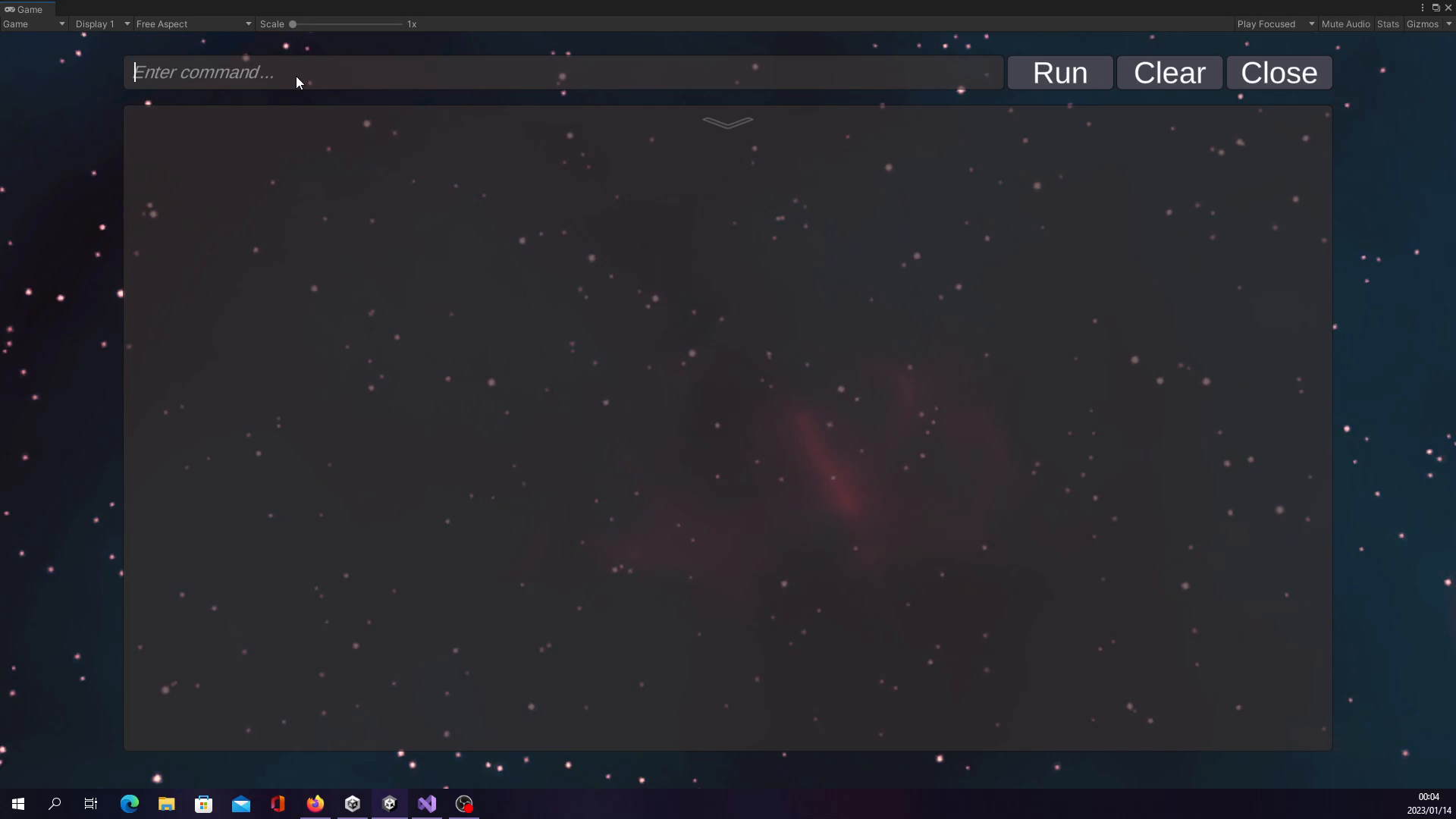
CommandLine screenshot 1


About this asset
If you are developing a game or application in Unity, this asset can provide you with a powerful and easy-to-use command line interface. It allows you to create commands that can be executed from the command line, providing users with a more direct and flexible way to interact with your game or application. This can be useful for testing, debugging, or for providing advanced users with access to additional functionality. The code is easy to use and well-documented, so you can quickly add command line support to your project without having to spend a lot of time learning how it works.
The supported parameter types used by the command line are:
- int, floats and double
- string
- Vector2 and Vector3
- Quaternions
- Lists and arrays of all the types above
The command line also provides a random value funtionality.
How to open the default commandline in playmode
After adding the commandline prefab to the scene you will be able to open or close it by pressing the TAB button.
The package includes:
- Three scripts.
- Default CommandLine prefab.
- Text Prefab (Meant for the Default CommandLine).
- Demo Scene containing the Default CommandLine.
- Support for custom command lines.
- Offline documentations on how to use the command line tool.
Wonder how it works? Have a the documentations: https://github.com/Ruan191/CommandLine/tree/main
From the publisher's Asset Store listing.
Technical details
Custom Attribute
Command Line
Convert Methods to command line arguments
Debug Tool
Admin Tool
Easy to use
Compatibility
| Unity version | Built-in | URP | HDRP |
|---|---|---|---|
| 2021.3.1f1 | Compatible | Compatible | Compatible |
As listed on the Asset Store.