
 View on Asset Store (opens in new tab)
Package details
- Latest version
- 1.6
- Last updated
- First released
- Unity version
- 2022.3.23 or later
- Package size
- 12.7 MB
- Files
- 46
- Favorites
- 69
- Views in the past week
- 18
Price tracking
- Last checked
- Tracked since
- Lowest recorded
- $7.50 on
Keywords

4 Optimization Tools in 1: Mesh Combiner Baker + Mesh Optimizer + Object Pooling
An easy to plug and use package for optimizing both Mobile and PC/Console games. Your game's FPS will be increased and it will prevent Memory Leak problems. 4 ready to use tools are waiting for you.
Affiliate link · Purchases support this site
Price history
Last 6 months
USDAsset preview
1 / 9

4 Optimization Tools in 1: Mesh Combiner Baker + Mesh Optimizer + Object Pooling screenshot 1


About this asset
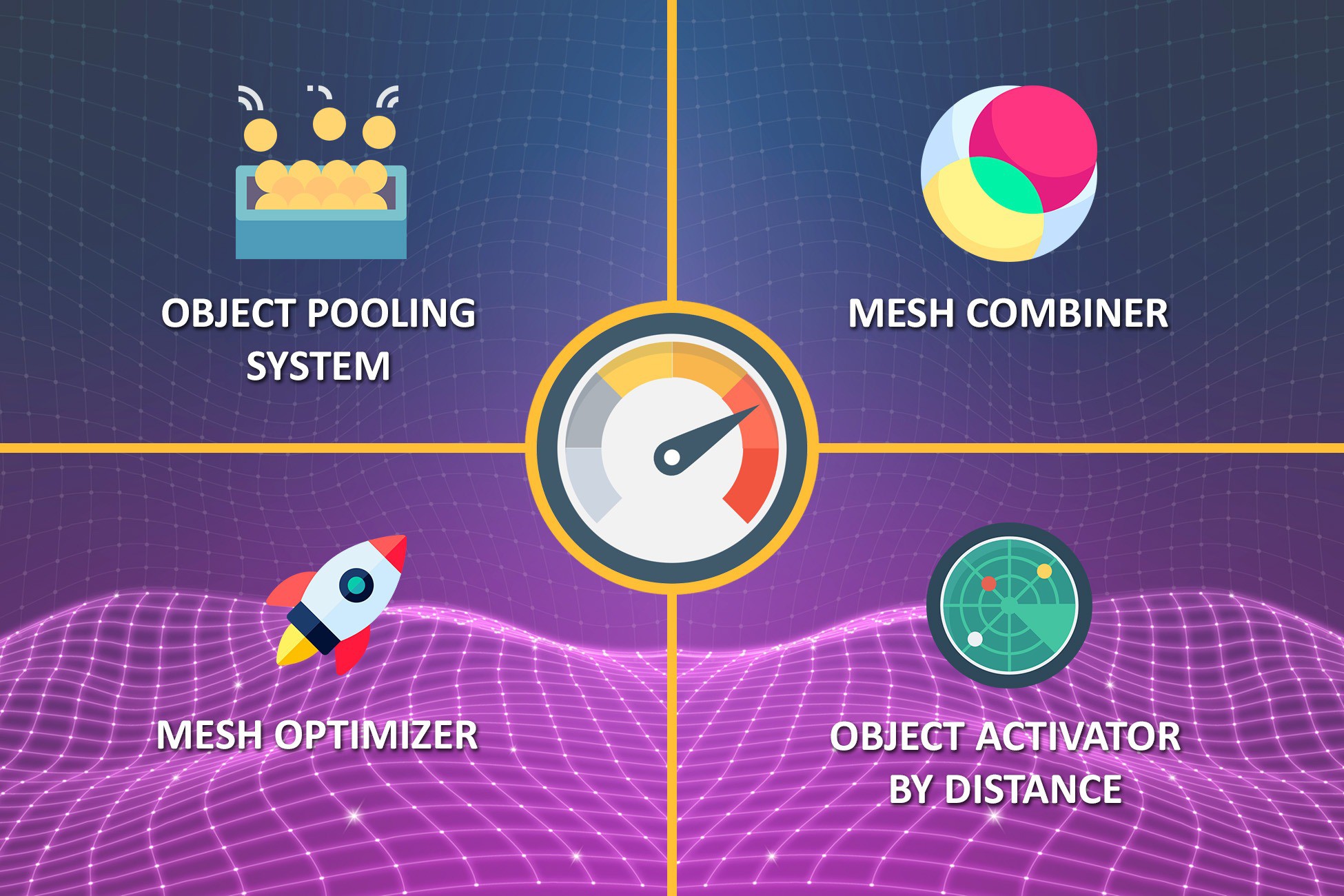
A Handy and always needed optimization tools for your games. There are four ready to use component in the package. Just import the package and use the prefabs. Your game's FPS rate will increase easily and your game won't be crashing because of memory leak problems. Components in the package are listed below:
1. Easy Object Pooler:
You can use object pooler for re-using the objects such as zombies, bullets, enemies, allies, soldiers, etc. Just assign prefabs, determine the pool limits and use them easily.
2. Easy Mesh Combiner:
Combine the meshes with their materials into chunks by only few clicks easily. It will combine the meshes and assign the new combined mesh to new object with materials.
3. Easy Object Activator By Distance:
Deactivate determined objects those are at a certain distance from the actor and activate them back if they are in the range of determined distance.
4. Easy Mesh Optimizer:
Optimize meshes Tris and Verts numbers easily by using this component. Just assign it to the object which has Mesh Filter, determine the optimization level and click to "Optimize the Mesh" button on Editor.
From the publisher's Asset Store listing.
Technical details
Easy Object Pooler:
You can use object pooler for re-using the objects such as zombies, bullets, enemies, allies, soldiers, etc. Just assign prefabs, determine the pool limits and use them easily.
Easy Mesh Combiner:
Combine the meshes with their materials into chunks by only few clicks easily. It will combine the meshes and assign the new combined mesh to new object with materials.
Easy Object Activator By Distance:
Deactivate determined objects those are at a certain distance from the actor and activate them back if they are in the range of determined distance.
Easy Mesh Optimizer:
Optimize meshes Tris and Verts numbers easily by using this component. Just assign it to the object which has Mesh Filter, determine the optimization level and click to "Optimize the Mesh" button on Editor.
Compatibility
| Unity version | Built-in | URP | HDRP | Custom |
|---|---|---|---|---|
| 6000.3.2f1 | Compatible | Compatible | Compatible | Not listed |
| 2022.3.23f1 | Compatible | Compatible | Compatible | Compatible |
As listed on the Asset Store.