
 View on Asset Store (opens in new tab)
Package details
- Latest version
- 1.1.0
- Last updated
- First released
- Unity version
- 2021.3.16 or later
- Package size
- 4.6 MB
- Files
- 38
- Favorites
- 11
- Views in the past week
- 4
Price tracking
- Last checked
- Tracked since
- Lowest recorded
- Free on
Keywords

Ultimate Grid Manager
- Price drop
Ultimate Grid Manager is a UI Toolkit for Unity it demonstrates the use of UI Toolkit for Unity Editor. As a bonus, it also includes a powerful grid manager.
Affiliate link · Purchases support this site
Price history
Last 6 months
USDAsset preview
1 / 15

Ultimate Grid Manager screenshot 1


About this asset
Ultimate Grid Manager is a powerful editor tool for Unity that allows users to spawn items in a grid easily. It offers several different spawn types, including prefab spawn, random spawn, and procedural spawn. Prefab spawn allows users to spawn an item as a prefab in the grid, while random spawn generates items based on a seed within the grid. This seed can be set to be random for every generation. Procedural spawn, on the other hand, allows users to spawn by multiples of the given number. For instance, for 2, items will be spawned only at even places (multiples of twos). These spawn types provide users with a wide range of options for creating and populating their grids.
The Ultimate Grid Manager also includes a border spawn option, which allows users to spawn items only along the edges of the grid. This can be useful for creating borders or barriers within the grid or generating items confined to certain areas.
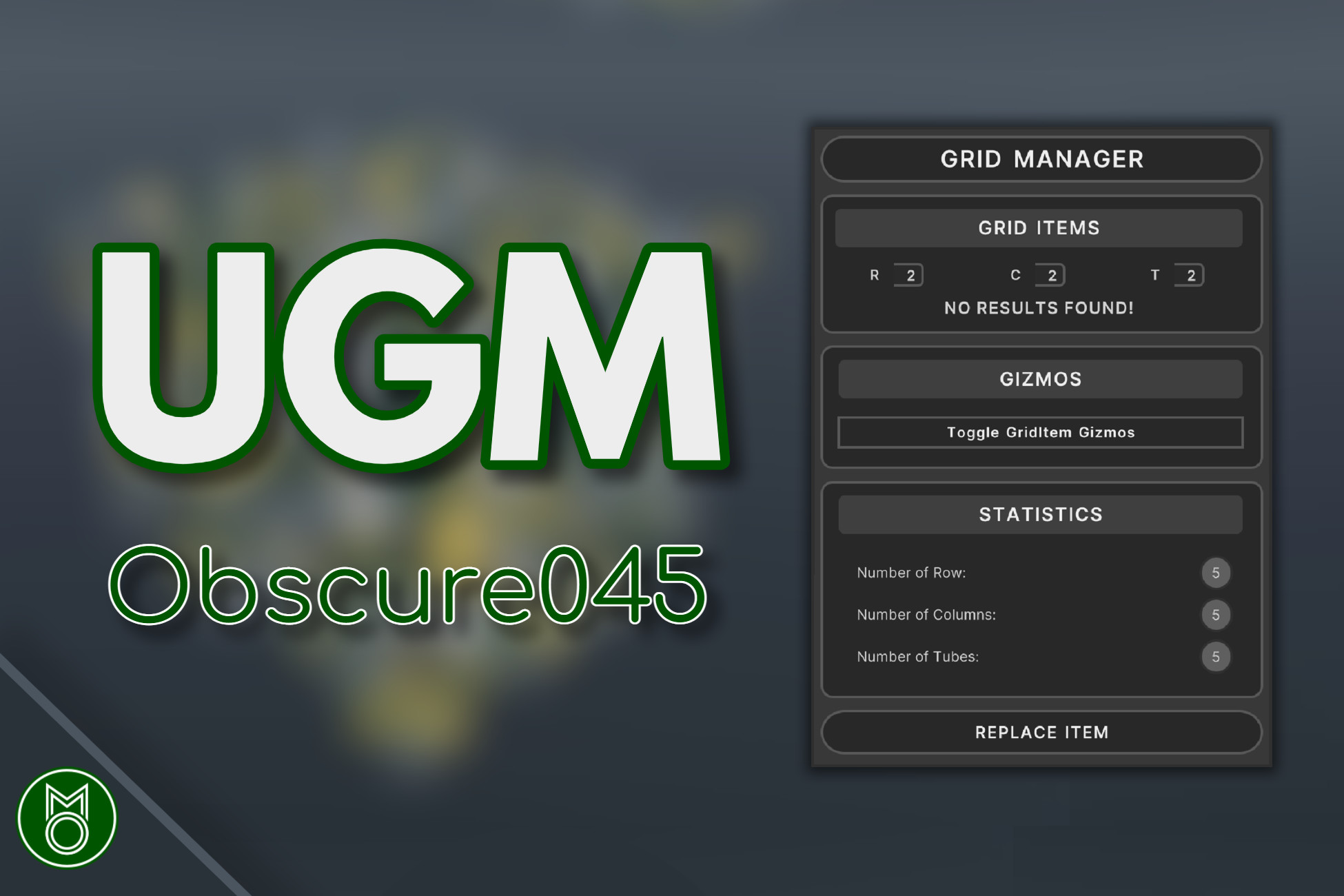
In addition to its spawn features, the Ultimate Grid Manager includes a powerful GridManager, which allows users to easily manage multiple items within the grid. The tool also includes a GridItem replacement feature, which allows users to easily swap out items in the grid. This is a useful feature for making changes or updates to the grid without having to manually delete and re-spawn items. Additionally, the GridManager includes a search feature that allows users to find specific items in the grid by specifying their row, column, and grid location. Once a searched item is found, it can be selected and replaced by the grid replacement feature.
The Ultimate Grid Manager is designed to be user-friendly, with a clear and organized hierarchy and custom UI. It also includes a spawn count calculator and name preservation options, making it easy to keep track of the items being spawned. These features make it easy to use and navigate, even for users who are new to the tool.
Uses of UI Toolkit:
One of the distinctive features of the Ultimate Grid Manager is its use of the Unity UI Toolkit, which allows it to generate stunning and intuitive user interfaces. It includes essential demonstrations and best practices for the Unity UI Toolkit in both Runtime and Editor, such as creating a base stylesheet.
It also demonstrates the procedure to customize the stylesheet of any object through C# dynamically. Unity default fields for Integers, Floats, and Strings are also customized, illustrating advanced USS selectors. This tool also includes a simple editor window for the grid item replacement feature using the UI Toolkit. ListView is used to show and reorder a list of objects. The Addition and Removal of items using Custom Buttons in ListView are also illustrated.
The UI designed for the Ultimate Grid Manager is compatible with both the Dark and Light modes of Unity. It also demonstrates how to register callbacks to certain elements dynamically for the interaction between unrelated elements. These demonstrations showcase the capabilities of the Unity UI Toolkit and its Importance in creating interactive and visually appealing user interfaces in both Runtime and Editor.
Whether you are a beginner or an experienced developer, the Ultimate Grid Manager is a valuable resource that can greatly help you explore the benefits of the Unity UI Toolkit. Its comprehensive demonstrations of the Unity UI Toolkit make it a valuable asset for anyone working in Unity. Its combination of advanced features and user-friendliness make it an effective tool for creating interactive and visually appealing user interfaces.
From the publisher's Asset Store listing.
Technical details
Spawn Features:
- Prefab Spawn: allows users to spawn an item as a prefab in the grid
- Random Seed-Based Generation: generates items based on a seed within the grid and allows users to set the seed to be random for every generation
- Procedural Spawn: allows users to spawn items by multiples of a given number
- Border Spawn: allows users to spawn items along the edges of the grid
Grid Management:
- GridManager: offers options for grid item replacement, and a search feature
- Multiple Item Support: enables users to manage multiple items within the grid
- Grid Spacing: allows users to customize the spacing between items in the grid
- Grid Offset: enables users to adjust the position of the grid within the scene
- Grid Gizmos: visual aids for showing the grid layout and positioning of items within the grid
- Grid Item Replacement: allows users to easily swap out items in the grid
- Organized Hierarchy: clear and organized hierarchy for easy navigation
User Experience:
- Custom UI: user interface tailored to the needs of the tool
- Spawn Count Calculator: helps users keep track of the number of items being spawned
- Name Preservation: enables users to preserve the names of spawned items
- Search Item: allows users to find specific items in the grid by specifying their row, column, and grid location
UI Toolkit Demonstrations:
- Inspector UI
- USS best practices
- UI Builder ListView
- To Show Grid Item List
- To Reorder
- To Bind to a List
- Dynamic Content Management: Addition and Removal
- Customizing Style through C#
- To Show Valid, or Invalid for Generation Toggle
- Dynamic Colors:
- Light Theme
- Dark Theme
- Customizing the Styles of Unity Default Fields
- Simple Editor Window
- Button Callback Between Unrelated Elements
- Loading Panel
Compatibility
| Unity version | Built-in | URP | HDRP |
|---|---|---|---|
| 2021.3.16f1 | Compatible | Not listed | Not listed |
I haven't tested it. But since only unity materials are included there should not be a problem with other Render Pipelines.
As listed on the Asset Store.