
 View on Asset Store (opens in new tab)
Package details
- Latest version
- 4.6.1
- Last updated
- First released
- Unity version
- 6000.0.80 or later
- Package size
- 67.9 MB
- Files
- 2,859
- Favorites
- 3,235
- Views in the past week
- 745
Price tracking
- Last checked
- Tracked since
- Lowest recorded
- Free on
Keywords

NPC AI Engine - Dialog, actions, voice and lipsync - Convai
Convai enables NPCs with intelligence such that they can converse naturally with players via text or voice and can carry out advanced actions.
Affiliate link · Purchases support this site
Price history
Last 6 months
USDAsset preview
1 / 29
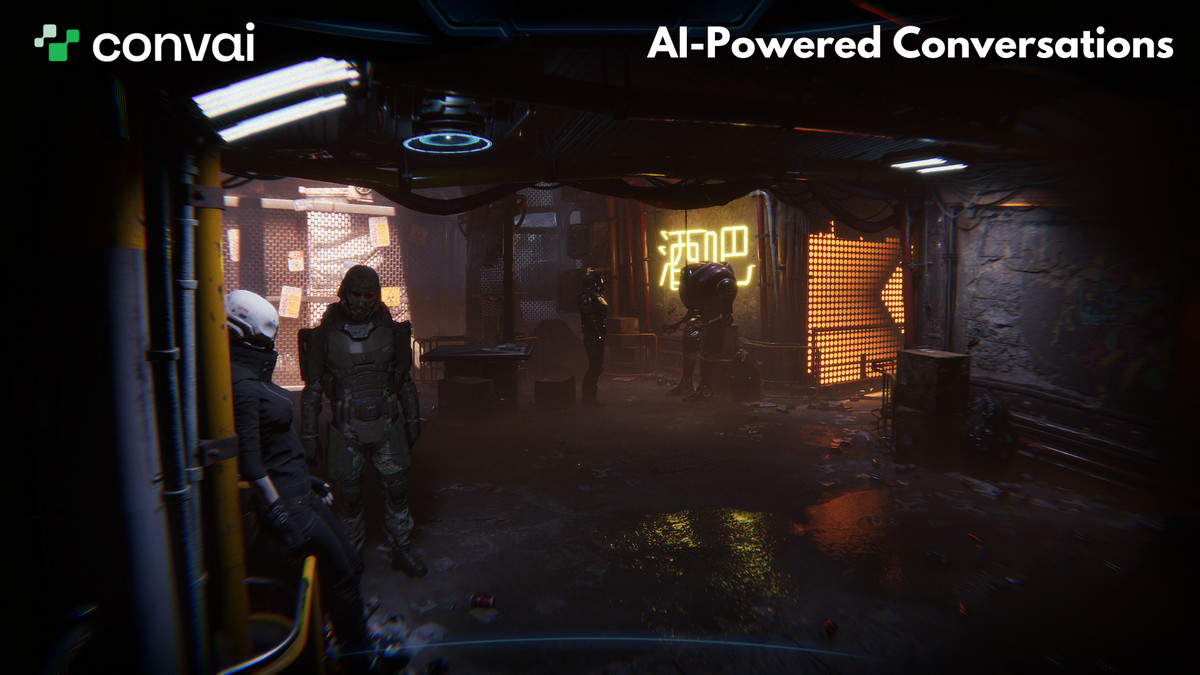
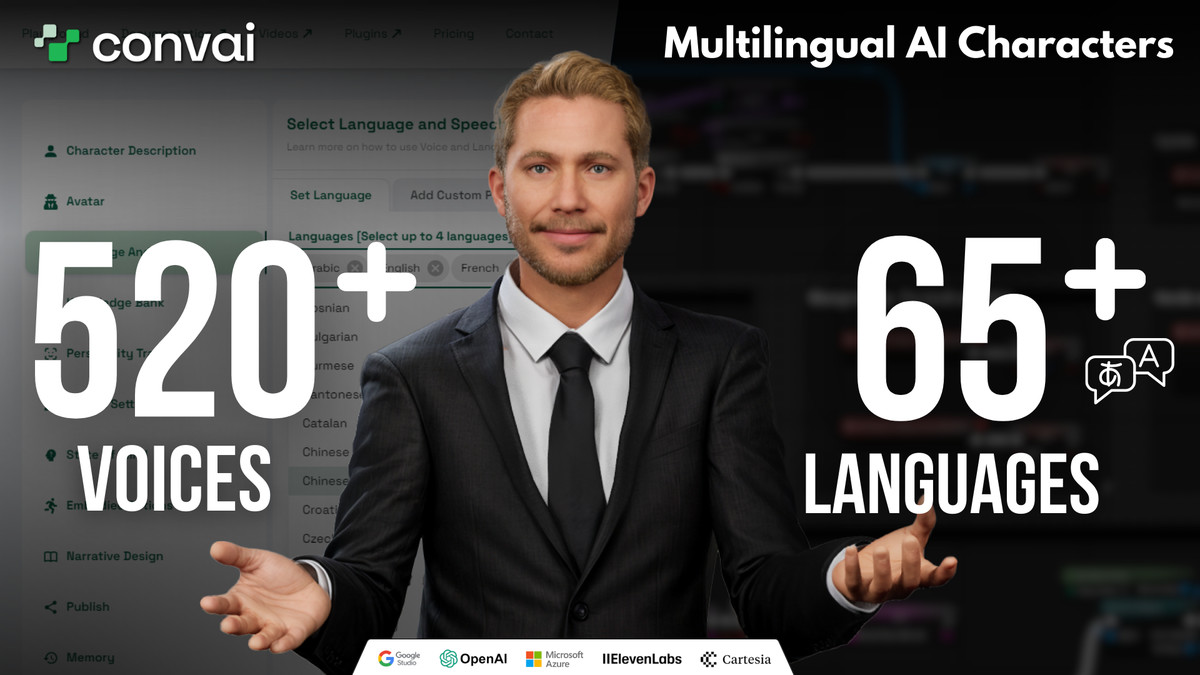
NPC AI Engine - Dialog, actions, voice and lipsync - Convai screenshot 1







About this asset
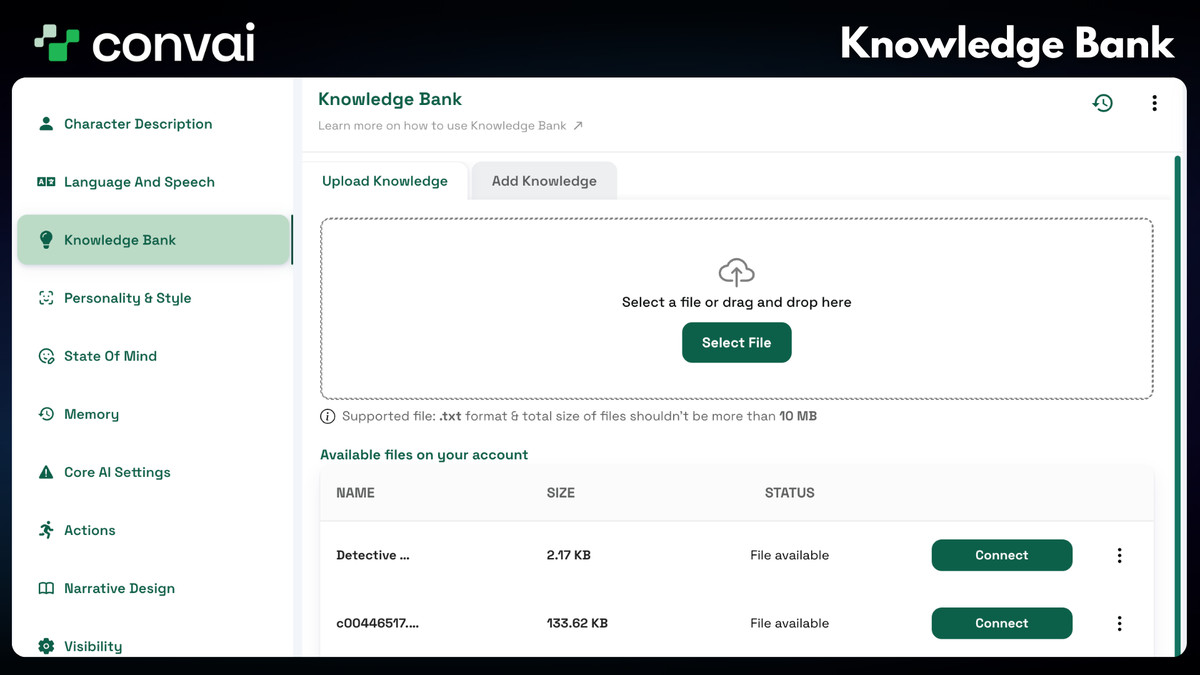
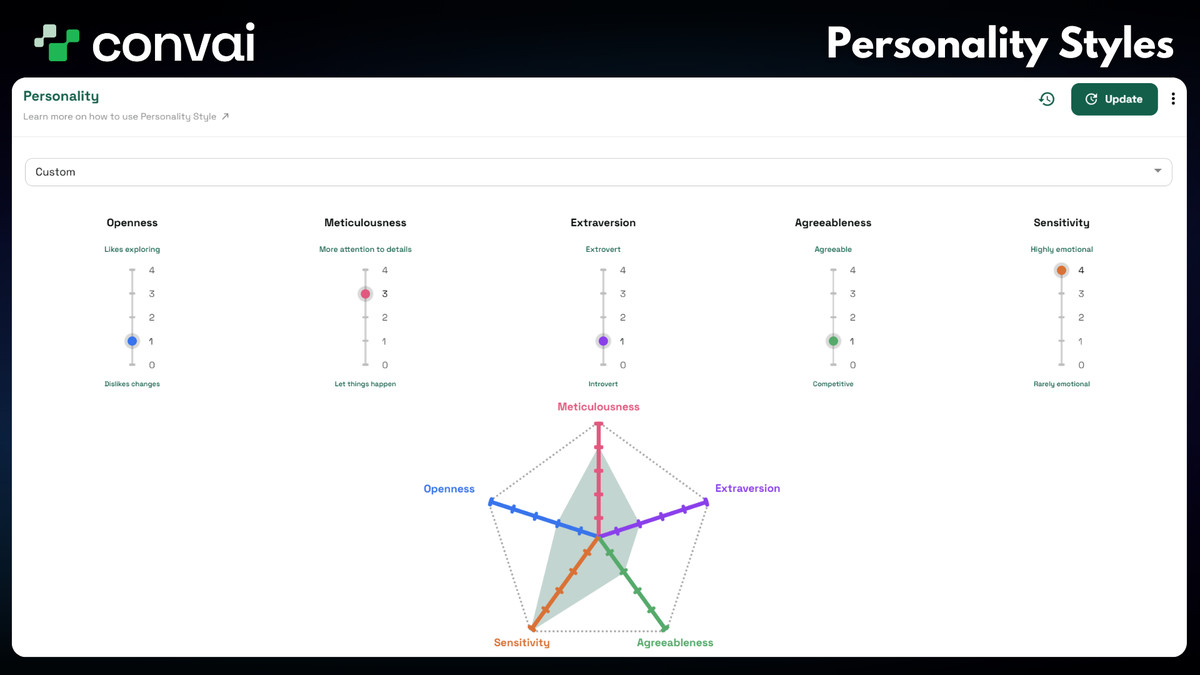
Convai enables AI characters in games and virtual worlds to have human-like conversation capabilities and more. With Convai, developers can add a backstory, knowledge bank, voice, and overall intelligence to their character assets to converse naturally with players and carry out actions.
Convai includes the complete conversation pipeline, which includes Speech Recognition, Language Understanding, and Generation, Text-to-Speech, Text-to-Action, and Lipsync. Convai focuses on bringing characters that are as life-like as possible and can be directed by any developer!
Try the Convai Unity SDK Sample App:
Install the sample app on your device to experience and test the Convai Unity SDK.
Download on the Apple App StoreDownload on Google Play
Have questions or need assistance?
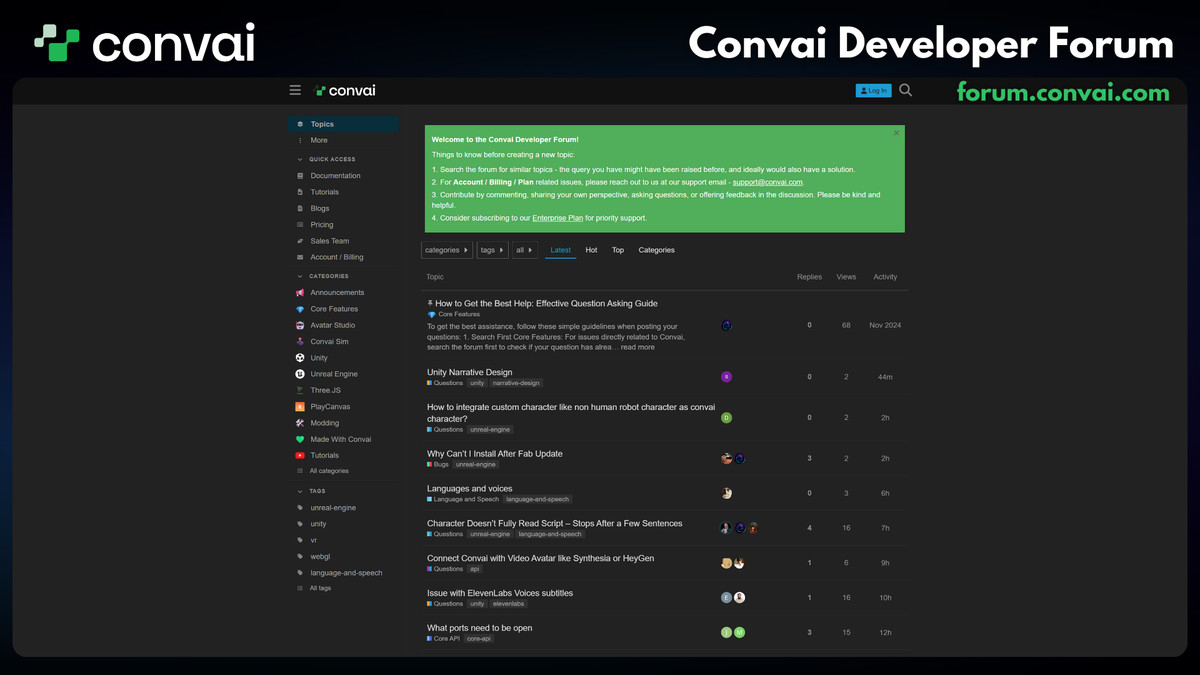
Visit the Convai Developer Forum – our dedicated community and support team are here to help with bug reports and technical queries. Get the support you need and connect with other developers to enhance your experience.
Resources:
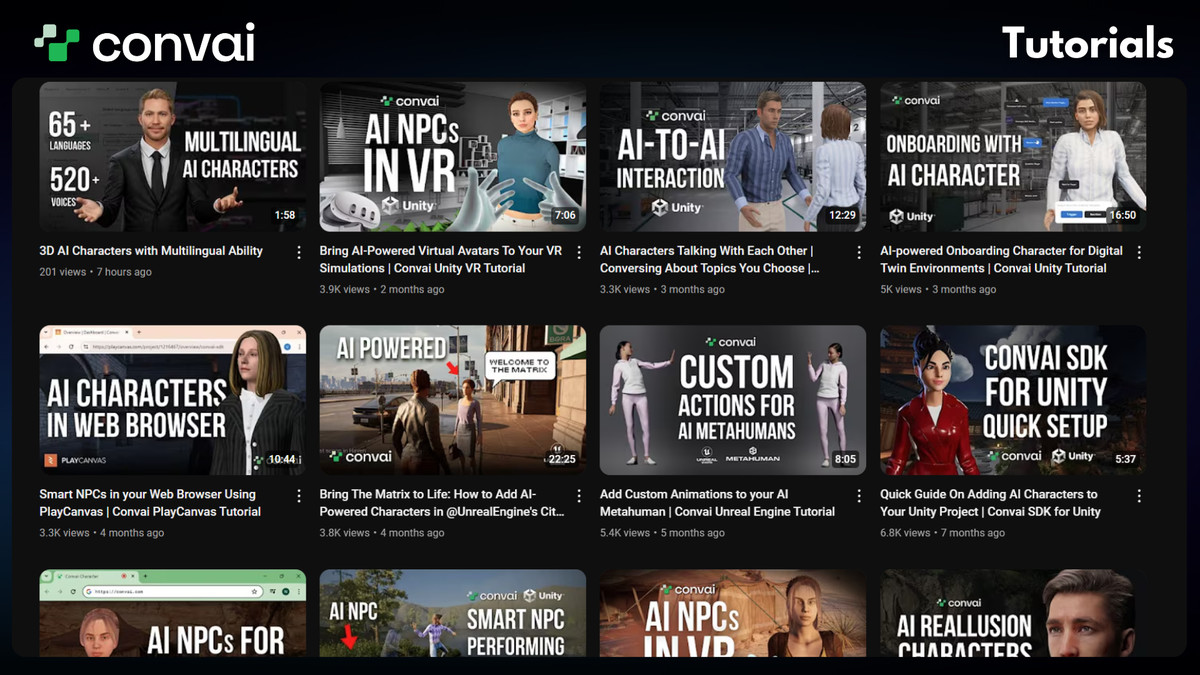
Getting Started Guide to obtain your API key and setting up Convai SDK in your project.
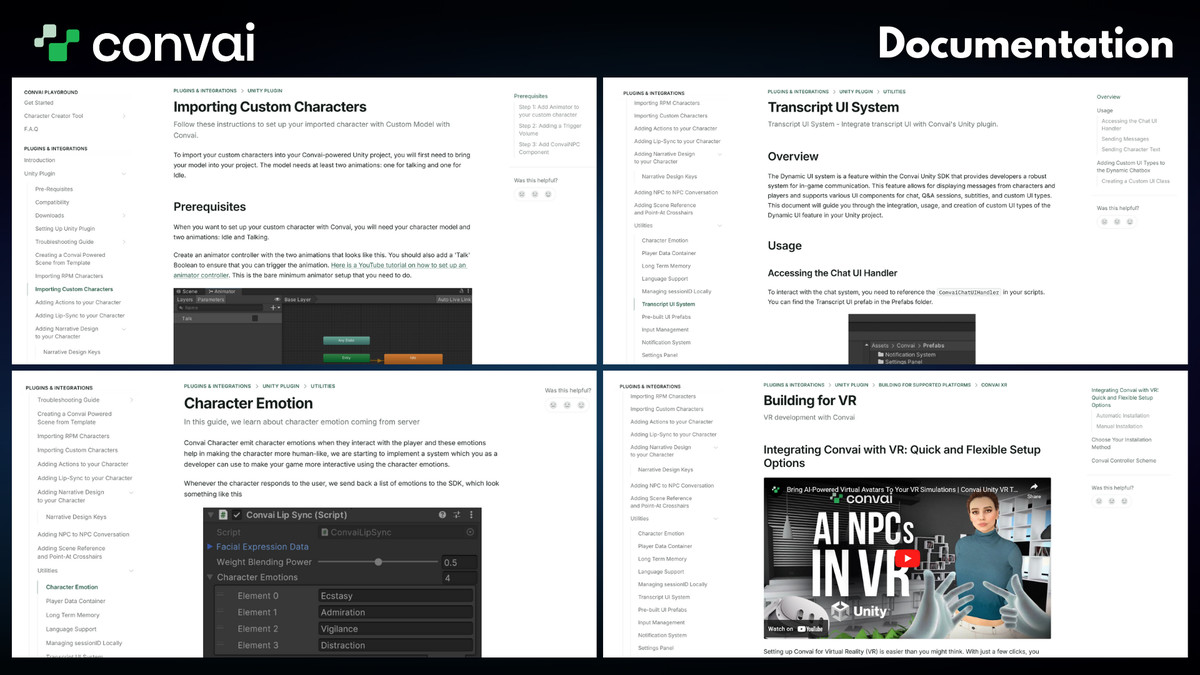
Documentation to guide you through the plugin's features and capabilities.
Convai Website to create custom characters and try them out.
Partner Page to help join our partner program. While Convai provides a free experience to distribute a product (game or experience) using Convai, you must be a partner or a customer.
Highlights:
- Intelligent real-time open-ended conversation with speech-to-text and voice mode, enabling natural and dynamic interactions.
- Improved response time and support for more LLMs
- Hands-Free Mode for interruptible, realistic conversations with
- Vision support for more context-aware character responses
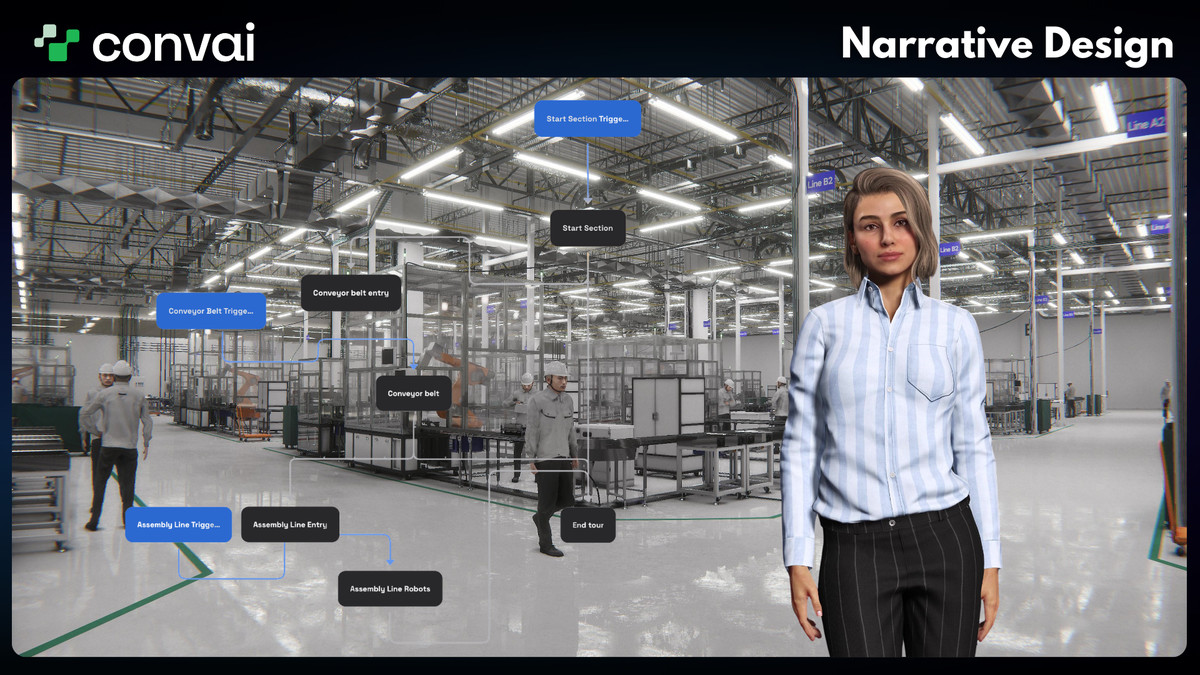
- Narrative Design for guided story and gameplay flows
- Long-Term Memory (LTM) for highly-contextual character behavior
- Dynamic Info/Context for grounded, reactive interactions
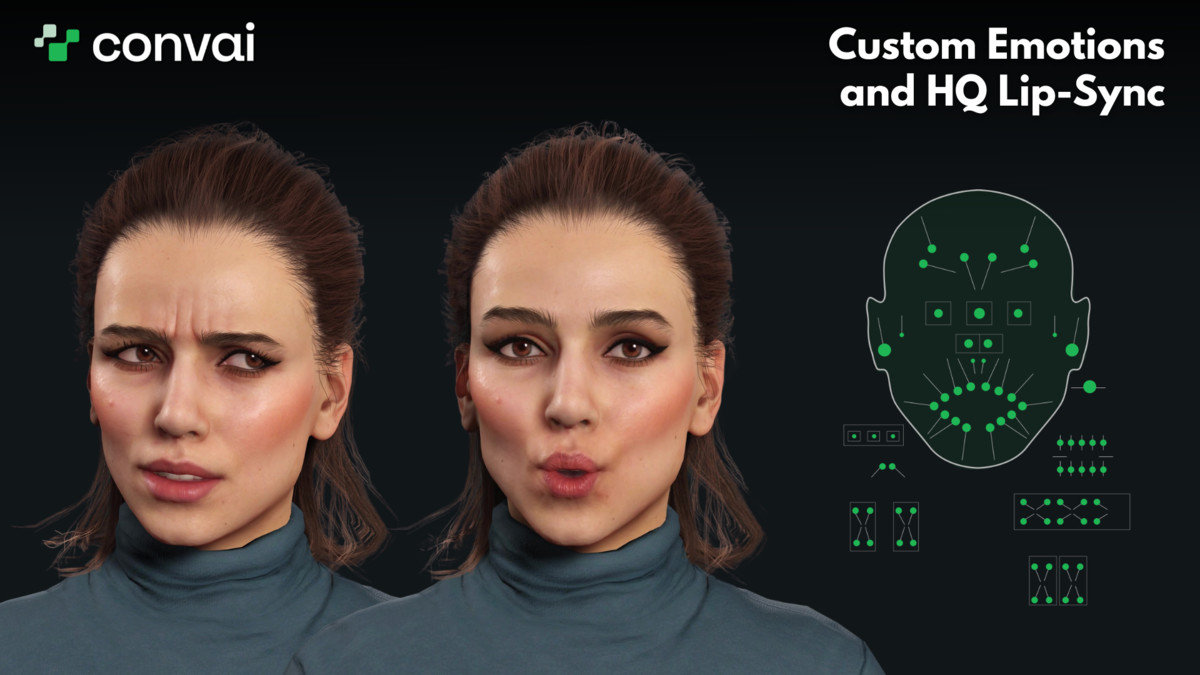
- Improved Lip Sync support for ARKit, Reallusion, and MetaHuman-compatible workflows
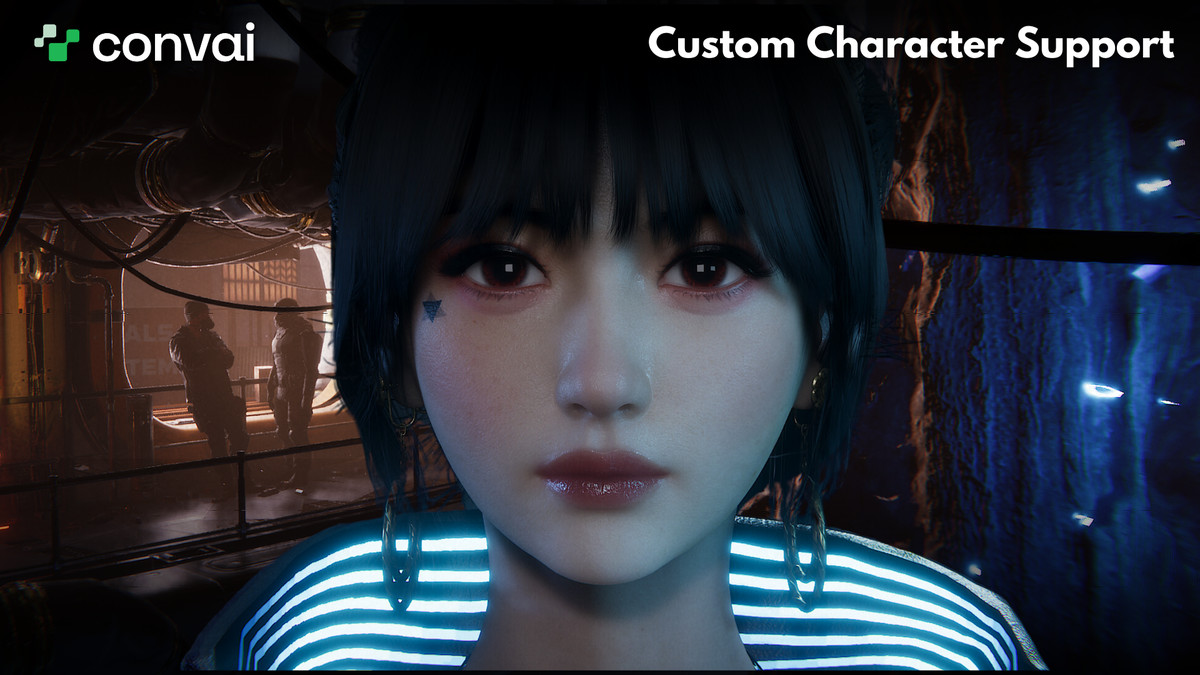
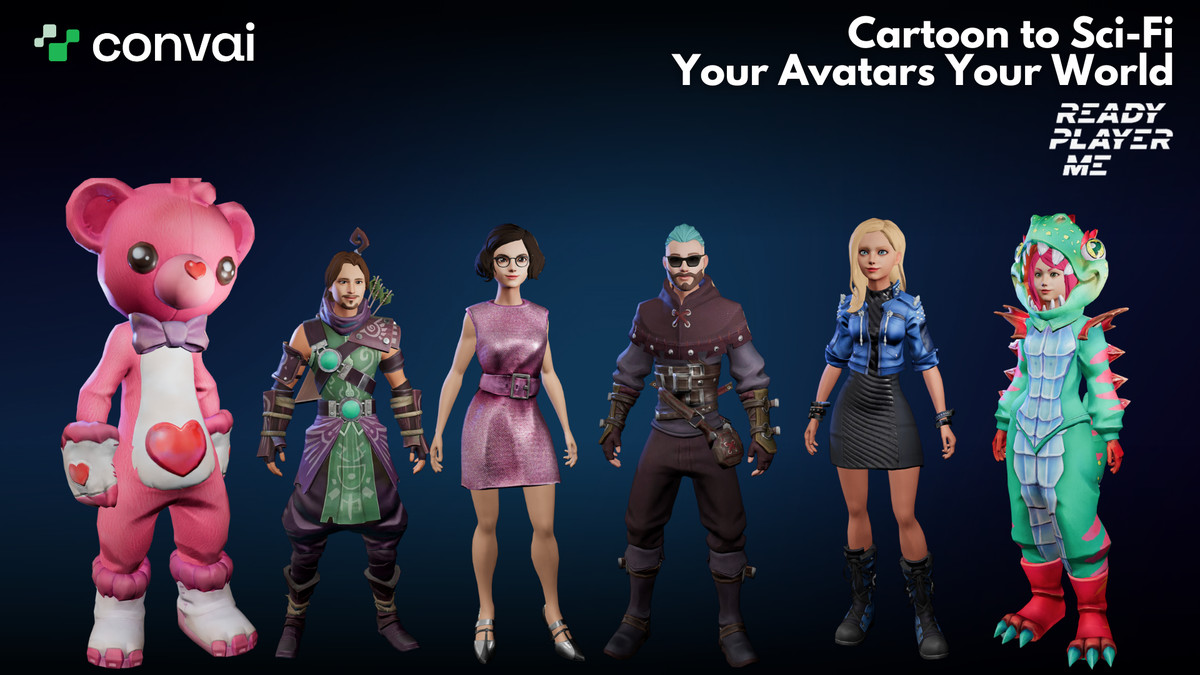
- Avatar Integrations: Integrated out-of-the-box with the most popular avatar platforms like Reallusion Character Creator 4. Works with custom characters and popular avatar workflows
- Text or Talk: interact with characters using either text or voice
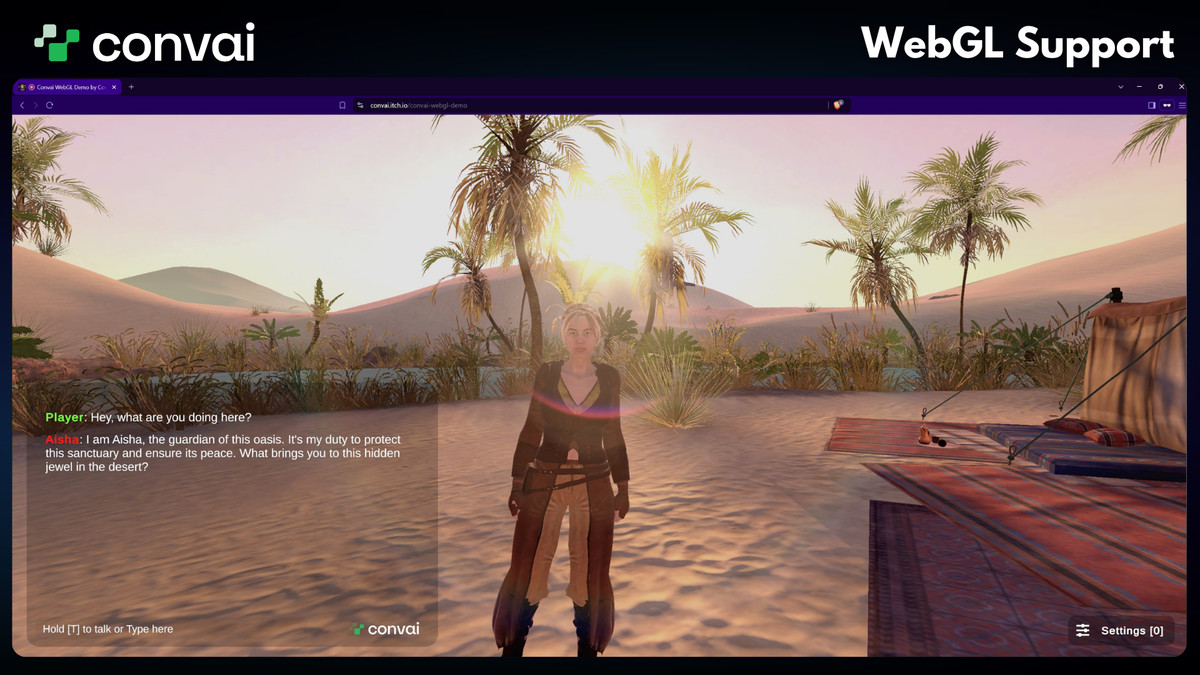
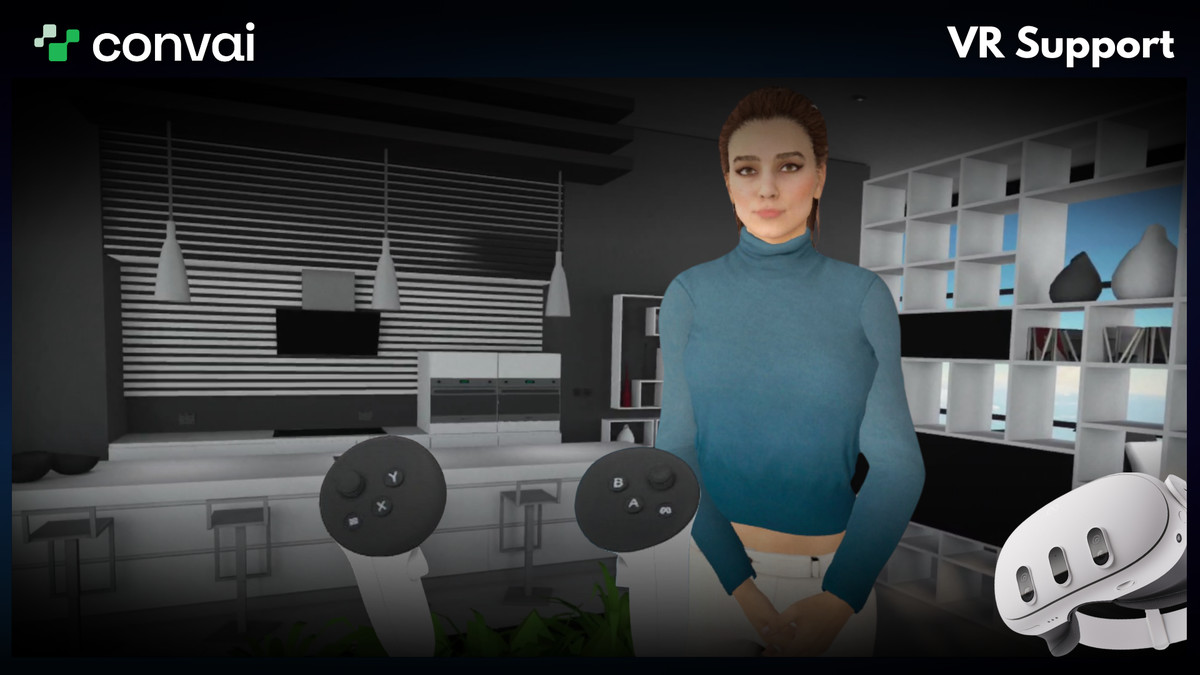
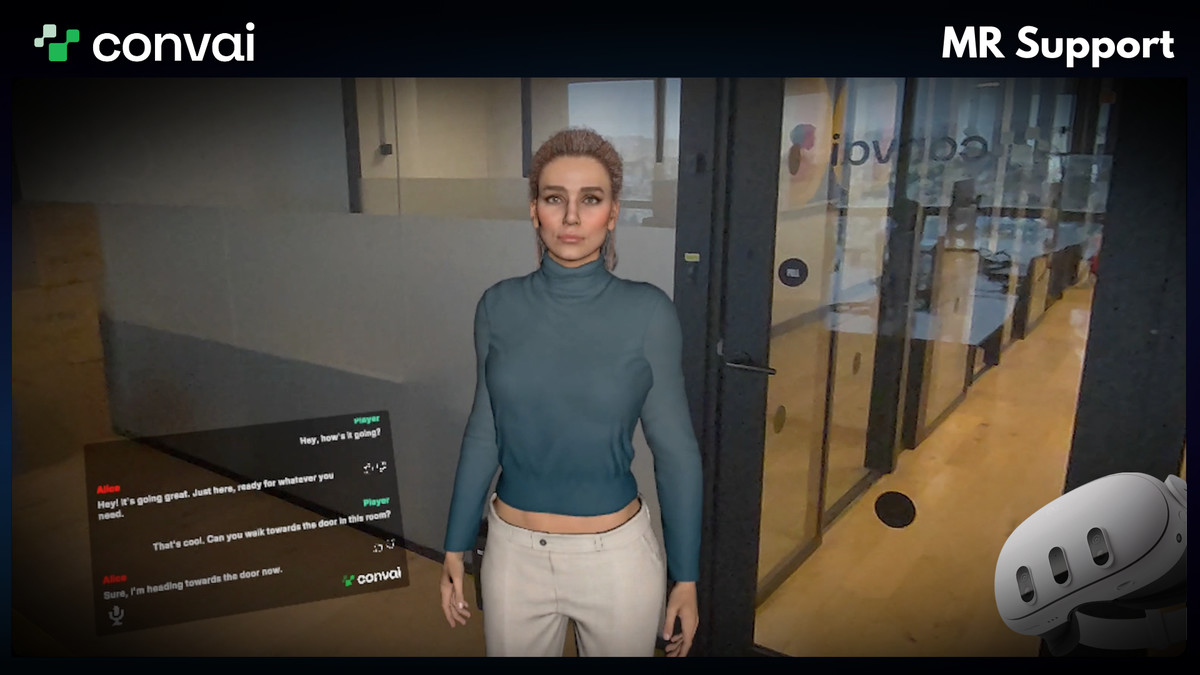
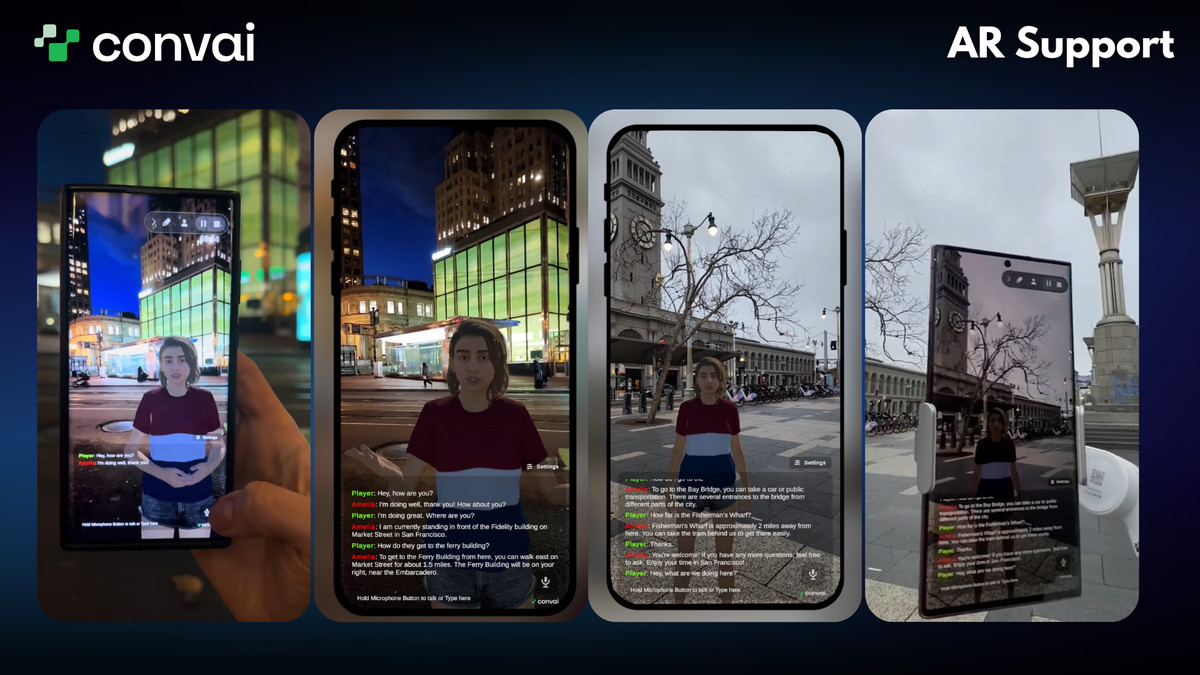
- AR / VR / MR support, with expanding WebGL workflow support in the same SDK
- Production Ready: The asset can be deployed to hundreds of users (under our commercial agreement).
Why Convai?
- Have open-ended conversations with your intelligent characters!
Our characters are responsive and intelligent. They listen to you and understand you. This gives an engaging and open-ended human-like conversation.
- Give your character an interesting background in seconds!
Use the Convai Website to create a character and give it an interesting backstory. Design the character however you want.
- Bring your characters into your projects in a single step!
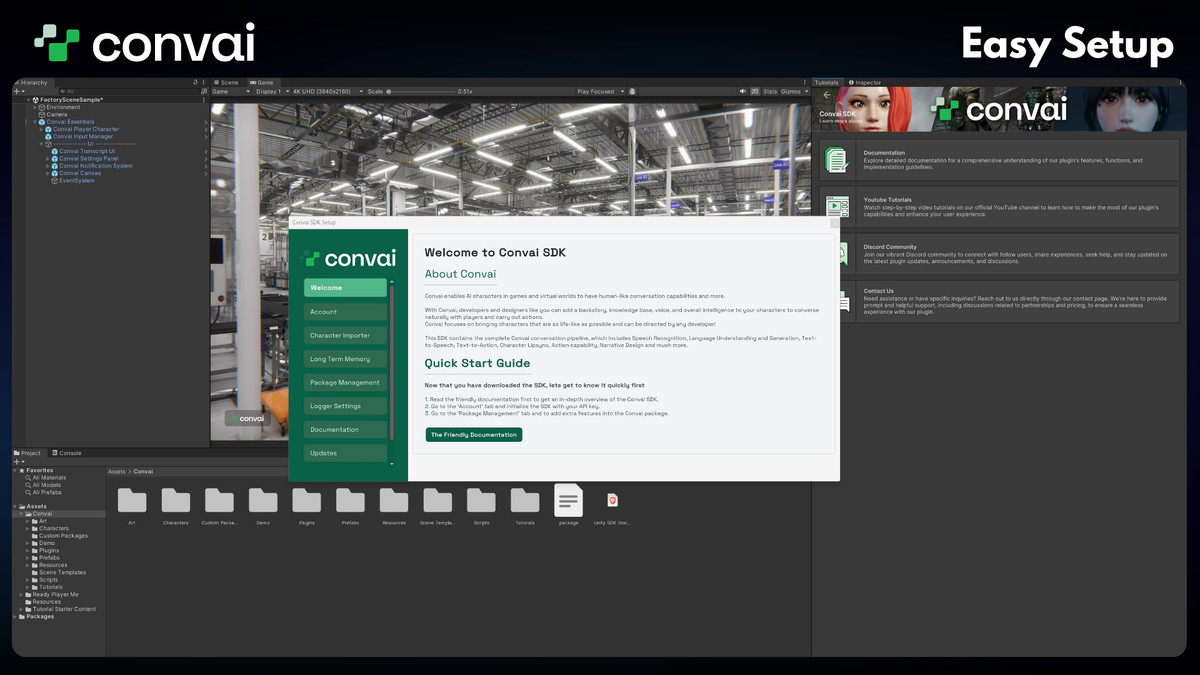
With Convai's Unity Plugin, all you need is to copy and paste the character ID and click a button, and your characters will be in your project.
- Well-documented, easy-to-read, and highly customizable code to accommodate any game logic you can think of!
You do not need any code to get started and talk to your character, but if you want to create custom logic for your character, our code is easy and customizable enough for you to know what you need to know. Check out our documentation to get started.
This asset is governed by a custom EULA - find it here.
From the publisher's Asset Store listing.
Technical details
Documentation: Click here to go to our documentation website.
Steps for setting up in Unity versions before 2022.3:
- Click on File > Project Settings.
- Navigate to Player > Other Settings.
- Uncheck the Assemble Version Validation option.
Compatibility
| Unity version | Built-in | URP | HDRP |
|---|---|---|---|
| 6000.0.80f1 | Compatible | Compatible | Compatible |
For more details about render pipeline compatibility and version requirements, please check our documentation.
As listed on the Asset Store.