
 View on Asset Store (opens in new tab)
Package details
- Latest version
- 1.0
- Last updated
- First released
- Unity version
- 2020.3.23 or later
- Package size
- 25 KB
- Files
- 3
- Favorites
- 11
- Views in the past week
- 2
Price tracking
- Last checked
- Tracked since
- Lowest recorded
- Free on
Keywords
Rainbow Playmode Tint
I wanted to put some rainbow in my editor, so I created this tool.
Affiliate link · Purchases support this site
Price history
Last 6 months
USDAsset preview
1 / 1
Rainbow Playmode Tint video 1 (plays on the Asset Store)
About this asset
Personally, after many days, I got used to the color of the 'playmode' which remains static and boring. So I wanted to add an RGB effect to this one to make it more fun and original.
If you want to support me or just give a tip, you can follow this link: https://paypal.me/perotnicolas?country.x=FR&locale.x=fr_FR
From the publisher's Asset Store listing.
Technical details
- How to have this beautiful effect?
This script only work in the editor and not in a build (of course).
The script uses the DontDestroyAndLoad function, so if your launch scene has the RainbowPlaymodeTint script, it persists through the scenes.
Method 1:
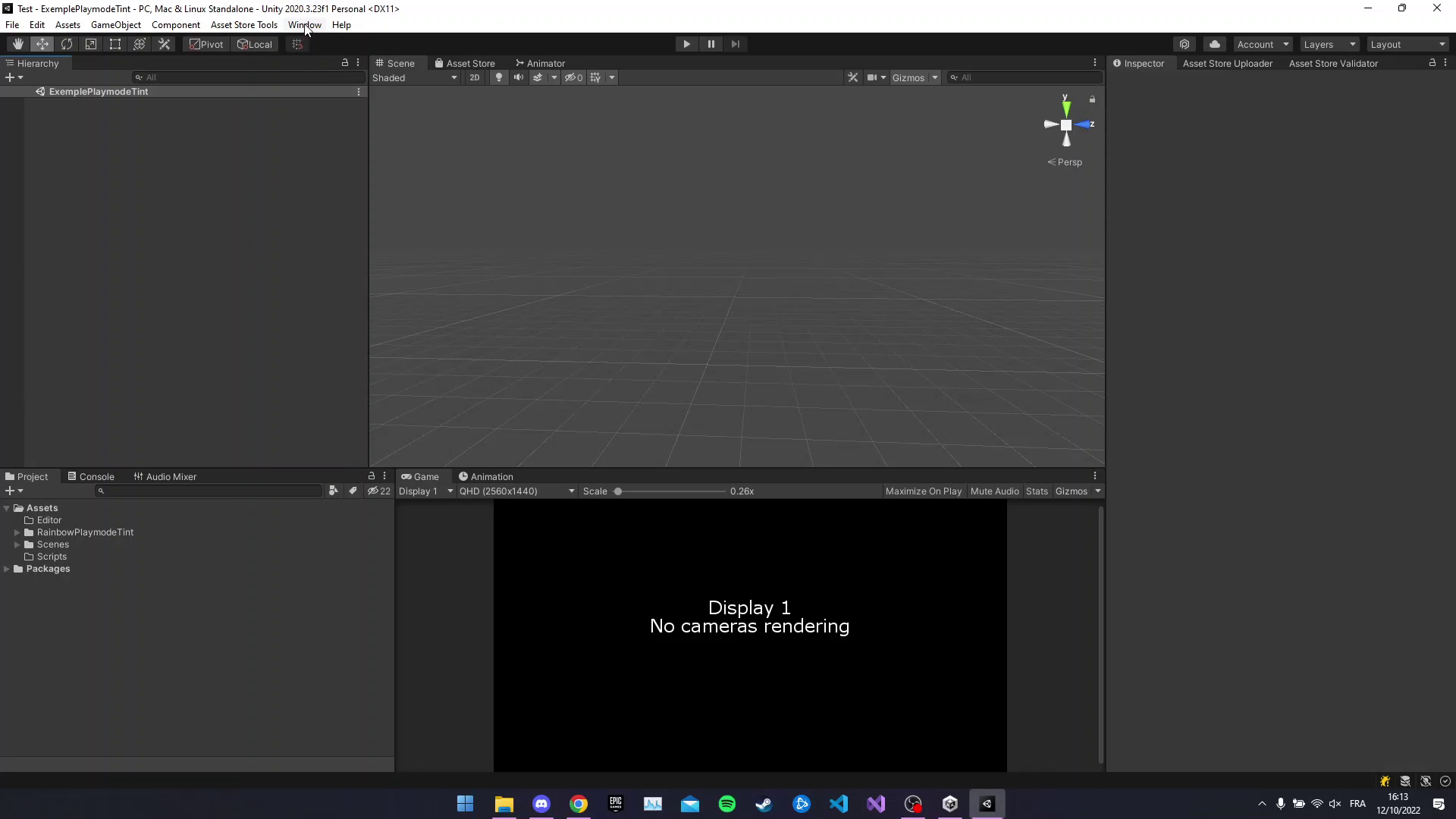
It's easy, you can click on the tool bar on Tools -> Rainbow Playmode Tint Window, next you can change two differents variables. (Default value is ok, don't worry. High-speed value can cause epileptic seizures.)
the change speed color (Default: 0.05f) and the start color (Default: 255 128 128 255).
Method 2:
Create an empty GameObject and add the component name RainbowPlayModeTint or drag and drop it. (Location: : Project Window Assets -> RainbowPlayModeTint -> Script.)
Now you just need to click on Play button and that it!
If you have issues with the script, maybe it's due to a new Unity version (Tested with Unity 2020.3.17f1) or conflict with others script.
Created by PEROT Nicolas: https://nicolas-perot.go.yj.fr/ the 28/09/2022 with Unity 2020.3.17f1
Help with this forum for search the field of Playmode Tint in the Assembly: https://answers.unity.com/questions/759634/unity-editor-playmode-tint-change-by-script.html
Compatibility
| Unity version | Built-in | URP | HDRP | Custom |
|---|---|---|---|---|
| 2020.3.23f1 | Compatible | Compatible | Compatible | Compatible |
As listed on the Asset Store.