
 View on Asset Store (opens in new tab)
Package details
- Latest version
- 1.0.1
- Last updated
- First released
- Unity version
- 2020.3.4 or later
- Package size
- 199 KB
- Files
- 13
- Favorites
- 5
- Views in the past week
- 4
Price tracking
- Last checked
- Tracked since
- Lowest recorded
- $7.98 on
Keywords

Particle Color Editor
This tool can help you dealing with tweaking a large vfxs which contains a lot of particle systems. Thanks to checkpoint system you can save a progress on a desire state and compare it later.
Affiliate link · Purchases support this site
Price history
Last 6 months
USDAsset preview
1 / 4

Particle Color Editor screenshot 1


About this asset
How it works:
Open Tools -> Particles -> Particle Color Editor Window
Select gameobject on scene or prefab which contains any ParticleSystem
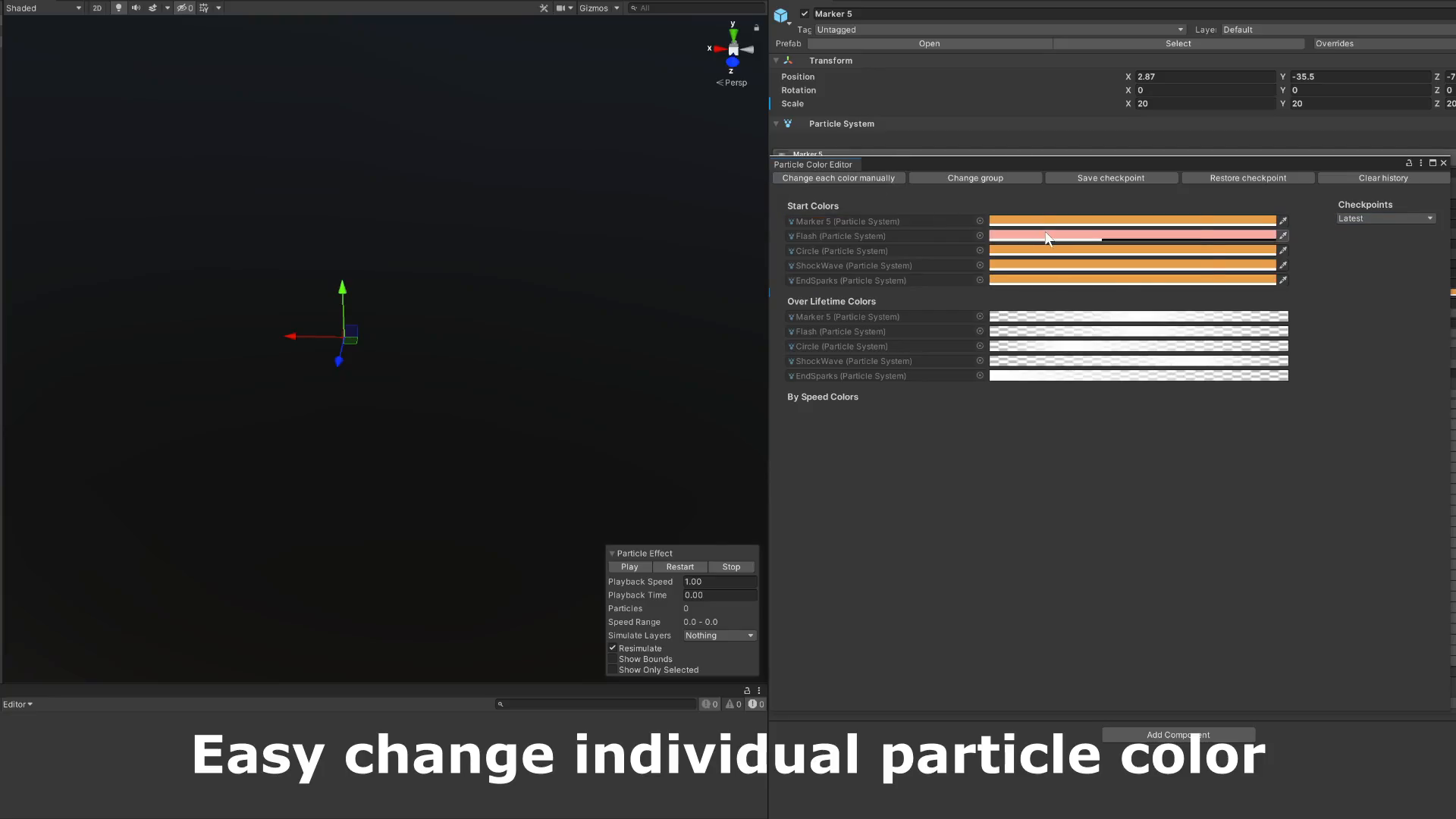
- In the individual mode you can see and change every single one particle to the desire color.
- In a group mode the same particle colors are combined in a single one and you can change all those particles at once.
- At any time you can save a checkpoint to come back to it to compare the versions looks.
- By right click on a window name you can see option "Save as prefab" in the menu bar, to save current version.
- On a window you can see a lock button which disable ability to switch to another object.
The particle history is working depending on a path and names. After renaming the gameobject, prefab or change the parent, the history will be lost.
Forum thread | Support
Please note: this package doesn't include any models or textures
From the publisher's Asset Store listing.
Technical details
Features:
- In the individual mode change every single one particle to the desire color.
- In a group mode change all the same particle colors at once.
- Save a checkpoint to come back to it to compare the versions looks.
- "Save as prefab" in the menu bar, to save current version.
- Lock window to disable ability to switch to another object.
Compatibility
| Unity version | Built-in | URP | HDRP | Custom |
|---|---|---|---|---|
| 2020.3.4f1 | Compatible | Compatible | Compatible | Compatible |
As listed on the Asset Store.