
 View on Asset Store (opens in new tab)
Package details
- Latest version
- 2.3.1
- Last updated
- First released
- Unity version
- 6000.0.80 or later
- Package size
- 909.3 MB
- Files
- 303
- Favorites
- 9
- Views in the past week
- 10
Price tracking
- Last checked
- Tracked since
- Lowest recorded
- $15.00 on
Keywords
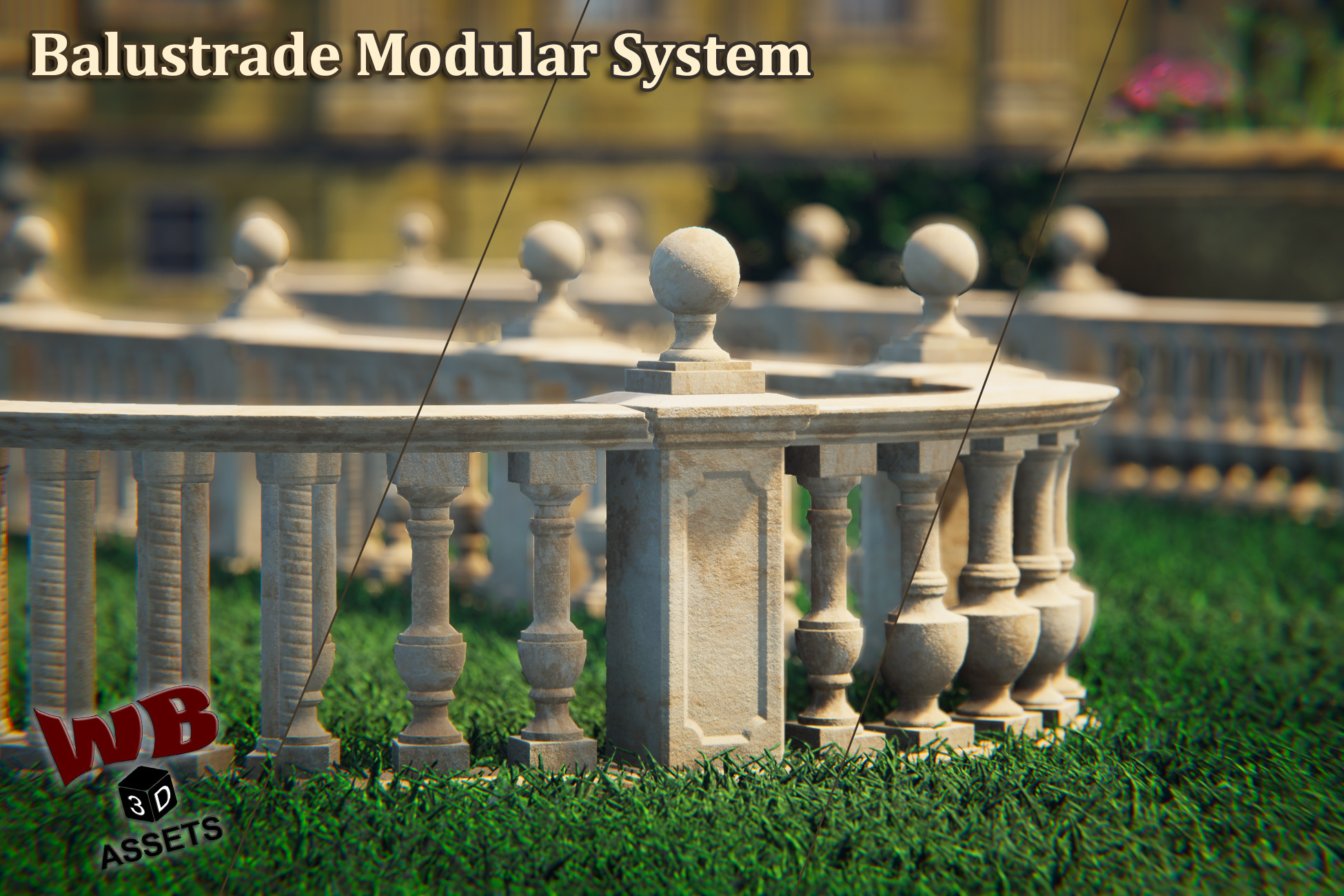
Balustrade Modular System
Affiliate link · Purchases support this site
Price history
Last 6 months
USDAsset preview
1 / 33
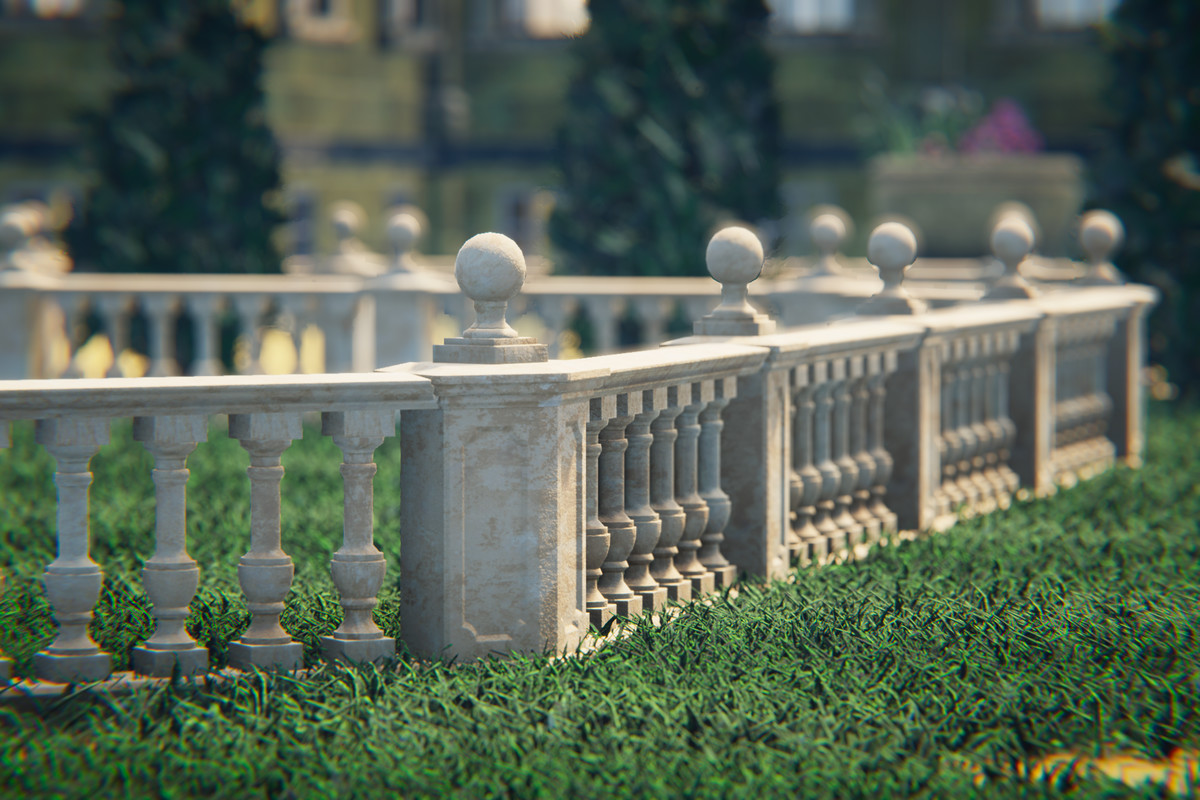
Balustrade Modular System screenshot 1

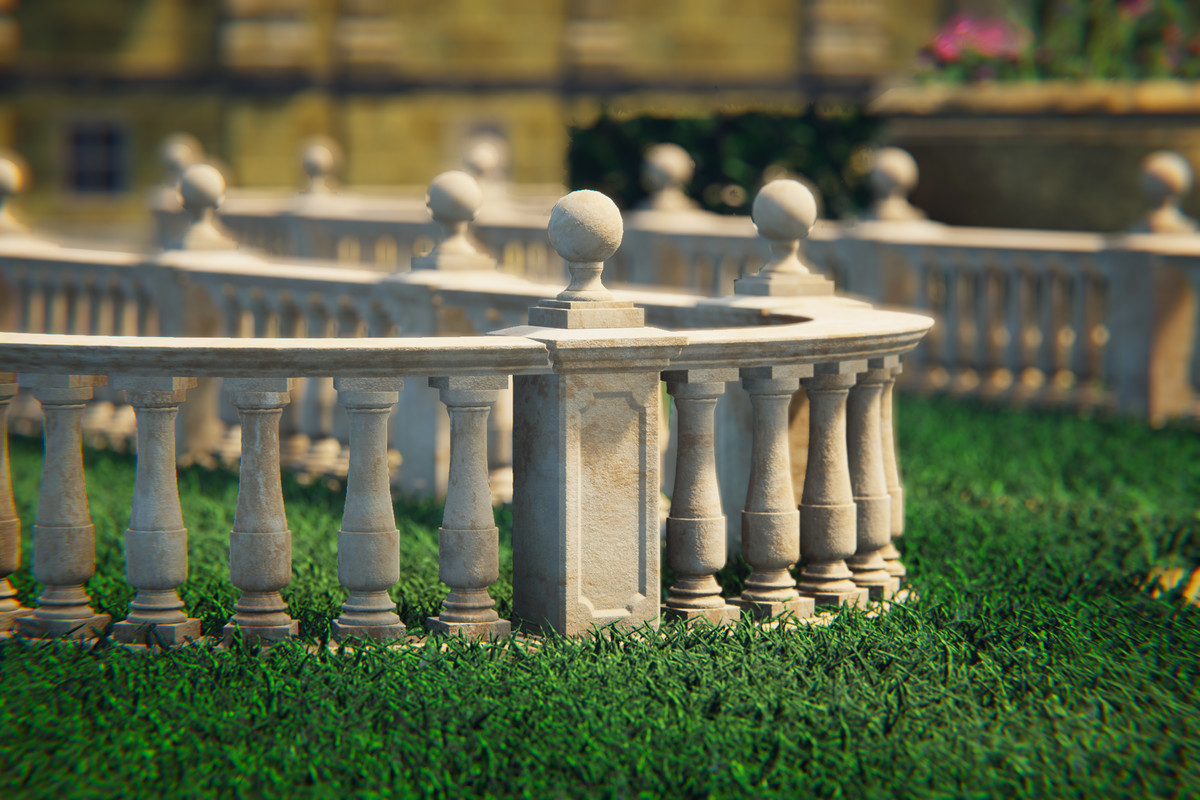
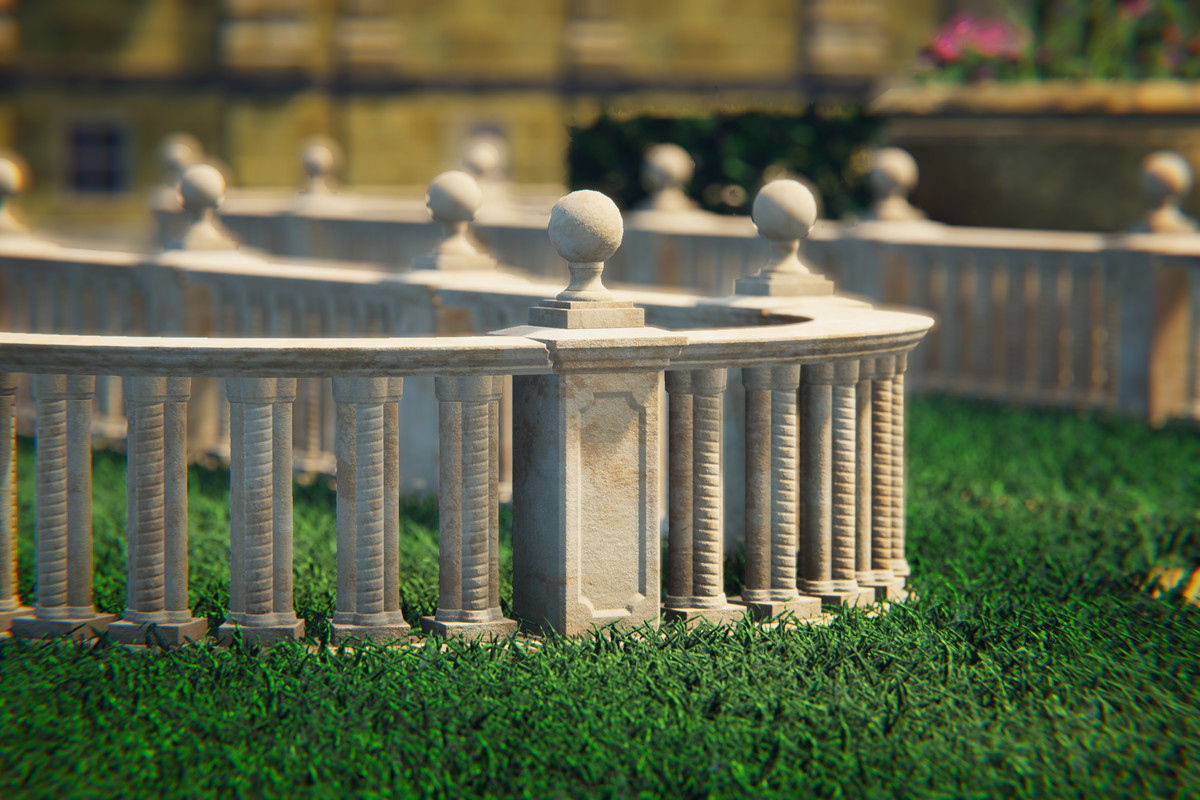
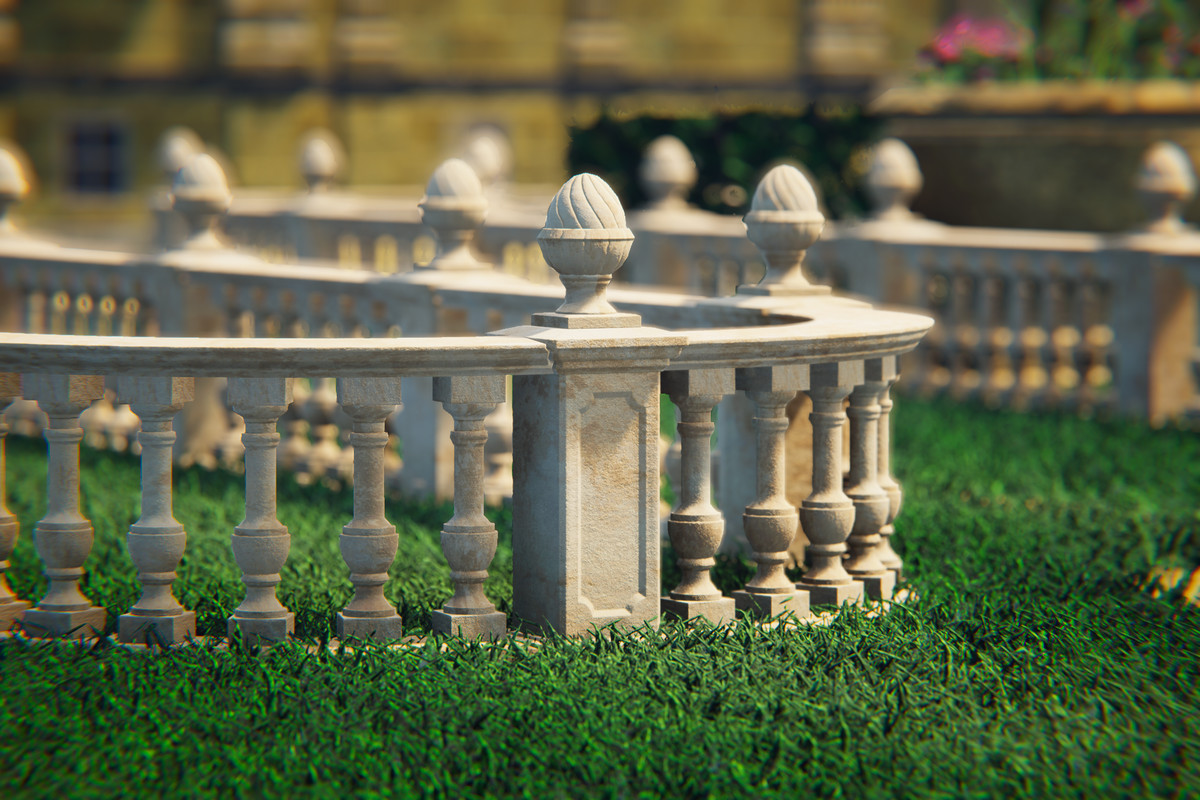
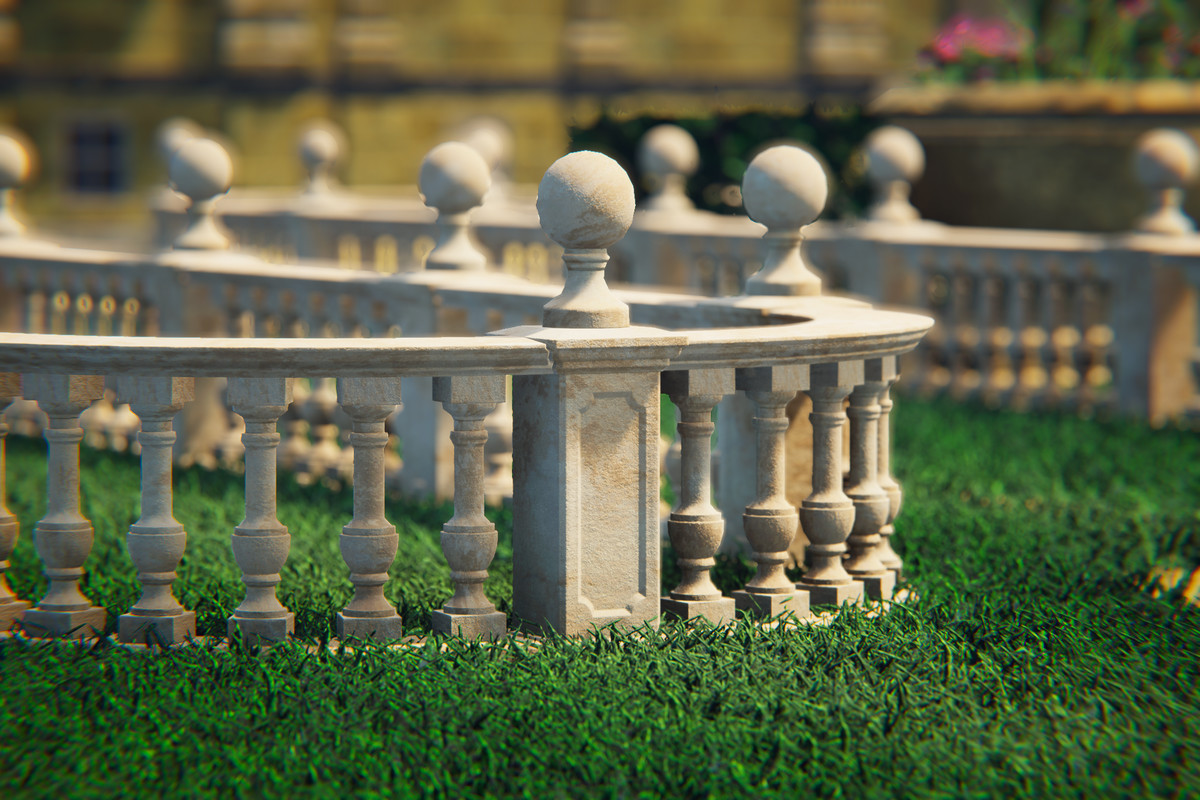
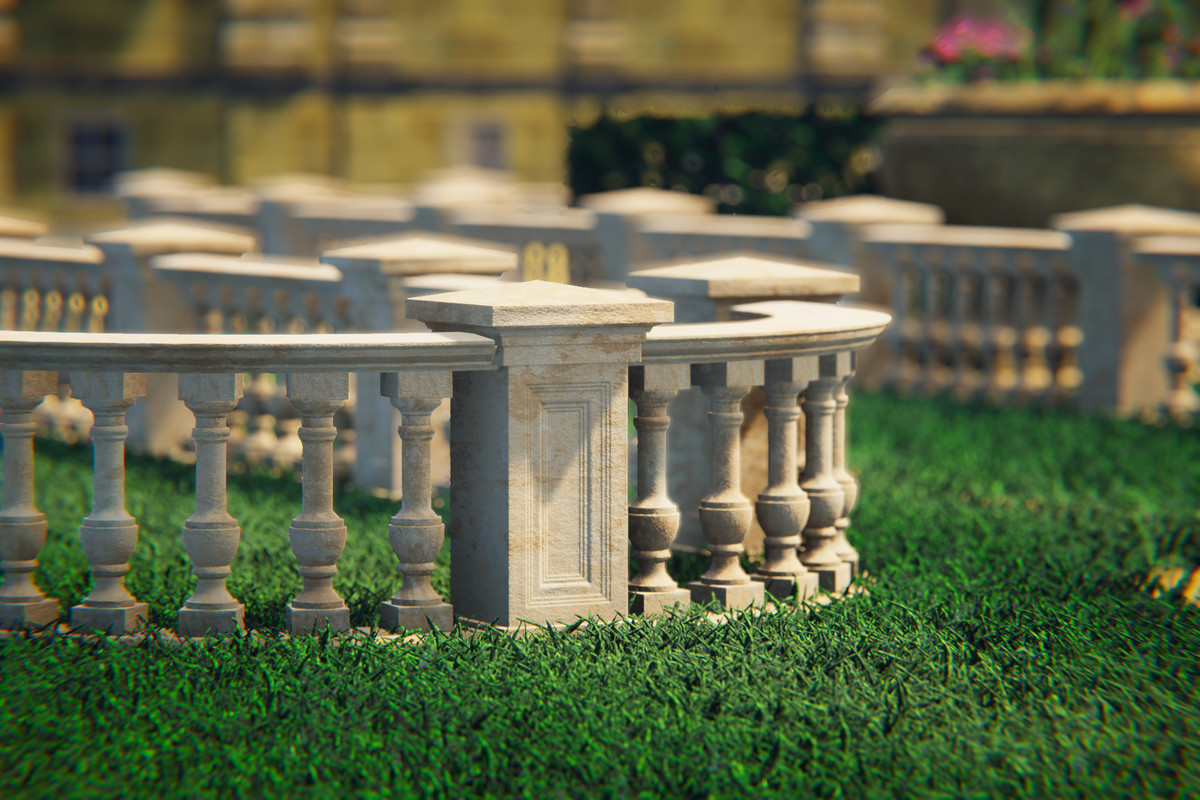
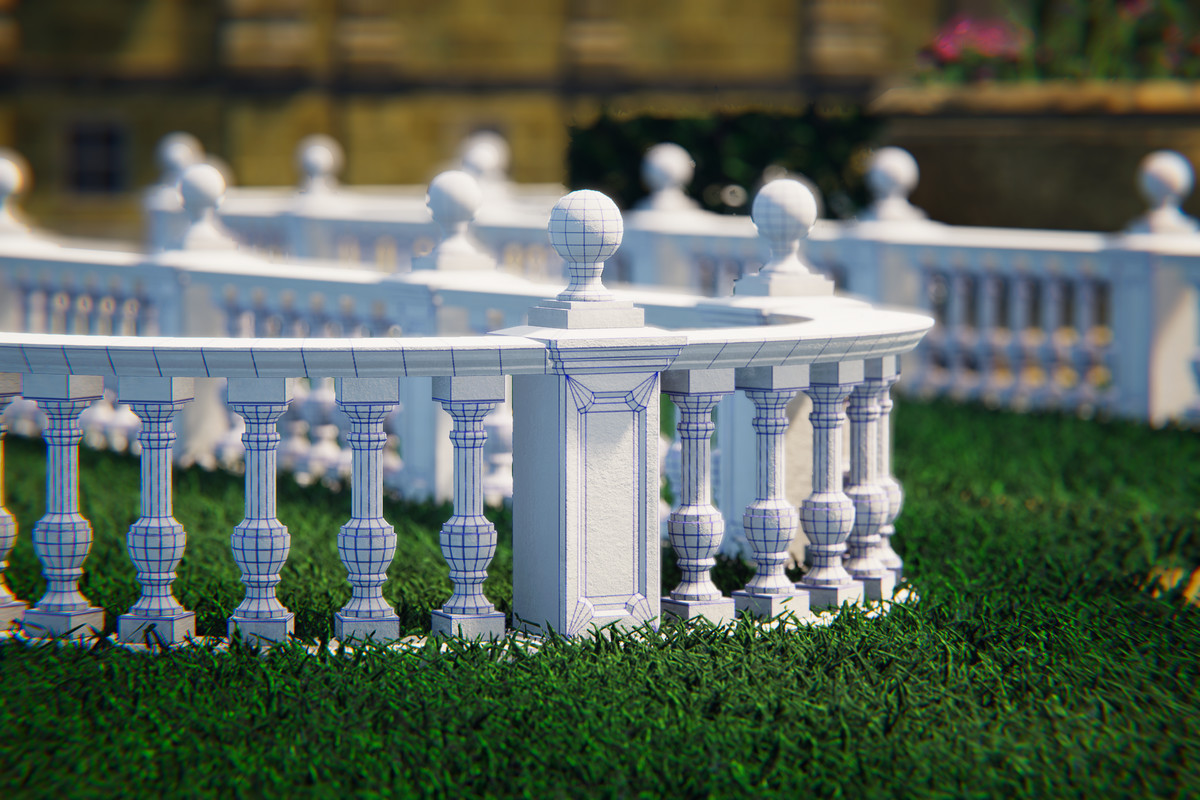
About this asset
Balustrade Modular System
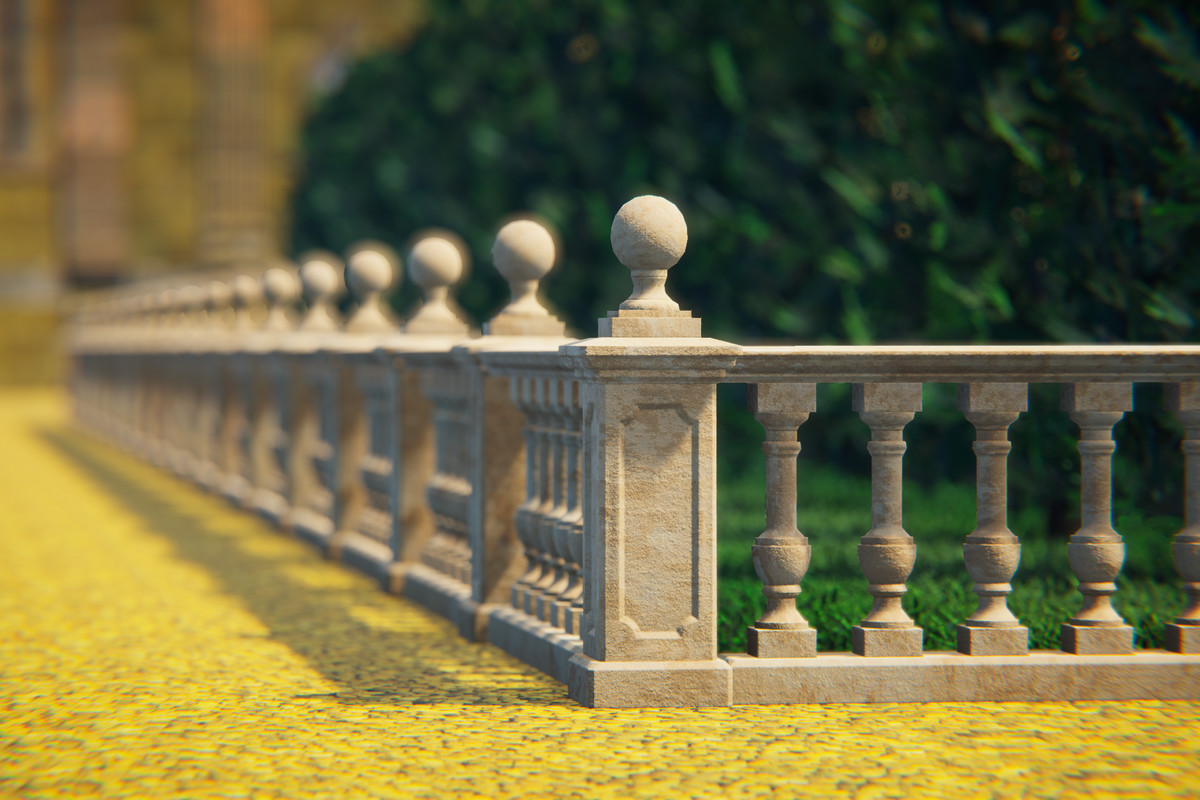
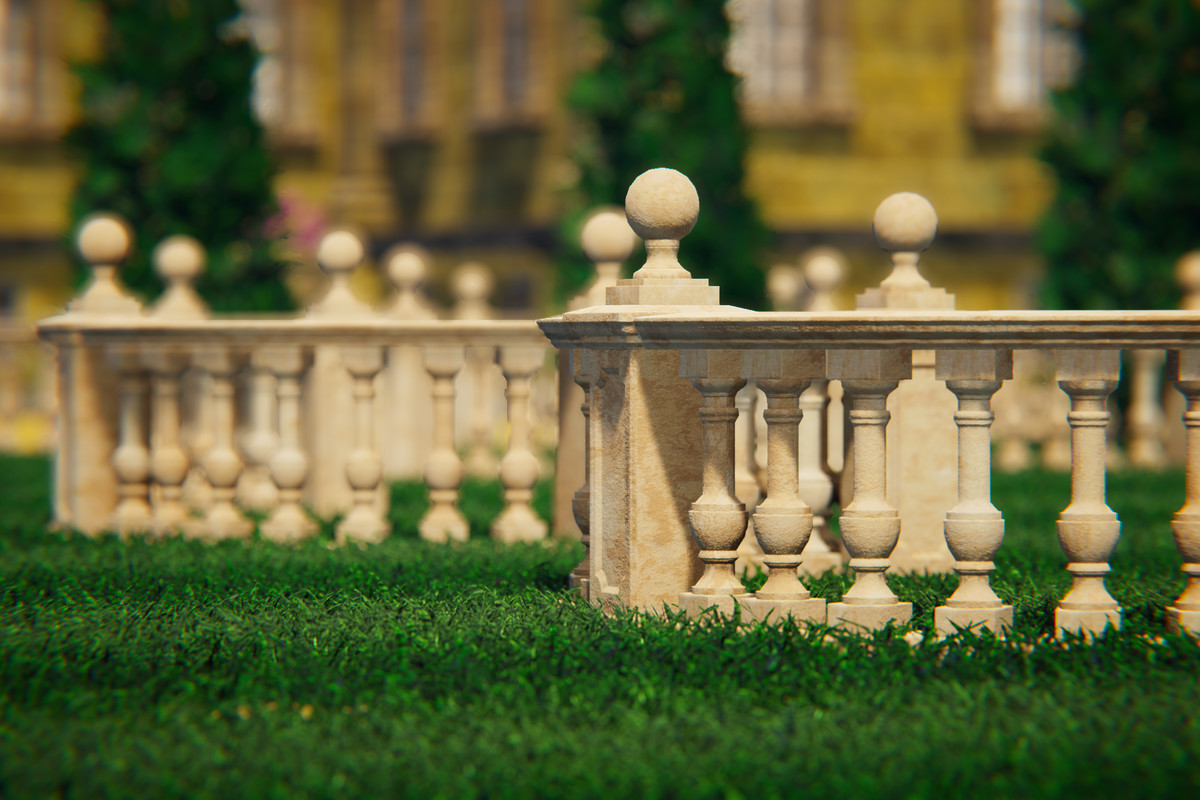
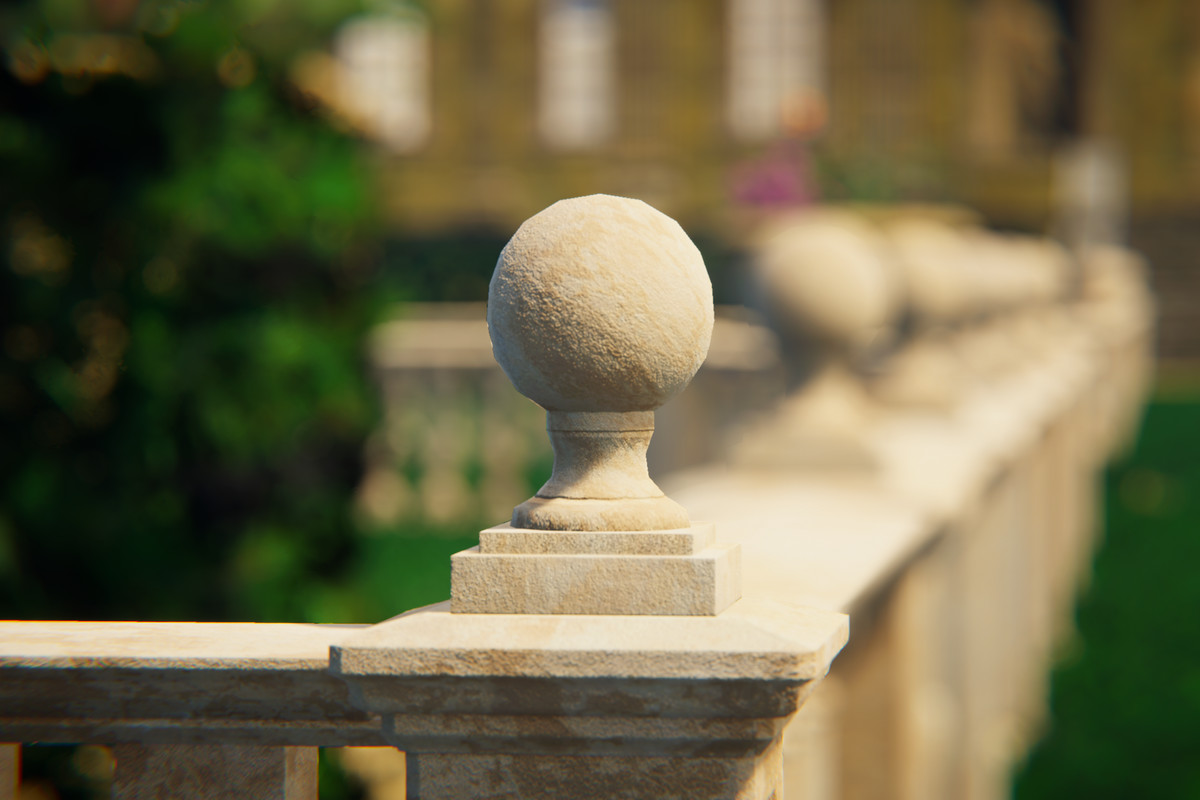
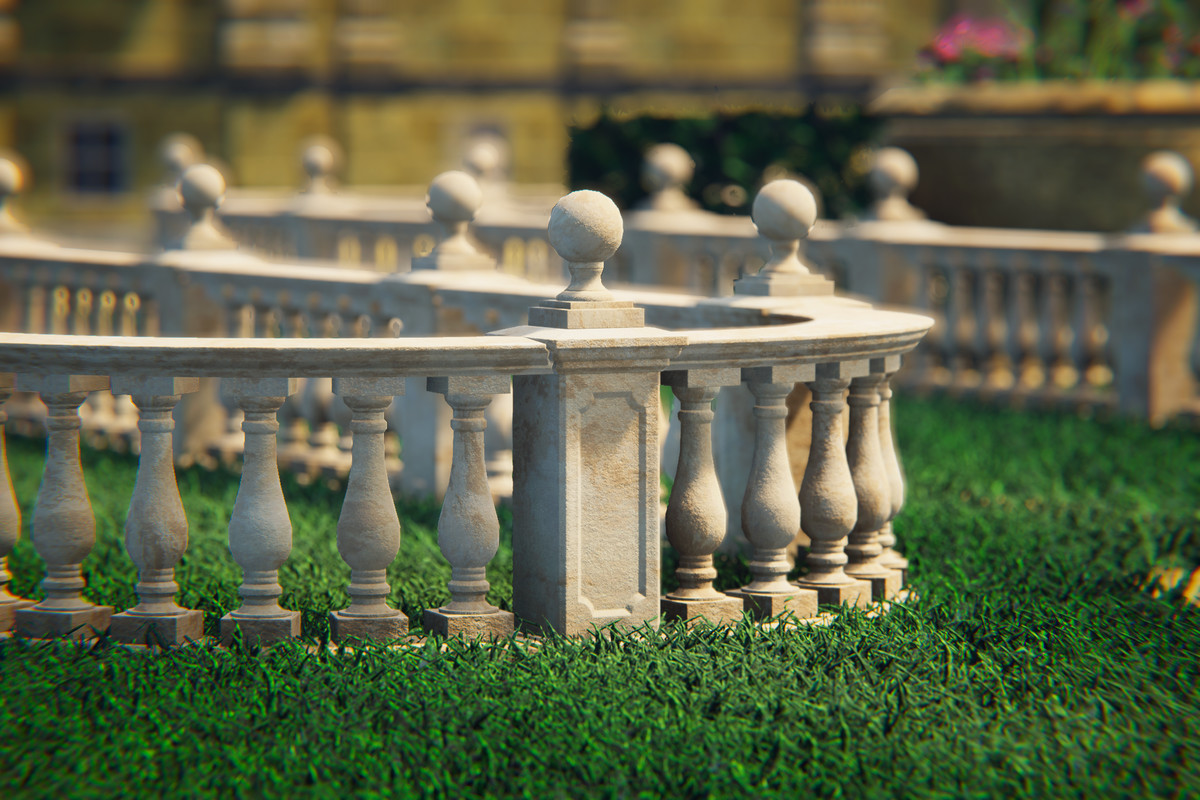
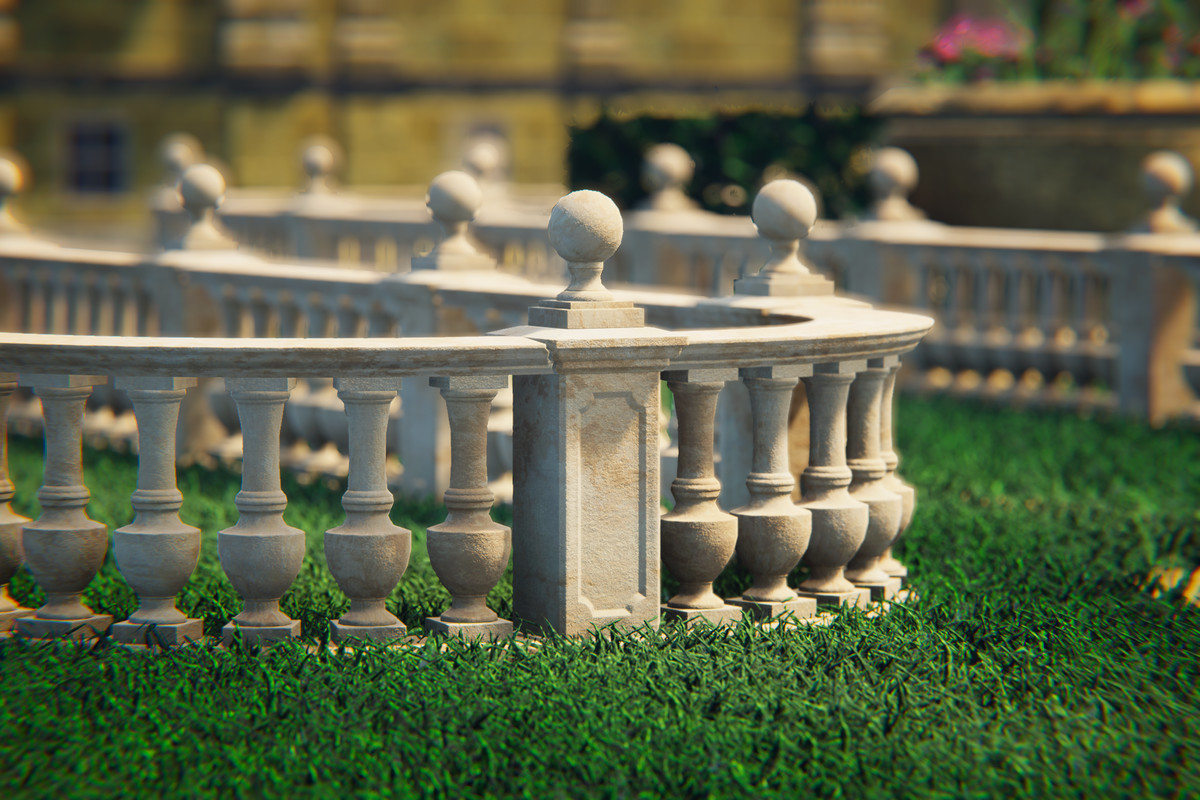
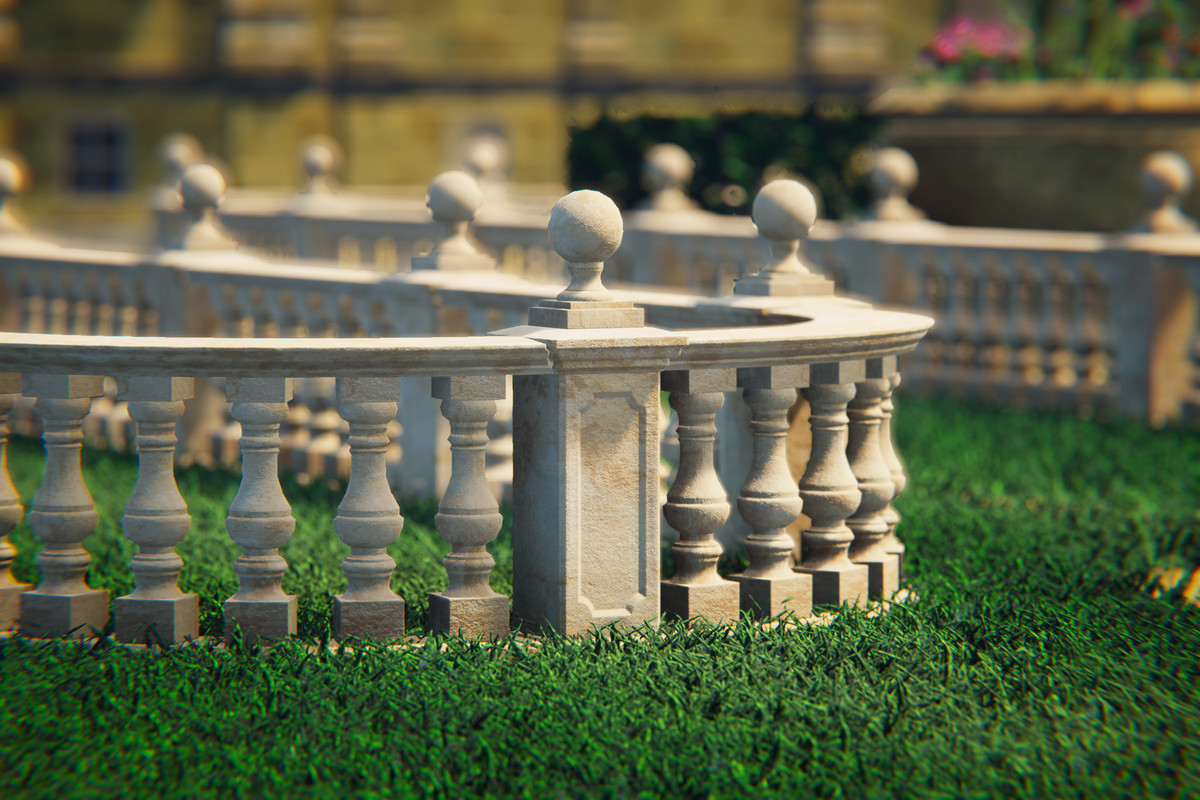
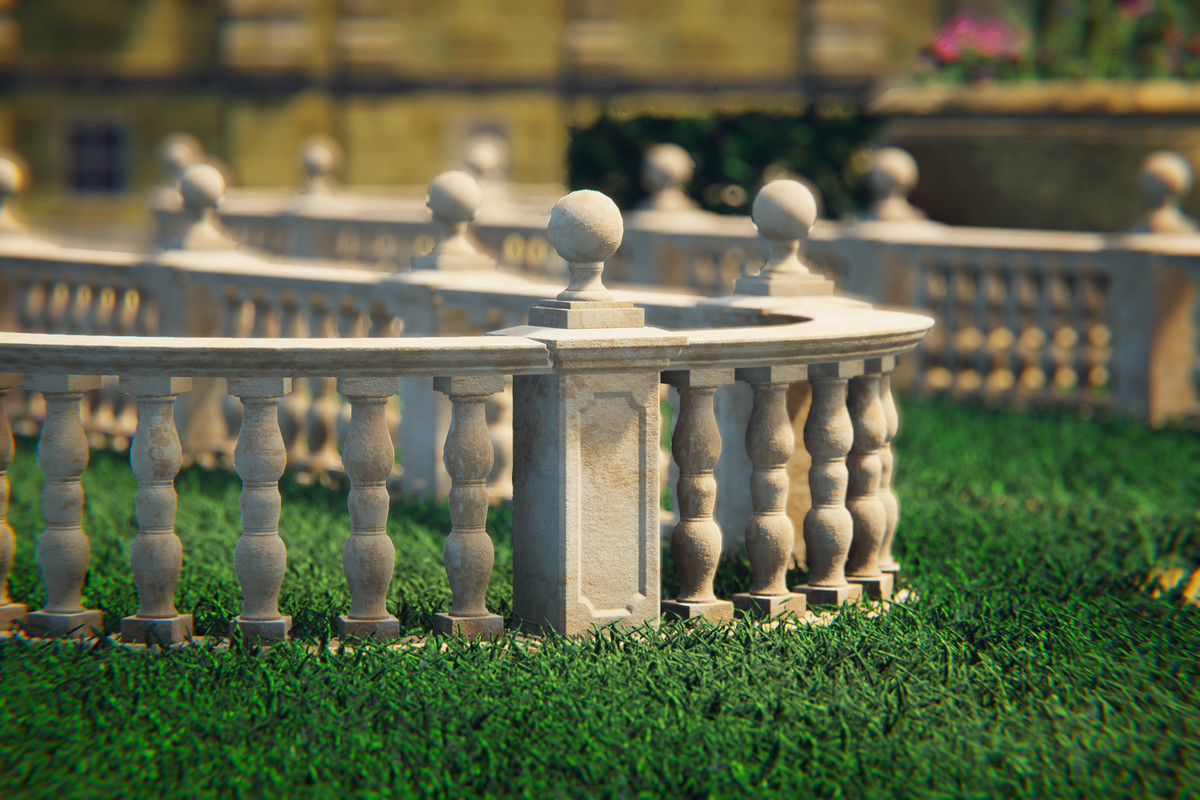
Build complete balustrade systems directly in the Scene View - no manual prefab placement, no tedious alignment. The Balustrade Modular System is an Editor tool that lets you construct, extend, and modify modular balustrades through a guided, snap-based workflow. Just click, preview, and build.
Prefer to test first? A free LITE version is available - see the link at the bottom.
✨ Key Features
- Scene View Construction:
Build balustrades entirely within the Scene View. Direction arrows guide your placement and a real-time ghost preview shows exactly what will be built before you commit.
- Automatic Placement Validation:
The ghost start pillar automatically detects invalid surfaces - slopes, obstacles, or objects that would prevent proper construction. Invalid placements are visually indicated before you even click. When no surface is detected, the pillar automatically snaps to Y0.
- Continue Build Mode:
Extend any existing balustrade from its end pillars. Select a pillar, pick a direction, and keep building - the system seamlessly connects new segments to your existing structure.
- T-Junctions & Branching:
Build branches from middle pillars (M) and corner pillars (C). The tool automatically replaces the pillar with the correct T-junction piece and lets you continue building in a new direction. Works with both the V1 and the V2 variant.
- Corners & Curved Rails:
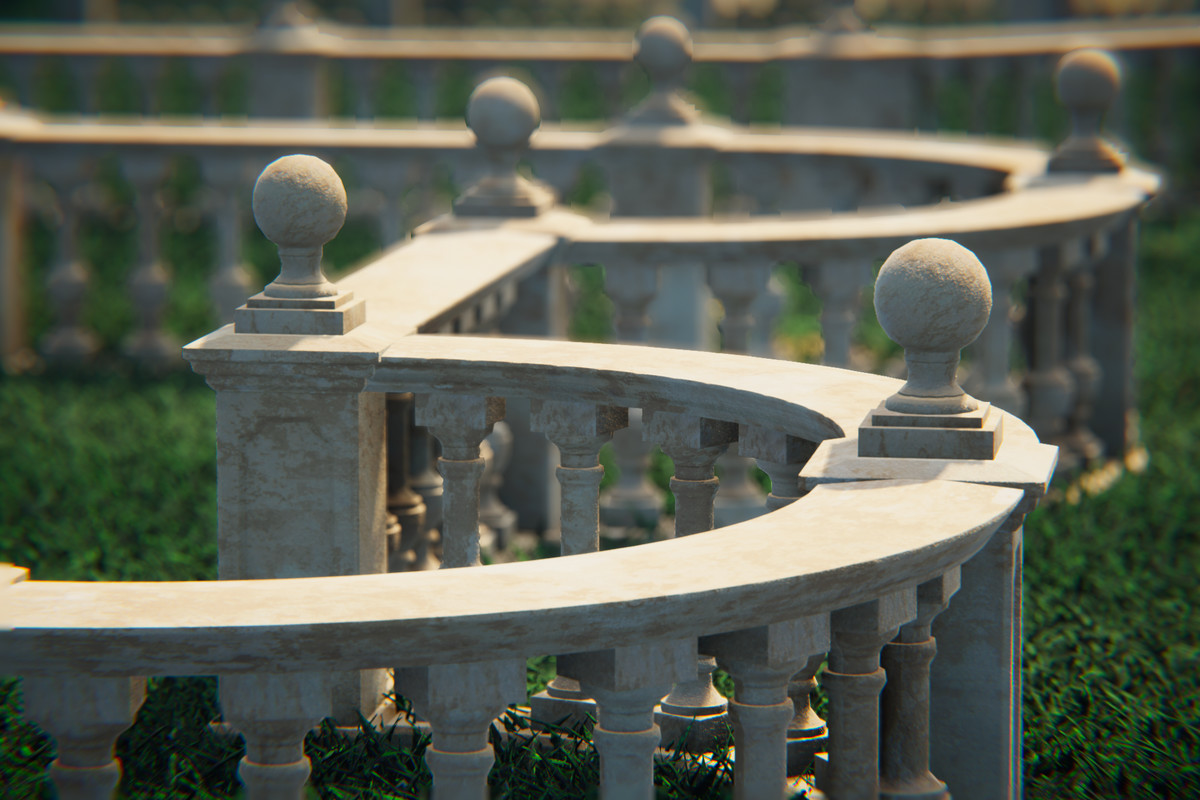
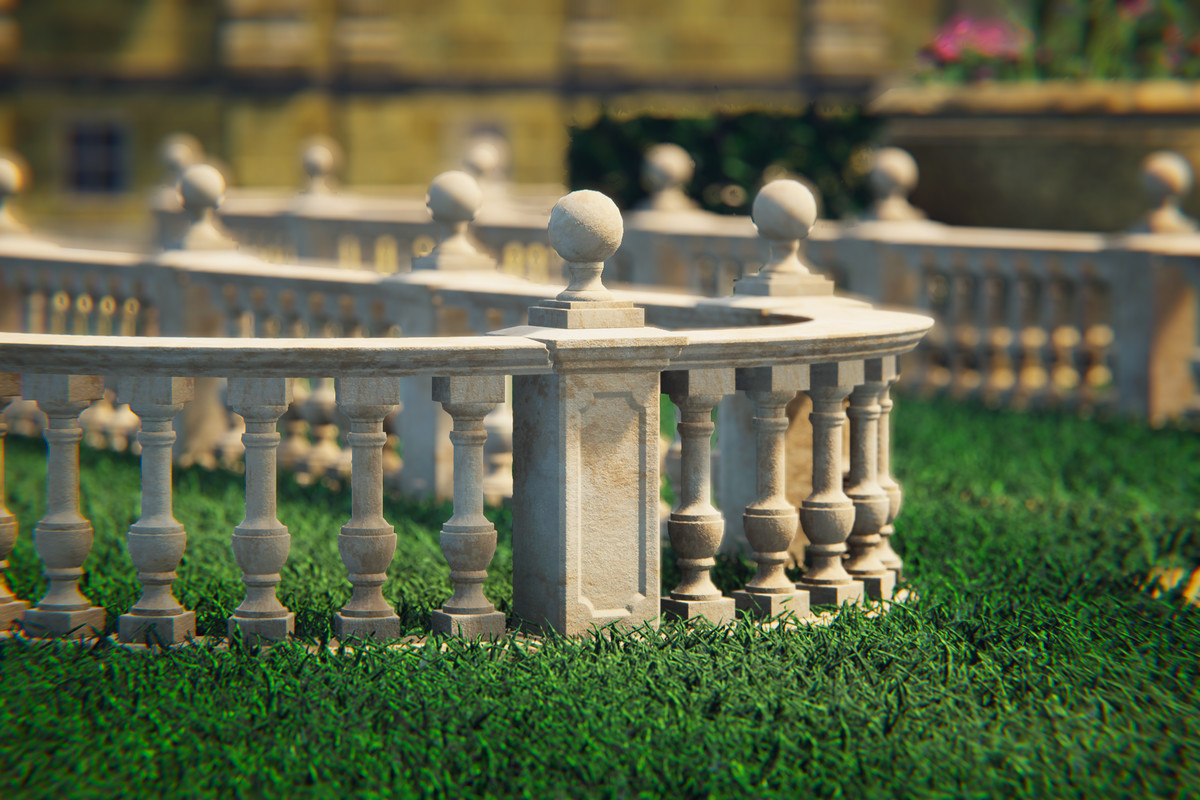
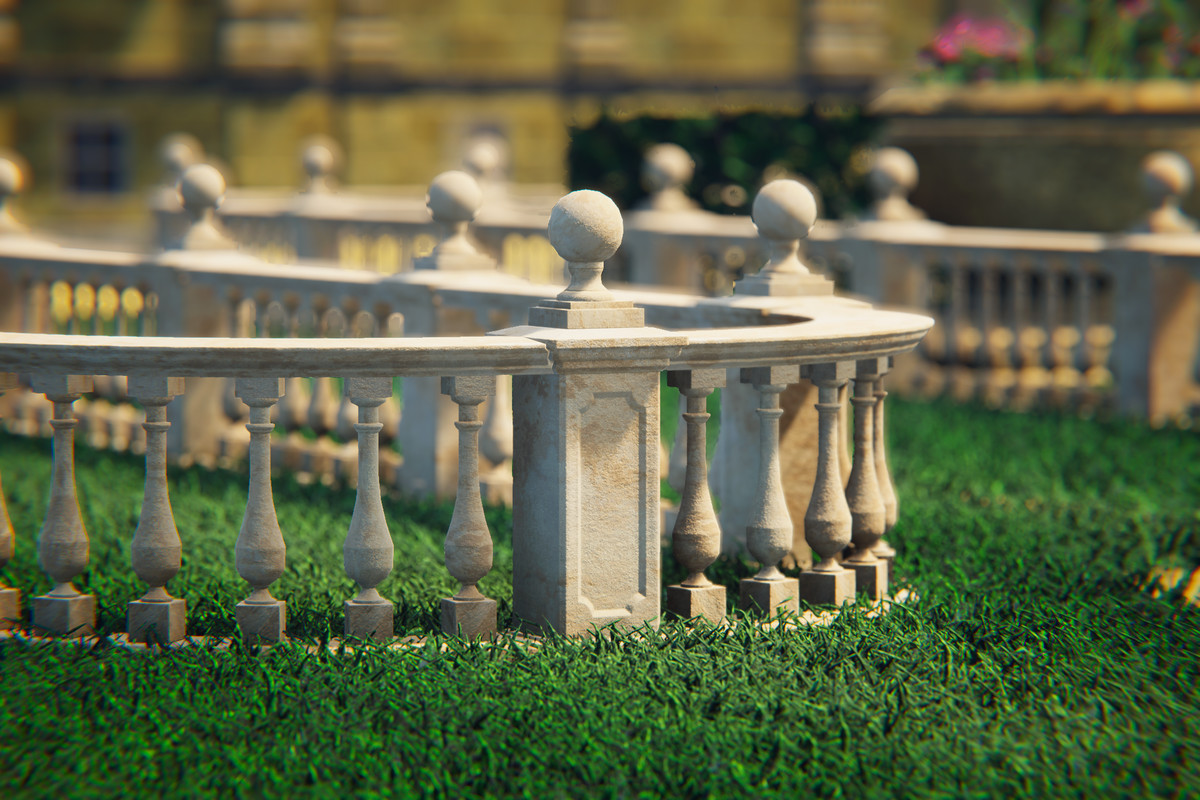
90° corners and curved rails are fully integrated into the building workflow. Inner and outer arcs are handled automatically depending on your build direction.
- Close Loop:
Connect the end of a balustrade back to an existing pillar to form a closed circuit. The system detects proximity, highlights the connection in green, and replaces pillars with the correct junction type on commit.
- Inner/Outer Arc Swap:
Select a curved rail and click the button that appears above it in the Scene View to mirror it between inner and outer arc orientation. Neighbouring pillars are automatically replaced (M↔C) and re-oriented. Works with all pillar types and both V1 and V2 variants.
- Variant Switching (V1 ↔ V2):
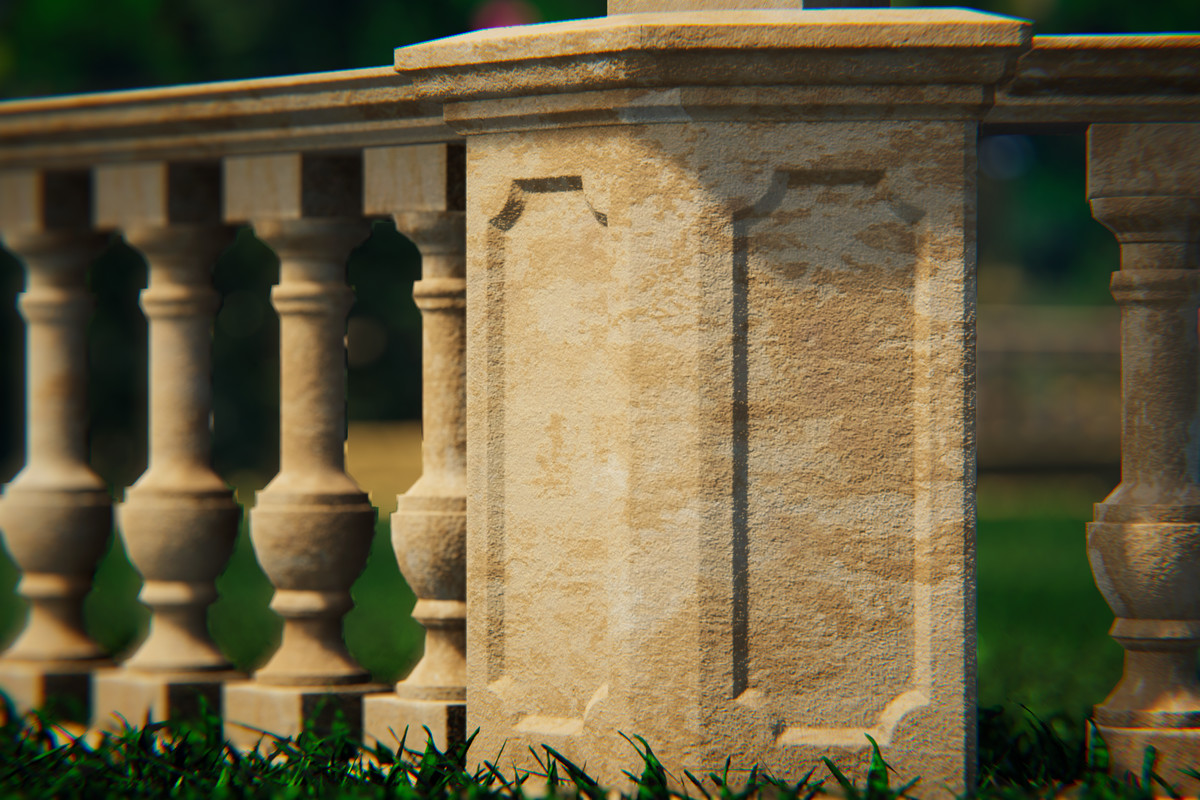
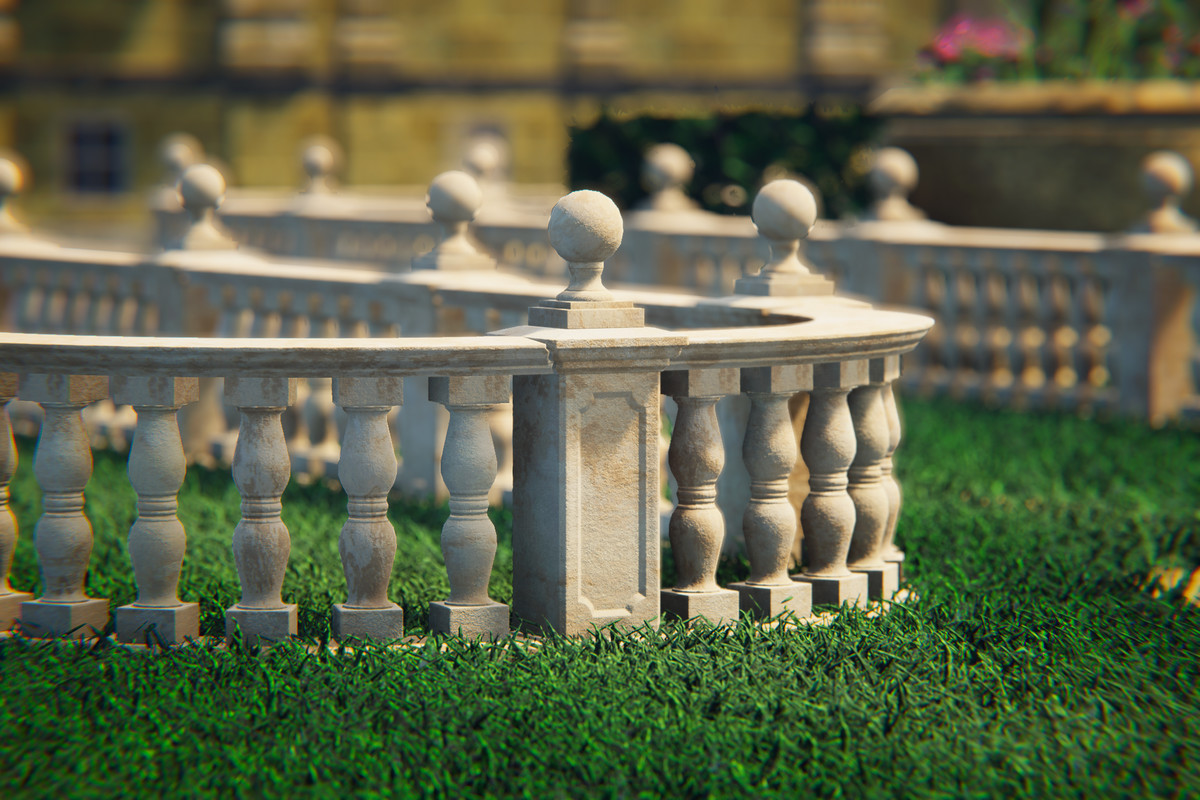
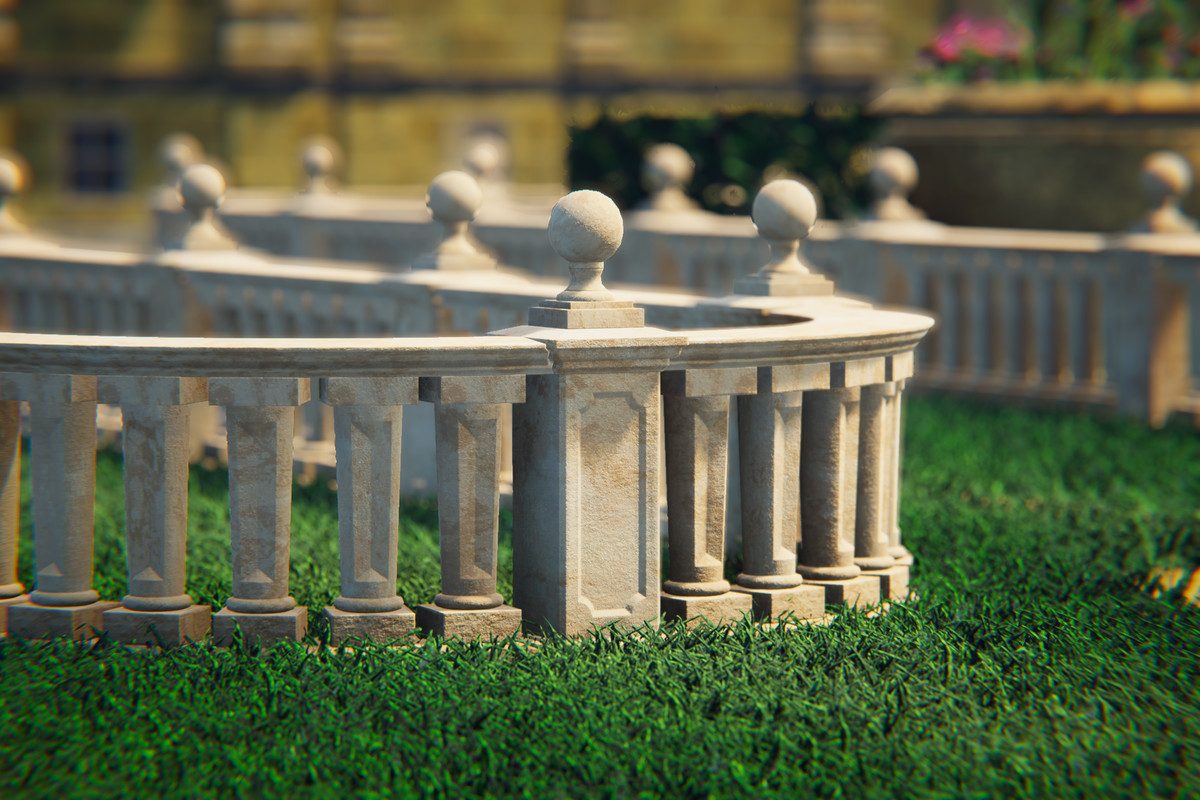
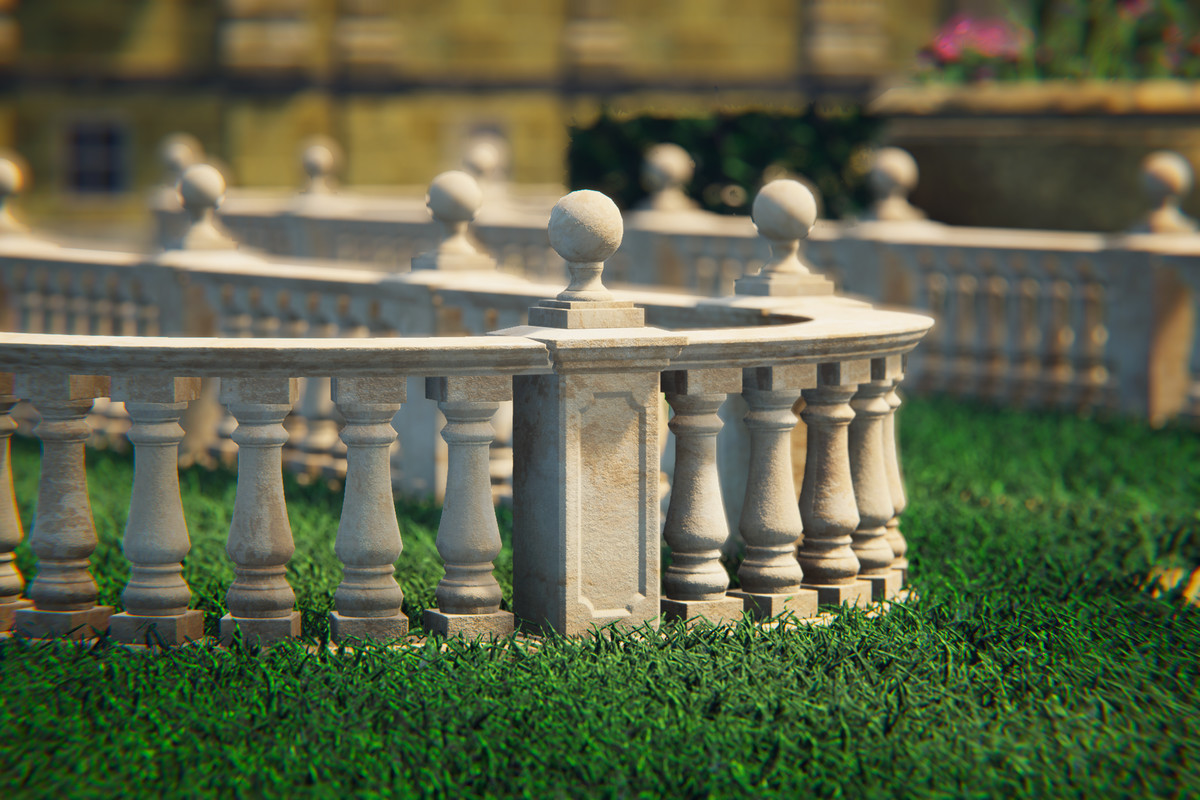
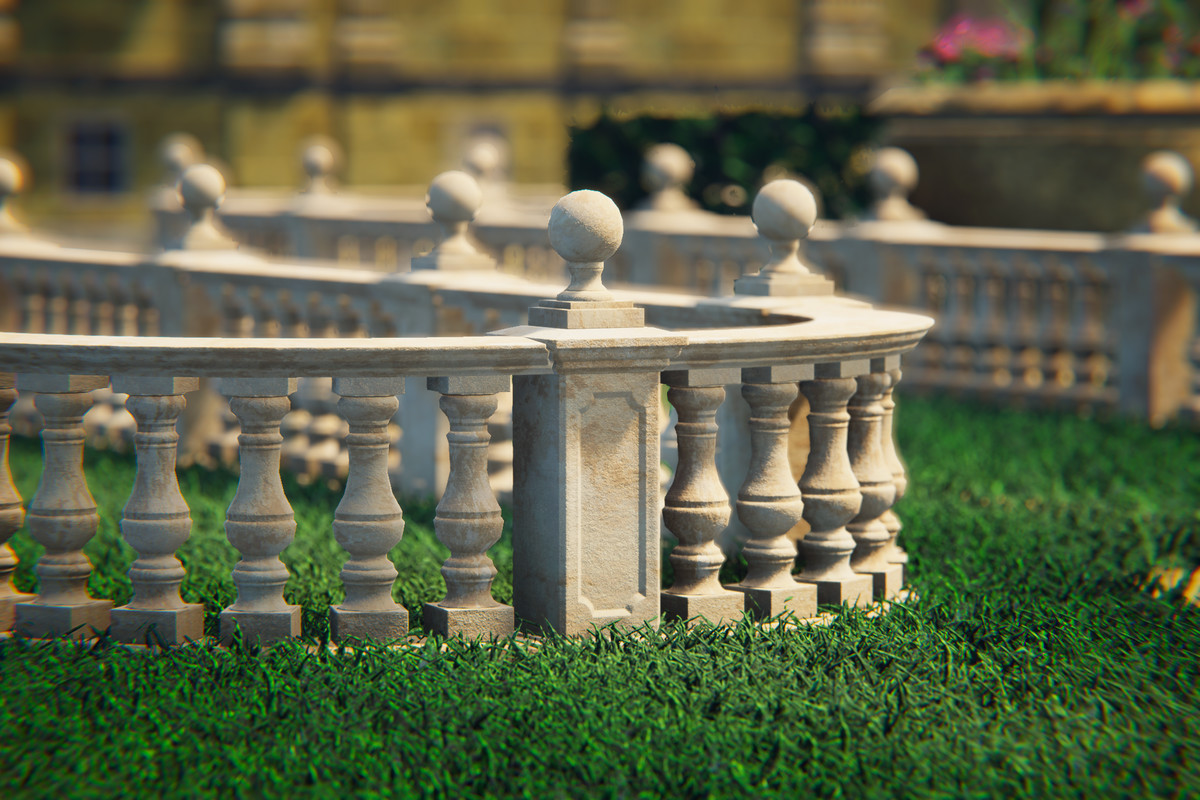
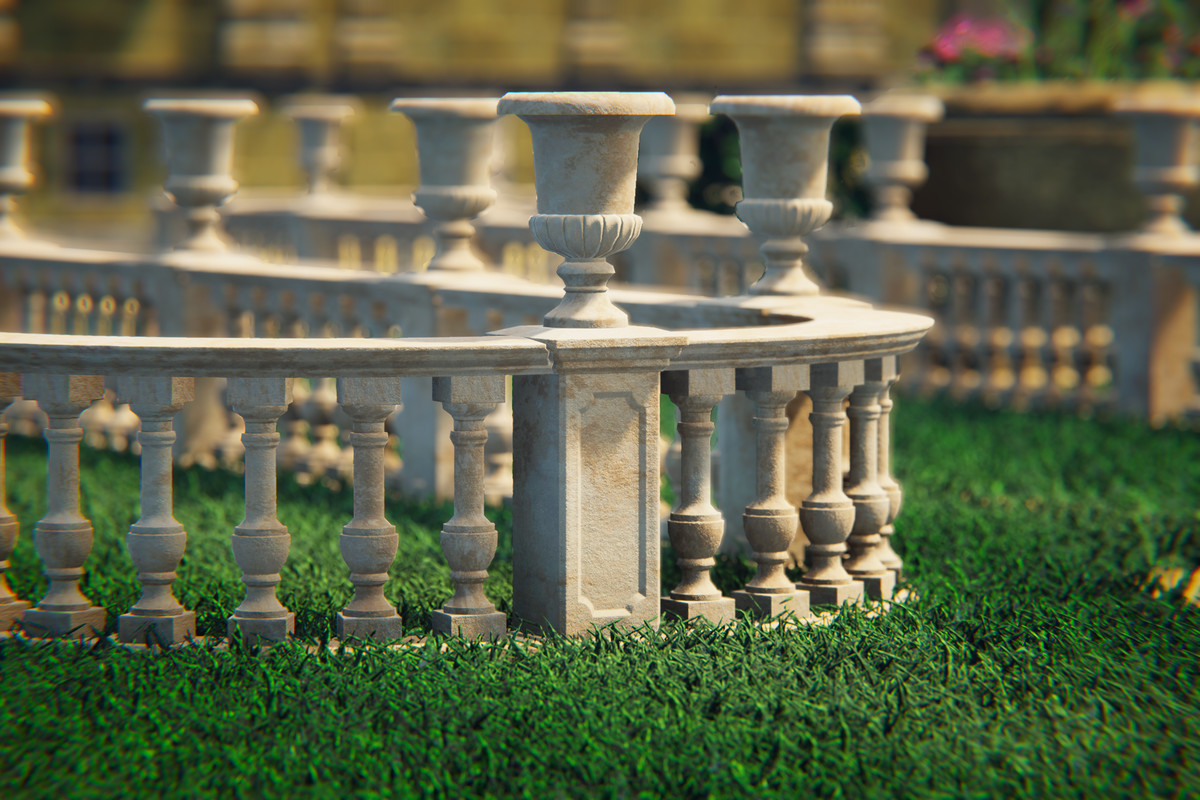
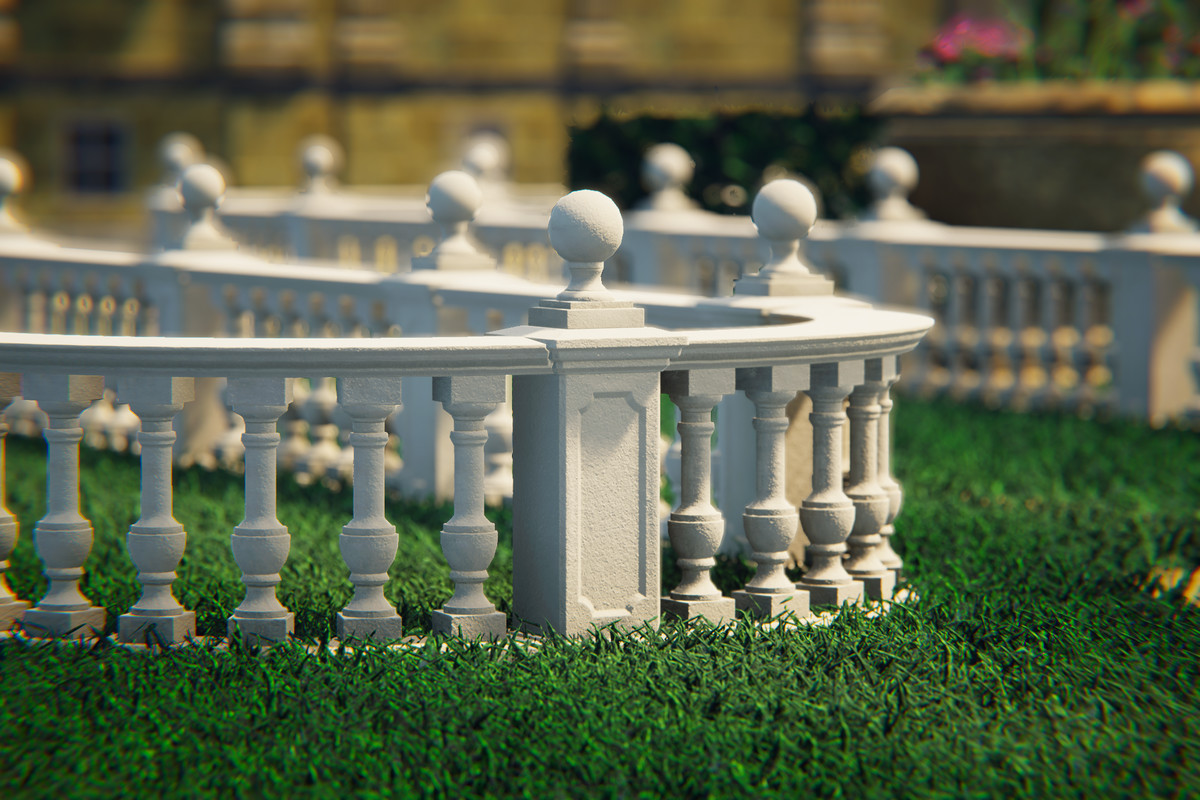
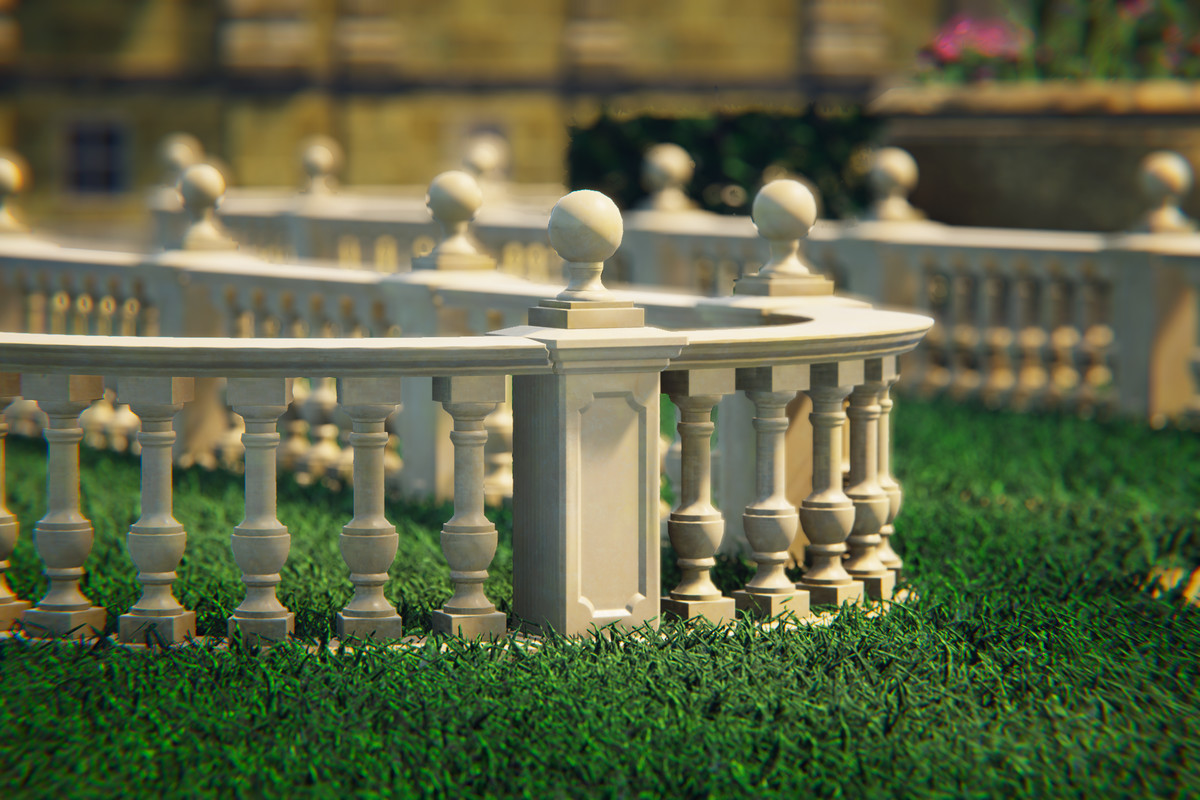
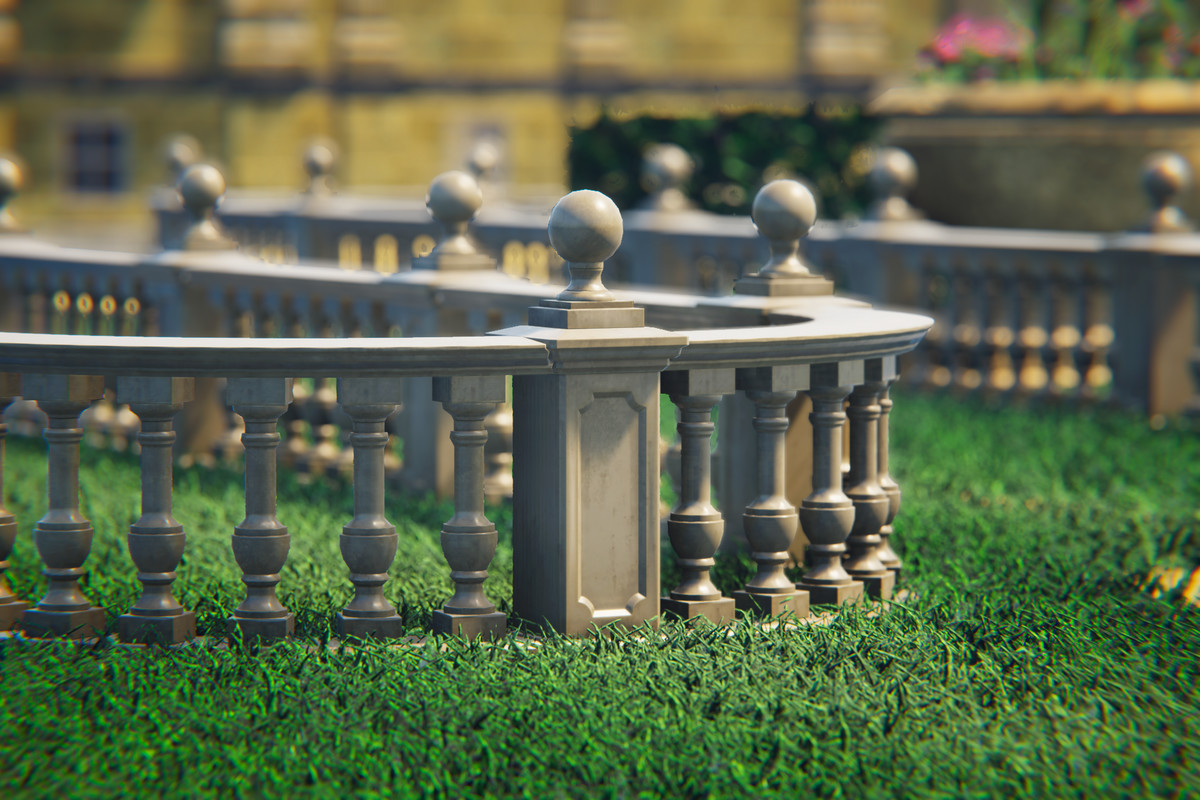
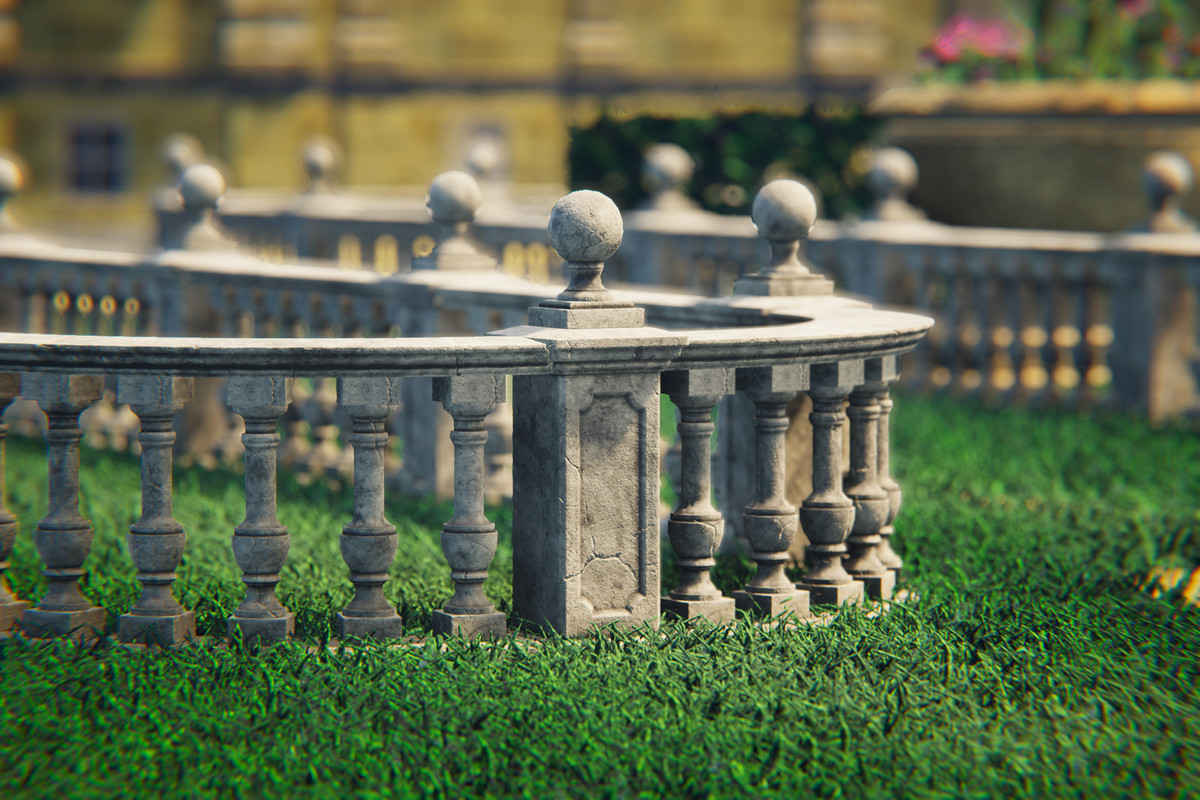
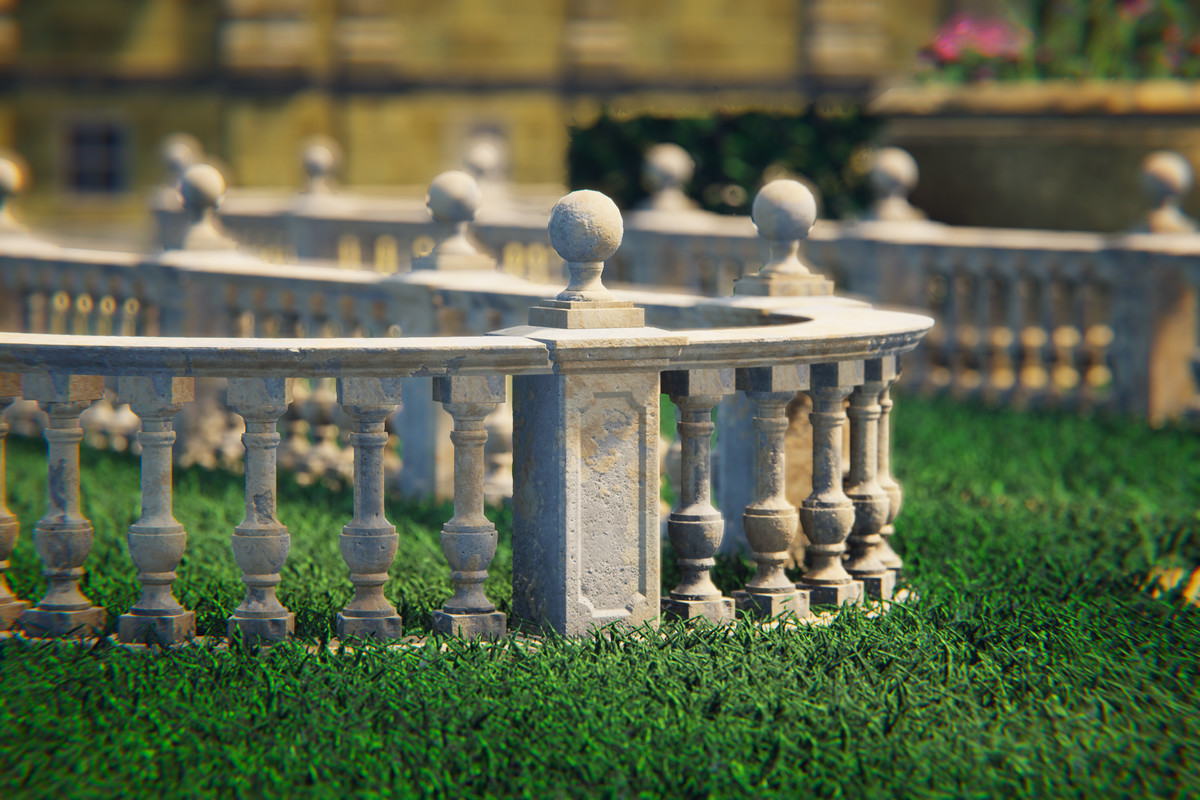
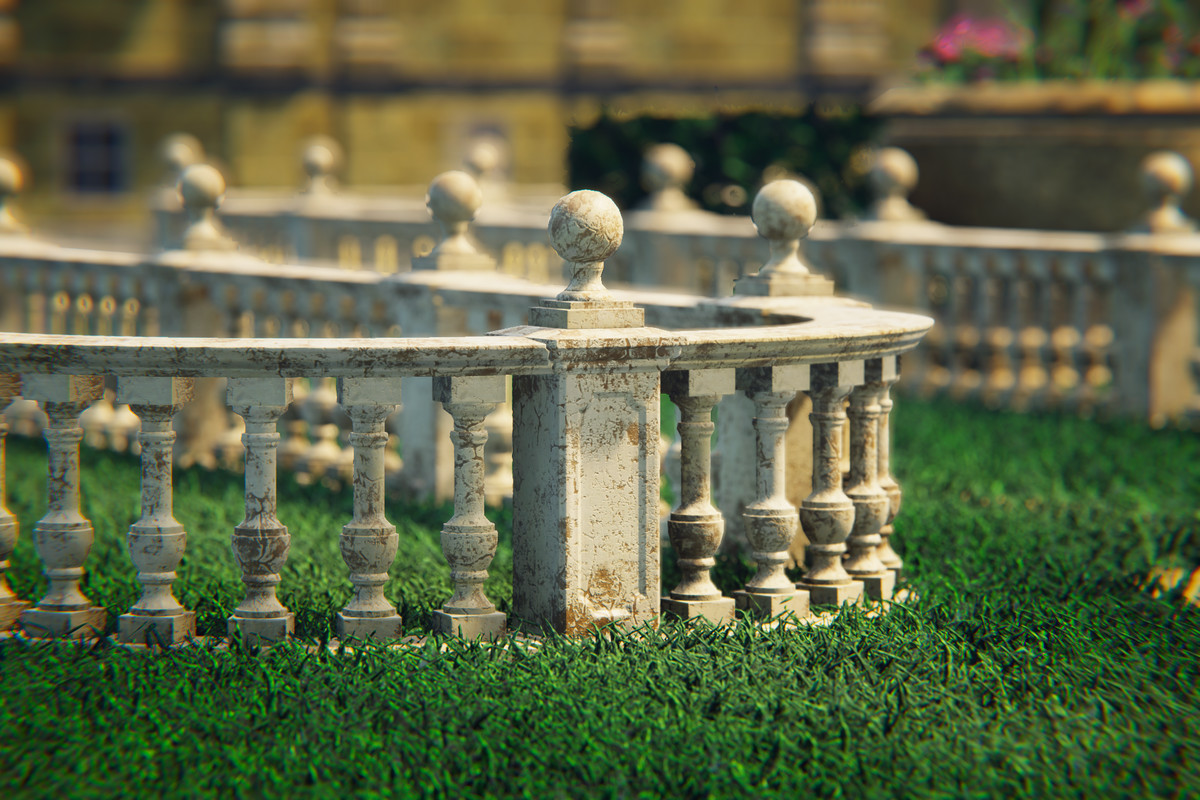
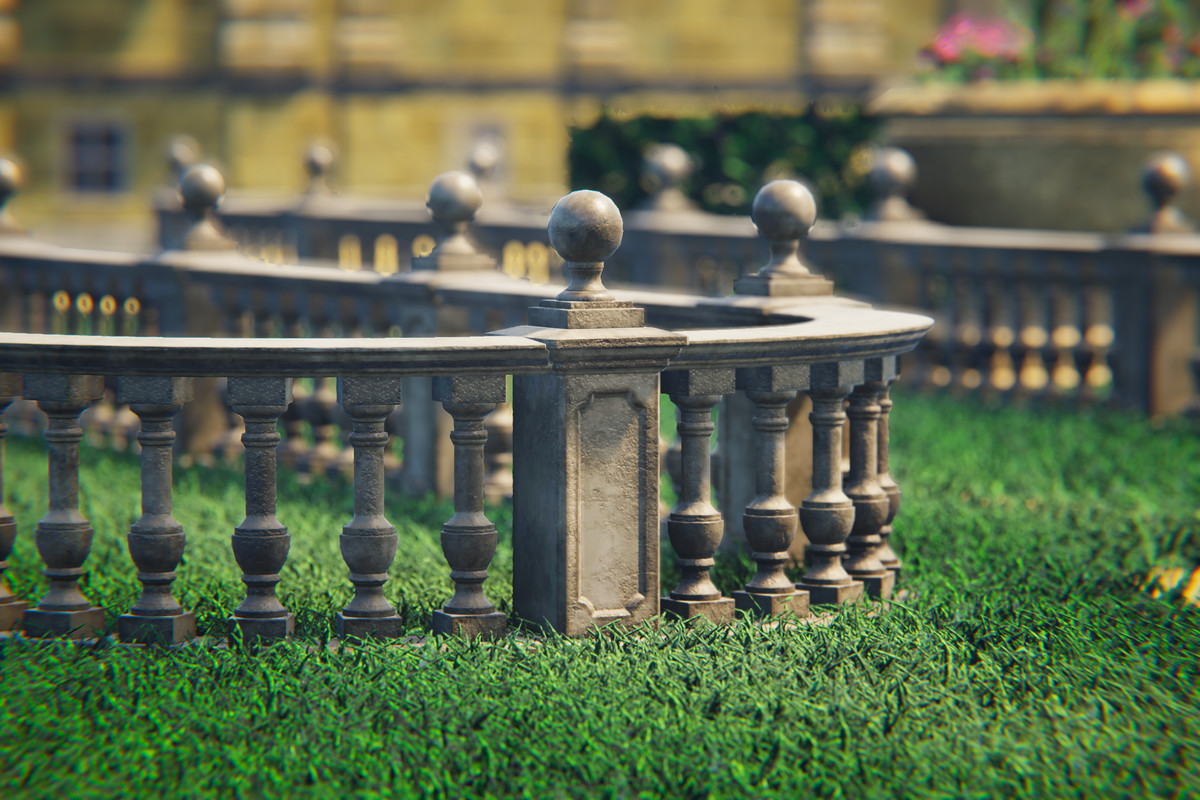
Switch entire balustrades between two visual variants with a single click. Each variant comes with 4 New and 4 Worn texture sets for maximum visual flexibility. V1 and V2 use different pillar sizes and rail lengths - the system recalculates all positions using topology-aware repositioning to keep everything aligned. Works reliably even when rail segments have been deleted.
- Smart Selection & Deletion:
Clicking a rail automatically co-selects its connected pillars for visual clarity. Shift-click to multi-select rails - pillars between them are highlighted automatically. Delete one or multiple rails in a single action; all affected pillars are repaired automatically.
- Pillar Protection:
Pillars cannot be accidentally deleted. The system intercepts delete commands on pillars to prevent broken balustrades.
- Full Undo/Redo:
Every action - including full Continue Build sessions - is grouped into a single undo step. Ctrl+Z reverts the entire operation, not individual pieces.
- Slope Tolerance:
A built-in 1° slope tolerance ensures balustrades are only placed on flat surfaces, maintaining architectural realism.
- Performance-Friendly:
The entire balustrade uses only 3 materials regardless of length or complexity. Combined with Unity's Static Batching, draw calls stay minimal even in large scenes.
🧱 Pillar Types
The system includes five pillar types that are automatically managed during construction:
- End Pillar (E) - Placed at the start and end of every balustrade segment
- Middle Pillar (M) - Connects two rails in a straight line
- T-Junction Pillar (T) - Connects three rails for branching layouts
- Corner Pillar (C) - 90° connection between two rails
- Corner 45° Pillar (C45) - 45° connection between two rails
🎯 Built for Balustrades
Purpose-built for modular balustrade construction - every feature, from snap logic to automatic pillar type management, is designed around how balustrades actually work in architecture.
📦 What's Included
- Complete Editor tool - no runtime dependencies
- Two visual variants (V1 & V2) with all pillar and rail prefabs
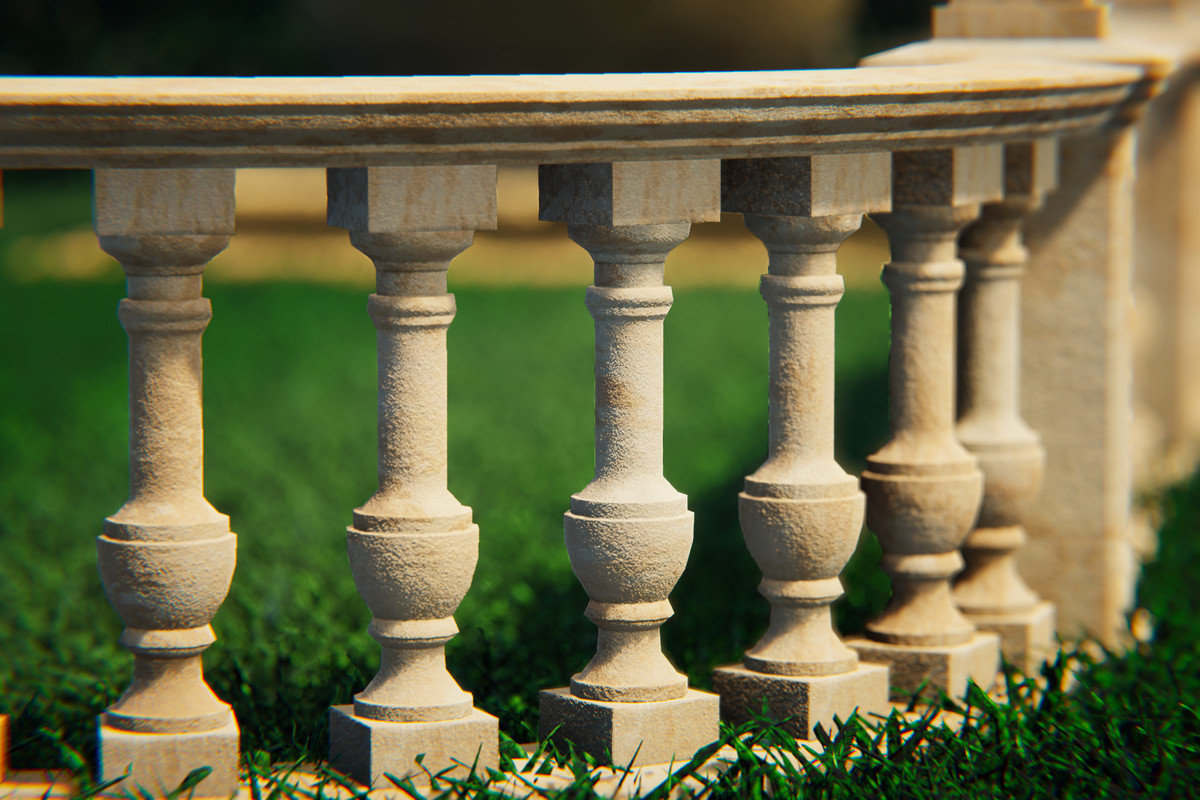
- All 12 baluster styles, straight and curved
- 4 pillar tops
- 8 Texture Sets: 4 New (clean) and 4 Worn (weathered) appearances
- All pillar types (End, Middle, T-Junction, Corner, Corner 45°)
- 62 prefabs, each with 3 LOD levels and a collider
- Full Built-In, URP, and HDRP render pipeline support - materials for your active pipeline are assigned automatically on import
🆓 Try Before You Buy
New here? Grab the free LITE version and test the complete editor tool in your own project first - it includes 3 of the 12 baluster styles (one finish, New + Worn) for all three render pipelines: 👉 Balustrade Modular System LITE
***Background Environment by Leartes Studios***
From the publisher's Asset Store listing.
Technical details
🧱 Topology (LOD0 / LOD1 / LOD2)
🔹Balusters (straight | curved)
- Style 1: 3,922 / 1,860 / 257 | 4,373 / 2,042 / 299
- Style 2: 3,418 / 1,612 / 217 | 3,869 / 1,786 / 257
- Style 3: 4,090 / 1,906 / 285 | 4,541 / 2,084 / 320
- Style 4: 3,418 / 1,570 / 212 | 3,869 / 1,755 / 255
- Style 5: 4,426 / 2,074 / 275 | 4,877 / 2,252 / 324
- Style 6: 4,090 / 1,906 / 264 | 4,541 / 2,084 / 305
- Style 7: 3,754 / 1,780 / 239 | 4,205 / 1,950 / 286
- Style 8: 2,214 / 989 / 98 | 2,665 / 1,174 / 139
- Style 9: 3,250 / 1,521 / 195 | 3,701 / 1,706 / 234
- Style 10: 4,426 / 2,116 / 264 | 4,877 / 2,287 / 324
- Style 11: 3,250 / 1,521 / 197 | 3,701 / 1,700 / 240
- Style 12: 2,004 / 760 / 56 | 2,455 / 934 / 76
🔹Pillars V1
- End: 406 / 198 / 36
- Middle and Corner: 342 / 169 / 30
- T-Junction: 278 / 138 / 22
- Corner 45°: 460 / 224 / 41
🔹Pillars V2
- End: 252 / 122 / 20
- Middle and Corner: 236 / 114 / 19
- T-Junction: 220 / 106 / 17
- Corner 45°: 318 / 154 / 26
🔹Tops
- Top 1: 350 / 164 / 25
- Top 2: 390 / 166 / 22
- Top 3: 372 / 178 / 32
- Top 4: 690 / 312 / 55
Baluster counts are the V1 prefabs; their V2 counterparts differ by less than 1%.
🎨 PBR Textures
- 24x BaseColor/Albedo Map (2048x2048) - All Pipelines
- 24x Normal Map (4096x4096) - All Pipelines
- 24x Metallic/Smoothness Map (2048x2048) - URP & Built-In
- 24x Ambient Occlusion Map (2048x2048) - URP & Built-In
- 24x Mask Map (2048x2048) - HDRP
🧩 Materials
- blstrs_new1_MAT
- blstrs_new2_MAT
- blstrs_new3_MAT
- blstrs_new4_MAT
- pillars_new1_MAT
- pillars_new2_MAT
- pillars_new3_MAT
- pillars_new4_MAT
- raitop_new1_MAT
- raitop_new2_MAT
- raitop_new3_MAT
- raitop_new4_MAT
- blstrs_worn1_MAT
- blstrs_worn2_MAT
- blstrs_worn3_MAT
- blstrs_worn4_MAT
- pillars_worn1_MAT
- pillars_worn2_MAT
- pillars_worn3_MAT
- pillars_worn4_MAT
- raitop_worn1_MAT
- raitop_worn2_MAT
- raitop_worn3_MAT
- raitop_worn4_MAT
- GhostPreview_MAT
🧾 Texture Format: PNG
📦 Mesh Format: FBX
Compatibility
| Unity version | Built-in | URP | HDRP |
|---|---|---|---|
| 6000.0.80f1 | Compatible | Compatible | Compatible |
Tested in Unity 6.0 LTS, 6.3 LTS and 6.5 .
As listed on the Asset Store.