
 View on Asset Store (opens in new tab)
Package details
- Latest version
- 1.1.2
- Last updated
- First released
- Unity version
- 6000.3.9 or later
- Package size
- 193 KB
- Files
- 14
- Favorites
- 186
- Views in the past week
- 35
Price tracking
- Last checked
- Tracked since
- Lowest recorded
- $3.99 on
Keywords

CRT Filter for URP & PixelPerfect
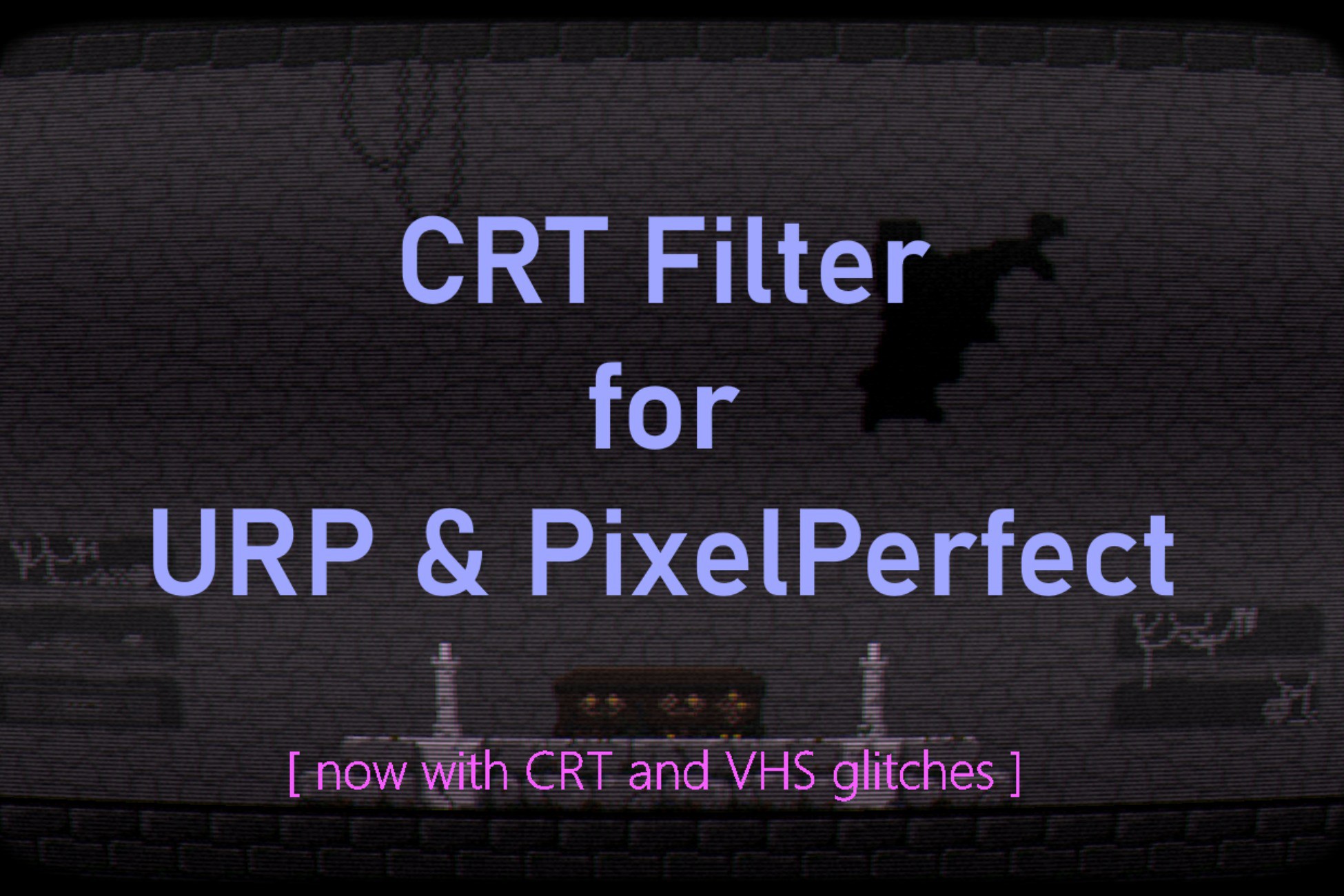
Easily customizable CRT effect usable either as a full screen effect or on any camera in the project using URP. It uses high-performance single pass shader to create many CRT artifacts and glitches.
Affiliate link · Purchases support this site
Price history
Last 6 months
USDAsset preview
1 / 6

CRT Filter for URP & PixelPerfect screenshot 1


About this asset
It's a high-performance, easy to configure shader. Shader is preconfigured for URP render pipeline by provided CRTRendererFeature that works out-of-the-box, but it's usable as a standalone shader as well. Configuration and instructions are provided for Unity 6 new render pipeline, but filter can be used also for Unity 2022.x.x or Unity 6 in the graphics Compatibility Mode (without Render Graph).
All parameters can be configured in range from 0 to 100%. If set to 0%, parameter is practically turned off with no effect on the final image.
Supported parameters:
- screen bend and overscan to simulate CRT curvature
- high-performance blur effect
- pixel bleed to simulate phosphor and beam glow
- pixel smidge - subtle effect that bleeds high luminous pixel on edges vertically
- scanlines and aperture lines
- animated shadow (interference) lines (horizontal or vertical)
- animated noise
- 8 glitch parameters - frequency, bands, position, flicker, movement speed, strength, noise and speed of noise
- vignette
- chromatic aberration with custom settings
- brightness / contrast / gamma settings
- individual R G B settings for under or over saturation
The filter uses a single-pass shader, which creates little to no performance impact (tested on my 2D pixel game with no detectable performance hit). When used on mobile devices (or devices without GPU in general), an alternate lite version of shader with limited effects but improved performance is provided.
The filter works on any type of game, but is especially suited for pixel art, as it makes each individual pixels look more natural.
The filter works in many project configurations as it's just a standard shader, but it was designed for URP (Universal Render Pipeline) with PixelPerfectCamera component. For more info, see the technical details.
Disclaimer:
Screenshots from games CursedCastilla and Metroid were used for demonstrational purposes only and are not a part of this package.
From the publisher's Asset Store listing.
Technical details
The CRTFilter was designed for URP (Universal Render Pipeline) and ideally with the PixelPerfectCamera component with enabled crop (any value except 'none').
The PixelPerfectCamera component provides a fixed target resolution independent of the real resolution of the user's device. This allows CRTFilter to properly align all pixel based effects (pixel bleed, pixel smidge, scanlines) to individual pixels, resulting in the intended image quality. However, these effects would still work even without PixelPerfectCamera or outside URP, just the pixel alignment may be off. This misalignment would be visible on full screen with "pixelated graphics", but is acceptable for high-res graphics or if the filter is used on in-game monitors (also in 3D games).
The filter works with standard post-processing. It's placed in the render pipeline based on selected injection point.
The filter is added as a Renderer Feature to a renderer. URP supports multiple renderers, and each camera can use a different one. This allows the filter to be used either as a fullscreen effect (applied to a main camera) or to create CRT effect on in-game monitors (rendered by a separate camera). The provided Renderer feature is just an example of the CRTFilter usage and provides preconfigured out-of-the-box functionality for URP. However, CRTFilter may be used as a standard shader in many other situations and configurations.
Compatibility
| Unity version | Built-in | URP | HDRP | Custom |
|---|---|---|---|---|
| 6000.3.9f1 | Not listed | Compatible | Not listed | Compatible |
As listed on the Asset Store.