
 View on Asset Store (opens in new tab)
Package details
- Latest version
- 1.0.4
- Last updated
- First released
- Unity version
- 2019.4.0 or later
- Package size
- 14.3 MB
- Files
- 85
- Favorites
- 38
- Views in the past week
- 14
Price tracking
- Last checked
- Tracked since
- Lowest recorded
- $11.99 on
Keywords

GT Grass
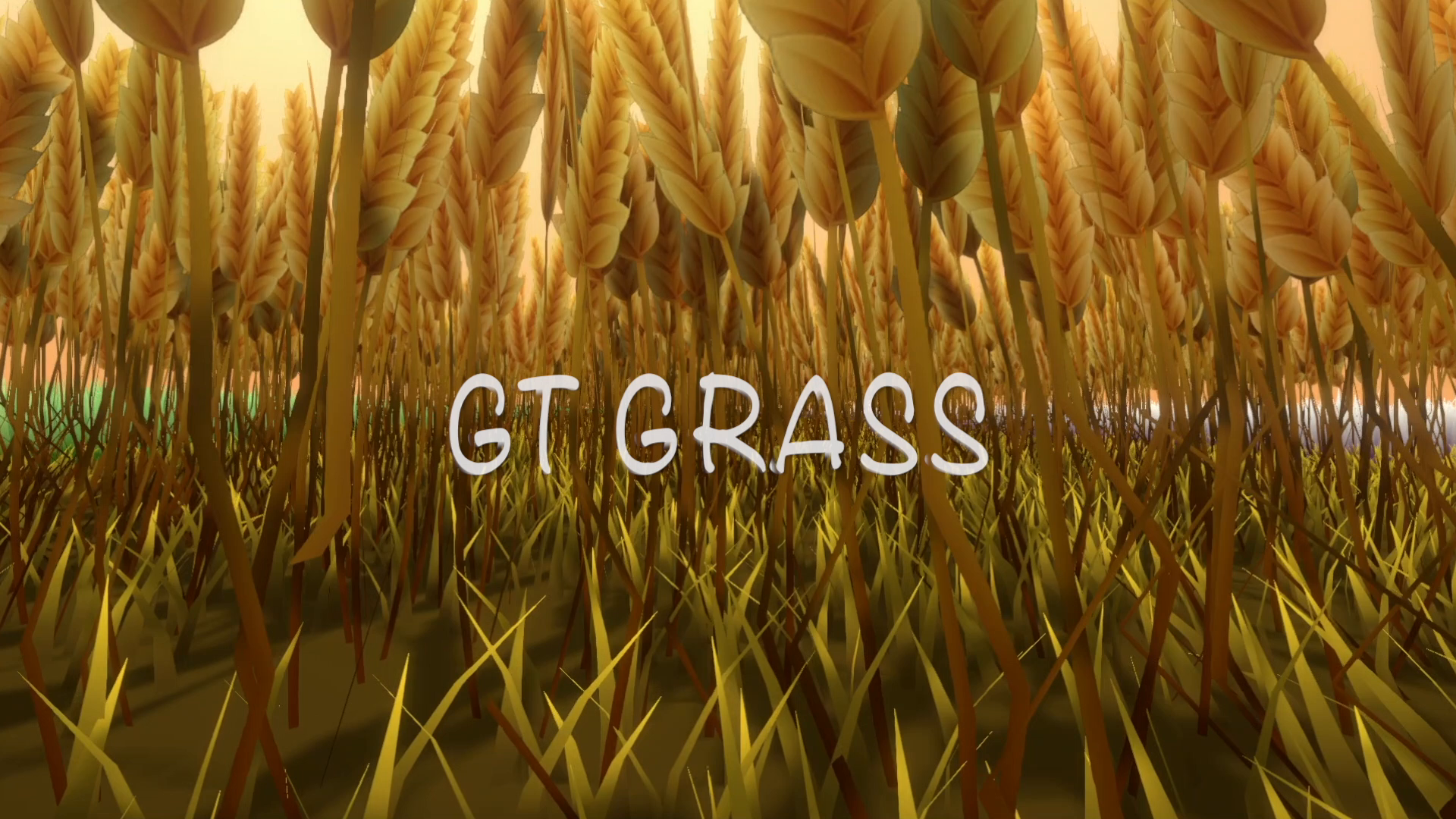
GT Grass is a well optimized stylized grass with the geometry + tessellation shader, which allows you to paint mass quantity on any surface. Built-in, URP and HDRP are supported.
Affiliate link · Purchases support this site
Price history
Last 6 months
USDAsset preview
1 / 9

GT Grass screenshot 1


About this asset
The GT Grass is a real time rendering grass, which is designed for stylized anime art style environment. You can customize the grass into different styles with the painting tool and the shader properties. A base texture is supported with AlphaClip, which allows you to use custom vegetation textures. The painting system procedurely creates triangle geometry, as the base of tessellation, builds up a fading system to optimize the grass performance.
Supported Platform: Windows, Android
Key Features
- GT Grass can be used in open world environment with massive quantity of grass
- You can paint grass with a built-in painting tool.
- Simple Lit and Unlit shaders are included in Built-in and URP, and Lit and Unlit shaders in HDRP
- A base texture is supported. You can use this to customize your vegetation to be grass or flowers.
- The Grass Diversity can be adjusted from color, width, height and bend.
- The Wind Map is supported.
- The Interaction with multiple characters is supported
- The GPUInstancing is supported so you can repeatly use the same grass mesh.
- The Fading System allows you to optimize the performance on GPU.
- The Data Management System allows you to easily manage your grass data during development.
Example Scenes are included, showing you how to use GTGrass in Built-in, URP and HDRP.
Documentation is included.
Customer Support
Unity Forum: https://forum.unity.com/threads/gt-grass.1325994/
E-mail: [email protected]
From the publisher's Asset Store listing.
Technical details
The Painting Tool is easy to use to paint grass.
The Data Management System allows you to manage your grass data easily.
The GTGrassHDRPLit Shader works the same as the default Lit shader in HDRP.
The GTGrassSimpleLit Shader receives directional, point and spot lights, and casts shadow in Built-in, URP.
The GTGrassHDRPUnlit and GTGrassUnlit Shader doesn't receive any light or shadow.
The Fading Distance can be adjusted to reveal grass based on distance to camera.
The Grass Diversity can be adjusted from color, width, height and bending on the shader.
The BaseMap can be used to customize your grass shape.
A Wind Map can be used to create wind animation
The Multiple Player Interaction is supported and adjustable.
Compatibility
| Unity version | Built-in | URP | HDRP |
|---|---|---|---|
| 6000.3.8f1 | Compatible | Compatible | Compatible |
| 2022.2.8f1 | Compatible | Compatible | Compatible |
| 2021.3.5f1 | Compatible | Compatible | Compatible |
| 2020.3.33f1 | Compatible | Compatible | Compatible |
| 2019.4.0f1 | Compatible | Compatible | Compatible |
The example scenes are setup with corresponding materials. For URP, please create rendering assets at "Create > Rendering > Universal Rendering Pipeline > Pipeline Asset" and assign it in the Graphics settings. For HDRP, please create rendering assets at "Create > Rendering > HDRP Asset" and assign it in the Graphics settings.
As listed on the Asset Store.