
 View on Asset Store (opens in new tab)
Package details
- Latest version
- 1.0.2
- Last updated
- First released
- Unity version
- 2022.3.13 or later
- Package size
- 1.9 MB
- Files
- 67
- Favorites
- 116
- Views in the past week
- 27
Price tracking
- Last checked
- Tracked since
- Lowest recorded
- Free on
Keywords

Dynamic Floating Text
- Price drop
Dynamic Floating Text provides you with the ability to create customisable floating text effects, useful for combat, dialogue and more. Uses TextMeshPro and supports both 2D and 3D.
Affiliate link · Purchases support this site
Price history
Last 6 months
USDAsset preview
1 / 5

Dynamic Floating Text screenshot 1


About this asset
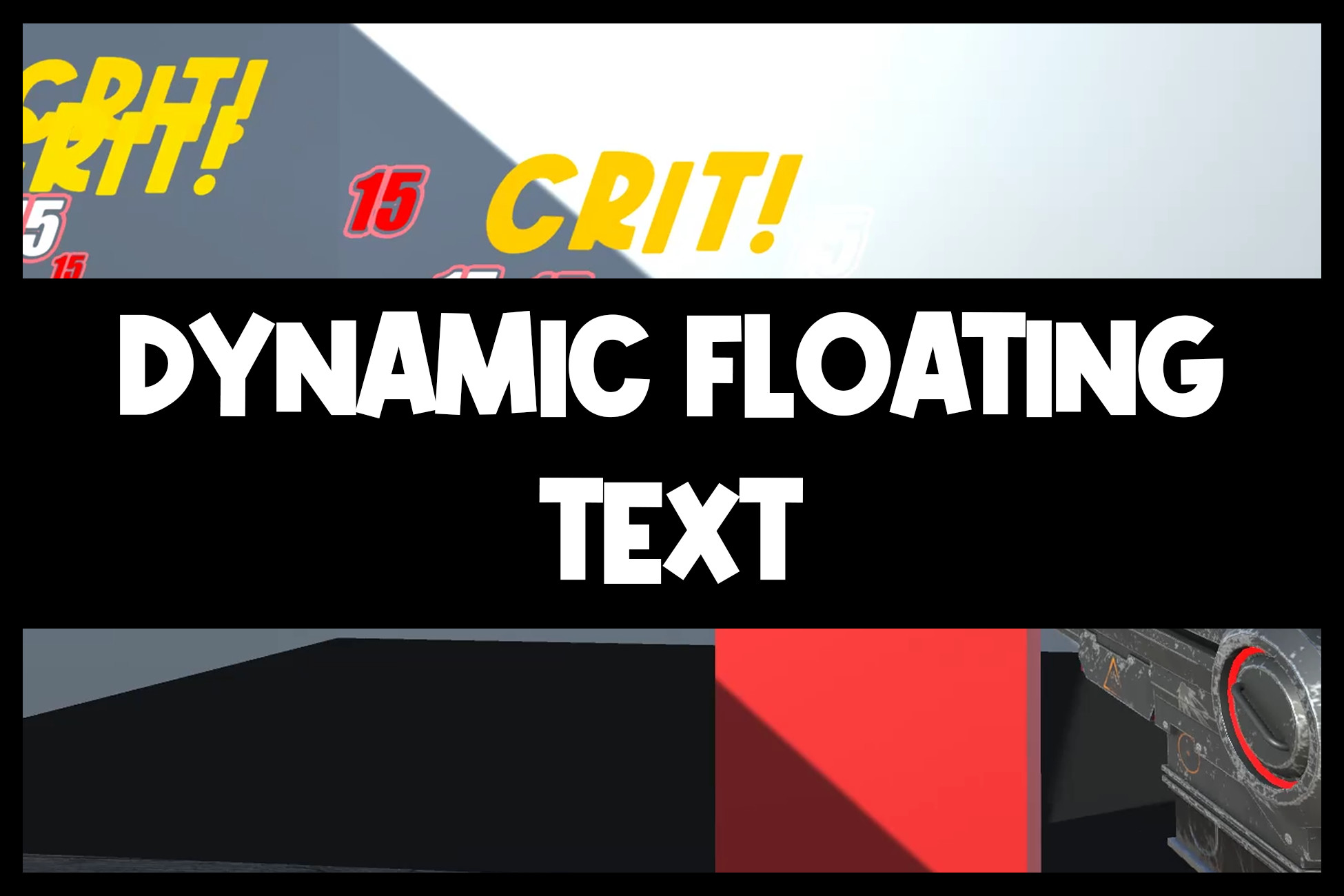
Dynamic Floating Text aims to be the most accessible and powerful option for floating text. Supporting both 2D and 3D, this project is available to everyone looking to implement this sort of solution to their own project.
Dynamic Floating Text is simple - different floating text options are stored in ScriptableObjects, which makes the storage of different sets of options easier than any alternative. These options can then be stored on other objects and passed to instantiate floating text.
Not just the storage of data is simple but also setup and instantiation. Setup is as simple as adding the Dynamic Text Manager component to your Game Manager object and then attaching some provided prefabs. Done! Instantiation is then as simple as calling a single line of code: DynamicTextManager.CreateText(), passing three parameters - position, the actual text you want to appear, and the data you want to use. There is an equivalent 2D version, DynamicTextManager.CreateText2D(), that works in exactly the same way.
With Dynamic Floating Text, you can customise a lot. You can make your text change colour - this change of colour can be instant, or it can fade between colours on a gradient. You can choose how long this transition takes, and how many times the text will change colour. All these options exist for size, too. You can choose how your text animates after spawning in - does it fade in? Pop in? Bounce in? You can combine these options, too. You can also choose how your text animates when despawning.
All in all, I have attempted to make Dynamic Floating Text the best option on all fronts when it comes to floating text. You won't find a better free option with the same functionality anywhere else.
From the publisher's Asset Store listing.
Compatibility
| Unity version | Built-in | URP | HDRP | Custom |
|---|---|---|---|---|
| 2022.3.13f1 | Compatible | Compatible | Compatible | Compatible |
As listed on the Asset Store.