
 View on Asset Store (opens in new tab)
Package details
- Latest version
- v2.0.0
- Last updated
- First released
- Unity version
- 2022.3.62 or later
- Package size
- 7.9 MB
- Files
- 38
- Favorites
- 27
- Views in the past week
- 15
Price tracking
- Last checked
- Tracked since
- Lowest recorded
- $23.40 on
Keywords
PrintLib - Printing System
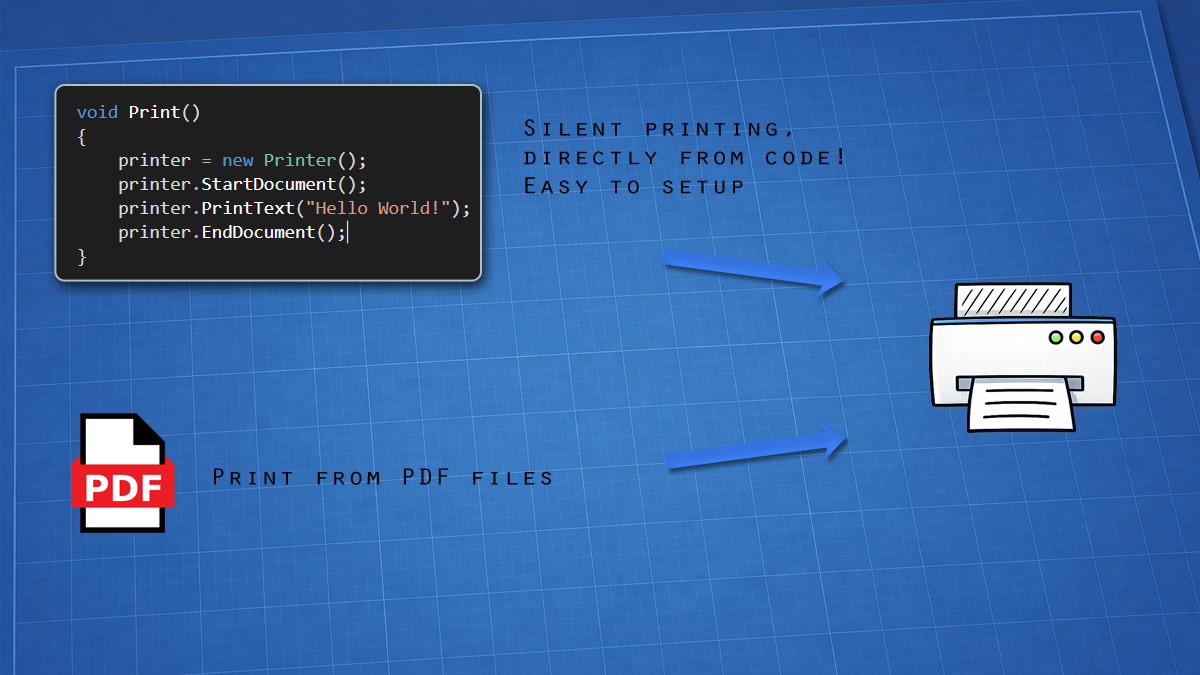
Print real documents from Unity: vector text with system fonts, images and PDF files, on Windows, macOS, iOS and Android. Silent printing, PDF export, print jobs and printer status.
Affiliate link · Purchases support this site
Price history
Last 6 months
USDAsset preview
1 / 3
PrintLib - Printing System screenshot 1
About this asset
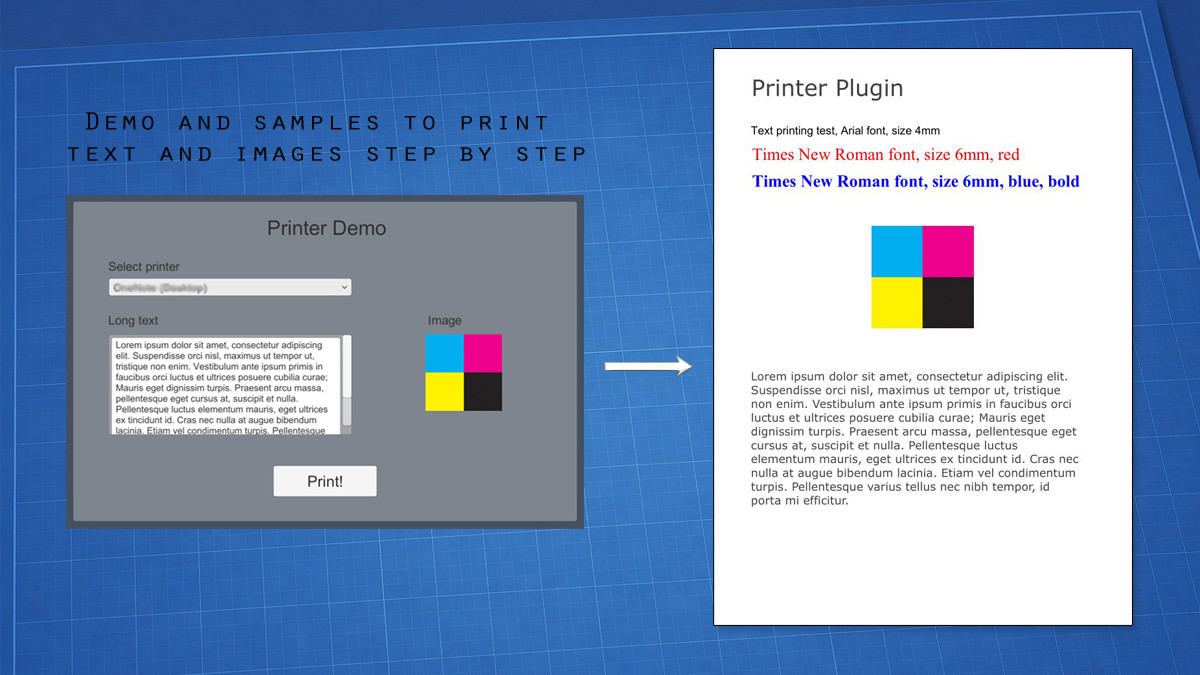
PrintLib (formerly "Printer Plugin") prints real documents, not screenshots.
Text is printed as vector text, PDF files are printed in vector quality, and every element is placed in millimeters. Your prints stay sharp at any printer resolution, exactly like a document printed from a word processor: no blurry captures of the screen, no pixelated text.
Compose receipts, reports, invoices, certificates, tickets and forms with a few lines of C#, then send them to a printer or save them as a PDF file, with the same code on every platform.
REAL DOCUMENTS, IN VECTOR QUALITY
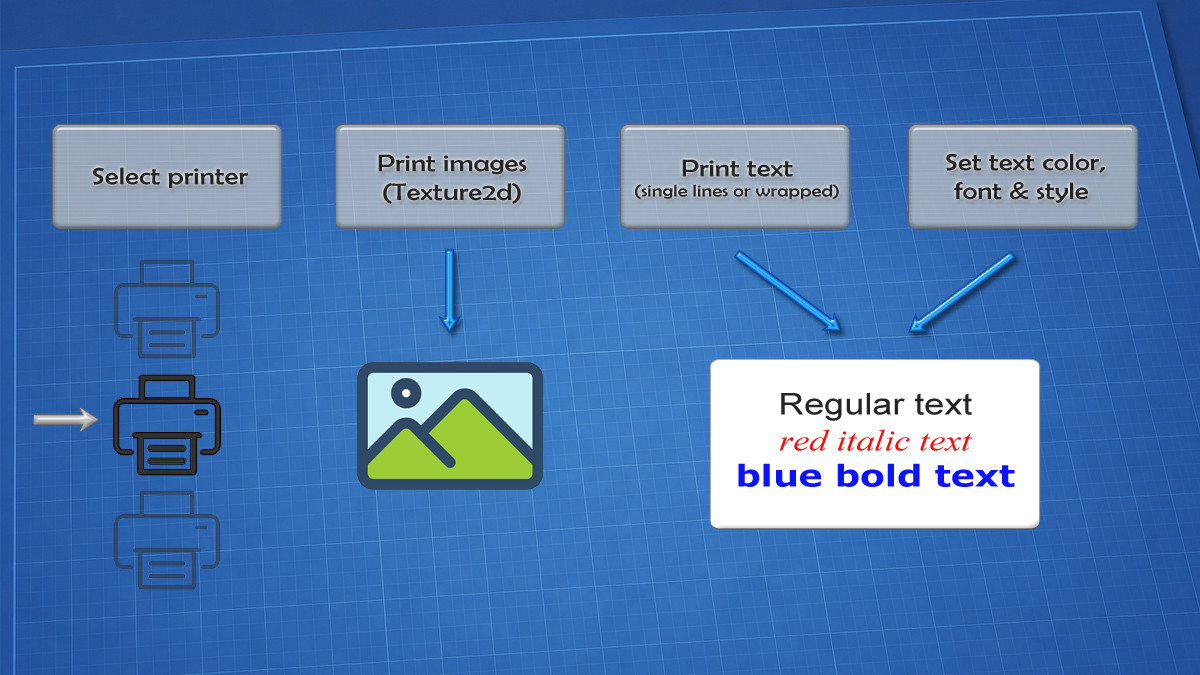
• Vector text with any installed font, size, color and style (bold, italic, underline, strikeout), on a single line or wrapped inside a rectangle with horizontal and vertical alignment.
• PDF printing in vector quality: print whole PDF files or single pages, fit to page, fill the page, at actual size or at a custom size. A raster mode is available for printer drivers that handle transparency badly.
• PDF as a template: print a PDF page as a background and add your own text and images over it (certificates, forms, tickets).
• Millimeter coordinates: the layout is the same on every printer, whatever its DPI.
• Multi-page documents mixing text, images and PDF pages.
EXPORT TO PDF
• Save any document to a PDF file instead of printing it: same drawing code, with searchable text and vector PDF pages. Ideal for reports and receipts, or to keep a copy of everything you print.
PRINT WHAT UNITY RENDERS
• Print a Camera, a uGUI / TextMeshPro Canvas, a RenderTexture or the whole screen, rendered at print resolution (300 DPI by default), not at screen resolution.
• Print any Texture2D (Read/Write not required) or image file from disk.
NATIVE PRINTING ON 4 PLATFORMS
• Windows (64 and 32 bit): silent printing on any installed printer, printer list and default printer, printer settings dialog. No Visual C++ Redistributable needed.
• macOS (Apple silicon and Intel): silent printing through the system print service (CUPS), printer list and default printer.
• iOS: AirPrint. The user picks a printer once, then your app prints on it without dialogs, and the printer can be remembered between sessions.
• Android: the system print dialog, with preview and printer selection.
• Also works in the Unity Editor on Windows and macOS.
FULL CONTROL OF THE PRINTER
• Paper format (20 standard formats, A and B series, North American formats, envelopes) or a custom paper size, orientation, color or monochrome, copies, DPI and double-sided printing.
• Print jobs: follow every job (queued, printing, completed, cancelled) with an async/await call, pause, resume or cancel it.
• Printer status: paper out, paper jam, offline, door open, toner low… On macOS, network printers are asked directly for a reliable status.
BUILT FOR REAL PROJECTS
• Capabilities: check at runtime what the current platform supports (Printer.Supports) and adapt your code and your UI.
• Readable errors: every failure tells you why (printer not found, file not found, password-protected PDF…), including the message of the operating system.
• Tested on real printers, on all supported platforms.
• Also an easy-to-use wrapper of the Windows printing API (GDI+, print spooler) and of CUPS / Core Graphics on macOS.
WHAT'S INCLUDED
• C# source code of the whole API, native plugins for Windows and macOS, native sources for iOS and Android.
• Two demo scenes: text, images and job status (with "Save as PDF"), and PDF printing with all its options.
• A complete user manual with an API reference organized by topic, showing what is available on each platform.
• AI assistant skills: ready-made instructions that teach AI coding assistants how to use PrintLib, so you can just ask them to "add a print button".
REQUIREMENTS
• Unity 2022.3 LTS or newer.
• Windows 10/11, macOS, iOS, Android.
From the publisher's Asset Store listing.
Technical details
• Vector text with system fonts: size, color, style, wrapping and alignment
• PDF printing in vector quality, whole files or single pages
• Use a PDF as a template and print over it
• Export any document to PDF, with searchable text
• Print Cameras, uGUI / TextMeshPro Canvases, RenderTextures and the screen at print resolution
• Print Texture2D and image files
• Millimeter coordinates, multi-page documents
• Windows and macOS: silent printing, printer list, default printer
• iOS (AirPrint): pick a printer once, then print without dialogs
• Android: system print dialog with preview
• Paper formats, custom paper size, orientation, color, copies, DPI, duplex
• Print jobs with async/await: status, pause, resume, cancel
• Printer status: paper out, offline, paper jam…
• Runtime capabilities and readable error messages
• Works in the Editor (Windows, macOS)
• C# source, demo scenes, full manual, AI assistant skills
Compatibility
| Unity version | Built-in | URP | HDRP | Custom |
|---|---|---|---|---|
| 2022.3.62f3 | Compatible | Compatible | Compatible | Compatible |
Platforms: Windows (x86, x64), macOS (Apple silicon, Intel), iOS, Android. Editor: Windows and macOS.
Not supported: Linux, WebGL, consoles (the API compiles, but printing is not available).
Render pipelines: Built-in, URP and HDRP. The pipeline matters only for PrintCamera / PrintCanvas / PrintScreenAsync; text, images and PDF do not depend on it.
As listed on the Asset Store.