
 View on Asset Store (opens in new tab)
Package details
- Latest version
- 1.0.0
- Last updated
- First released
- Unity version
- 2020.3.22 or later
- Package size
- 110 KB
- Files
- 14
- Favorites
- 17
- Views in the past week
- 9
Price tracking
- Last checked
- Tracked since
- Lowest recorded
- Free on
Keywords

Easy Custom Cursor
- Price drop
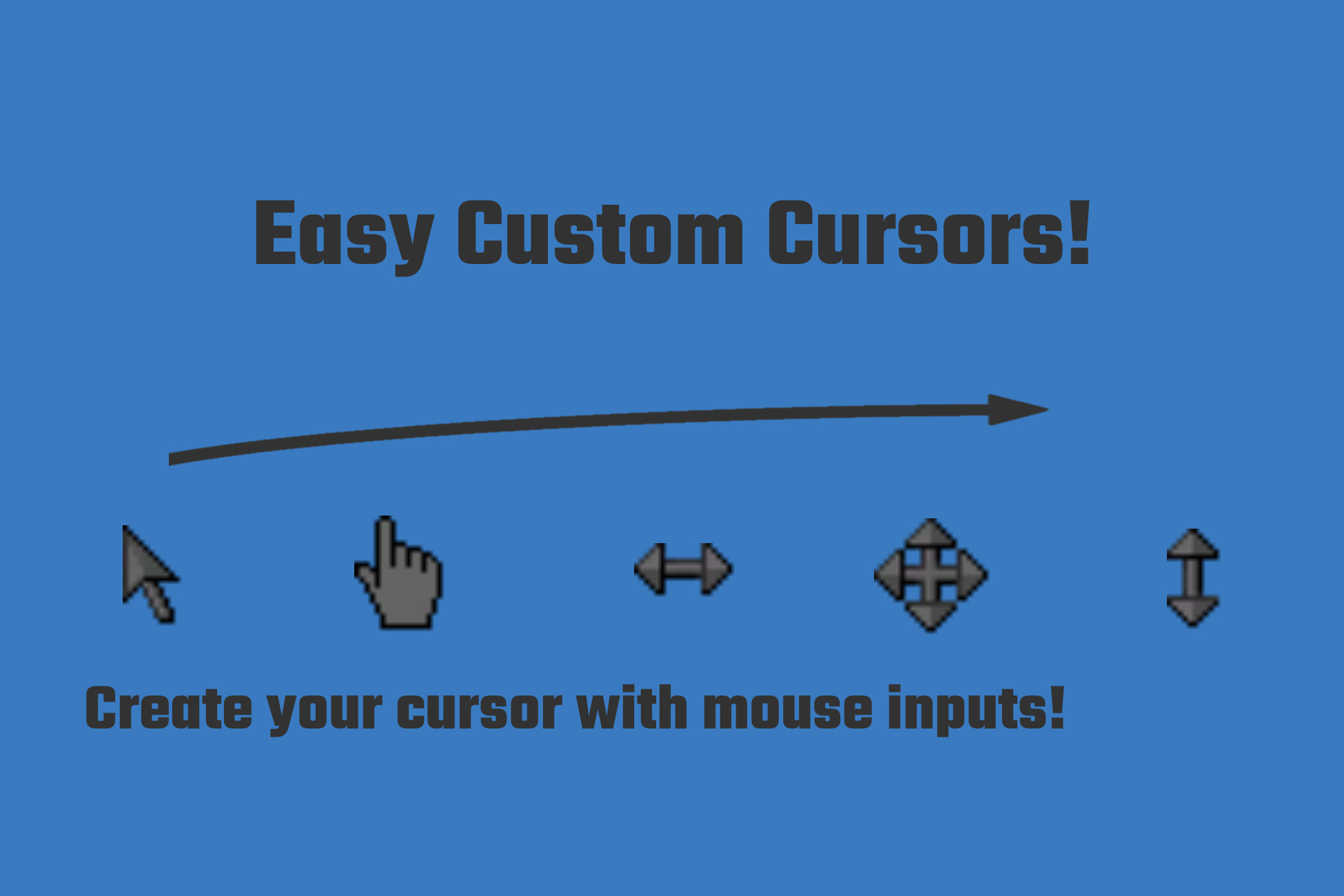
The Easy Custom Cursor allows you to really quickly setup a cool looking cursor for your project, as well as quickly setting up a mouse controller. With easy customizability!
Affiliate link · Purchases support this site
Price history
Last 6 months
USDAsset preview
1 / 1

Easy Custom Cursor screenshot 1
About this asset
After installation, this asset uses a single prefab for quick setup. Whenever this prefab is placed under a canvas it will behave as a new cursor. It changes the look of the cursor when using different mouse buttons, and its implementation is easily modified or added to for different or extra behaviour.
The package comes with an example of how this cursor could be used, including sprites. The high customizability allows this asset to be for any genre where the player uses a mouse (menus, or a RPG, or a tycoon are good examples). It could even have a trail of particles (Unity Particles) behind your cursor!
From the publisher's Asset Store listing.
Technical details
- Changing the cursor sprite upon clicking different mouse buttons:
- Left-clicking
- Right-clicking
- Clicking the Scrollwheel
- Changes the cursor sprite upon scrolling
- Optional trail using the particle system of Unity
- Uses the new Input system of Unity
Compatibility
| Unity version | Built-in | URP | HDRP |
|---|---|---|---|
| 2020.3.22f1 | Compatible | Not listed | Not listed |
This package uses the new Unity Input system, it cannot be used without it.
As listed on the Asset Store.