
 View on Asset Store (opens in new tab)
Package details
- Latest version
- 1.0
- Last updated
- First released
- Unity version
- 2020.3.30 or later
- Package size
- 10.2 MB
- Files
- 14
- Favorites
- 11
- Views in the past week
- 8
Price tracking
- Last checked
- Tracked since
- Lowest recorded
- $17.50 on
Keywords
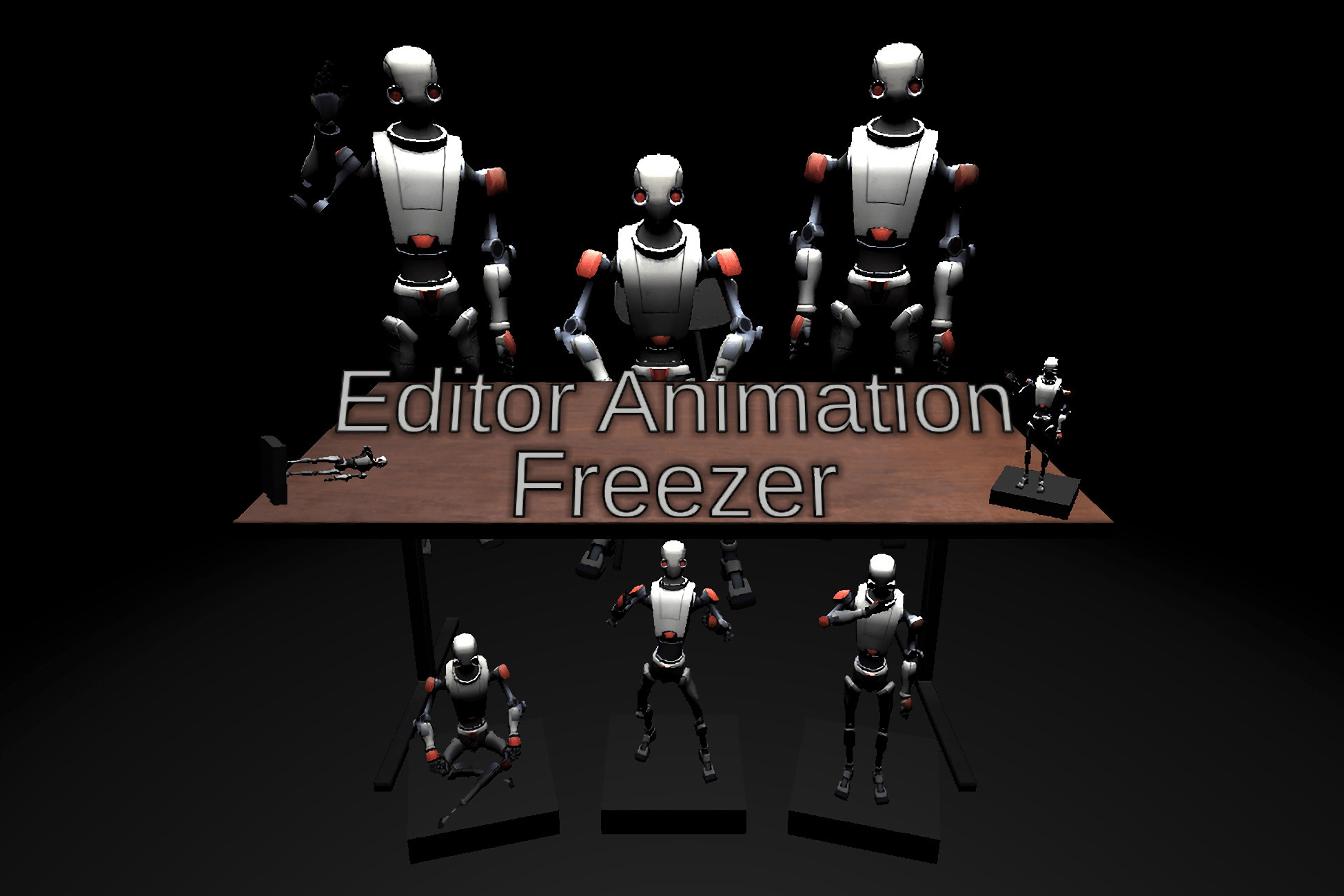
Editor Animation Freezer
A tool that allows Animators to be frozen in their current state in the Unity Editor. Useful for positioning waypoints, making 'collectibles' of models frozen in an animation frame, and more.
Affiliate link · Purchases support this site
Price history
Last 6 months
USDAsset preview
1 / 2

Editor Animation Freezer video 1

About this asset
Ever wish you could freeze an object in a specific animation frame while positioning it in your scene view? Now you can with Editor Animation Freezer!
Editor Animation Freezer is a simple, yet powerful and useful tool that allows a developer to freeze multiple Animators at a given frame in the Unity Editor when used in conjunction with Unity's built-in Animation Window.
Features:
- Freeze or unfreeze Animators in their current state while in the Editor.
- Permanently freeze a model's transform values at a desired animation frame even if the Animator is removed after.
- No runtime overhead.
- Simple, easy-to-use.
- Toolbar menu items for freezing or unfreezing Animators.
Coming Soon:
- UI buttons in the scene view visible when applicable to freeze or unfreeze Animators.
Notes:
- This asset does not save any data and therefore stops managing frozen models once the editor is restarted or a new scene is loaded, this is useful for creating models that are permanently frozen in an animation frame without the need for an attached Animator however due to this is it recommended to keep unmodified backups of models with their default t-pose/transform values.
Email any questions, bug reports, help requests, or other inquiries to [email protected].
From the publisher's Asset Store listing.
Technical details
Tested on Unity 2020.3.30f1 but should work across wide array of versions, report any issues to [email protected] so they can be fixed ASAP.
Compatibility
| Unity version | Built-in | URP | HDRP | Custom |
|---|---|---|---|---|
| 2020.3.30f1 | Compatible | Compatible | Compatible | Compatible |
Compatible with all rendering pipelines and input systems.
As listed on the Asset Store.