
 View on Asset Store (opens in new tab)
Package details
- Latest version
- 1.4.6
- Last updated
- First released
- Unity version
- 2022.3.52 or later
- Package size
- 346.7 MB
- Files
- 655
- Favorites
- 125
- Views in the past week
- 41
- Requires
Price tracking
- Last checked
- Tracked since
- Lowest recorded
- $30.00 on
Keywords

MultiTPS - Multiplayer Game Project
- Price drop
MultiTPS is a template project designed for creating multiplayer third person pvp & pve arena shooter games.
Lowest in 6 months
Get 20% off on Asset Store (opens in new tab)Affiliate link · Purchases support this site
Price history
Last 6 months
USDAsset preview
1 / 14

MultiTPS - Multiplayer Game Project screenshot 1


About this asset
MTPSKit is multiplayer shooter template that You can build your project upon. It has all the necessary features that multiplayer shooter needs.
1. Weapons
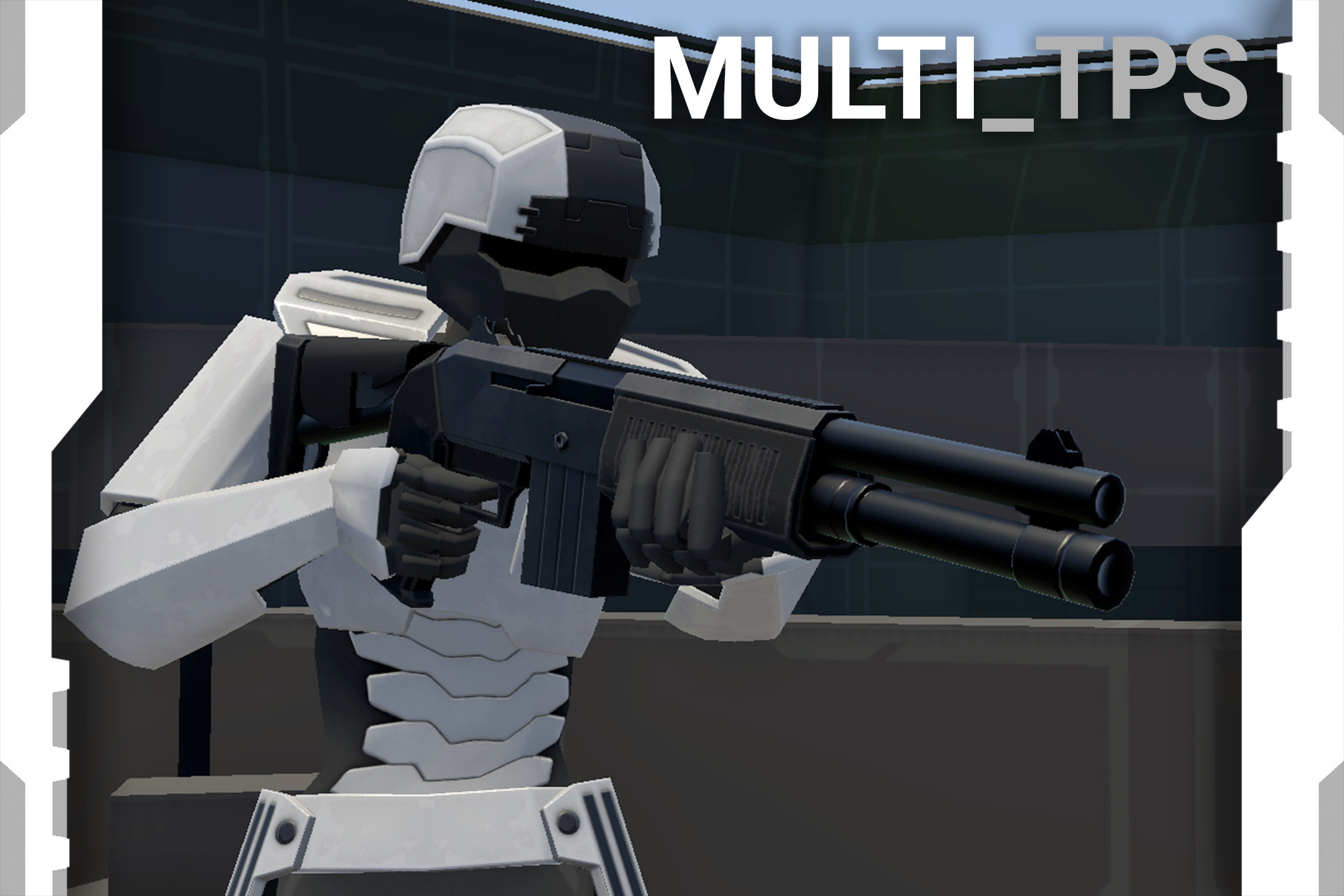
MultiTPS comes with 8 varied weapons: Pistol, Rifle, Shotgun, SMG, SniperRifle, Minigun, Grenade, Melee weapon
2. Example maps
MultiTPS includes 3 example maps with their specific game modes.
3. Gamemodes
MultiTPS comes with 2 gamemodes
• Deathmatch
• TeamDeathmatch
4. Server List
Server List: MultiTPS can be set up to work with the included server list system. Players can create a lobby using a simple form, and that lobby will be visible to others in the server list.
5. Scoreboard
Scoreboard shows other players, their stats and latency
6. Bots
Host can make the game spawn bots in place of empty slots. They will join different teams and navigate around the map to take down players/bots from the enemy team. They can spawn with random weapons. They can use every weapon a regular player can. They can change weapons during combat. When real player connects during the game, one of the spawned bots will "disconnect" to make room for the connected player.
7. Player controller
Player can walk, run, jump and crouch. Character model has unique animations for each weapon.
Detailed Killfeed
The killfeed shows who killed who and with which weapon. It also features special icons if a player was killed by a headshot, or died from fall damage.
Ragdoll
Ragdolls are synchronized across all clients. Everyone will see exactly the same pose on a dead body. Ragdoll behavior on death will depend on the type of weapon used to kill and on the movement of the victim.
Key features:
- Room creator panel which lets you adjust your game before hosting
- Fully animated and synchronized player controller
- 8 weapons: Rifle, pistol, shotgun, granades, melee item, minigun, smg, sniper rifle
- Inventory UI
- Picking up and droping items
- Bots
- 3 Maps
- 2 Gamemodes: Deathmatch and TeamDeathmatch
- Killfeed with item icons
- Scoreboard
- Chat
- Object pooling for sparks created by bullet hits
- Ragdoll synchronization
- Simple settings panel for changing audio volume and mouse sensitivity
- Pickable first aid kit
- Pickable granades
- ServerList - Rest API that will serve server list and boot multifps when player creates lobby from game client
If you have any questions feel free to get in touch
From the publisher's Asset Store listing.
Technical details
-There is one player prefab that gets loaded skins, not separate prefab for each skin. AI also uses same player prefab as normal players
-This asset is template project for multiplayer fps games, I does not come with any external lobby/matchmaking/user accounts system.
-Character model uses custom rig that does not match humanoid skeleton
-This asset uses Unity's Animation Rigging package
Compatibility
| Unity version | Built-in | URP | HDRP |
|---|---|---|---|
| 6000.3.9f1 | Not listed | Compatible | Not listed |
| 2022.3.52f1 | Not listed | Compatible | Not listed |
Asset uses built-in render pipeline but unity allows You to easily convert it to urp or hdrp
As listed on the Asset Store.