
 View on Asset Store (opens in new tab)
Package details
- Latest version
- 1.1.1
- Last updated
- First released
- Unity version
- 2021.3.15 or later
- Package size
- 16.0 MB
- Files
- 301
- Favorites
- 26
- Views in the past week
- 15
Price tracking
- Last checked
- Tracked since
- Lowest recorded
- $9.99 on
Keywords
Tile Prefab Placer
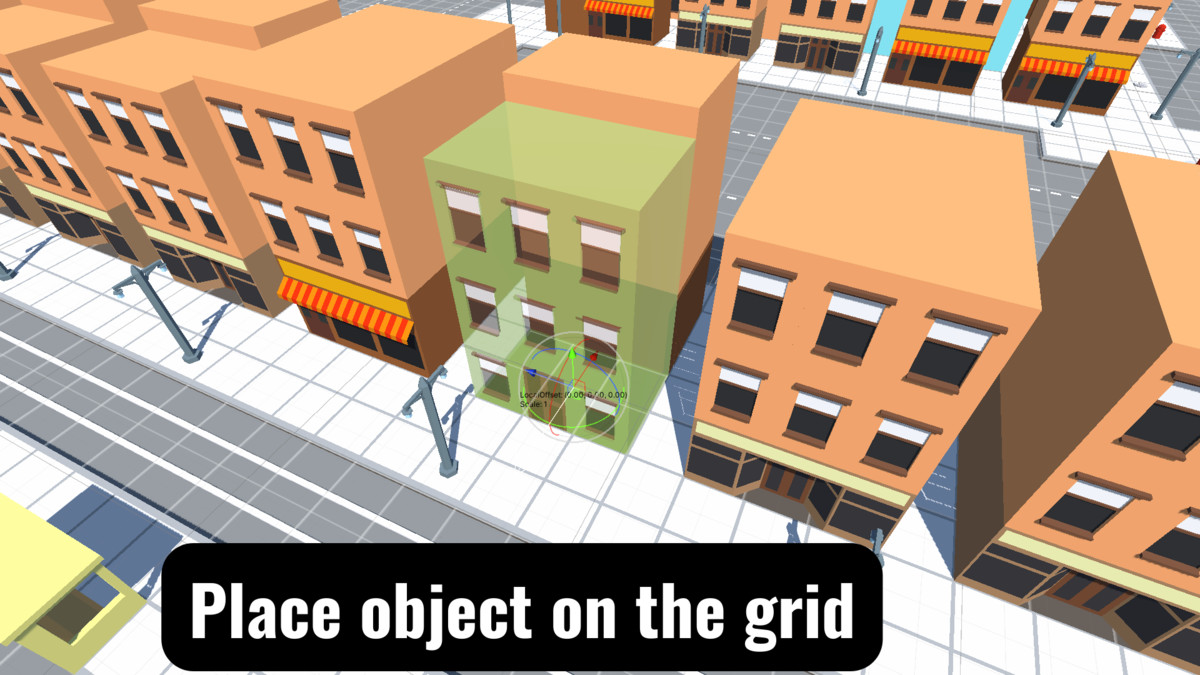
Tile prefab placer is a tool for easily placing tile objects on a grid and also has many tools for easy placement of default game objects.
Price $10.00
Buy on Asset Store (opens in new tab)
Affiliate link · Purchases support this site
Price history
Last 6 months
USDAsset preview
1 / 22
Tile Prefab Placer screenshot 1




About this asset
Tile prefab placer is a tool for easily placing tile objects on a grid and it also has many tools for easy placement of default game objects.
Compatible with Unity 2021, 2022, 2023.
Youtube | Documentation | Contact me
Key features:
- Single mode:
- Simple Simple object placement without any tools.
- Custom handlesPlace object and customize local position, rotation and scale.
- Cursor point rotation
Place object and rotate in the direction of the cursor. - Custom point rotationPlace object and rotate in the direction of the custom point.
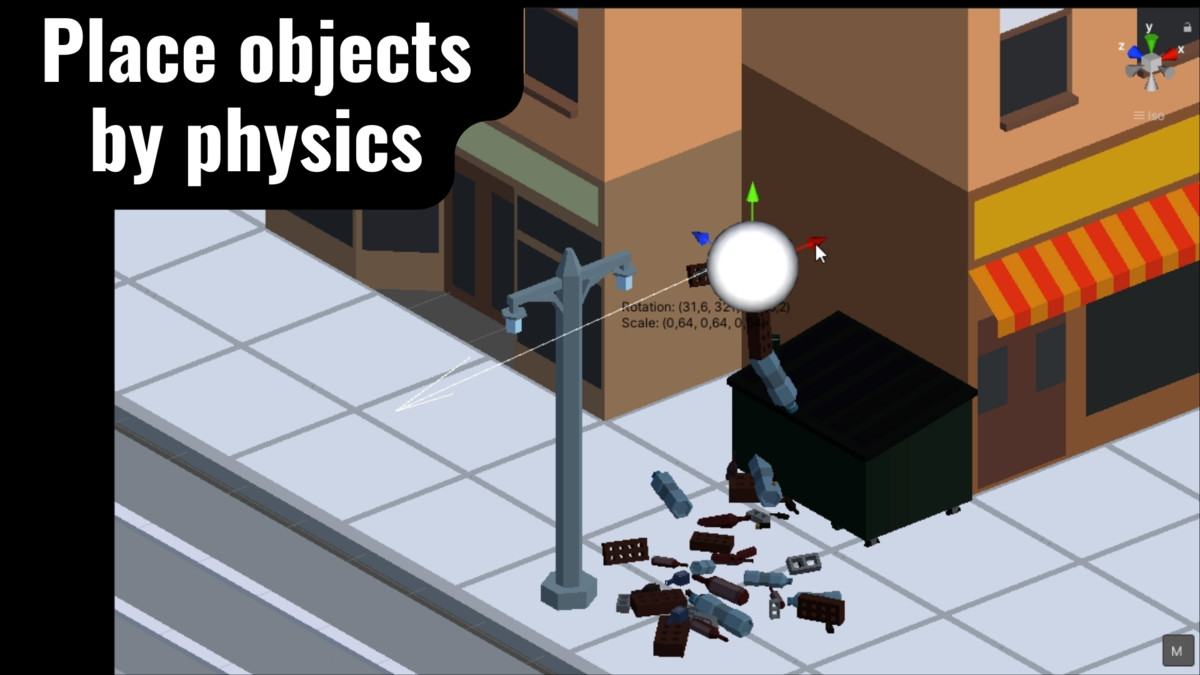
- Physics placement
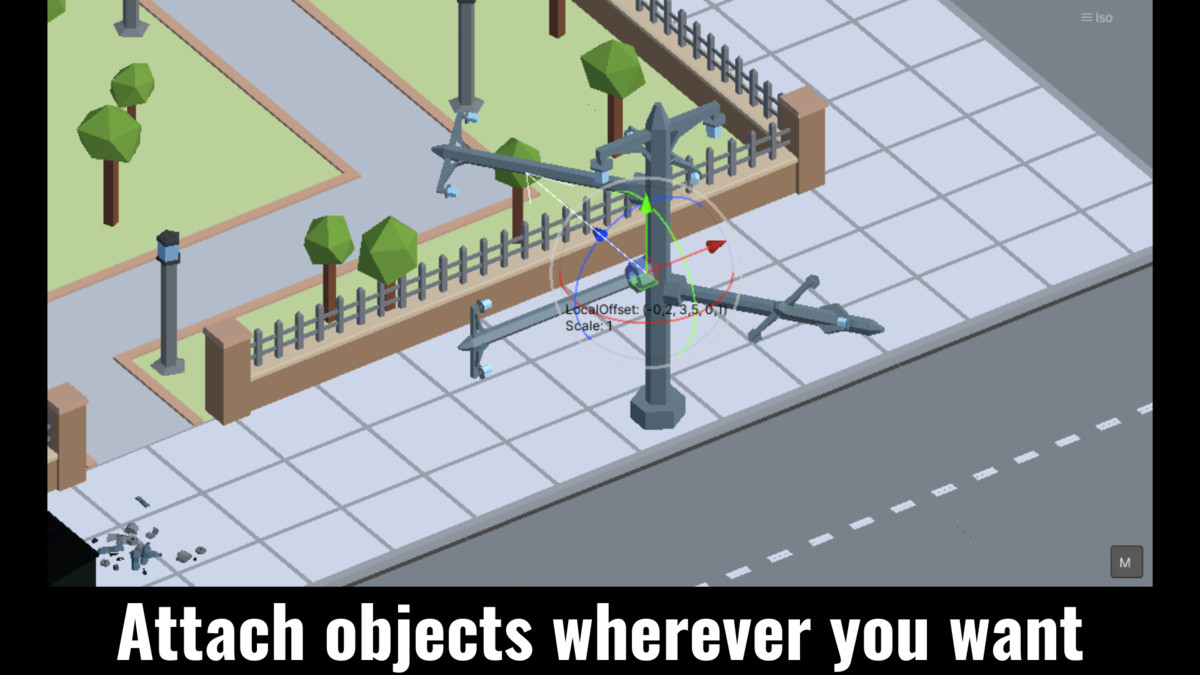
Place objects with physics. - Brush attachment mode
Attach object to any surface (collider or mesh) and customize position or rotation with any default object single mode tools.
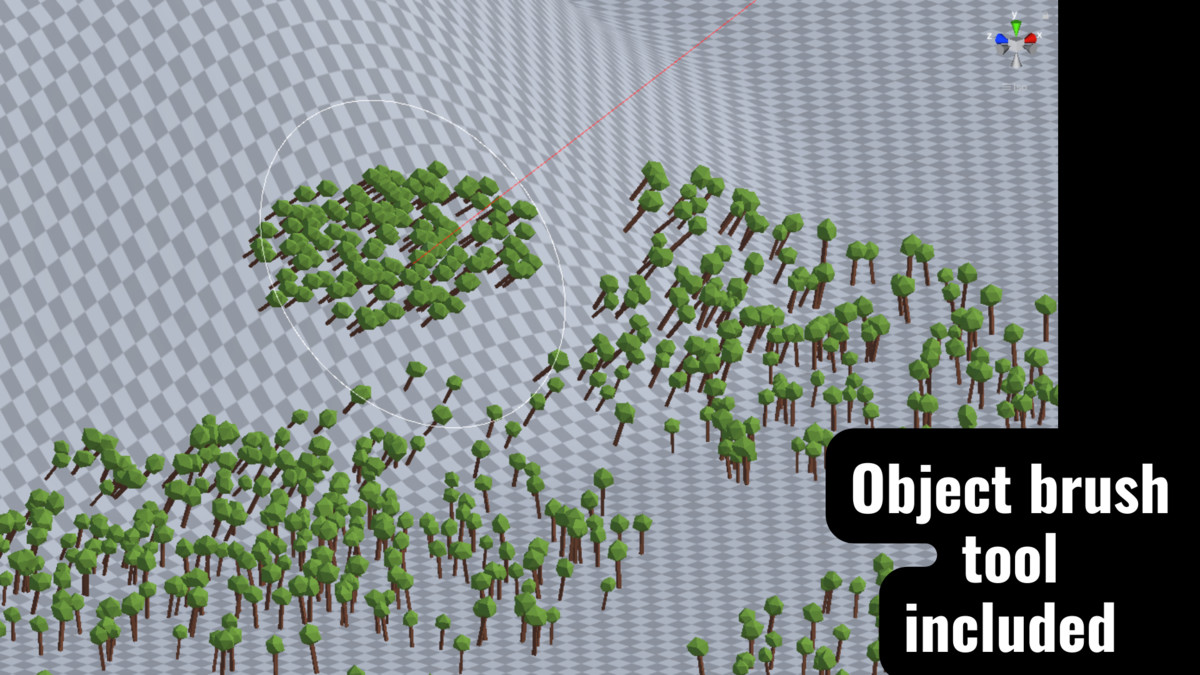
- Brush mode:
- Create multiple objects on any surface (collider or mesh).
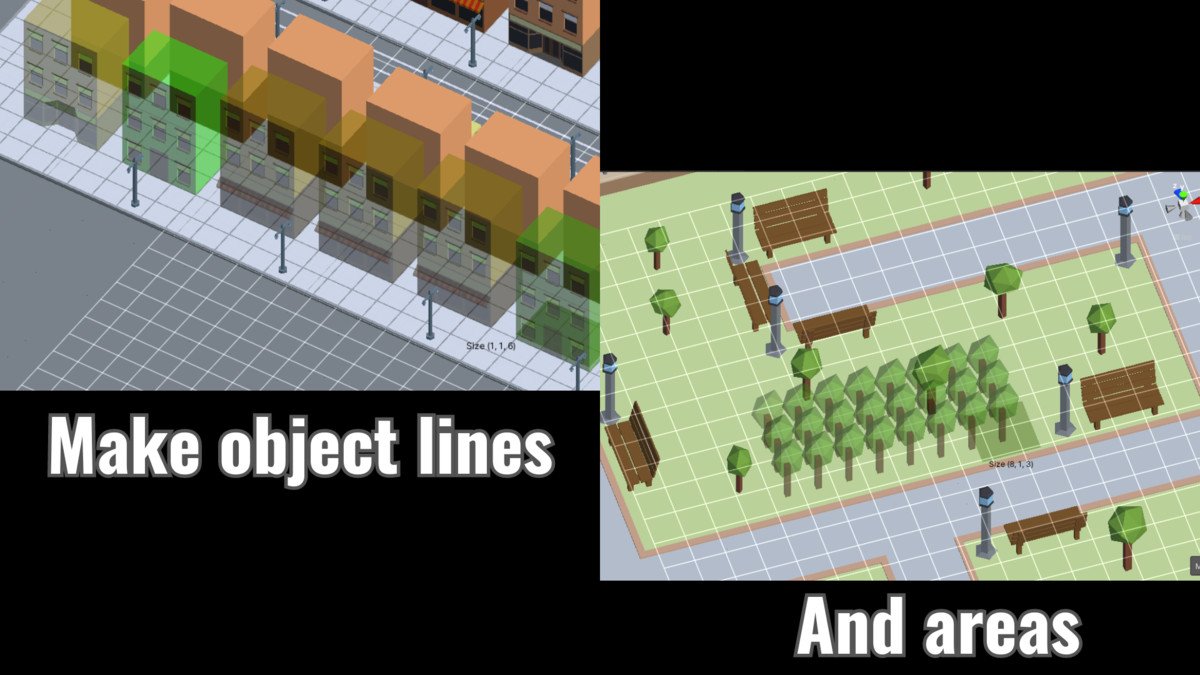
- Line mode:
- FreePlace objects on a grid in the direction of the cursor.
- FixedCreate straight lines on a grid.
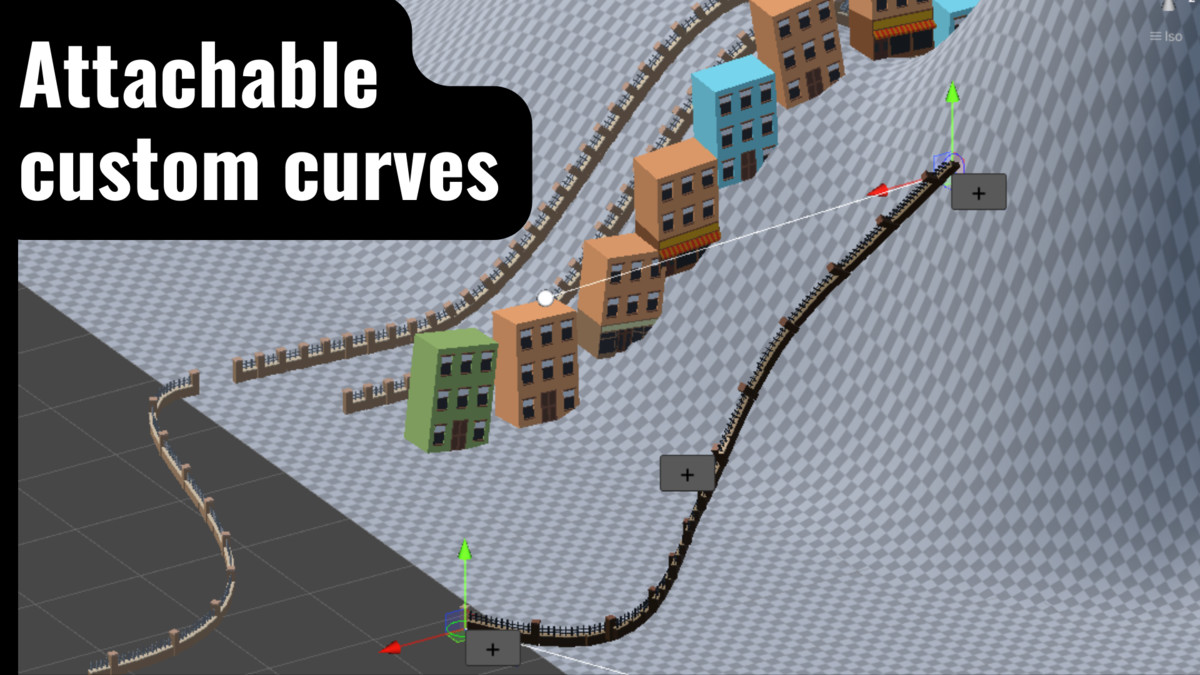
- CurvedPlace objects along a custom curved line.
- Area mode:
- DefaultCreate default object areas on the grid or on custom positions.
- ScaleCreate scaled object areas.
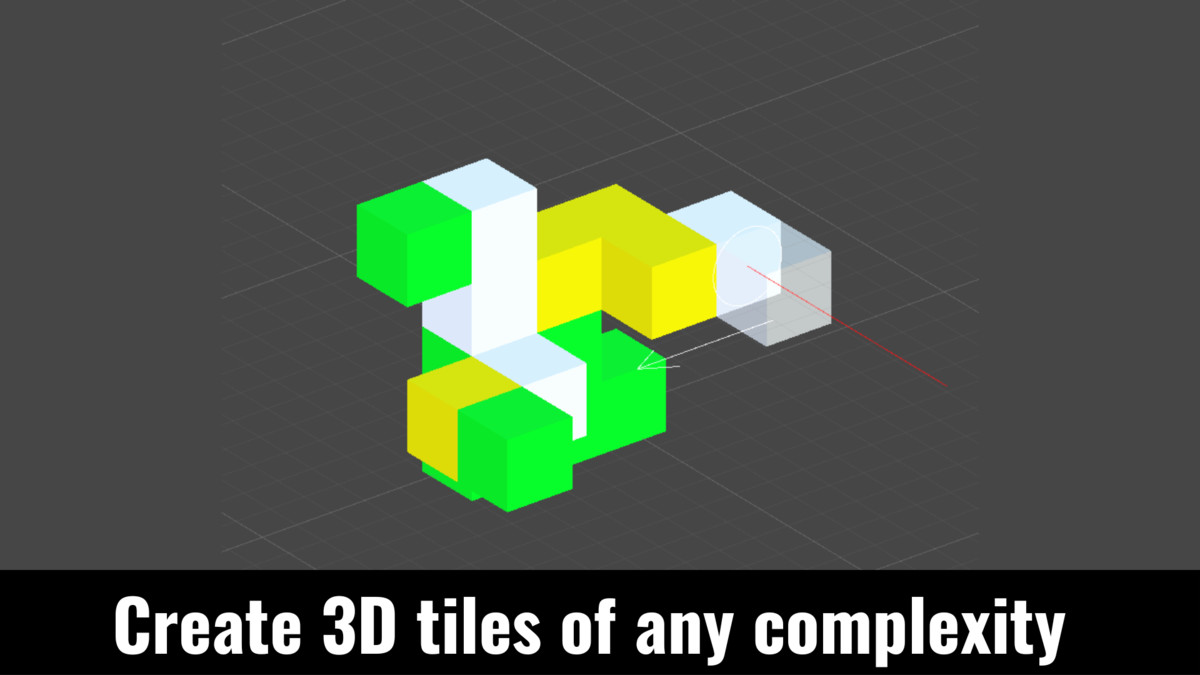
- Multi-floorCreate multi-floor object areas.
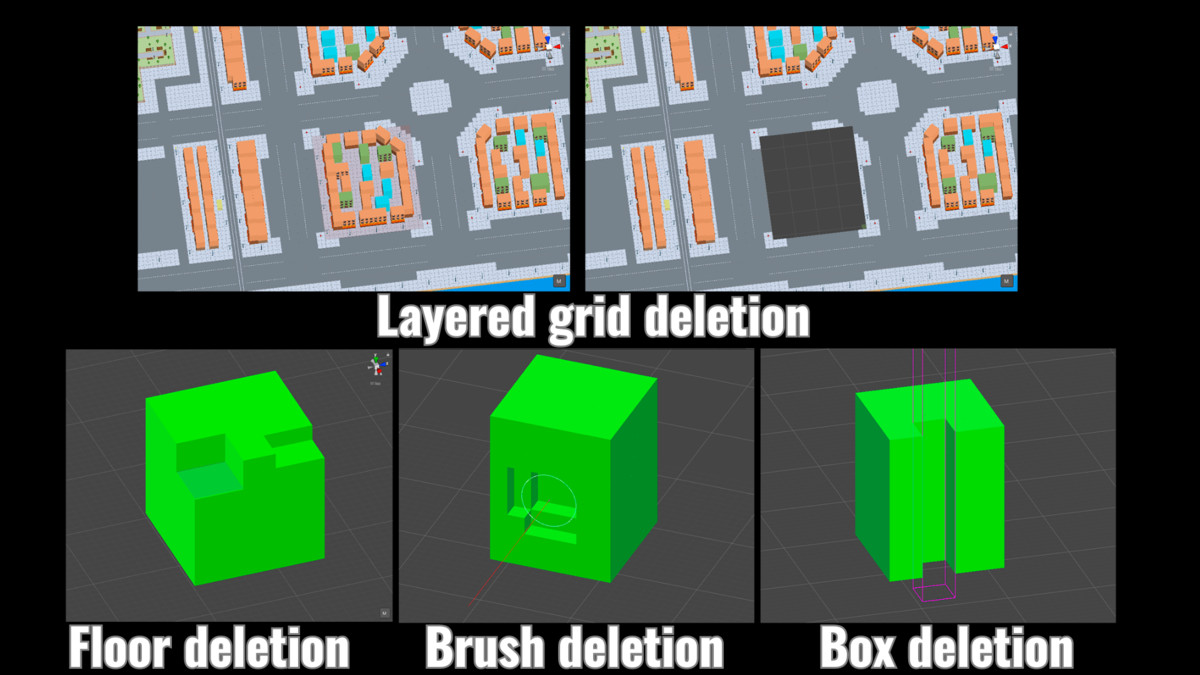
- Destroy mode:
- Map tile grid deletionDestroy grid objects on the selected map tile layer.
- Box raycast Destroy any object by box raycast.
- Brush raycast Destroy any object by brush raycast.
- Screen selectionSelect objects by screen selection to destroy any object in the scene.
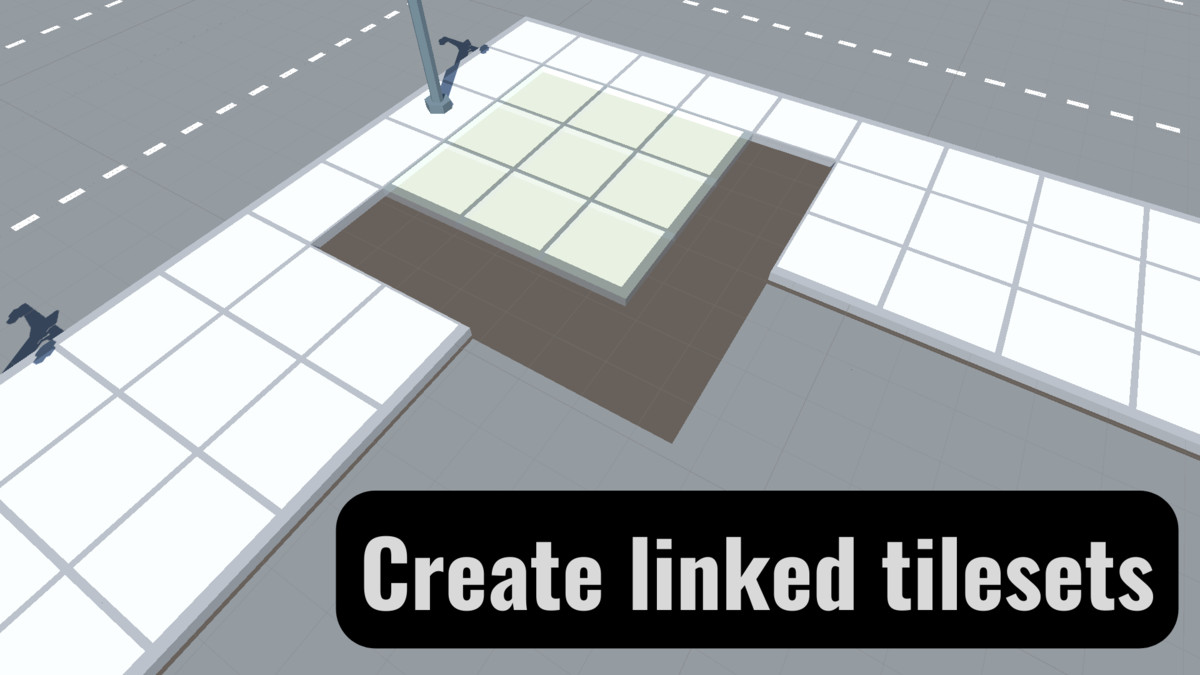
- Tileset mode:
- Create a tileset for quick creation of linked areas, for example sidewalks.
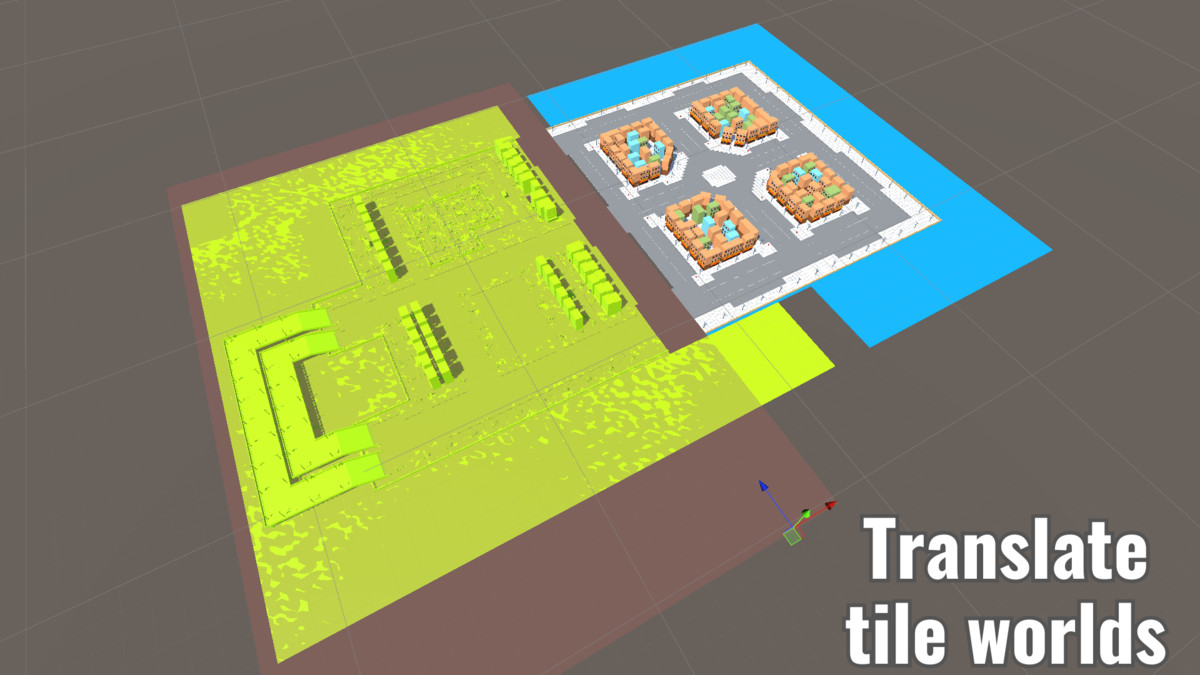
- Translate mode:
- Move any objects on the grid, either with snapping or freely.
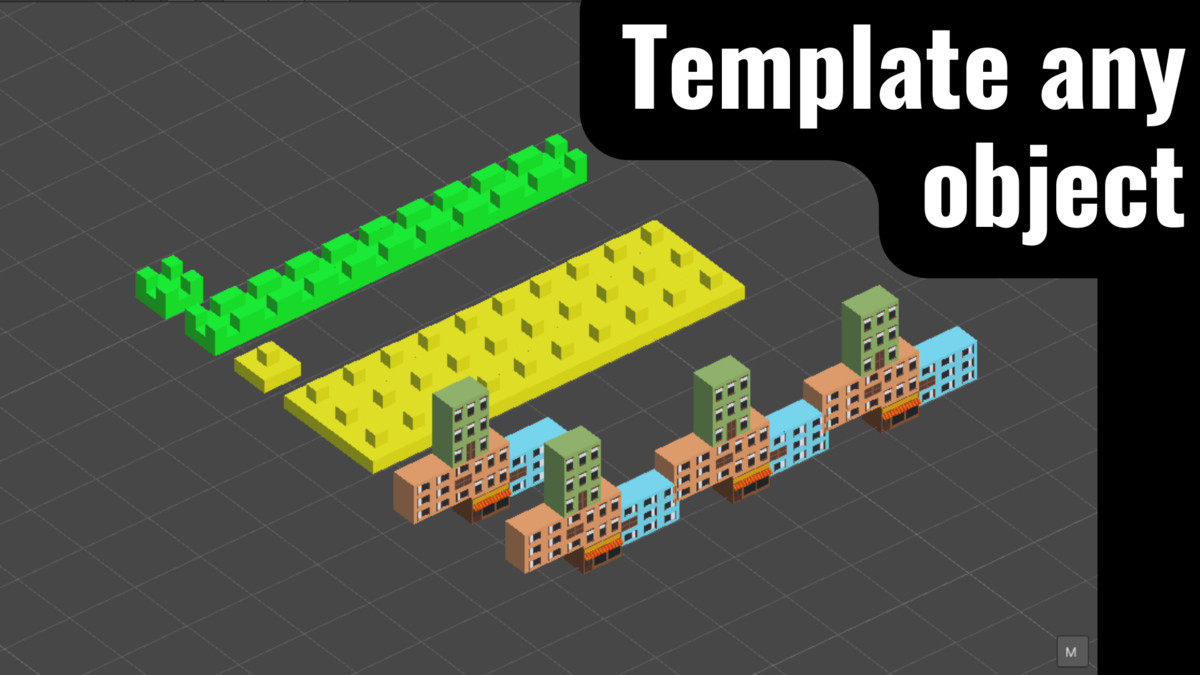
- Template mode:
- Create any pattern from any set of prefabs and then use it in any of the default object modes.
Additional features:
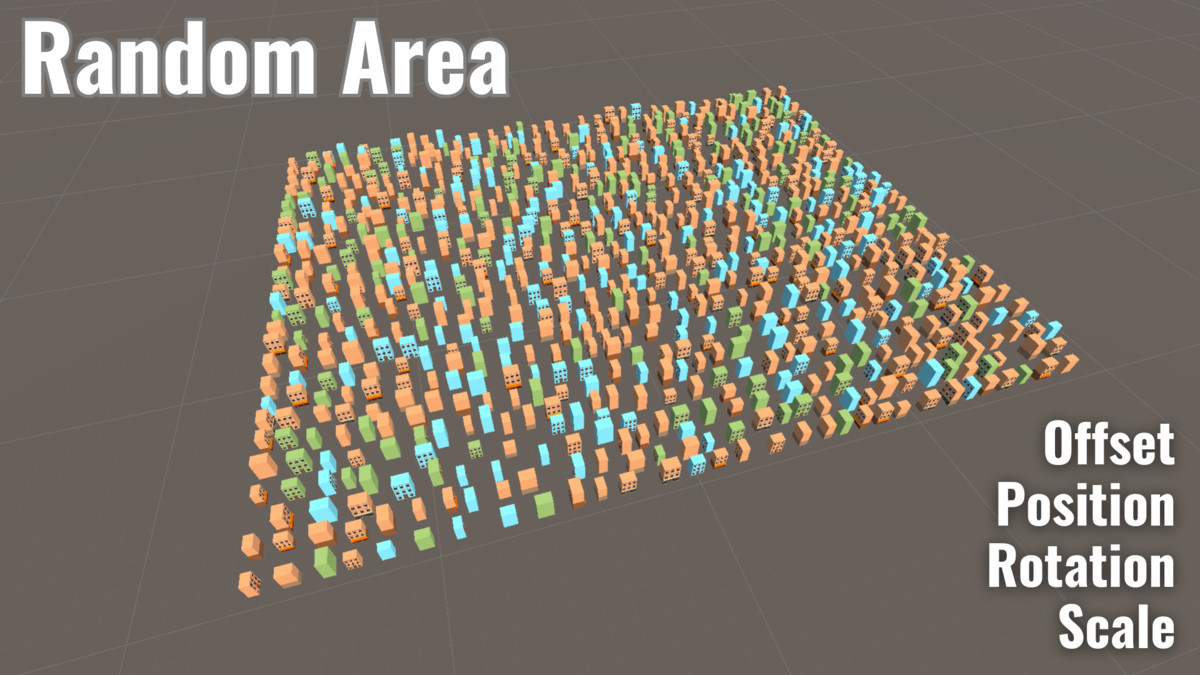
- Random TRSRandomize position, rotation and scale for object placement modes.
- OverrideOverride parent, map tile layer and Unity layer.
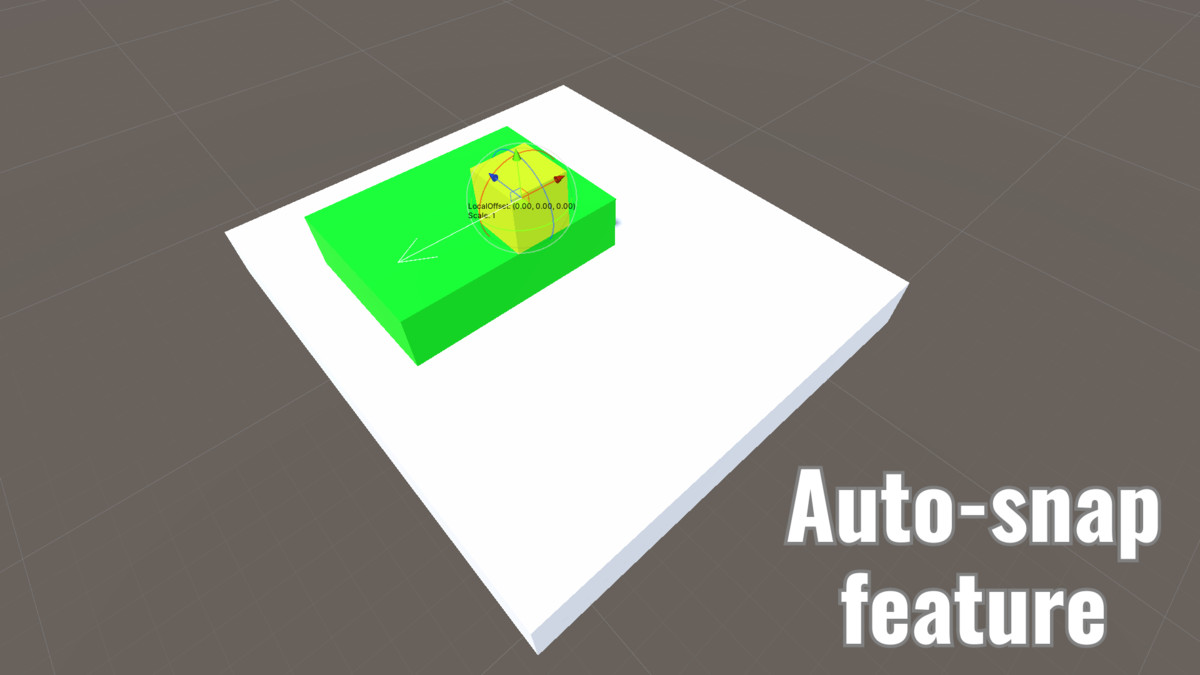
- SnapCustomize Y-axis snapping.
- ReplaceSet up replacement of other intersected objects.
- MergeSet up merging of newly created objects as a child to an existing object.
- RandomizerSet up creation of random objects.
- Custom gridСhange grid settings on the fly.
From the publisher's Asset Store listing.
Technical details
- Undo any edit.
- Tool only for editor only.
- Every tile object on the scene has 'MapTile' component for grid intersect calculation, but if you don't need it, you can use default gameobjects.
- Assets are included.
- Example assets materials are using URP shaders.
- Source code included.
Compatibility
| Unity version | Built-in | URP | HDRP |
|---|---|---|---|
| 2021.3.45f1 | Not listed | Compatible | Not listed |
| 2021.3.15f1 | Not listed | Compatible | Not listed |
As listed on the Asset Store.