
 View on Asset Store (opens in new tab)
Package details
- Latest version
- 1.0.0
- Last updated
- First released
- Unity version
- 2020.3.3 or later
- Package size
- 395 KB
- Files
- 19
- Favorites
- 11
- Views in the past week
- 5
Price tracking
- Last checked
- Tracked since
- Lowest recorded
- $4.99 on
Keywords

ULAR - Easy to use Audio Visualization
An easy to implement audio access tool. If you ever wanted to make anything within Unity react to audio, now you can. No matter if the sound comes from within Unity, or any other program.
Affiliate link · Purchases support this site
Price history
Last 6 months
USDAsset preview
1 / 5
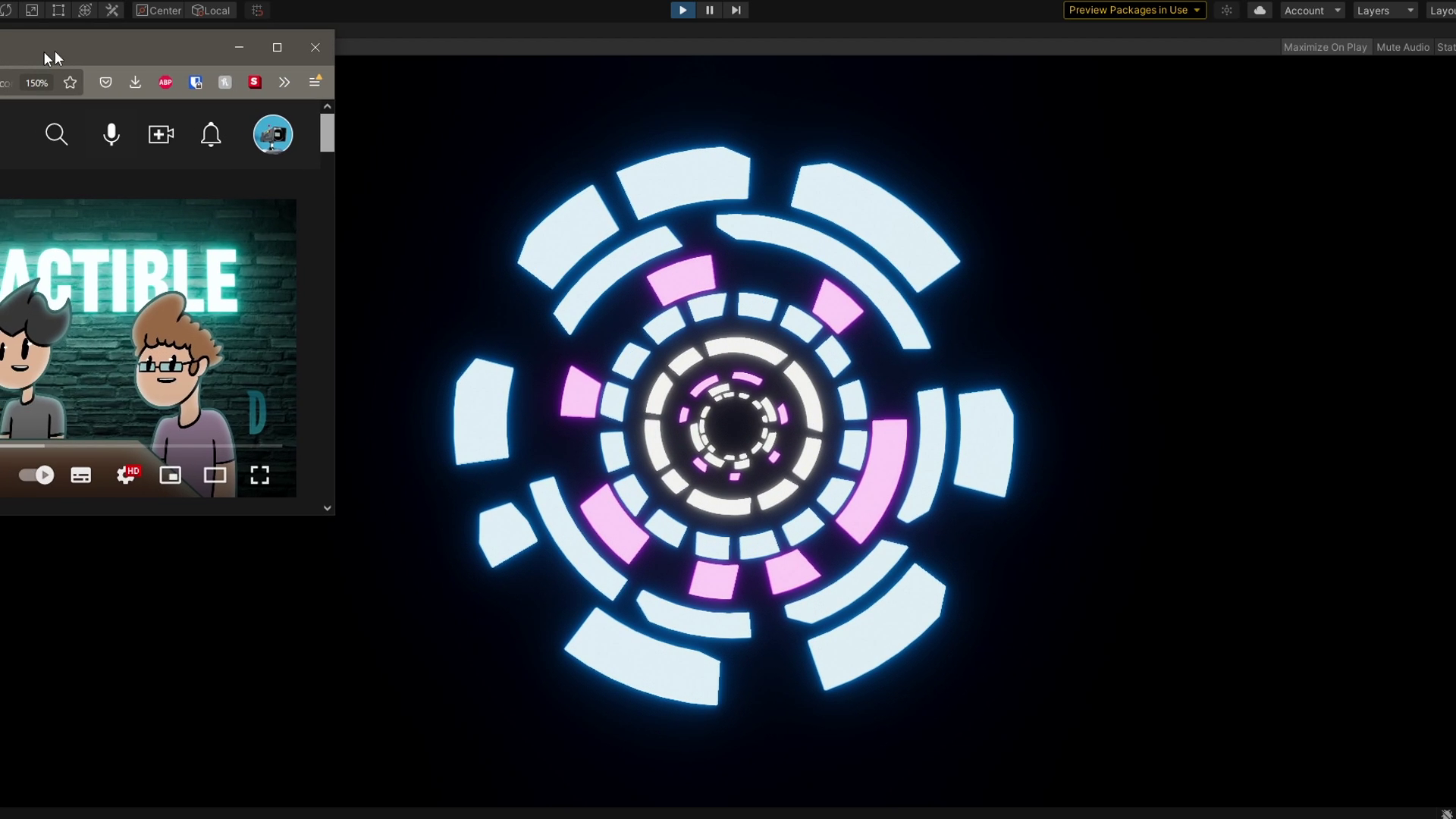
ULAR - Easy to use Audio Visualization video 1 (plays on the Asset Store)
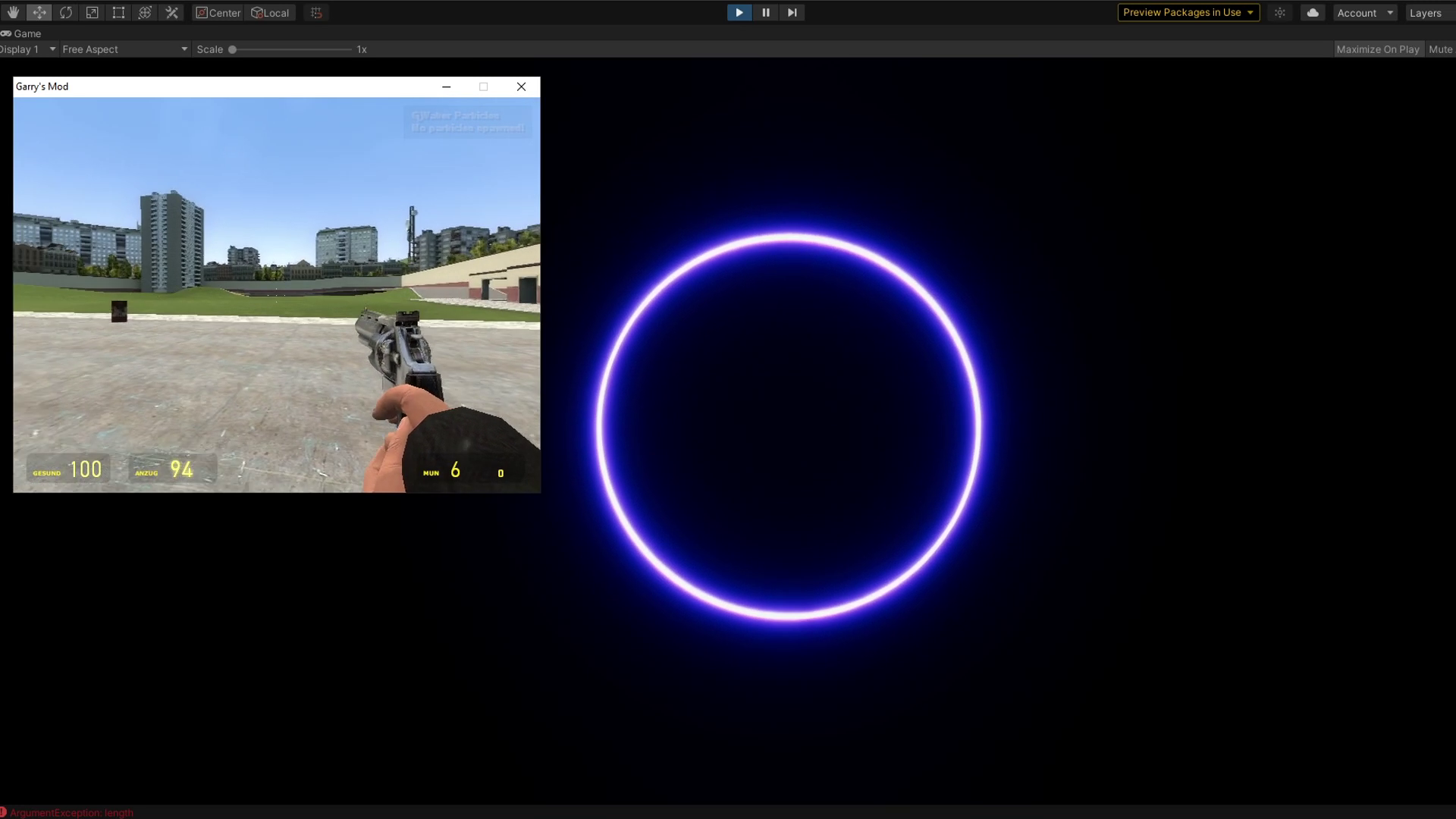
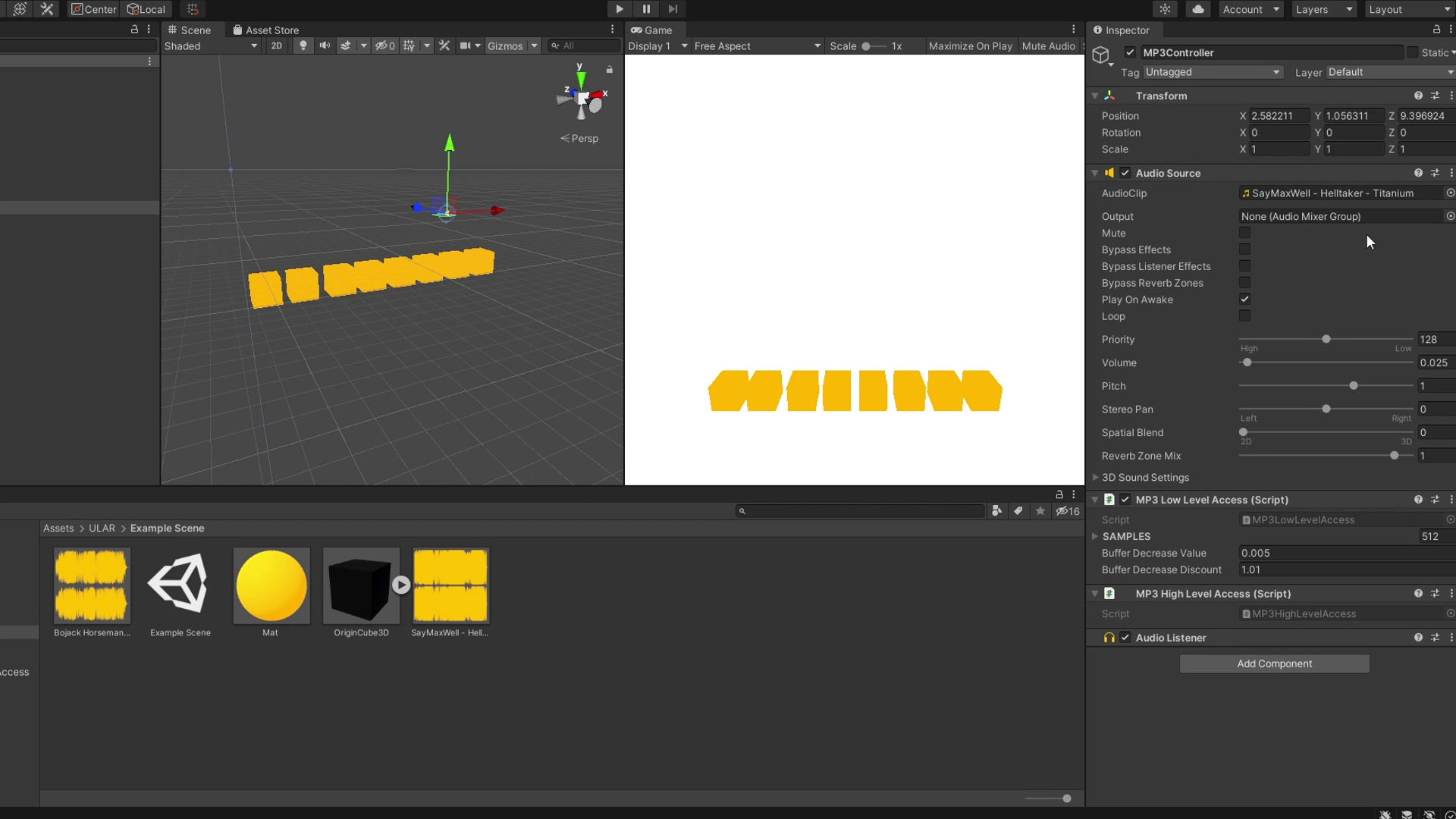
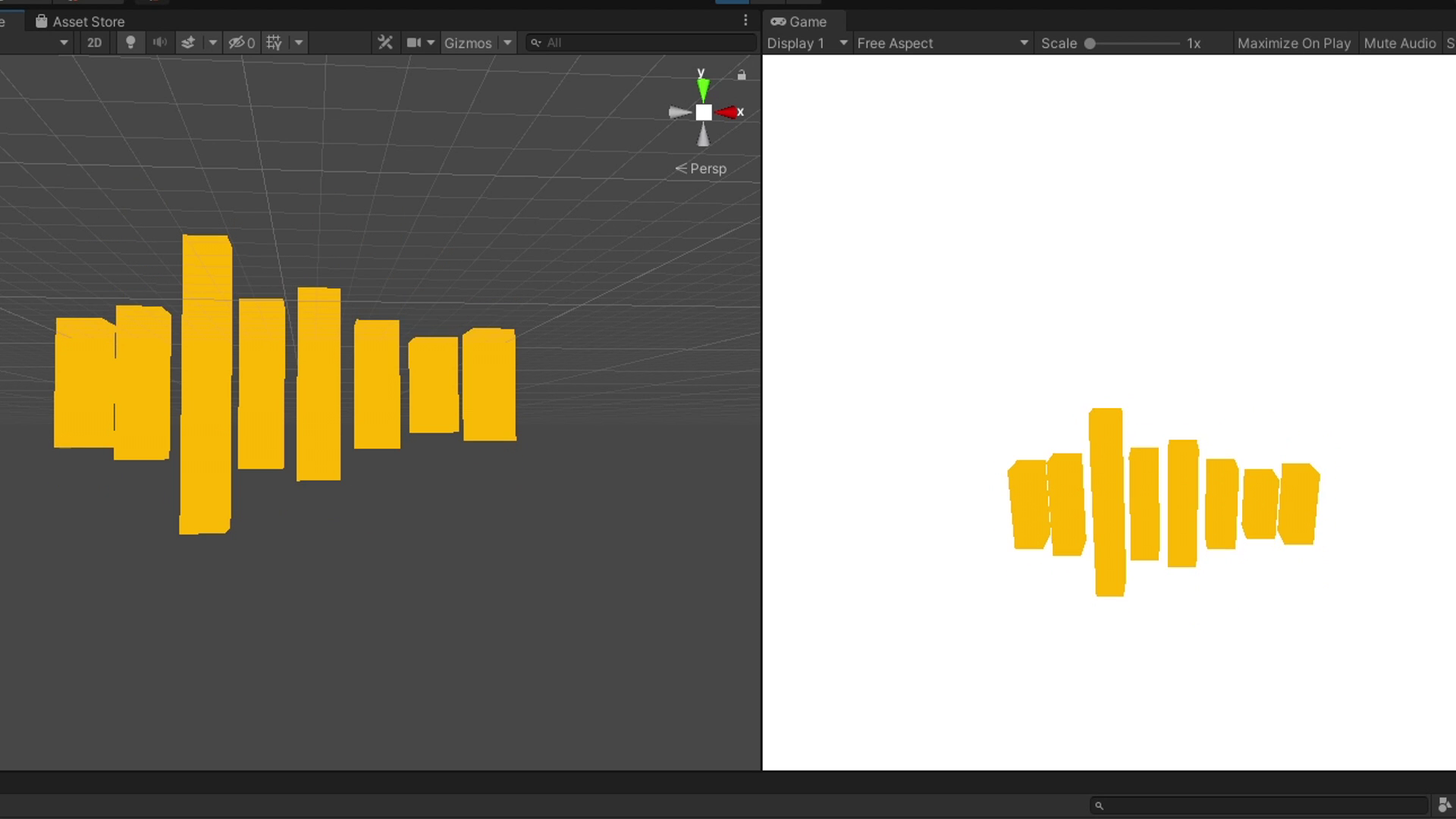
About this asset
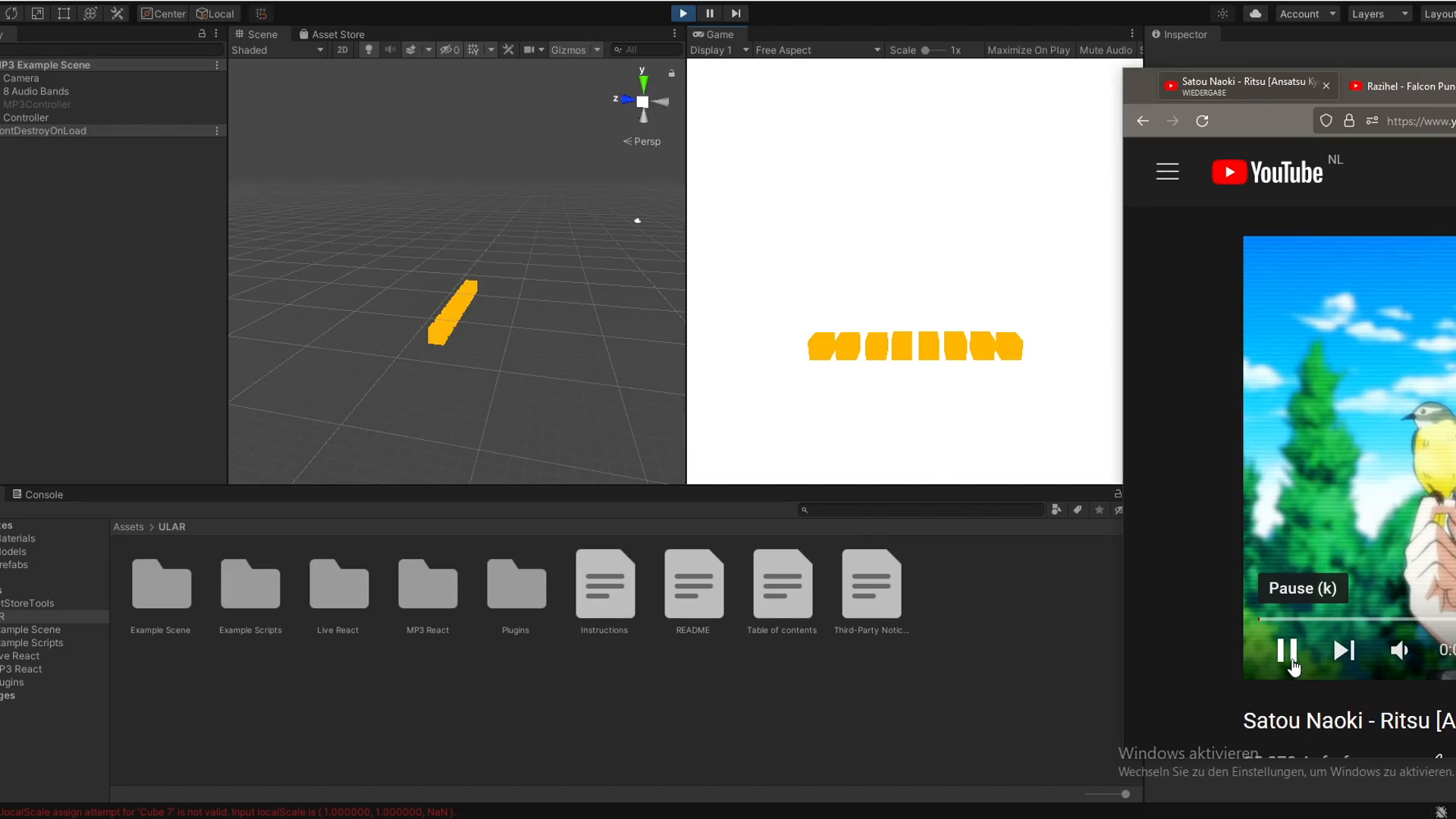
Ever wanted to make something in Unity react to audio?
Lights Intensity adapting to sound volume.
Camera zoom changing depending on bass intensity.
Audio visualizers for all sorts of audio sources.
And much more. Whatever you can imagine, basicially.
Welcome to ULAR, Unitys Live Audio Reactor.
With ULAR, you can make any element in Unity behave in whatever way you can think of. To any sort of audio you can think of.
An audio source in Unity, a video playing on your PC, live game sound, Discord calls, and so on. You can visualize it all.
Because ULAR can be accessed over Scripting, you can link it to virtually anything that can be accessed within Unity.
Particles, Object sizes, Model movements, Rotations, Light Intensities, simply any thing that can be accessed and altered over Script.
From the publisher's Asset Store listing.
Technical details
High Level Access for ease of use to quickly get the audio values from the different frequencies, as well as audio Amplitude.
Choose between a Live Audio Source (your PC audio output) or a Unity internal audio source (like a .MP3 file)
Once you import ULAR, put the access script of your choice onto any Object, generally called the Controller. Using Scripts, you can access the Controller and use the easy functions or the more in depth functions (depending on your choices).
There is 1 main controller. Instead of each reacting object having its own ULAR Script. This reduces performance, as only 1 Controller is needed to control any object however you like.
Runs on Windows
Documentation is available within the project, once you imported it.
Asset uses CSCore under ms-pl;
Compatibility
| Unity version | Built-in | URP | HDRP | Custom |
|---|---|---|---|---|
| 2020.3.3f1 | Compatible | Compatible | Compatible | Compatible |
As listed on the Asset Store.