
 View on Asset Store (opens in new tab)
Package details
- Latest version
- 1.0
- Last updated
- First released
- Unity version
- 2019.4.18 or later
- Package size
- 775 KB
- Files
- 5
- Favorites
- 8
- Views in the past week
- 2
Price tracking
- Last checked
- Tracked since
- Lowest recorded
- $20.00 on
Keywords

SINE Animator
- Price drop
A component that animates objects using a sine wave, no code required.
Lowest recorded price
Get 50% off on Asset Store (opens in new tab)Affiliate link · Purchases support this site
Price history
Last 6 months
USDAsset preview
1 / 7

SINE Animator screenshot 1


About this asset
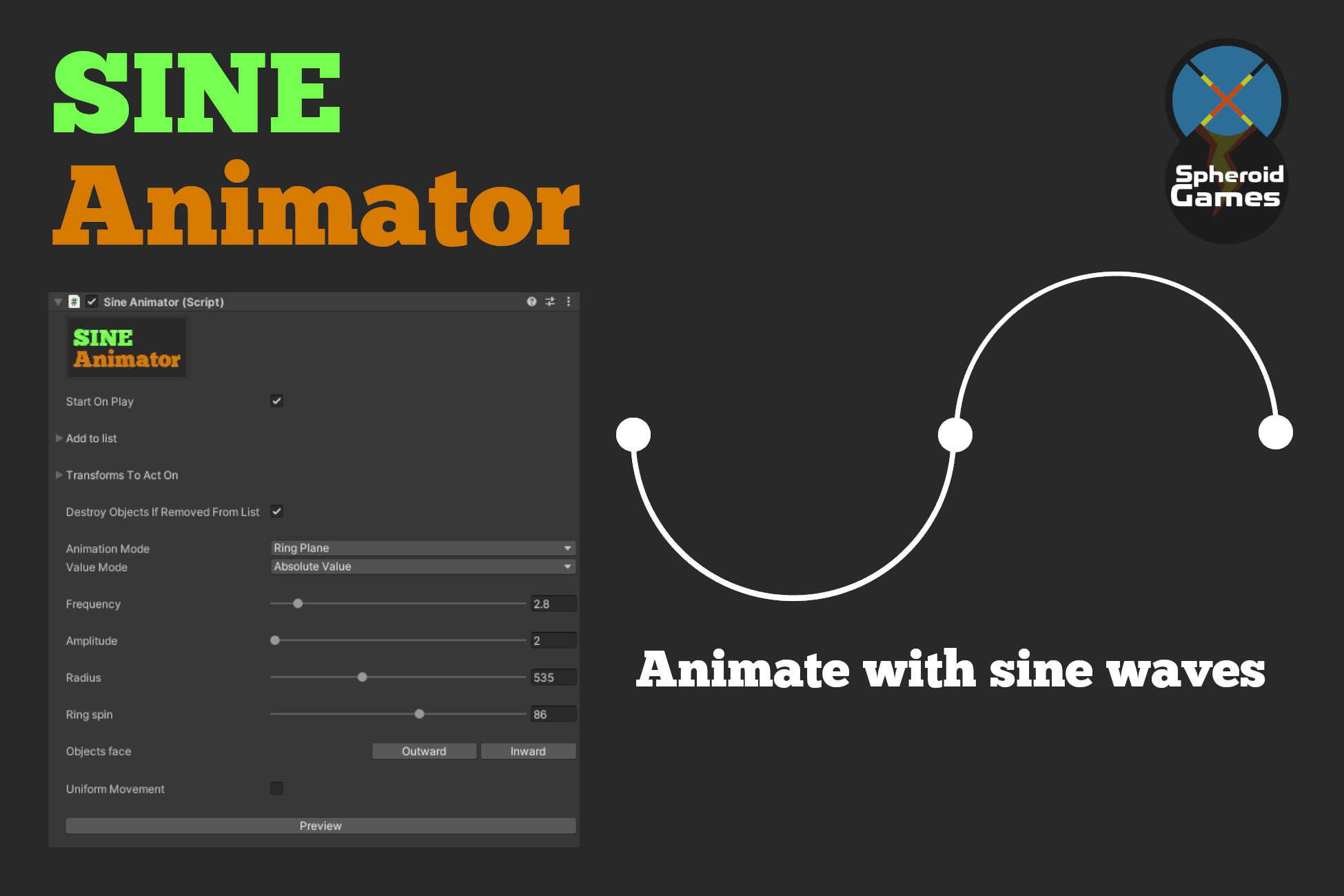
The SINE Animator is a component with a custom inspector that explores different ways of continuously animating game objects using a sine wave. 5 animation modes are provided.
Suitable for creating interesting movement, from simple bobbing indicators to complex patterns for visual juice or gameplay mechanics.
From the publisher's Asset Store listing.
Technical details
5 animation modes are provided:
Position bobber:
moves objects forward and backward along it's forward vector (e.g. hover effect or bouncing arrow indicators)
Scale bobber:
Scales objects up and down (e.g. indicating one object in a group is the active one, or indicating a place to place an object)
Ring plane:
Distributes objects evently in a ring around a center, and alternately moves them towards and away from the center. Adding a Trail component to the animated objects will produce a mandala like effect.
Ring carousel:
Distributes objects evenly in a ring around a center and moves them up and down perpendicular to the ring plane, producing a carousel like movement pattern.
Wall:
Distributes the objects along a plane with a set distance between each object, and moves them up and down. This is the most straight forward way of visualizing the sine wave.
- Control an unlimited number of objects from one inspector.
- No code required. Add your transforms to the list and play around with the settings.
- Settings include frequency and amplitud for controlling the sine wave, and other mode specific controls.
- Preview your animation without clicking play to start the game.
- Start the animation when game start or trigger in other ways.
Compatibility
| Unity version | Built-in | URP | HDRP | Custom |
|---|---|---|---|---|
| 2019.4.18f1 | Compatible | Compatible | Compatible | Compatible |
As listed on the Asset Store.