
 View on Asset Store (opens in new tab)
Package details
- Latest version
- 1.0.4
- Last updated
- First released
- Unity version
- 2019.4.25 or later
- Package size
- 2.1 MB
- Files
- 383
- Favorites
- 13
- Views in the past week
- 8
Price tracking
- Last checked
- Tracked since
- Lowest recorded
- $15.00 on
Keywords

EasyLoader
- Price drop
Discount -50%
Previous price
$30.00
Price $15.00
Lowest recorded price
Get 50% off on Asset Store (opens in new tab)Affiliate link · Purchases support this site
Price history
Last 6 months
USDAsset preview
1 / 5

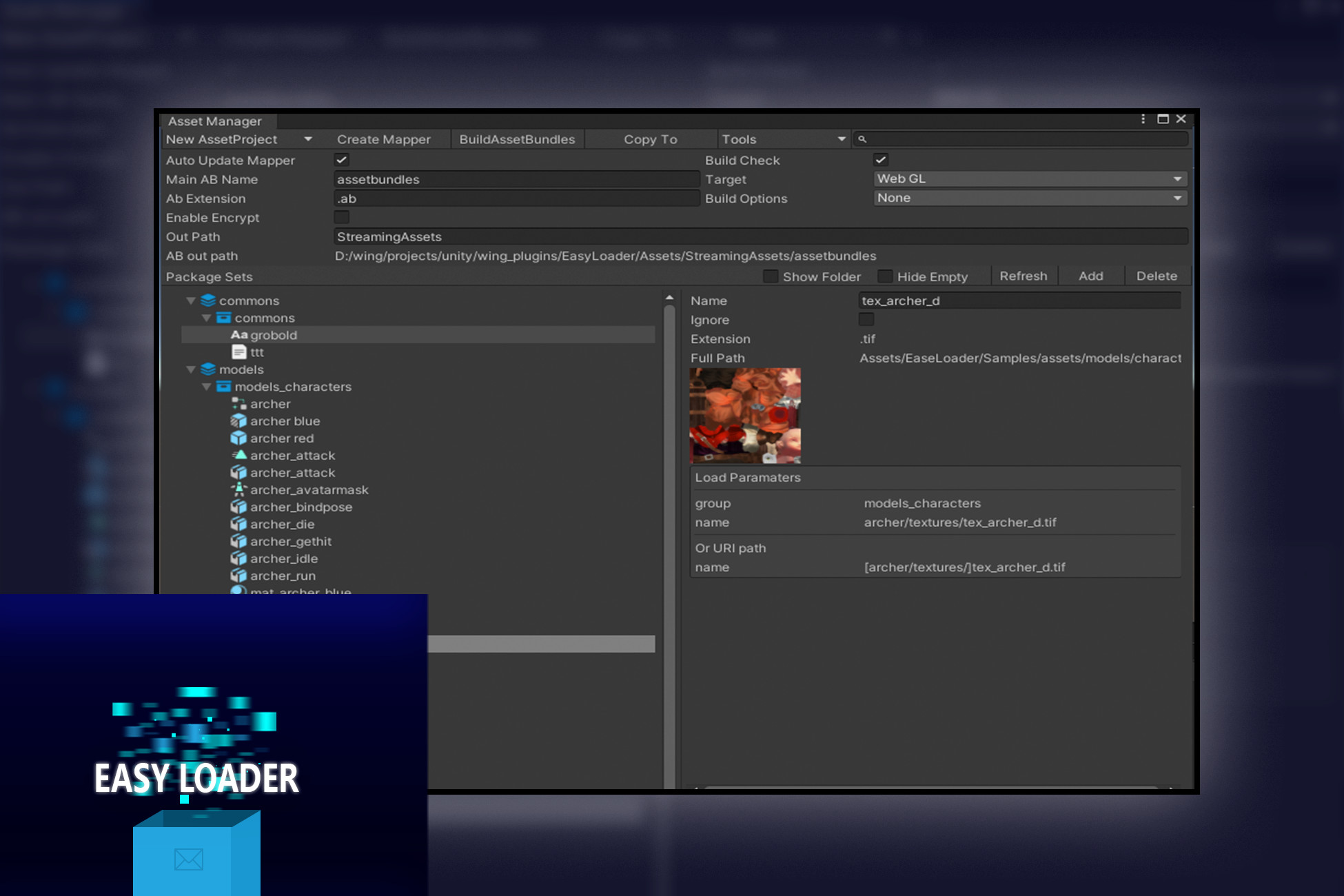
EasyLoader screenshot 1


About this asset
EasyLoader
Forum
Manual
API Doc
This is a out-of-the-box asset toolset;
* you can use this for load asset from anywhere, like resources/editor/streaming/persistent data path or web url;
* you can hotfix your assets by hotfix manager with auto resource version
Main Features
* Support platform(tested) Android/iOS/Windows/MacOS/WebGL;
* Uniform asset access url and interface;
* Visible asset manager and packer;
* Support without package assetbundle in editor mode;
* Support Editor player assetbundle using, easy to check asset in editor mode;
* Supoort async load;
* Support sync load;
* Support web url load;
* Memory cache support;
* Disk cache support;
* Hotfix manager;
* Redundancy assets checker;
Quick Start
* Step 1: Create asset project
* Step 2: Click asset project then open asset manager, drag asset folder to asset manger window as Package Sets
* Step 3: Set Package Sets' File Mode then get asset packages
* Step 4: Create Mapper file
* Step 5: Initial
// use async mode need add ASYNC_SUPPROT define
await ResourceManager.Instance.InitialAsync();
* Setp 6: Load Sprite by path
var sprite = await ResourceManager.Instance.LoadAssetAsync<GameObject>("test.prefab");
Or alias name with:
var sprite = await RM.LoadSpriteFromAtlasAsync<Sprite>("icons.spriteatlas", "icon_01.png");
Build
* Add USE_BUNDLE macro in "Player Settings/Scripting Define Symbols"
* Need write some code to copy your files from streamingAssetPath to persistentDataPath, or you can set:
ResourceManager.assetFromStreamingAssetPath = true;
Then will load data from streamingAssetPath.
* Build your application.
* When you want async support, please add ASYNC_SUPPROT macro.
Contact me at [email protected]
From the publisher's Asset Store listing.
Compatibility
| Unity version | Built-in | URP | HDRP |
|---|---|---|---|
| 2021.3.23f1c1 | Compatible | Not listed | Not listed |
| 2019.4.25f1c1 | Compatible | Not listed | Not listed |
As listed on the Asset Store.