
 View on Asset Store (opens in new tab)
Package details
- Latest version
- 4.2.2
- Last updated
- First released
- Unity version
- 2022.3.62 or later
- Package size
- 36.1 MB
- Files
- 2,364
- Favorites
- 176
- Views in the past week
- 49
Price tracking
- Last checked
- Tracked since
- Lowest recorded
- $9.00 on
Keywords

Input Icons: Bundle - Dynamic Prompts and Rebinding
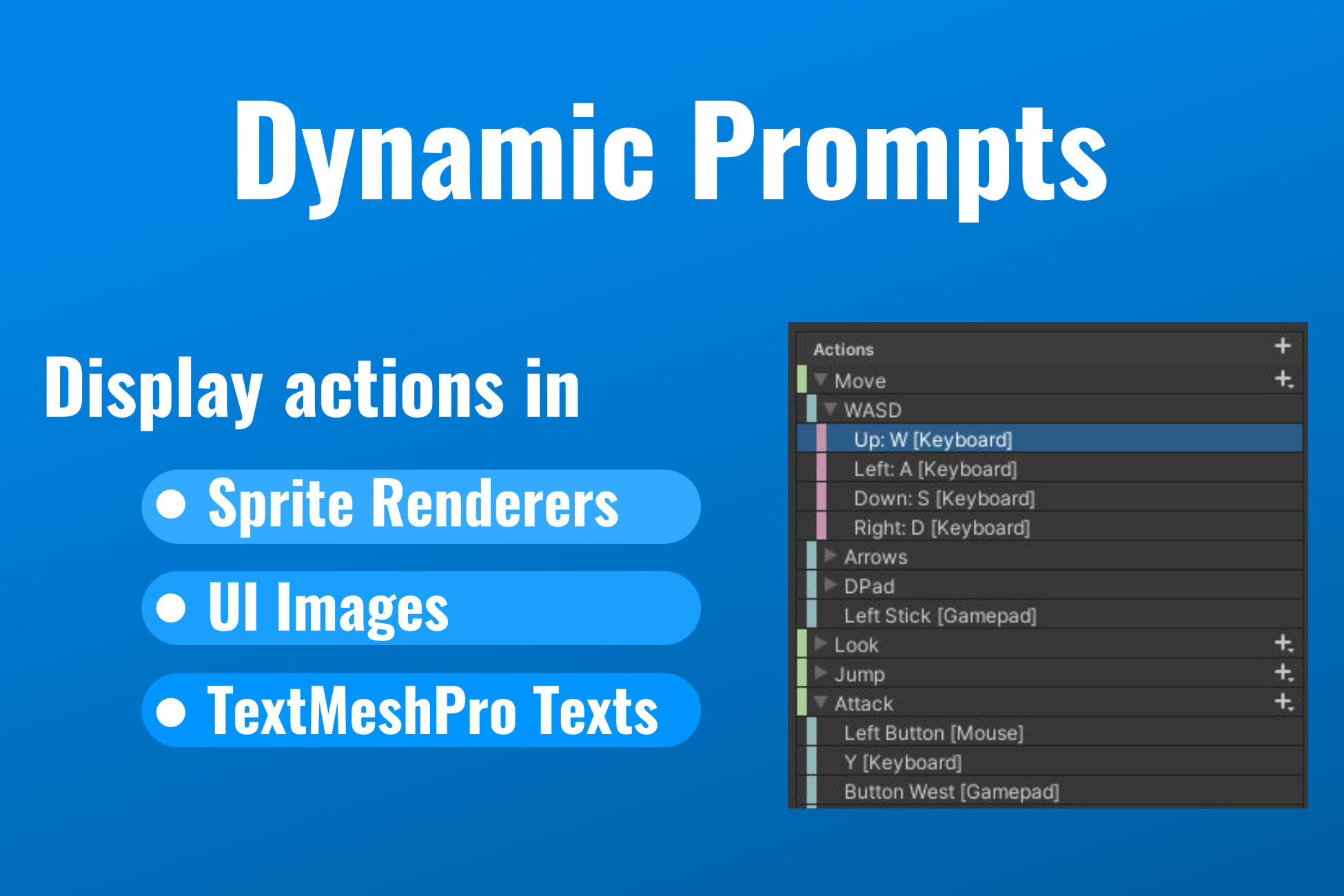
Dynamic input prompts with auto device-switching and professional rebinding UI. 2100+ sprites for keyboard, gamepad, and mobile. Works in SpriteRenderers, UI Images, and TextMeshPro.
Affiliate link · Purchases support this site
Price history
Last 6 months
USDAsset preview
1 / 23
Input Icons: Bundle - Dynamic Prompts and Rebinding screenshot 1











About this asset
Contact | Forum
Input Icons: Production-ready input prompts without the hassle
Show the right key or button automatically as players switch between keyboard, mouse, and controller. Add a complete rebinding system, built-in local multiplayer support, and 2100+ sprites. Drop it in and skip weeks of custom input UI work.
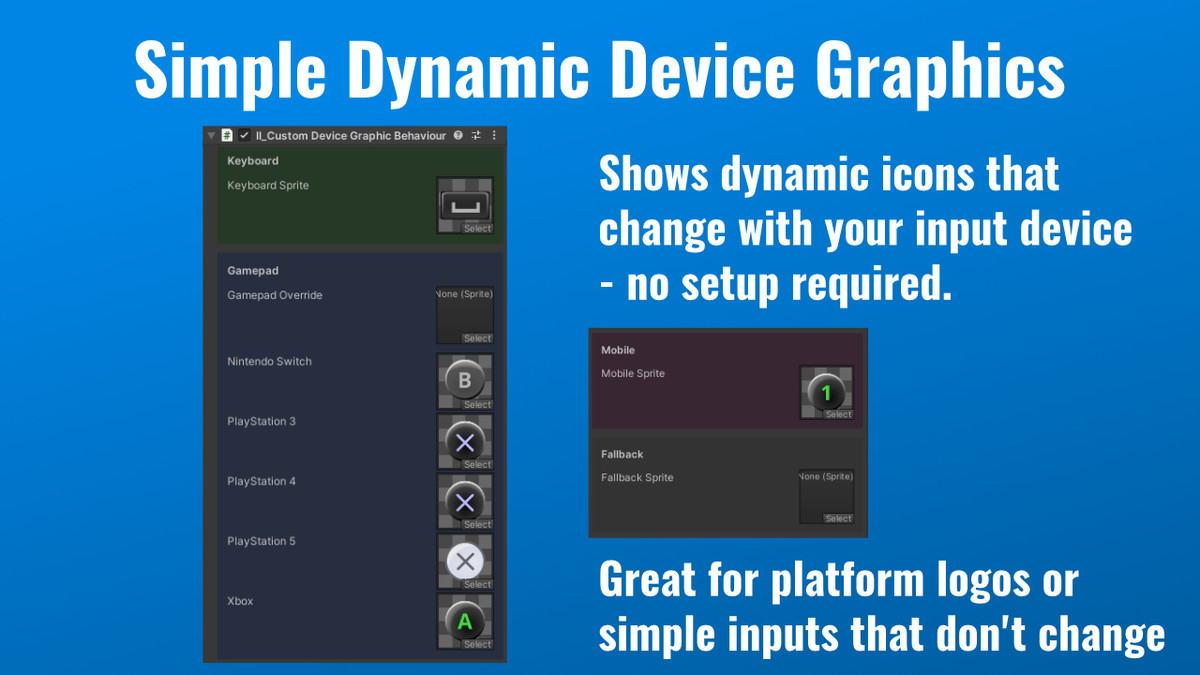
Automatic device detection
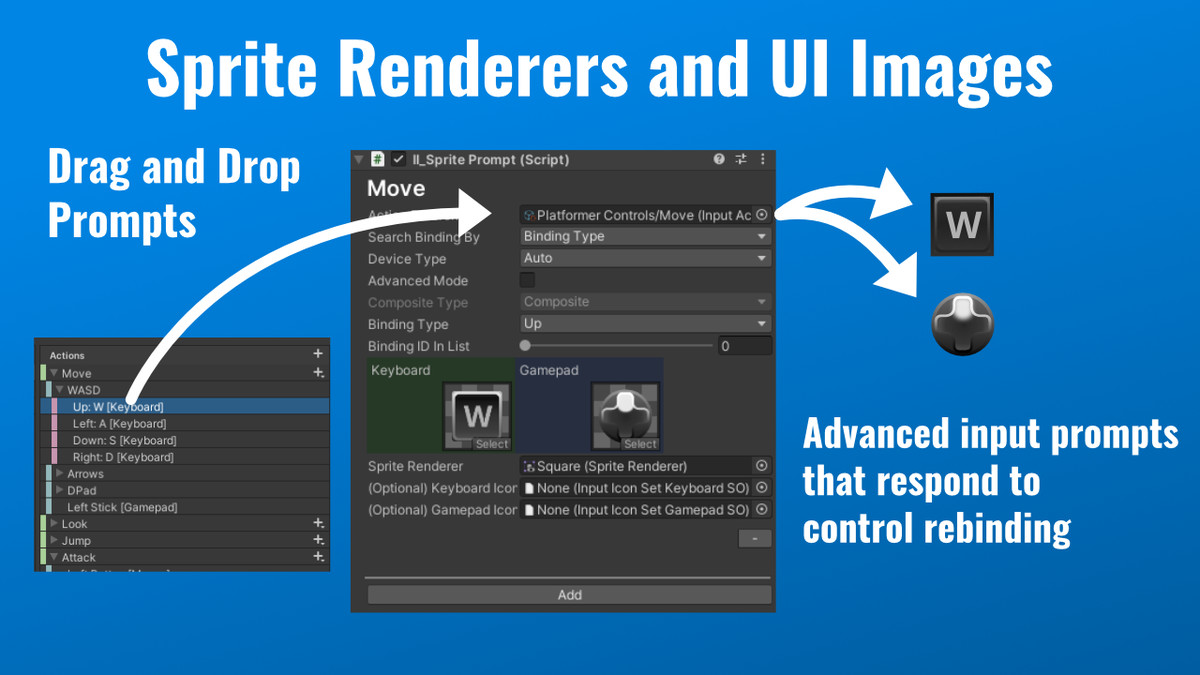
Prompts update in real time as the player switches devices. No manual checks, no boilerplate.
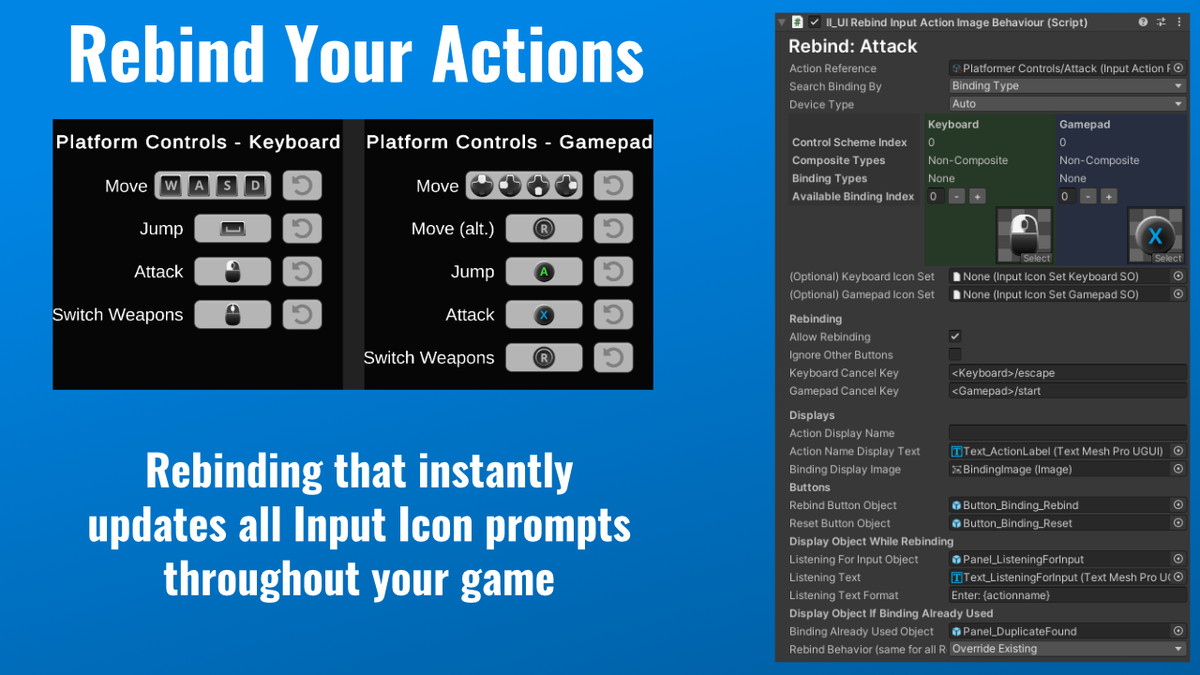
A full rebinding system, not just icons
Includes rebinding UI components you can use out of the box. No scripting required. Handles single bindings, composite controls (WASD, D-Pad), and sequential multi-bindings, with duplicate detection and conflict resolution built in. Player profiles persist across sessions, which matters for shared devices.
Built for Local Multiplayer
Per-player device management with automatic reassignment and individual control scheme tracking. Made for couch co-op.
Already have custom sprites?
Check out Input Icons: Core - same functionality, fewer sprites, lower price.
Works everywhere in your UI
- SpriteRenderers for world-space UI
- UI Images for canvas-based UI
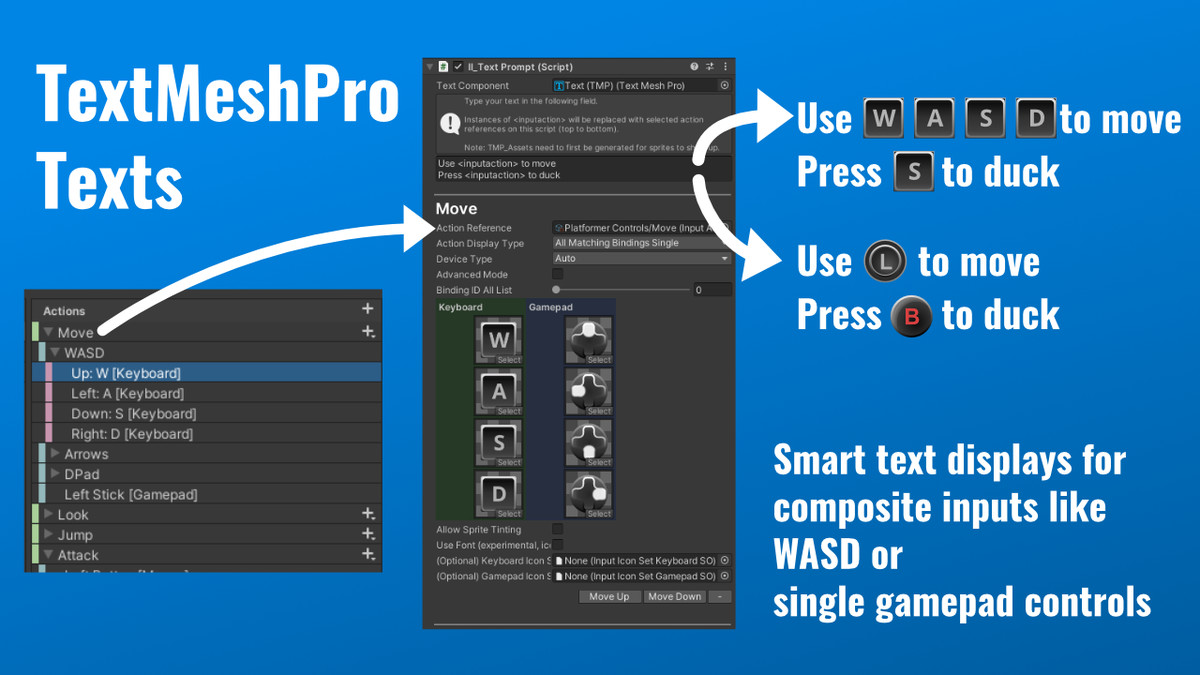
- TextMeshPro via inline tags or a component
- UI Toolkit via a free extension
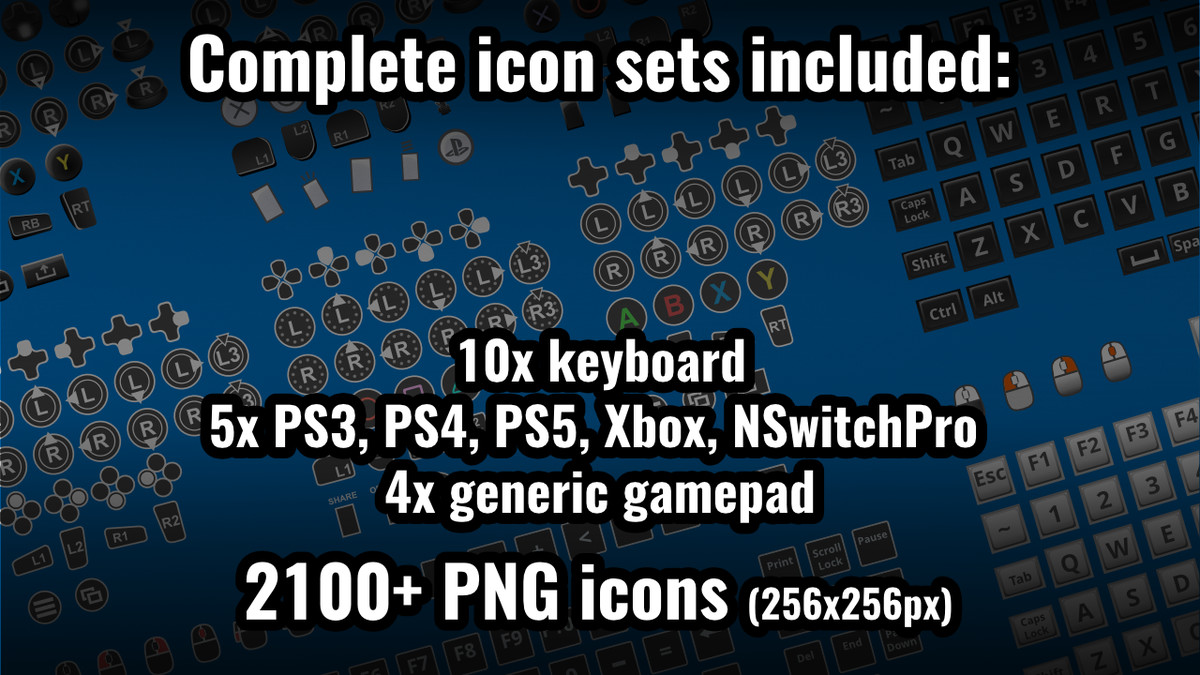
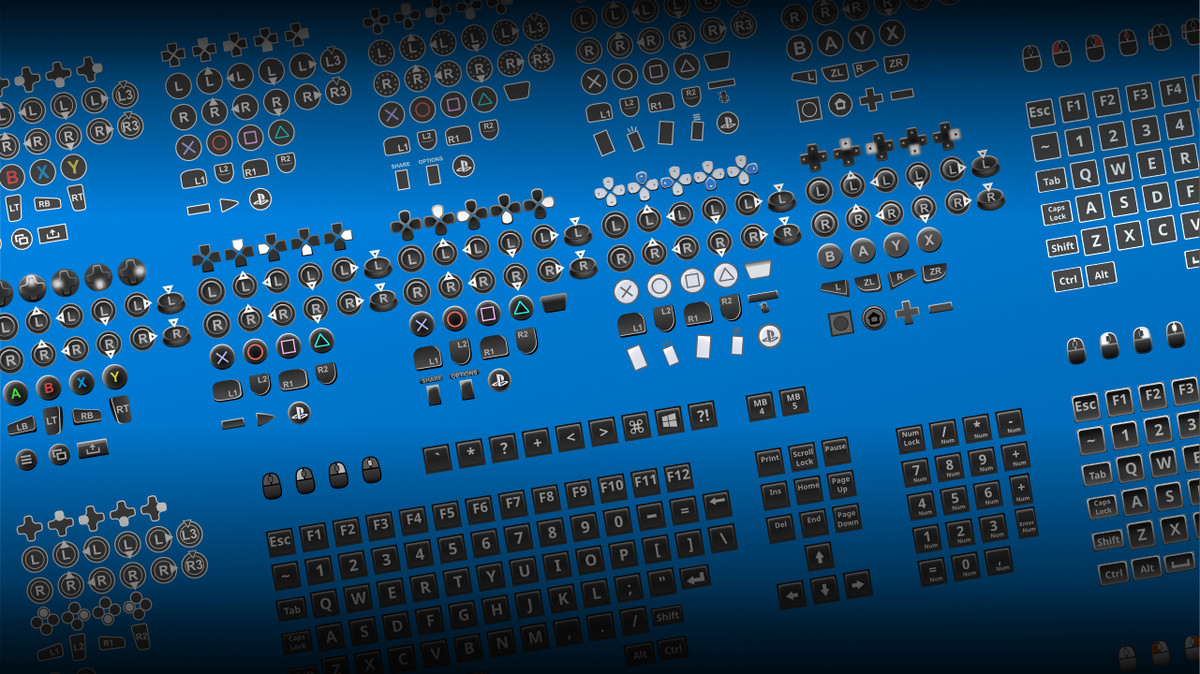
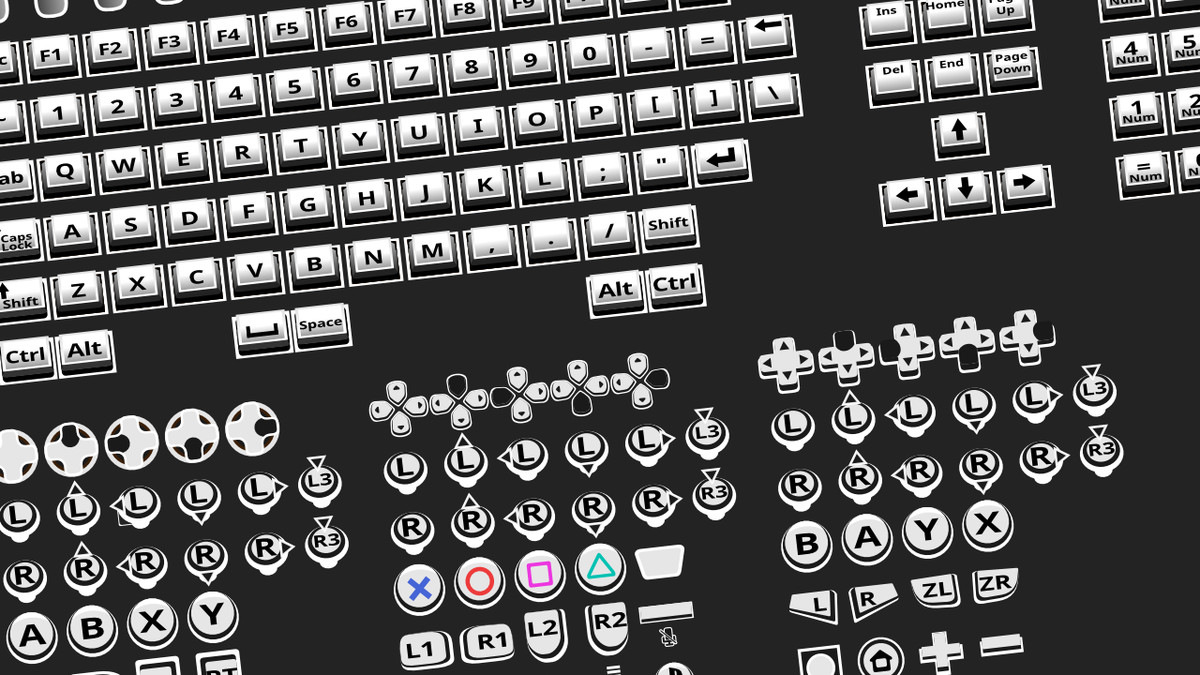
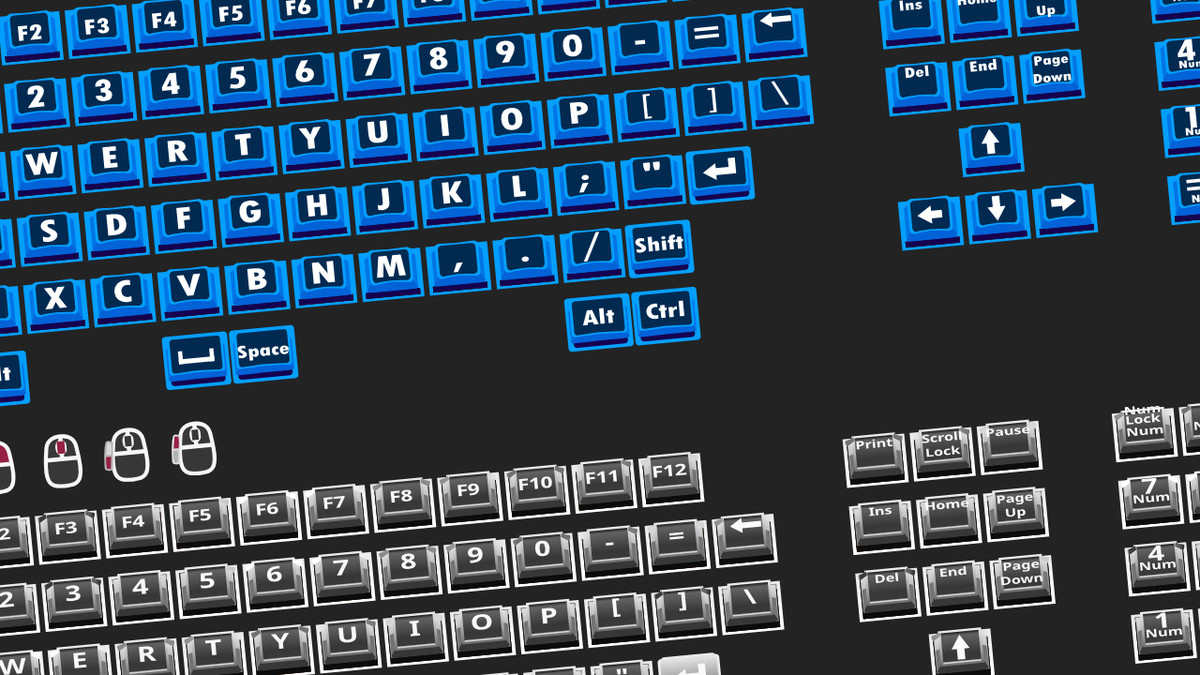
2100+ sprites, built for production
- Hand-crafted, 256×256px, crisp at any resolution
- Editable Inkscape SVG source files
- Custom SDF font pack for sharp scaling at any size
- QWERTY, QWERTZ, and AZERTY keyboard layouts
- Xbox, PlayStation (PS3–PS5), Nintendo Switch controllers and a custom fallback icon set
- Mobile support for Android and iOS
Everything else you'd expect
- Addressables integration for optimized memory and loading
- Clean, modular ScriptableObject architecture. Updates won't break your setup
- Compatible with Text Animator and other text effects tools
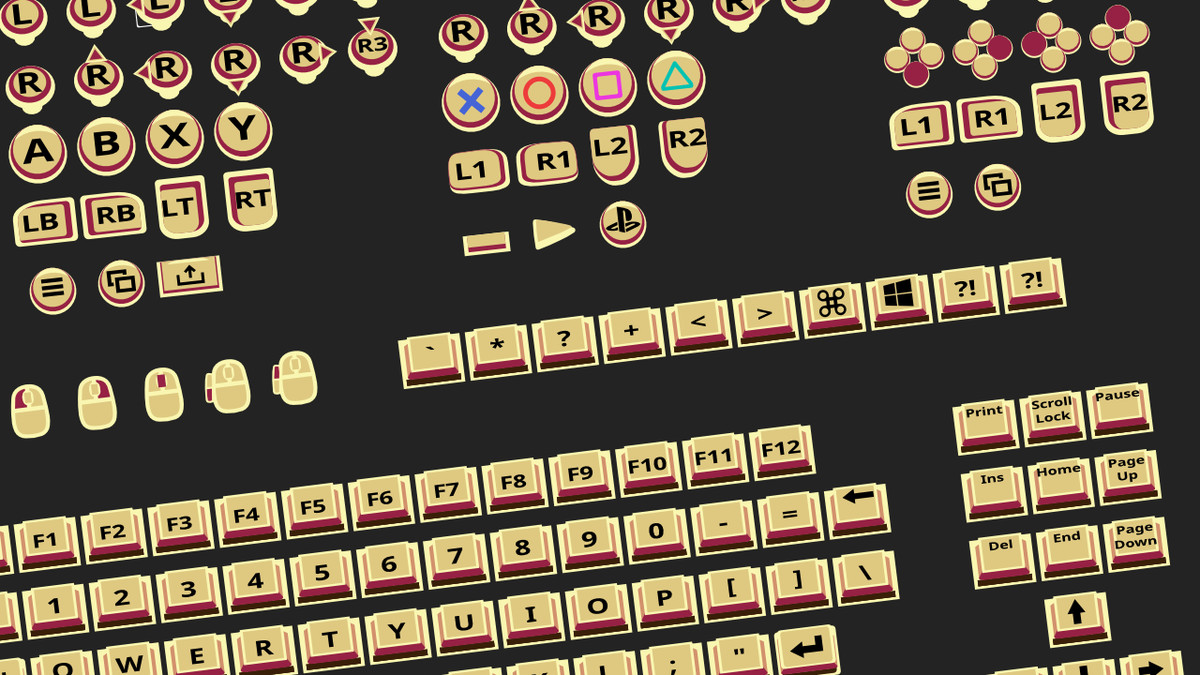
- Bring-your-own sprite support if you want a custom icon set
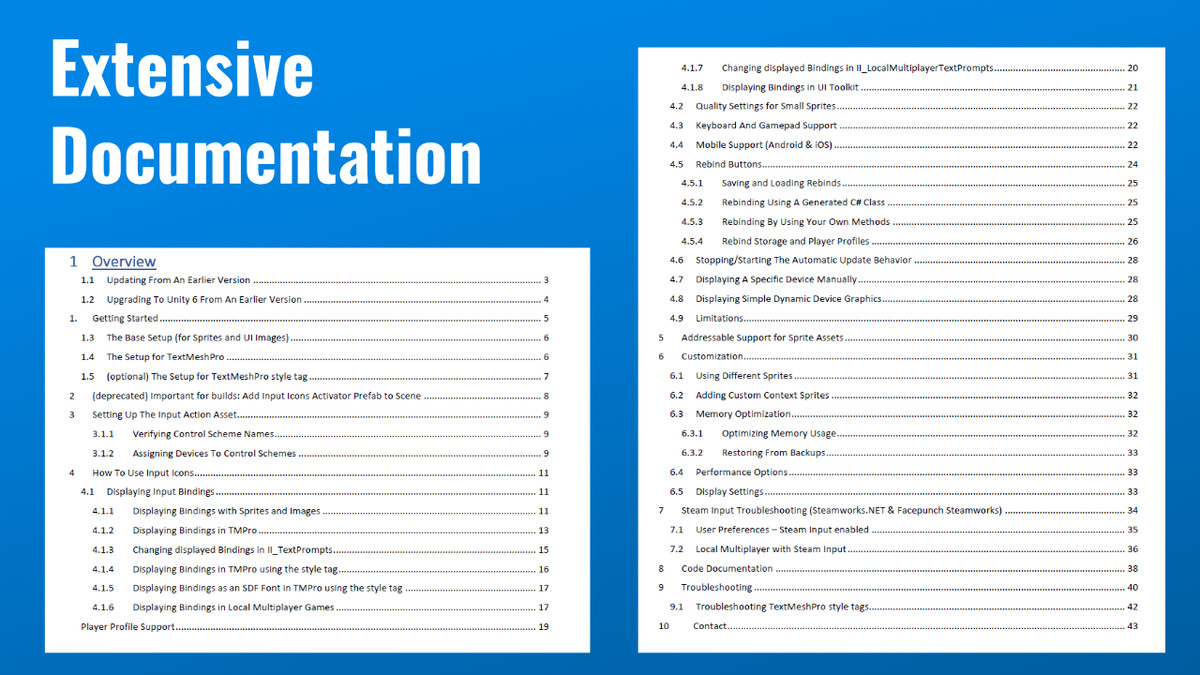
- 40+ pages of documentation, plus video guides
- Includes Keyboard and Gamepad Sprites Vol 1 and Vol 2, a $20 value
Steam Input support included
Steam Input can sometimes cause Unity's Input System to misidentify controllers. Input Icons ships with extension support for both Steamworks.NET and Facepunch Steamworks to correctly detect and display the right icons, plus a full troubleshooting guide for common Steam controller configuration issues.
Good fit for
PC games needing solid keyboard and controller support, cross-platform PC/console titles, local co-op and split-screen games, control-heavy action games, projects that need full accessibility remapping, and teams that want to ship input UI fast instead of building it from scratch.
Requirements
- TextMeshPro 2.1.6+ (free via Package Manager)
- Input System 1.4.4+ (free via Package Manager)
- 2D Sprite Package (free via Package Manager)
Tested with Unity 2020–2023 and up to Unity 6.5
Useful links:
- Online Documentation
- Contact
- Forum
- UI Toolkit support: use the free Input Icons Extension for UI Toolkit
From the publisher's Asset Store listing.
Technical details
Requires TextMeshPro 2.1.6 or higher
Requires Input System 1.4.4 or higher (Package Manager --> Unity Registry)
Requires 2D Sprite 1.0.0 or higher (Package Manager --> Unity Registry)
Compatibility
| Unity version | Built-in | URP | HDRP | Custom |
|---|---|---|---|---|
| 2022.3.62f3 | Compatible | Compatible | Compatible | Compatible |
Requires TextMeshPro 2.1.6 or higher
Requires Input System 1.2.0 or higher (Package Manager --> Unity Registry)
Requires 2D Sprite 1.0.0 or higher (for setup only) (Package Manager --> Unity Registry)
As listed on the Asset Store.