
 View on Asset Store (opens in new tab)
Package details
- Latest version
- 1.0.5
- Last updated
- First released
- Unity version
- 2021.3.22 or later
- Package size
- 84.3 MB
- Files
- 266
- Favorites
- 38
- Views in the past week
- 12
Price tracking
- Last checked
- Tracked since
- Lowest recorded
- $9.99 on
Keywords

Node Based RPG Template Kit
- Price drop
Fully functional RPG game template kit with node movement, turn-based actions, inventory, and much more.
Lowest recorded price
Get 33% off on Asset Store (opens in new tab)Affiliate link · Purchases support this site
Price history
Last 6 months
USDAsset preview
1 / 9

Node Based RPG Template Kit screenshot 1


About this asset
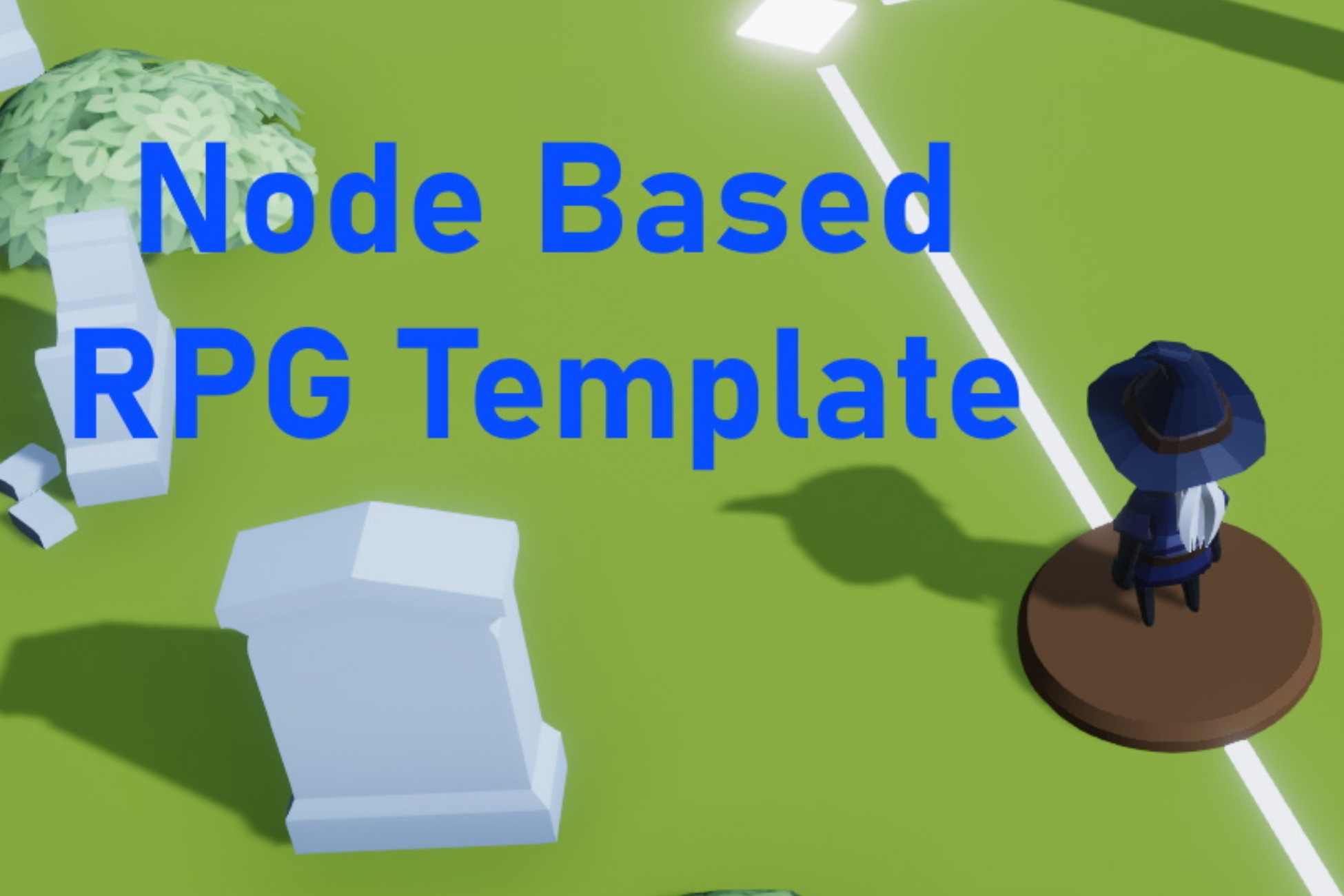
This template kit is a fully functional node based RPG game with a movement system based on Lara Croft GO and Hitman GO. Players move from node to node and can take various actions at each point.
This is not just an unfinished game, but a fully functional framework. The amount of source code included in this project provides a fundamental start for a complex game project with all aspects of gameplay from menu screens to actual play.
Possibilities of how this code can be expanded upon are endless. The idea of this template kit is to provide a base and help avoid many months of initial work. The sample game was created with the URP pipeline, however the code can be used with other pipelines.
Feel free to contact me for any help, bug reports, comments, or questions you have.
Main features include:
- Node prefabs with full functionality that can be placed anywhere
- Gamepad and keyboard input using the new Unity Input System
- UI using the UI Toolkit
- Save system for game profiles and settings
- Menu and Settings system
- Inventory system with automatically loaded items
- Full source presented in a clean and organized form
- Interactive objects and traps
- Animated objects
- Sample game that explores possible features
Note: My free Fade With UI Toolkit asset contains a transition panel similar to the one in this asset.
Support:
- All of my templates and assets will have continuous support
- Support, feedback, or questions: [email protected]
Check out my other assets:
From the publisher's Asset Store listing.
Technical details
As a professional C# developer with over 14 years experience, my code is well commented, organized, and clearly laid out. There are XML comments throughout. Properties and methods have narrowed scope with very few public and static objects.
Assets used for the sample can be used in a released game, but are intended to demonstrate the gameplay for this template. Asset sources are listed below.
The project uses the URP graphics pipeline along with the Unity UI Toolkit and the New Input system.
The in-game level was created using ProBuilder, but any tool such as Blender or the Unity terrain sculpting tool could be used to build the levels.
General features
- Startup scene with main menu
- Main game scene that also allows access to menu
- Scene switching with loading transitions
- Simple state machine
- Music and sound systems
- Smooth camera and movement at any framerate
Minimal update loops
- Only 3 small update loops for the entire game
- Functionality triggered by events or methods
- Animations use the animation system or coroutines
Movement Node System
- Nodes can be placed anywhere in a level
- Nodes automatically connect to each other
- Node center and lines are decals allowing them to conform to any terrain
- Lines between nodes are automatically generated
- Movement between nodes is validated and checked automatically
- Player automatically adjusts to terrain height
Saving and loading
- 4 game profiles for the user to choose from
- Saves are automatic in the game
- Settings are automatically saved and loaded
UI
- Keyboard and gamepad controls with dynamic button image switching
- All UI elements fade in and out smoothly
Main Menu
- Controller or keyboard / mouse control for menu
- 4 profiles that are automatically saved and can be loaded from the main menu
- Multiple settings that are automatically saved and loaded
- Quit to desktop
- In-game - user can alter settings, quit to desktop or main menu
Inventory Menu
- 4 tabs controlled by selected input method
- Player stats
- Items with detailed display panel
- Equipment with detailed display panel and equip option
- Notes with detailed display panel that displays the text
In-game Items
- Add items to a spreadsheet, save as CSV
- Items are automatically loaded, updated, and added to the game
In-game Features
- Interactive objects like doors, traps, and treasure chests
- Items can be picked up and stored in the inventory
- Player can be damaged or killed by traps
- Traps can be disarmed using an in-game item
- Doors can require specific keys
- Chests or other objects can require lockpicks
Shaders
- Dissolve shader used to remove objects
- Fog shader to create a volumetric moving fog
- Wind shader that can be applied to models like grass or trees
Resources used:
https://opengameart.org/content/free-controller-prompts-xbox-playstation-switch-pc
http://anttismusic.blogspot.com/ (blog no longer available)
Compatibility
| Unity version | Built-in | URP | HDRP |
|---|---|---|---|
| 2023.1.3f1 | Not listed | Compatible | Not listed |
| 2021.3.22f1 | Not listed | Compatible | Not listed |
This template was created in URP, but all code will work with any pipeline.
This template uses the new Input System package from the Unity registry. Detailed instructions can be found in the included documentation.
As listed on the Asset Store.