
 View on Asset Store (opens in new tab)
Package details
- Latest version
- 5.7
- Last updated
- First released
- Unity version
- 6000.6.6 or later
- Package size
- 6.6 MB
- Files
- 60
- Favorites
- 9
- Views in the past week
- 26
Price tracking
- Last checked
- Tracked since
- Lowest recorded
- $99.99 on
Keywords
DawnShader G2 and N5 Update
Update shaders for G2 and N5 packages
Affiliate link · Purchases support this site
Price history
Last 6 months
USDAsset preview
1 / 5
DawnShader G2 and N5 Update screenshot 1
About this asset
DawnShader Update
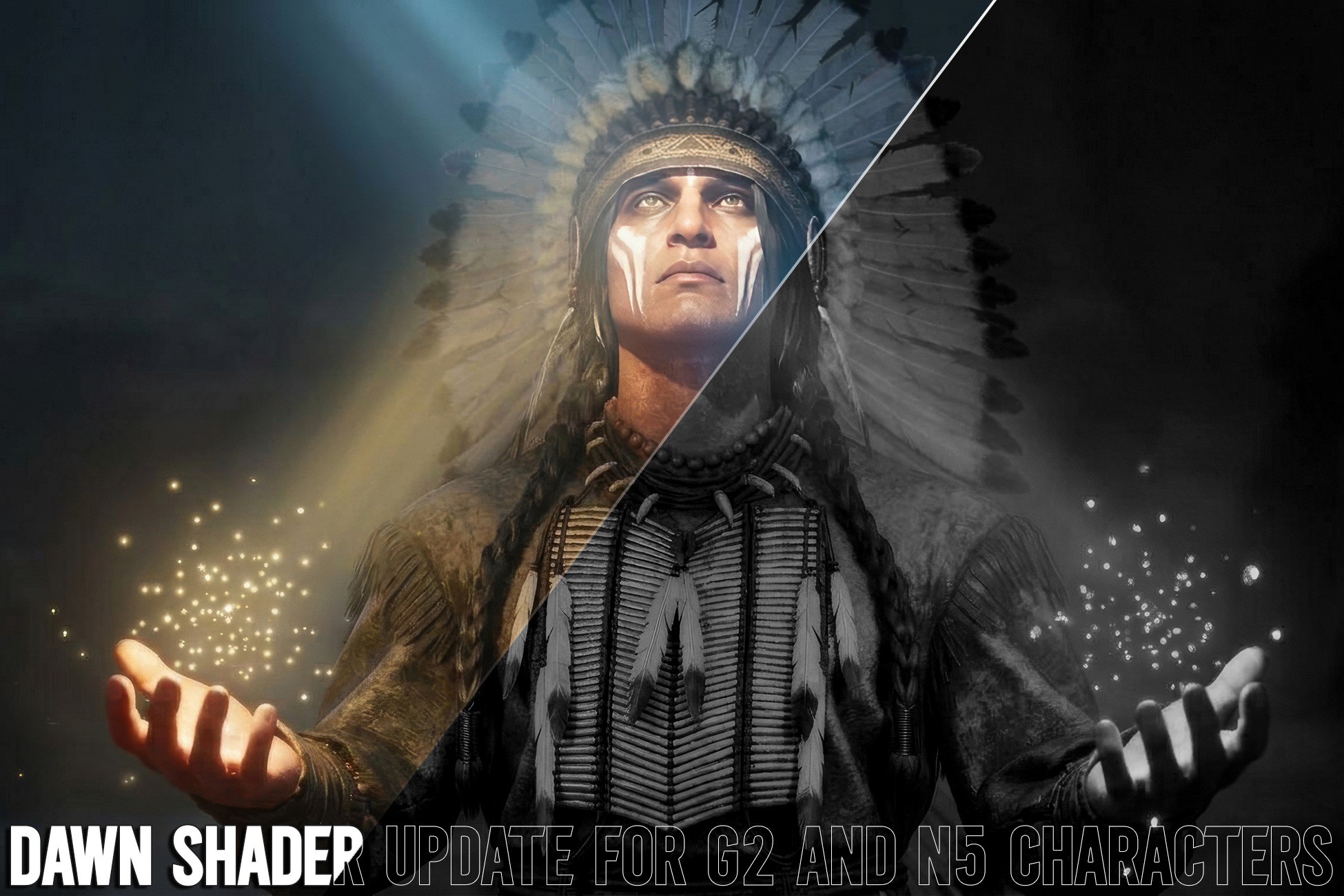
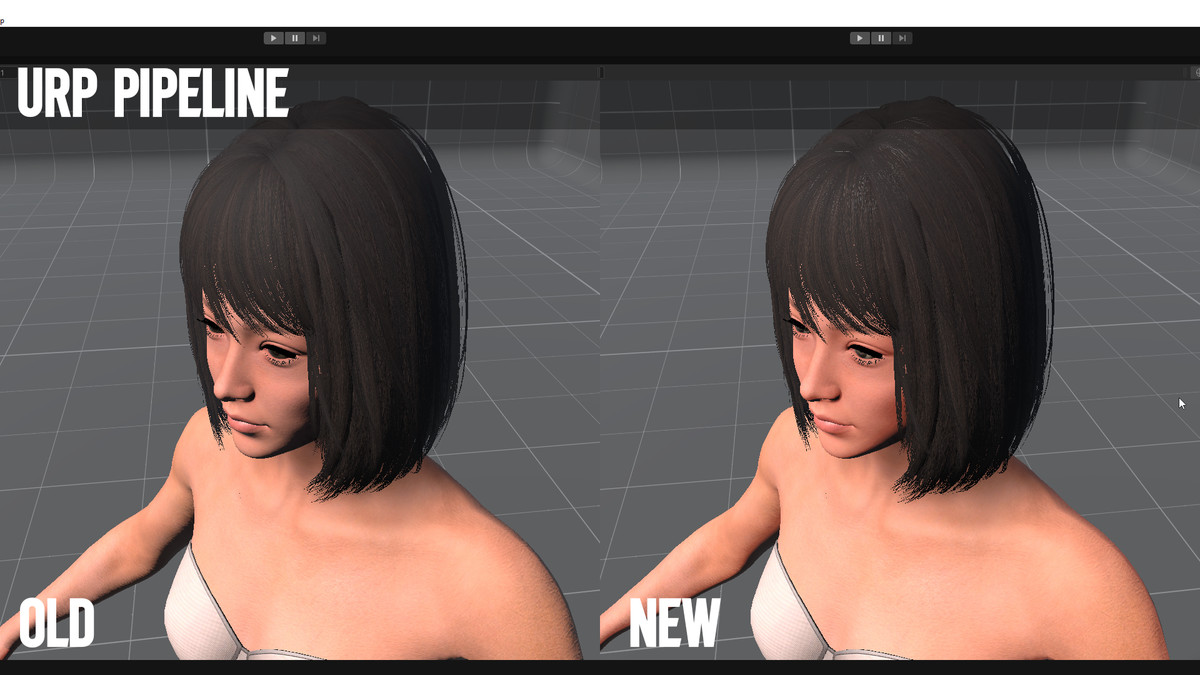
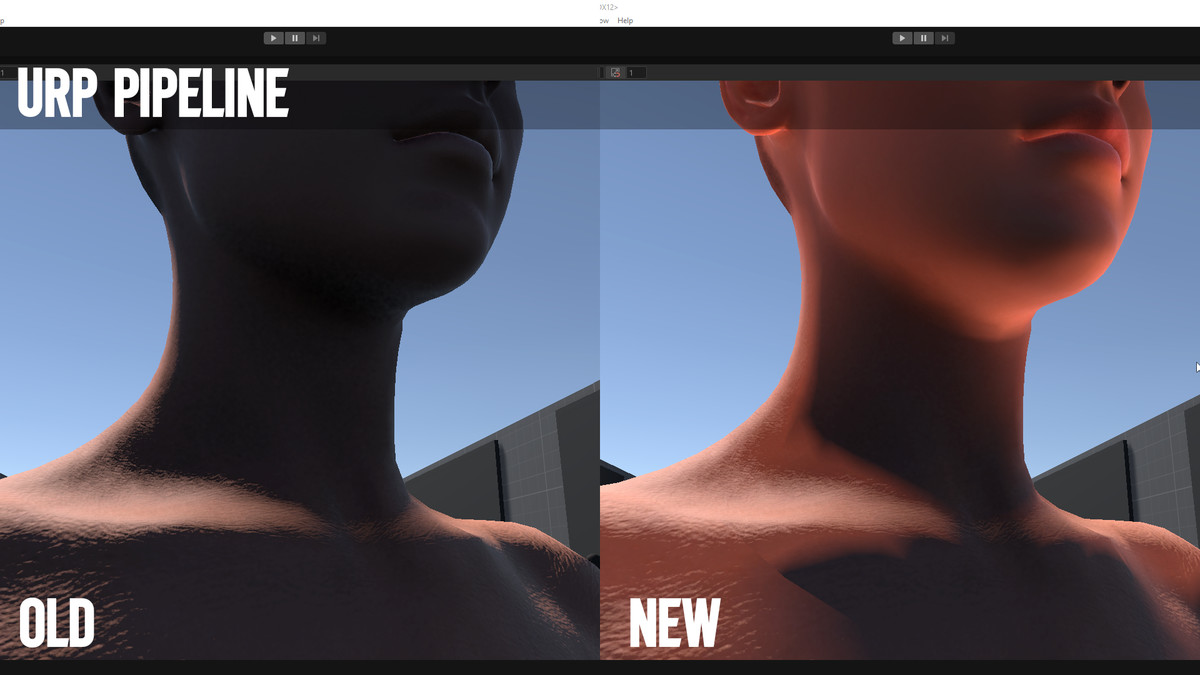
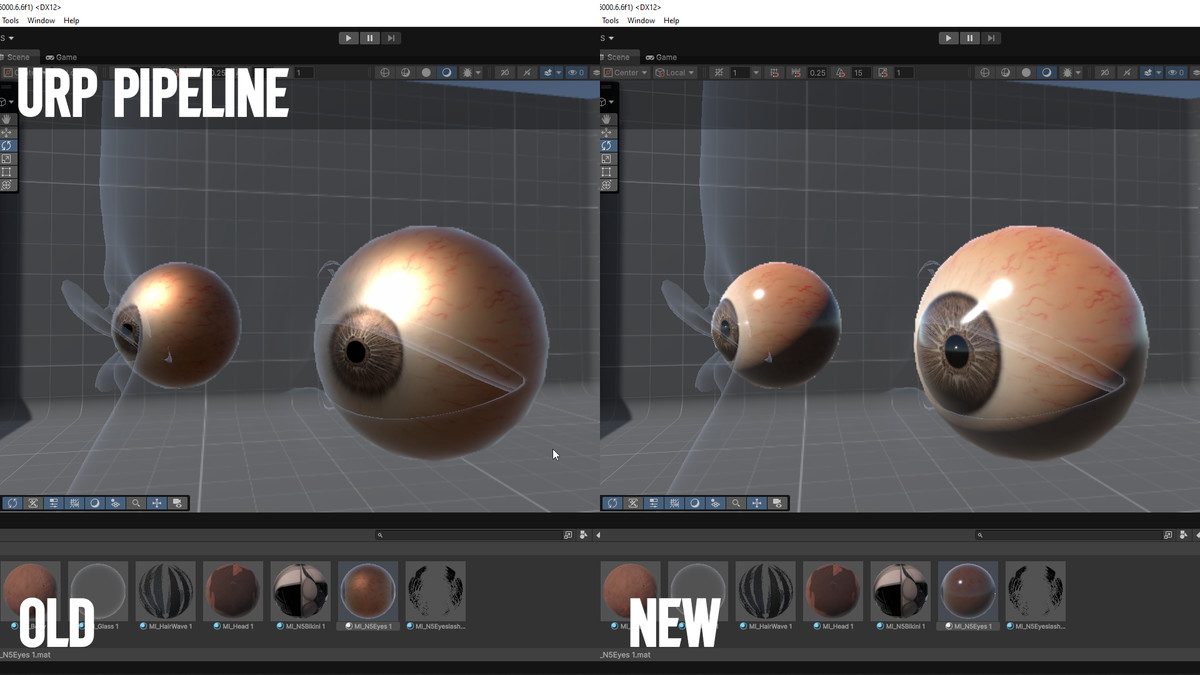
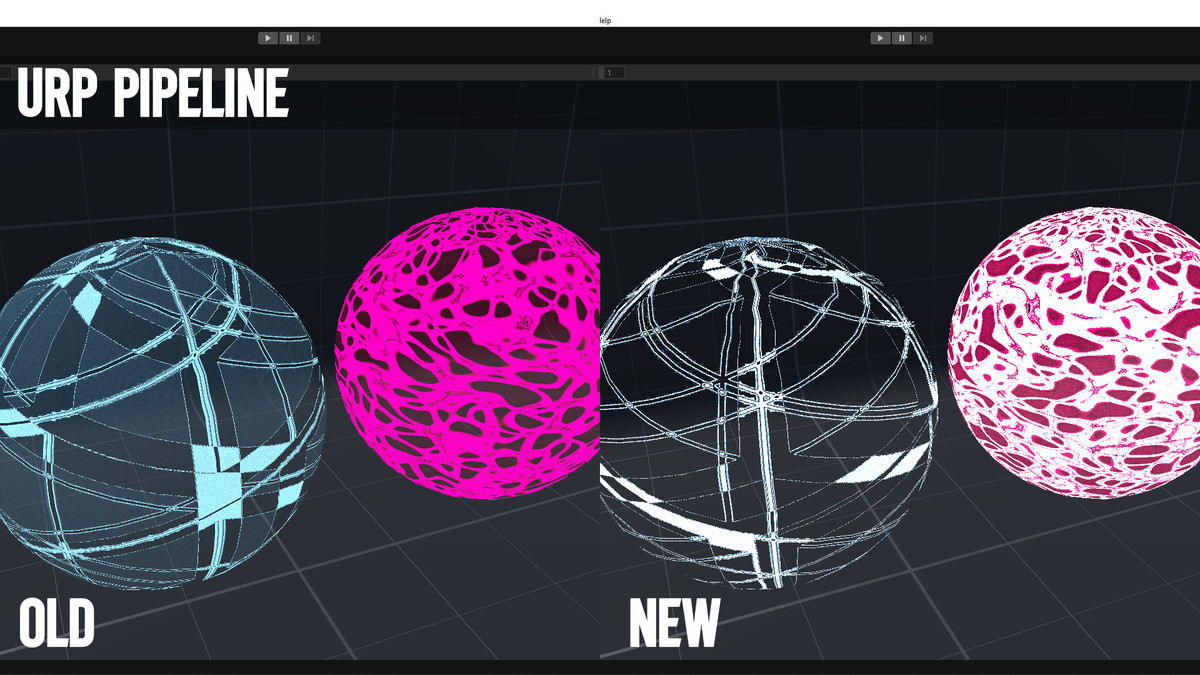
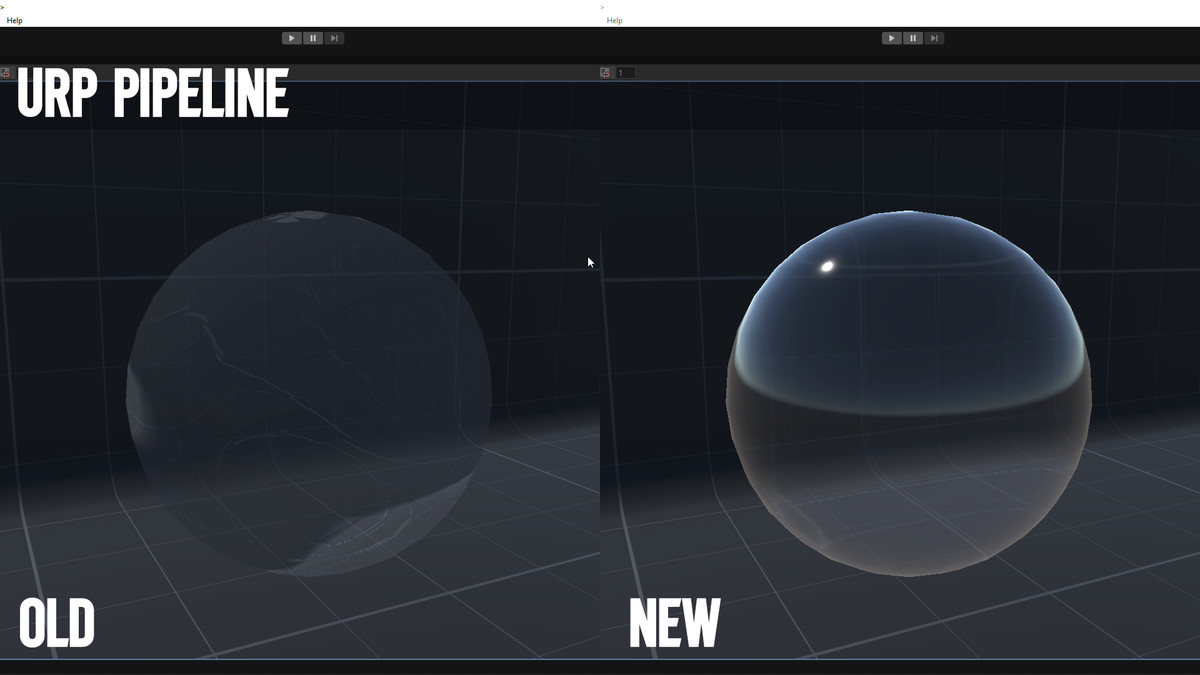
Shader update for all N5 and G2 character packages. Move your older packages to URP with a new set of optimized Shader Graph shaders, and keep your materials, textures and settings.
Why URP?
My packages are now set up for URP to meet the needs of most users, and Unity has announced that HDRP will no longer be developed in Unity 7. Future packages will support URP only.
What’s inside
- DawnShaderSG_V2: the new URP Shader Graph shaders (renamed with the _V2 suffix, with the same property names so your existing materials keep working). This shader set has been extensively refined and optimized specifically for URP.
- DawnShader_SG: the legacy HDRP,URP,BiRD Shader Graph shaders, for HDRP,URP,BiRD projects. This shader set has been extensively refined and optimized specifically for HDRP.
- QP Support Tool (Window > QuangPhan > QP Support Tool), an editor tool that includes:Shader Swap: switch every material from an old shader to its new version, with one-click revert.
Material Reset: reset materials back to their shader defaults.
Clean BUILTIN: remove leftover _BUILTIN_* properties that cause import warnings.
GUID: generate new GUIDs for your own folders and assets.
HDRP users
You can still use my packages with HDRP, URP, BiRD by applying the Shader Graph shaders in DawnShader_SG, included in this update package.
URP users
Older packages that were set up for HDRP can be updated and fully converted to URP with the new shaders (DawnShaderSG_V2). If you are using URP, I recommend using this shader set for the best experience.
- Import this package into your project.
- Open Window > QuangPhan > QP Support Tool.
- In Shader Swap, choose the folder with the old shaders (A) and the folder with the new shaders (B), then click Scan.
- Click Swap to change all materials to the new shaders. Textures and values are kept.
- If something looks wrong, click Revert last swap.
After switching render pipelines, you may need to readjust lighting, environment and material settings (especially skin) for the best result.
Free updates
All owners of my packages can update the shaders for free. Please log in to the Asset Store account that owns the package to claim the update.
Notes
- Requires Unity [version] and Shader Graph (Window > Package Manager > Shader Graph) if you want to edit the shaders.
- Back up or commit your project before swapping many materials.
- Some values may need a quick check after the swap if a shader changed how a value works (for example Roughness vs Smoothness).
Support
Questions? Join the Discord community: Discord
From the publisher's Asset Store listing.
Compatibility
| Unity version | Built-in | URP | HDRP |
|---|---|---|---|
| 6000.6.6f1 | Compatible | Compatible | Compatible |
Compatibale wirh Unity 6000.6.6f1
As listed on the Asset Store.