
 View on Asset Store (opens in new tab)
Package details
- Latest version
- 1.7.6
- Last updated
- First released
- Unity version
- 2022.3.62 or later
- Package size
- 351 KB
- Files
- 13
- Favorites
- 36
- Views in the past week
- 21
Price tracking
- Last checked
- Tracked since
- Lowest recorded
- $70.00 on
Keywords
Recorder WebGL: Video, Audio & Microphone
- Price drop
Add video and audio recording to your Unity WebGL projects and capture gameplay, game audio, microphone, or any combination directly in the browser.
Lowest recorded price
Get 30% off on Asset Store (opens in new tab)Affiliate link · Purchases support this site
Price history
Last 6 months
USDAsset preview
1 / 3

Recorder WebGL: Video, Audio & Microphone screenshot 1

About this asset
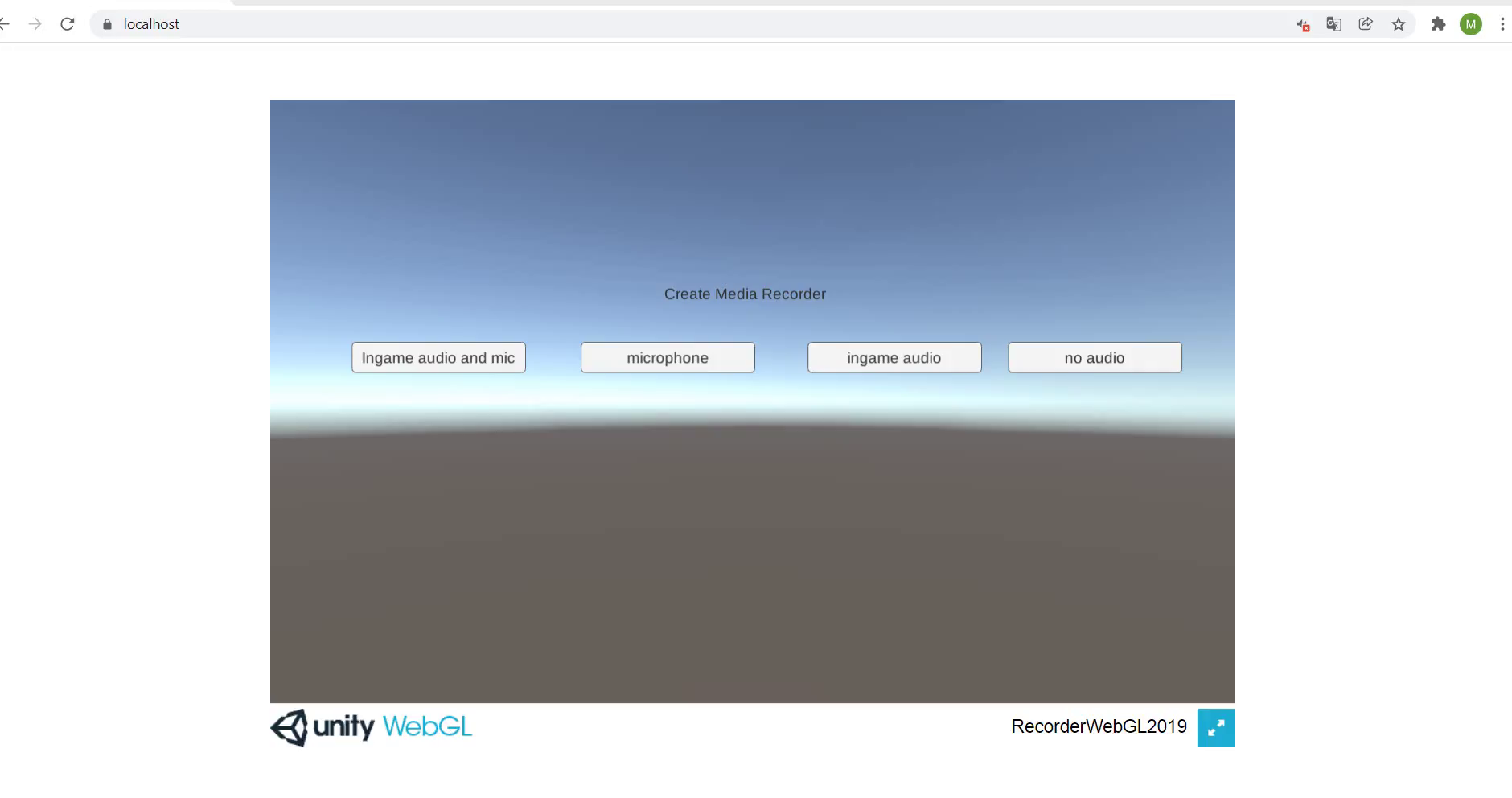
Recording screenshots in Unity WebGL is straightforward using Unity's API, but recording video and audio directly in the browser is another story. This plugin fills that gap by adding browser-based recording to your Unity WebGL projects.
Record gameplay video, gameplay audio, microphone audio, or any combination of them.
FEATURES
- Records WebGL gameplay with or without audio, or records audio only (game audio, microphone, or both).
- Supports recording audio from Unity Audio Source, Unity Video Player, my own Video Player, and microphone.
- Configurable recording frame rate.
- Start, stop, pause, and resume recording at any time.
- Download recordings in MP4 or WebM (browser-dependent).
- Export recordings as Data URL, Object URL, or binary data.
- Check browser support before recording.
- Records at the Unity game canvas resolution.
- Compatible with all major browsers, including Chrome, Safari, Firefox, Edge, and Opera.
KNOWN ISSUES/LIMITATIONS
- iPhone/iPad: Recording is supported on browsers running iOS 14.5 or later.
- This plugin records the HTML <canvas> element that Unity renders to (not to be confused with Unity's UI Canvas). As a result, only content rendered inside the game's HTML canvas can be captured.
- Since the entire game canvas is recorded, everything rendered to it will appear in the recording, including your UI. If you don't want to record certain UI elements, you can temporarily hide them while recording or render them as an HTML/CSS overlay instead. An example scene demonstrating this approach is included.
- Microphone recording requires a secure (HTTPS) connection. Browsers do not allow microphone access over HTTP.
You can use ShareNSaveWebGL to download/share your recording.
If you like my plugin, please consider leaving a review. It helps me immensely and encourages me to improve the plugin further, and other people to support my work :).
From the publisher's Asset Store listing.
Compatibility
| Unity version | Built-in | URP | HDRP | Custom |
|---|---|---|---|---|
| 2022.3.62f3 | Compatible | Compatible | Compatible | Compatible |
As listed on the Asset Store.