
 View on Asset Store (opens in new tab)
Package details
- Latest version
- 1.0
- Last updated
- First released
- Unity version
- 2019.4.32 or later
- Package size
- 557 KB
- Files
- 43
- Favorites
- 13
- Views in the past week
- 5
Price tracking
- Last checked
- Tracked since
- Lowest recorded
- $15.00 on
Keywords

Inventory Carousel
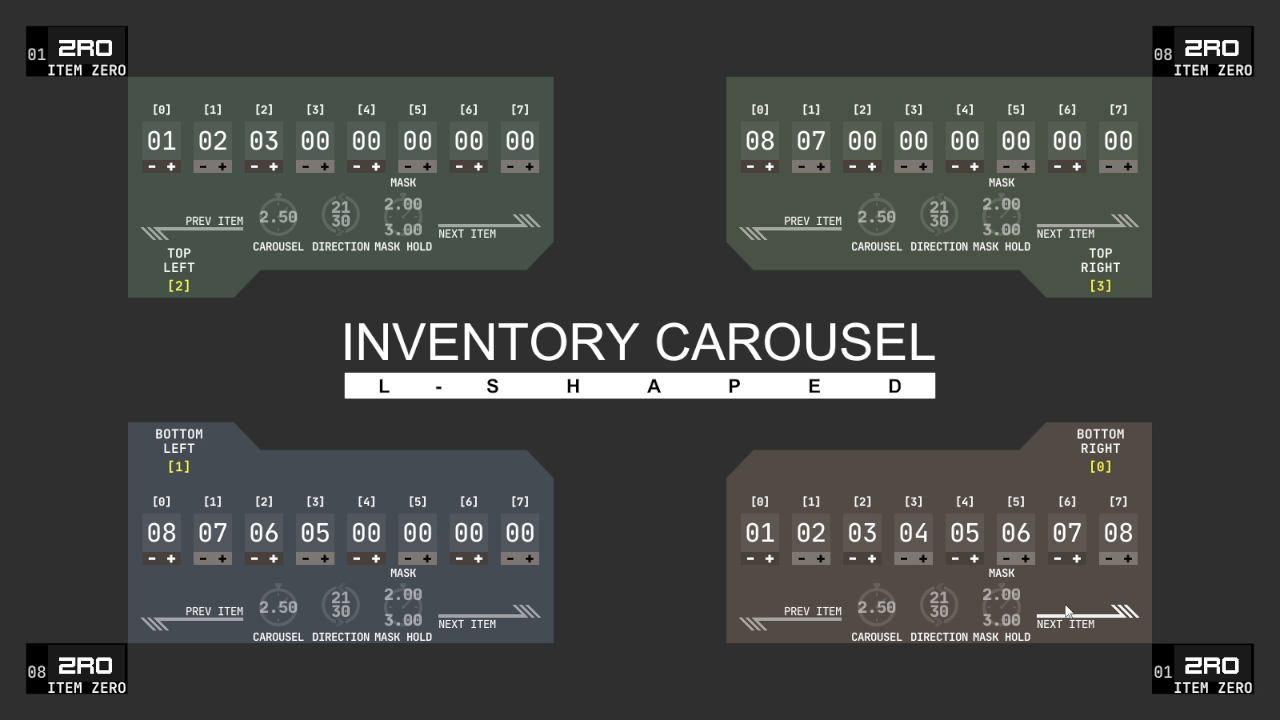
Use Inventory Carousel to create a scrolling L-shaped inventory UI. Inventory Carousel uses linear motion instead of rotation, with defined column and row of inventory elements.
Affiliate link · Purchases support this site
Price history
Last 6 months
USDAsset preview
1 / 6

Inventory Carousel screenshot 1


About this asset
Inventory Carousel is an animated UI tool created to help developers visualize contents of player inventory, its design and feel directly inspired by series of classic video games.
This asset contains ready to use prefabs but is designed with focus on code customization in mind.
WebGL demo: https://white-mouse.itch.io/inventory-carousel
Assumptions and requirements:
- Game inventory can be represented as a singular array of integers
- Equipped/active item can be represented as an index of above mentioned array
- Item change can be represented as an increment or decrement of item index
- User possesses basic C# scripting ability
Compatibility notes:
- Scripts were tested with Unity versions 5.6 and up.
- Unity versions lower than 2018.3 won't work with included prefabs. Use included DemoScene_NoPrefabs scene as a starting point instead of DemoScene scene.
From the publisher's Asset Store listing.
Technical details
Simplified code, avoiding many complex features, thus allowing easy customization.
Main code functionality independent of UI implementation.
Consistent naming conventions for variables.
Commented code for core scripts.
Four inventory UI prefabs as a jumping off point.
Clear demo scene hierarchy structure.
Consistent naming conventions for Game Object names in demo scene.