
 View on Asset Store (opens in new tab)
Package details
- Latest version
- 1.0.0
- Last updated
- First released
- Unity version
- 2019.4.1 or later
- Package size
- 1.8 MB
- Files
- 51
- Favorites
- 16
- Views in the past week
- 5
Price tracking
- Last checked
- Tracked since
- Lowest recorded
- $21.00 on
Keywords

Editor Tools pro - Bundle
- Price drop
This bundle include all our released tools and all incoming tools .
Affiliate link · Purchases support this site
Price history
Last 6 months
USDAsset preview
1 / 16

Editor Tools pro - Bundle screenshot 1


About this asset
This bundle include all our tools and will be updated with all future tools.
1️⃣ Extended fields 🔗 Link to the asset
This asset is very usefull for production and quick prototyping. You have a total flexibility on extended fields. They can be used for:
- Referencing an Exposed variable from another script by drag and dropping it
- Retrieving an Unity System Variable (App version, Company name, ...)
- Getting a Global Variable who is created and updated anywhere on code
📙 Usage
Just add [Exposed] attribute to your variable you want to expose. Then use an Extended fields class on others script to be allow to drag and drop your exposed variable script to the others.
Stop creating multiple script to assign UI text content. Use only one with an ExtendedString and change the exposed script reference!
📋 Complete : It extends 6 main variable types:
- Float
- Int
- String
- Vector2
- Vector3
- Bool
2️⃣ Version from git 🔗 Link to the asset
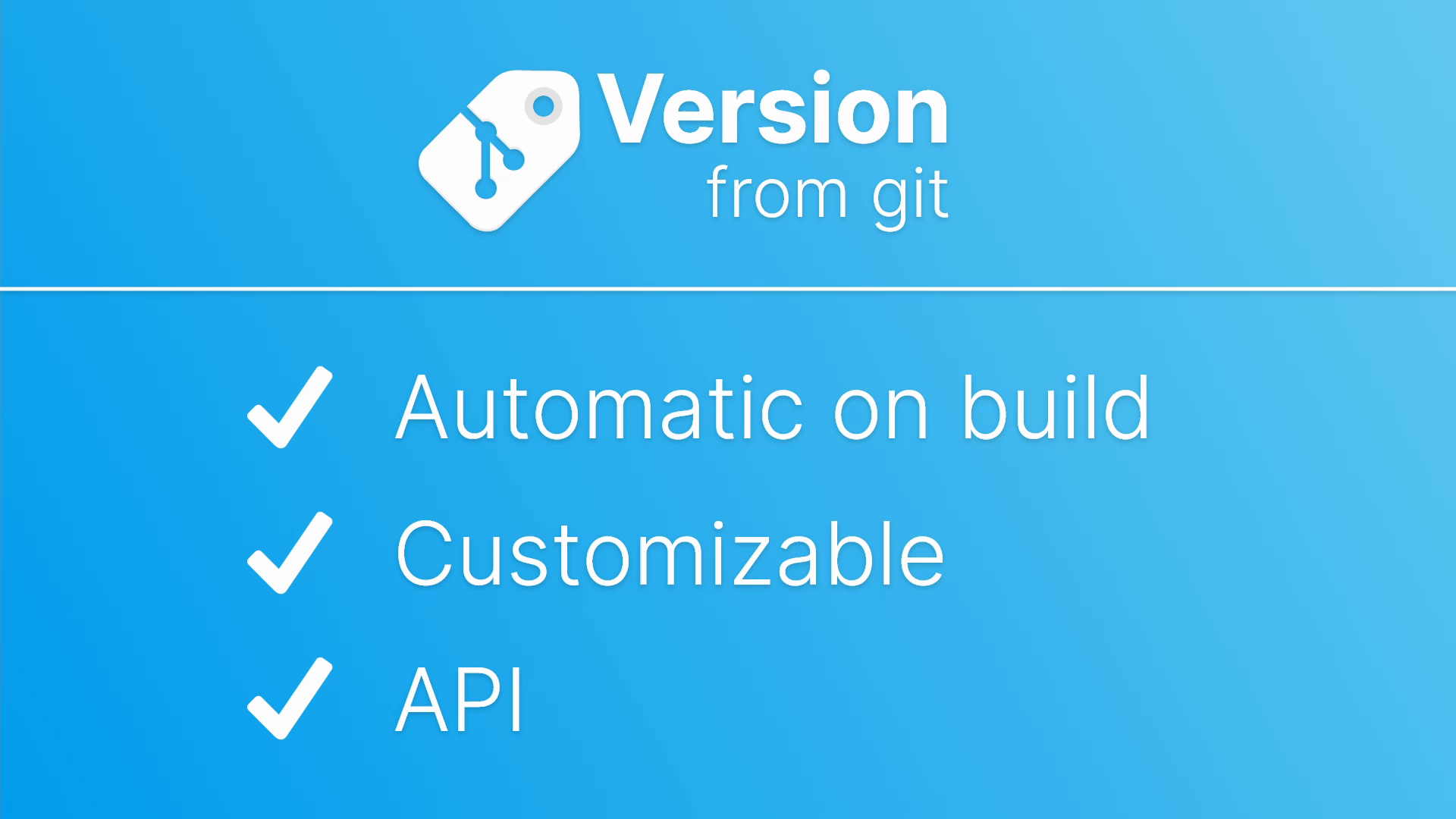
Manage your game version directly from Git Tag. This package will set the version on Unity automatically when you build your game.
- Automatically set the version
- Get the version from Git tag
- Choose between multiple format
- Set the version manually from the editor
- Use the API to retrieve version on Unity
📙 Usage
Manage your project version only with your git tag. When your game will be build it will automatically fetch and save the last tag version. You have literally nothing to do on Unity.
📋 And more
- If you want to can retrieve the last version manually by using the menu option.
- You can customize the format version as you prefer.
- If you want to implement your own versioning formatting logic, you can use our API and format the data as you wish.
⚠️ Obviously this tools work only if you have Git and you use it for your project.
3️ Quick scene window finder 🔗 Link to the asset
Manage your game version directly from Git Tag. This package will set the version on Unity automatically when you build your game.
💠 Features
- List all scene of your project
- Filter only on build scene
- Search by name
- Dropdown list
📙 Small but usefull tool
When project get bigger it's sometime difficult to search for a specific scene on various folder. This asset list them all and allow you to search and load them quickly.
ℹ️ Supported
We are always looking to improve our assets. Feel free to contact us by email on [email protected] if you have any suggestion or any question. We speak 🇬🇧 english and 🇫🇷 french.
💖 If you like this asset you can Review it ! It's the best way to help us to improve our assets!
From the publisher's Asset Store listing.
Technical details
- Extended Fields : Drag and drop variable between script
- Version From Git : Set build version automatically from git tag
- Quick Scene Window : Editor window to list, sort and filter all your scene
Compatibility
| Unity version | Built-in | URP | HDRP | Custom |
|---|---|---|---|---|
| 2019.4.1f1 | Compatible | Compatible | Compatible | Compatible |
As listed on the Asset Store.