
 View on Asset Store (opens in new tab)
Package details
- Latest version
- 1.932
- Last updated
- First released
- Unity version
- 2022.3.62 or later
- Package size
- 7.3 MB
- Files
- 1,259
- Favorites
- 1,074
- Views in the past week
- 129
Price tracking
- Last checked
- Tracked since
- Lowest recorded
- Free on
Keywords

Mega World — Brush Tools
Mega World is an ecosystem of tools for lightning fast creation of beautiful and realistic results.
Affiliate link · Purchases support this site
Price history
Last 6 months
USDAsset preview
1 / 34

Mega World — Brush Tools screenshot 1





About this asset
Documentation • Join Discord • YouTube • Twitter
All asset-related discussions are moving to Discord. Join us for more info, updates, support, or if you just want to say hi!
○ What's in this package
○ Overview
Mega World is an ecosystem of tools for the lightning-fast creation of beautiful and realistic results and hyper-optimized object rendering. Mega World has both tools for full as well as partial procedural generation, as well as for quick and easy manual level design.
Mega World also simplifies the workflow, you can copy and paste settings, you can save settings profiles in the project, and at any time you can add them to the tool.
Mega World offers an intuitive, simple, but at the same time comprehensive solution for creating scenes in minutes.
○ Brush Tools Overview
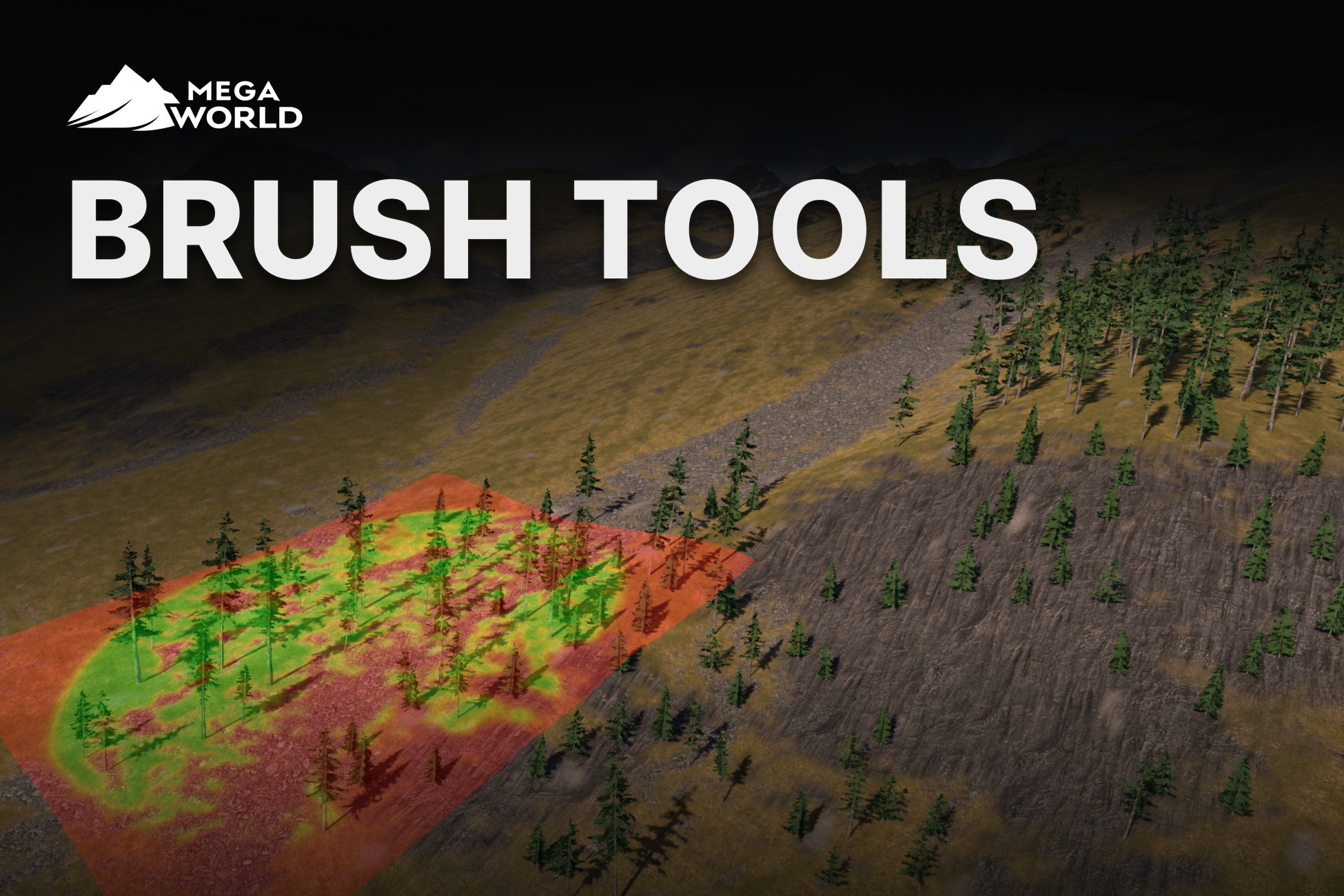
Sometimes you want more control, more intention, and a bit of controlled chaos. You want to paint objects exactly where the scene needs them, but still get help from scatter, filters, transform variation, success probability, and overlap checks.
These three brush tools give you that workflow with a fast Scene View interface: paint objects, spray quick variation, and erase or thin the result without fighting the editor.
○ Why Brush Tools are useful
✓ Paint like an artist while MegaWorld adds procedural variation to every stroke.
✓ Use Scatter Settings to avoid flat, repetitive placement with random, grid, Poisson, and broken-up distribution patterns.
✓ Use Mask Filters to place objects only where they belong: by height, slope, terrain texture, direction, noise, image masks, and advanced filter operations.
✓ Use Transform Components to break repetition with natural alignment, rotation, scale, offsets, slope behavior, snapping, and stacked transform rules.
✓ Use Overlap Check Settings to stop objects from intersecting, clipping into geometry, or crowding each other unnaturally.
✓ Spray quick accents and loose object variation when a full procedural setup is too much.
✓ Preview brush area and filter feedback directly in the Scene View while you work.
✓ Paint on curved or non-terrain surfaces with spherical brush mode.
✓ Use Brush Erase to cut paths, clear patches, and thin dense areas with brush strength, filters, mask alpha, and per-prototype erase probability.
○ Guarantee
✓ Instant User Support - I'm online 7 days a week, especially good support via Discord.
✓ Stability - major updates go through the testing phase.
✓ Instant Bugfix - I will send you a version with a fix.
✓ Big Plans
○ Source Code
The asset comes with the full source code. MegaWorld is very modular, so you can create extensions easily. I will be glad if you contribute to the development of MegaWorld!
○ Integration
Looking for a quick reply to your questions? Join us on my Discord server.
From the publisher's Asset Store listing.
Technical details
Mega World supports new High Definition and Lightweight rendering pipelines.
Compatibility
| Unity version | Built-in | URP | HDRP |
|---|---|---|---|
| 2022.3.62f2 | Compatible | Compatible | Compatible |
⚑ Go to Player settings and change the following settings:
- Api Compatibility Level → .NET Framework
- Enable Allow ‘unsafe’ Code
As listed on the Asset Store.