
 View on Asset Store (opens in new tab)
Package details
- Latest version
- 1.2.1
- Last updated
- First released
- Unity version
- 2020.3.25 or later
- Package size
- 643 KB
- Files
- 33
- Favorites
- 3
- Views in the past week
- 9
Price tracking
- Last checked
- Tracked since
- Lowest recorded
- Free on
Keywords

MSS - Multipurpose Spawner System
- Price drop
The Multipurpose Spawner System (MSS) allows you to easily set up spawners in your project with just some simple clicks!
Affiliate link · Purchases support this site
Price history
Last 6 months
USDAsset preview
1 / 6
MSS - Multipurpose Spawner System screenshot 1

About this asset
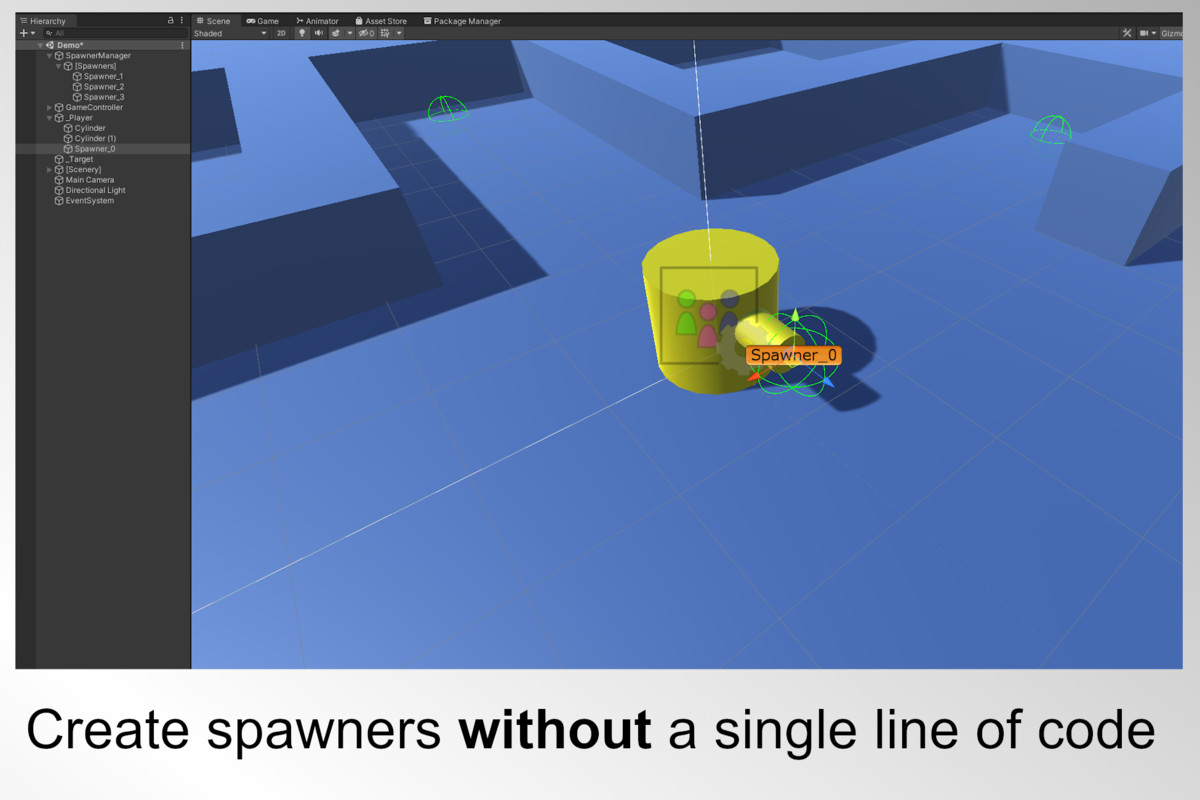
MSS allows you to easily add, remove and configure multiple spawners through a single manager! Whether you want to spawn items, enemies or some kind of projectiles in your scene - MSS offers you a big variety of settings to adjust each spawner to your needs.
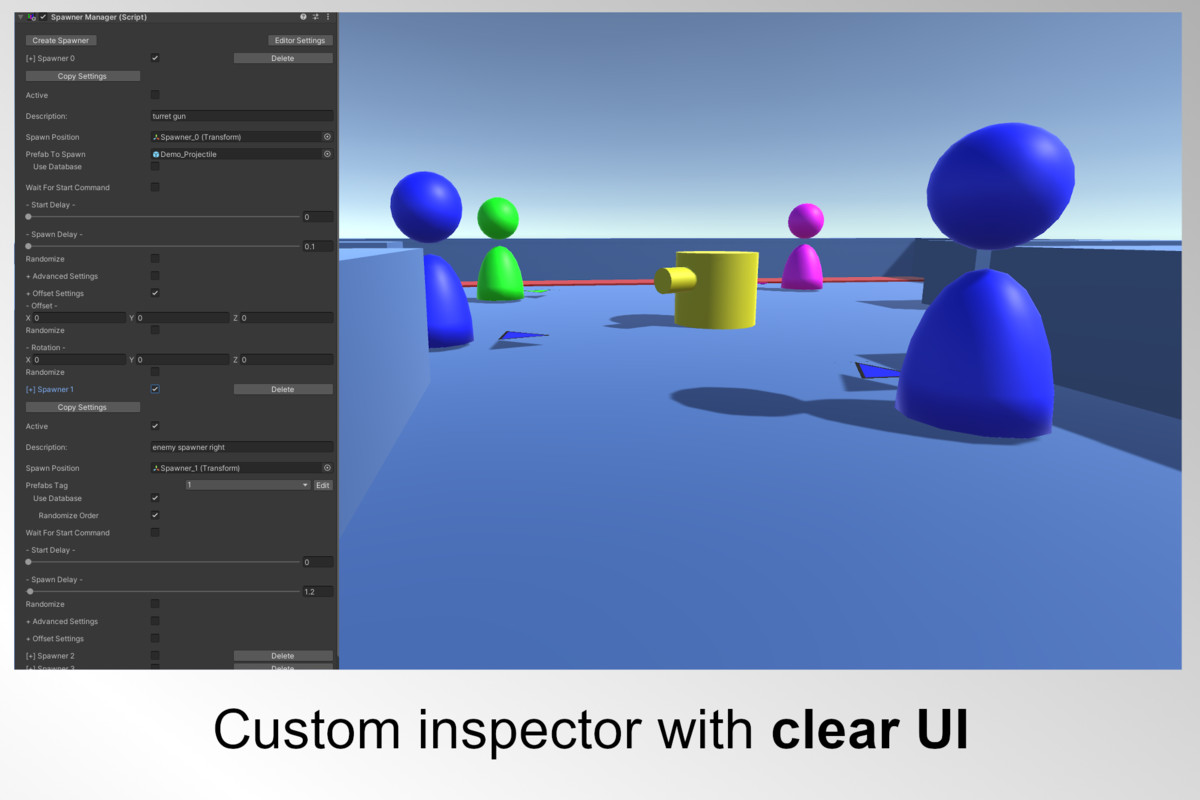
The tool comes along with a userfriendly inspector and can be used immediatly out of the box - no programming skills needed!
Q: When should I use MSS?
A: You should use MSS when you are new to Unity or just want to save time when it comes to scripting on your project.
Q: When shouldn't I use MSS?
A: When you are creating big projects, like AAA-Games or you want to spawn a huge amount of objects at the same time. For this purposes MSS is not performant enough.
Package content:
- Mulitpurpose Spawner System (MSS) 1.2
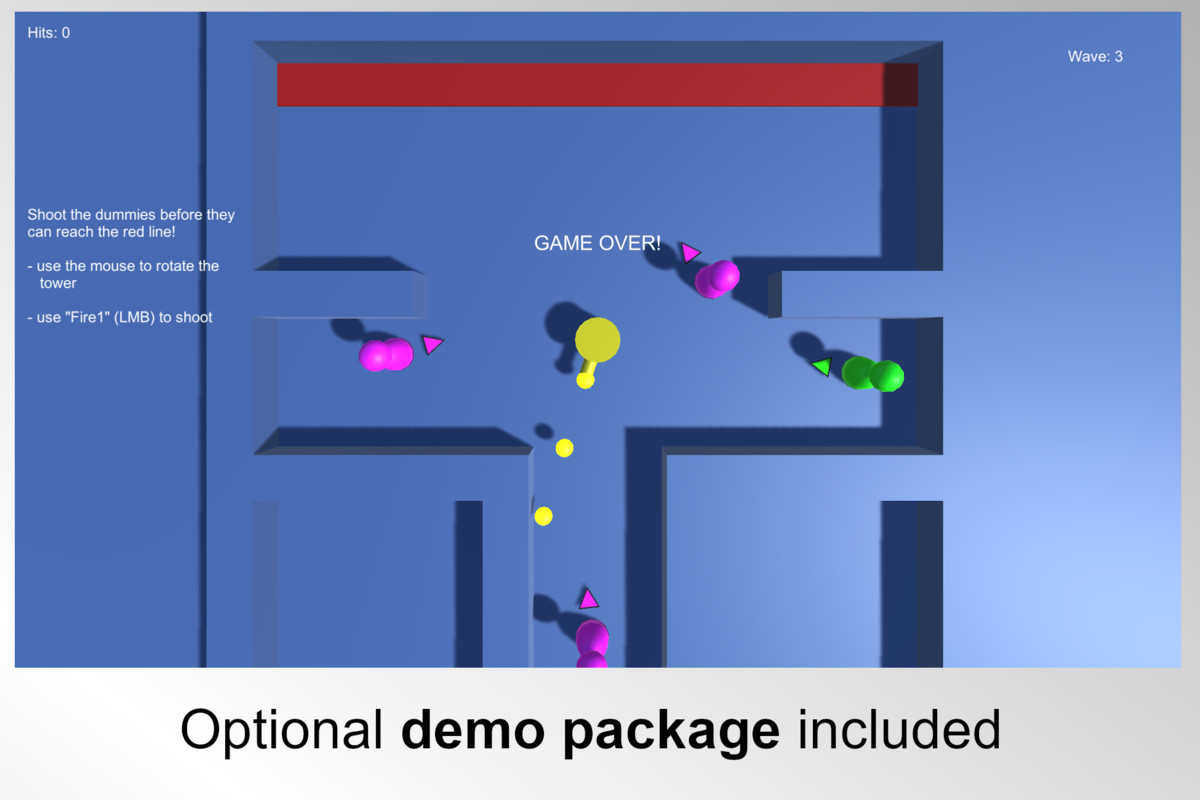
- Demo Content (Minigame, Scripts...)
- Manual (PDF)(EN)
Can be used for 2D and 3D Projects.
From the publisher's Asset Store listing.
Technical details
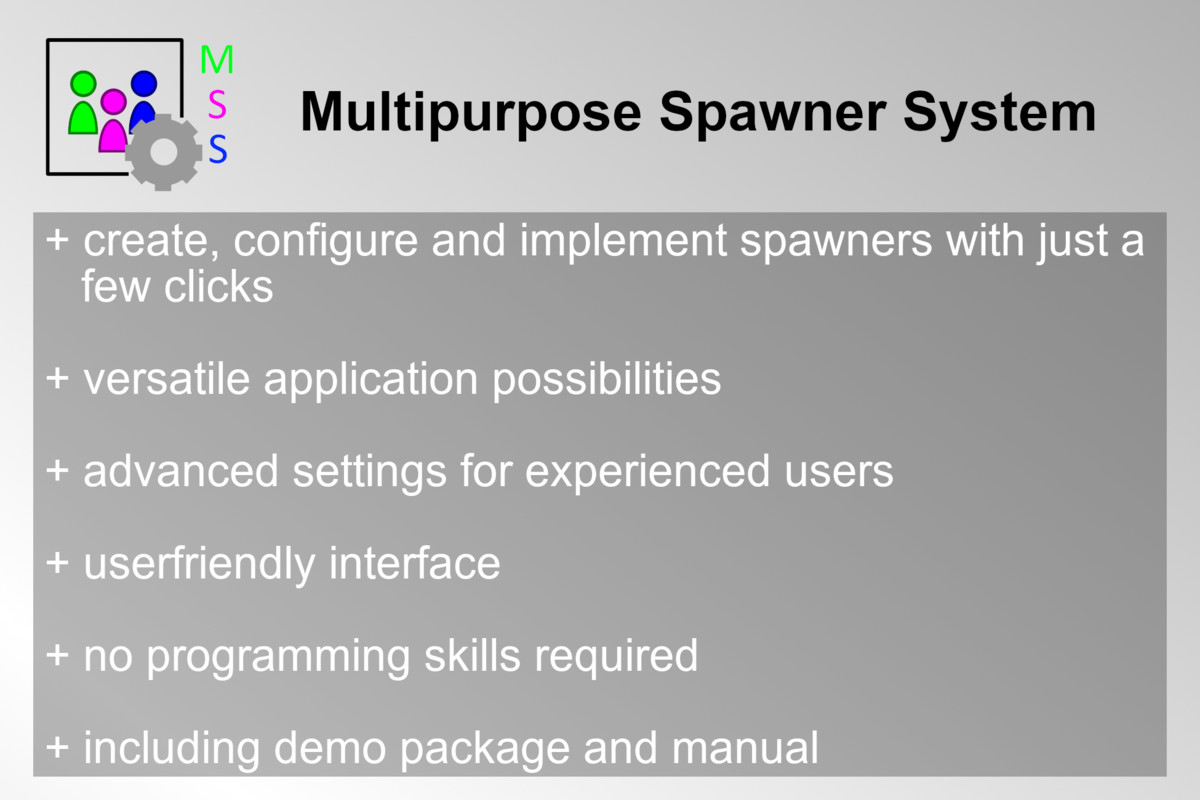
+ create, configure and implement spawners with just a
few clicks
+ versatile application possibilities
+ advanced settings for experienced users
+ userfriendly interface
+ no programming skills required
+ including demo package and manual
Compatibility
| Unity version | Built-in | URP | HDRP |
|---|---|---|---|
| 2021.3.6f1 | Compatible | Compatible | Compatible |
| 2020.3.25f1 | Compatible | Compatible | Compatible |
Also works with all common render pipelines since it's not affecting any visual components. The included demo prefabs will show missing materials in URP and HDRP because of the material settings.
To correct them, adjust the settings to your RP.
As listed on the Asset Store.