
 View on Asset Store (opens in new tab)
Package details
- Latest version
- 3.0
- Last updated
- First released
- Unity version
- 2021.3.45 or later
- Package size
- 23.0 MB
- Files
- 101
- Favorites
- 3,645
- Views in the past week
- 556
Price tracking
- Last checked
- Tracked since
- Lowest recorded
- Free on
Keywords

Free Low Poly Nature Forest
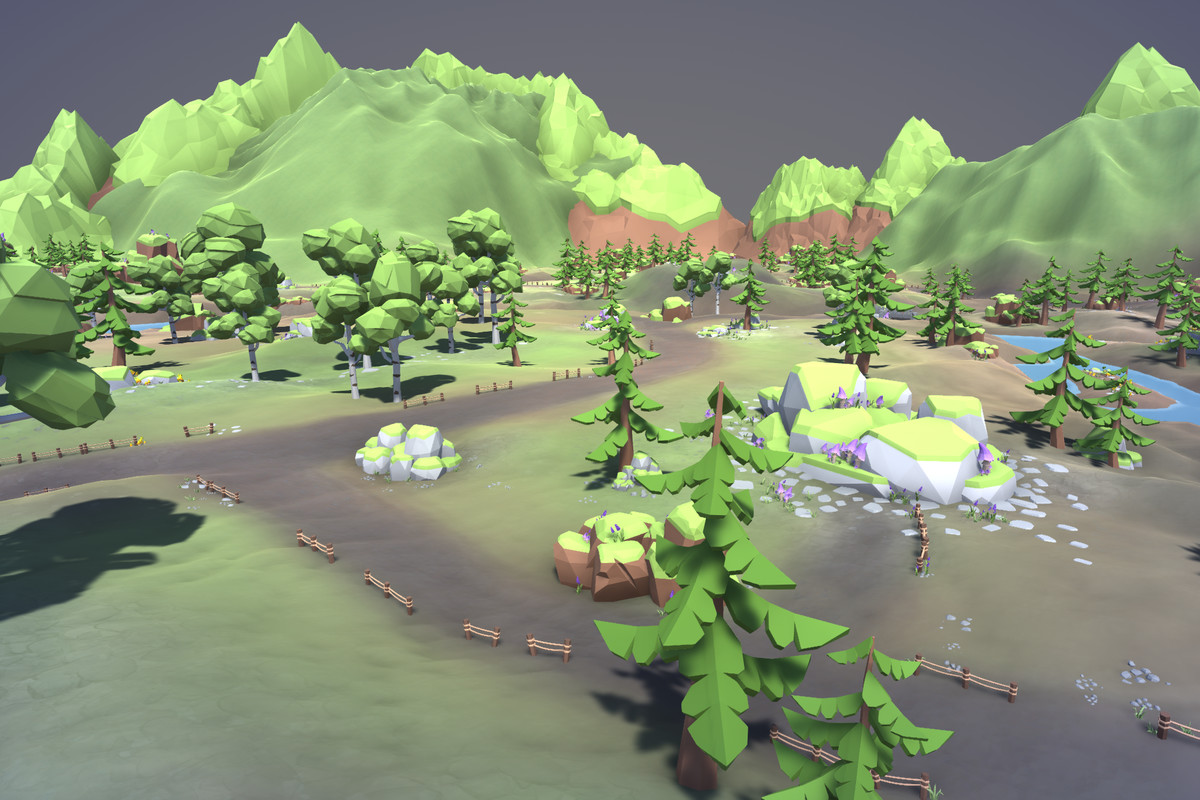
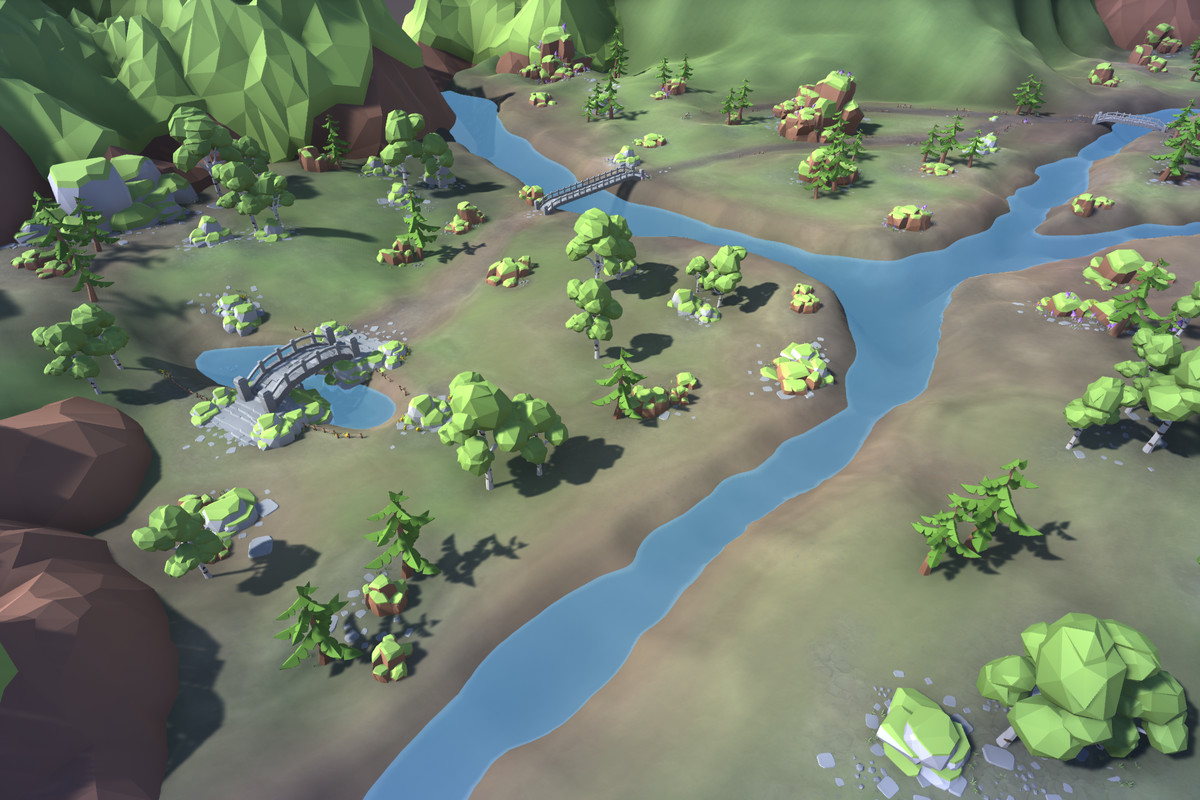
This Free Low Poly Forest Nature Pack contains 34 assets out of 2625 unique assets from the Ultimate Low Poly Nature Pack and allows you to build your own forest!
Affiliate link · Purchases support this site
Price history
Last 6 months
USDAsset preview
1 / 18
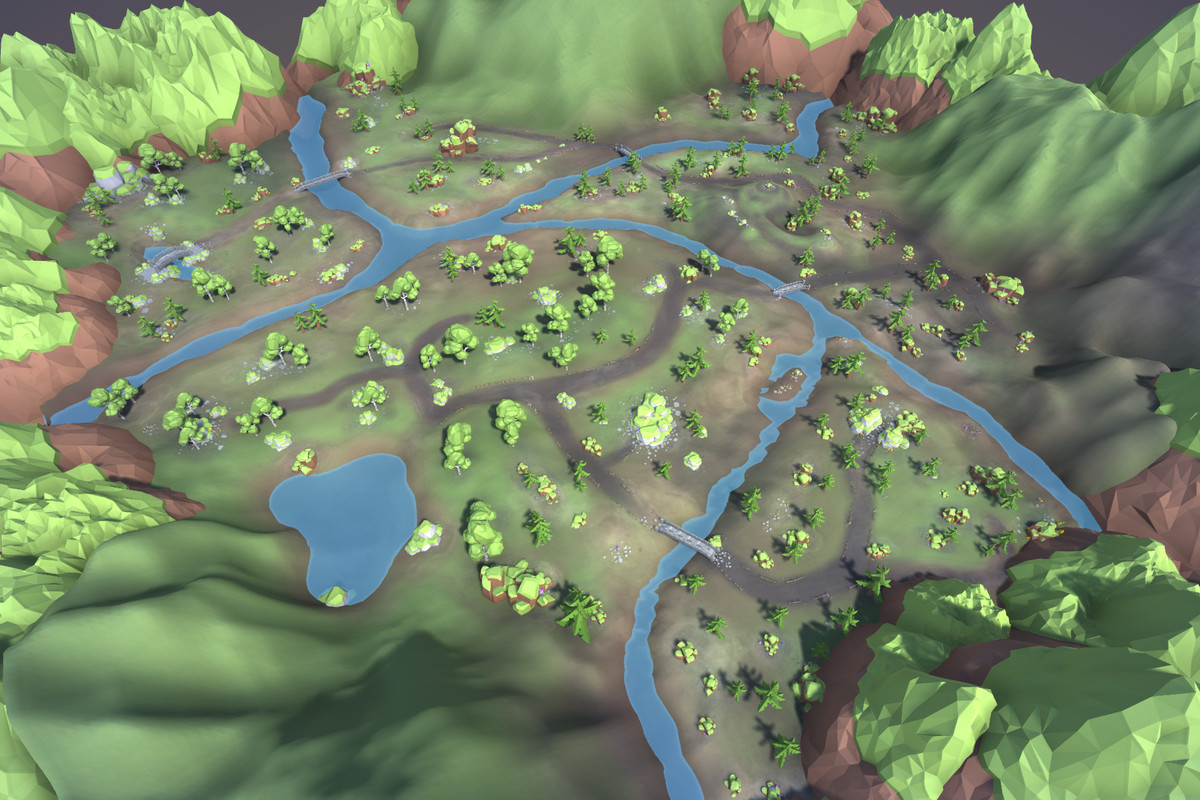
Free Low Poly Nature Forest screenshot 1





About this asset
This free pack contains 34 of the assets present in the Ultimate Low Poly Nature Pack.
The package contains one list scene and two demo scenes.
New in version 3.0
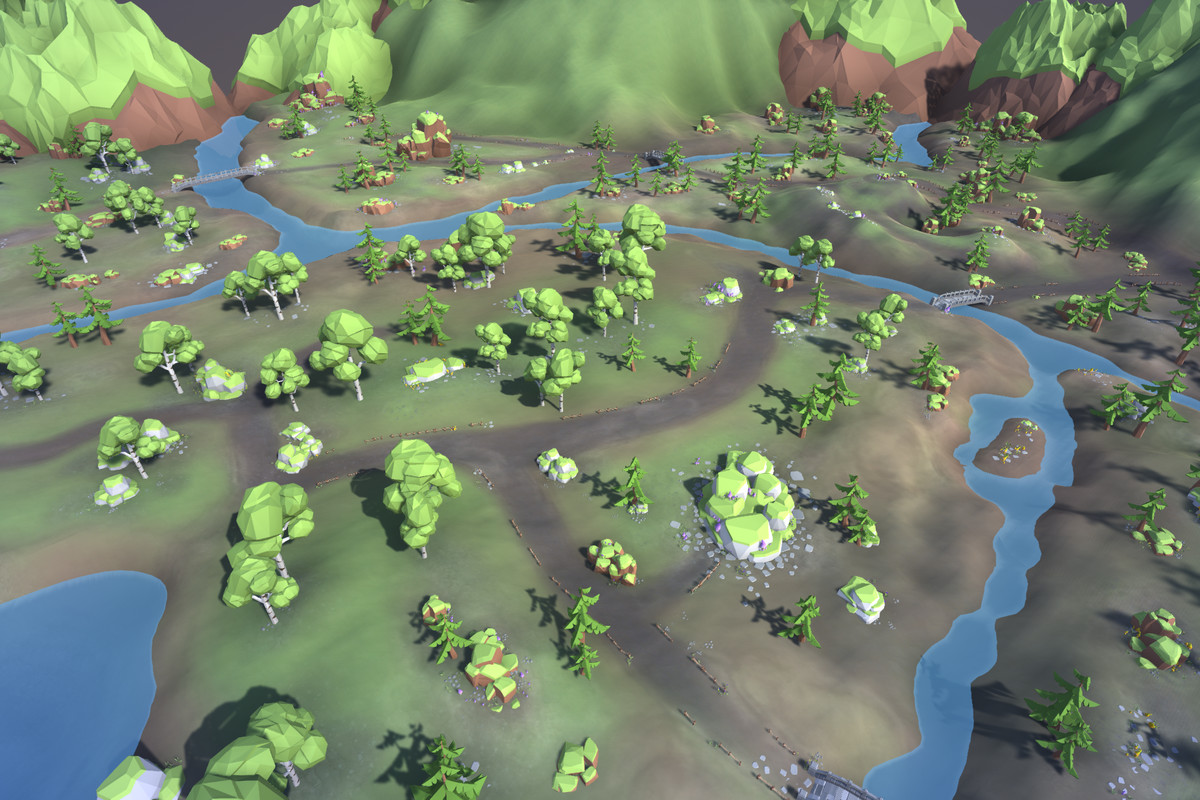
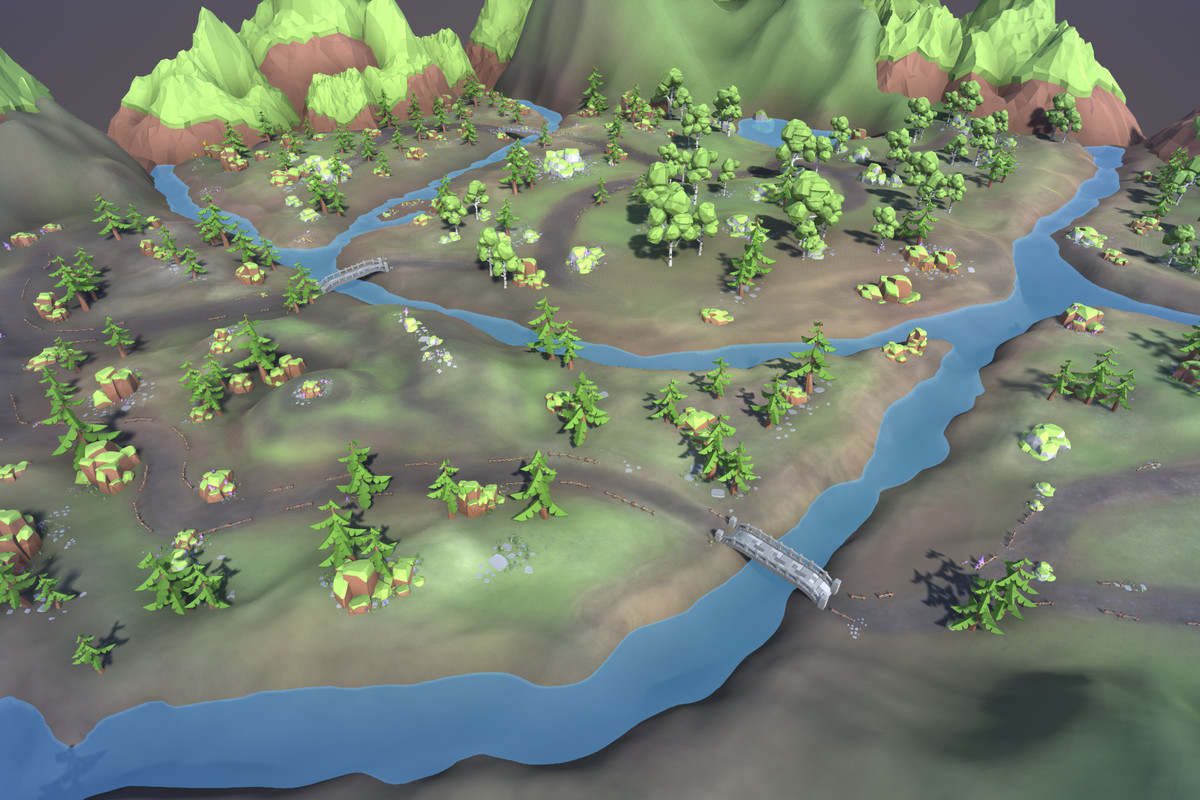
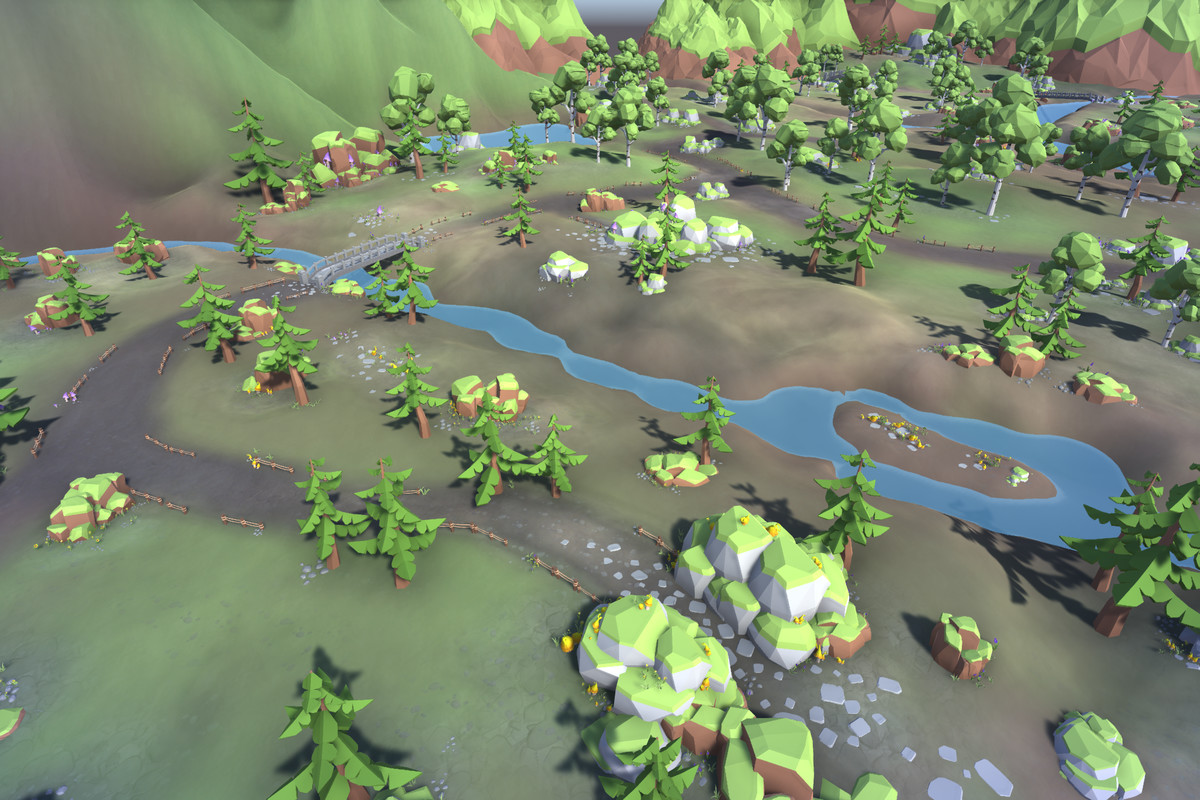
- Terrain map (250x250) with thousands of hand-placed objects
- 11 new meshes added from the full package
The full package is available following this link.
Package content
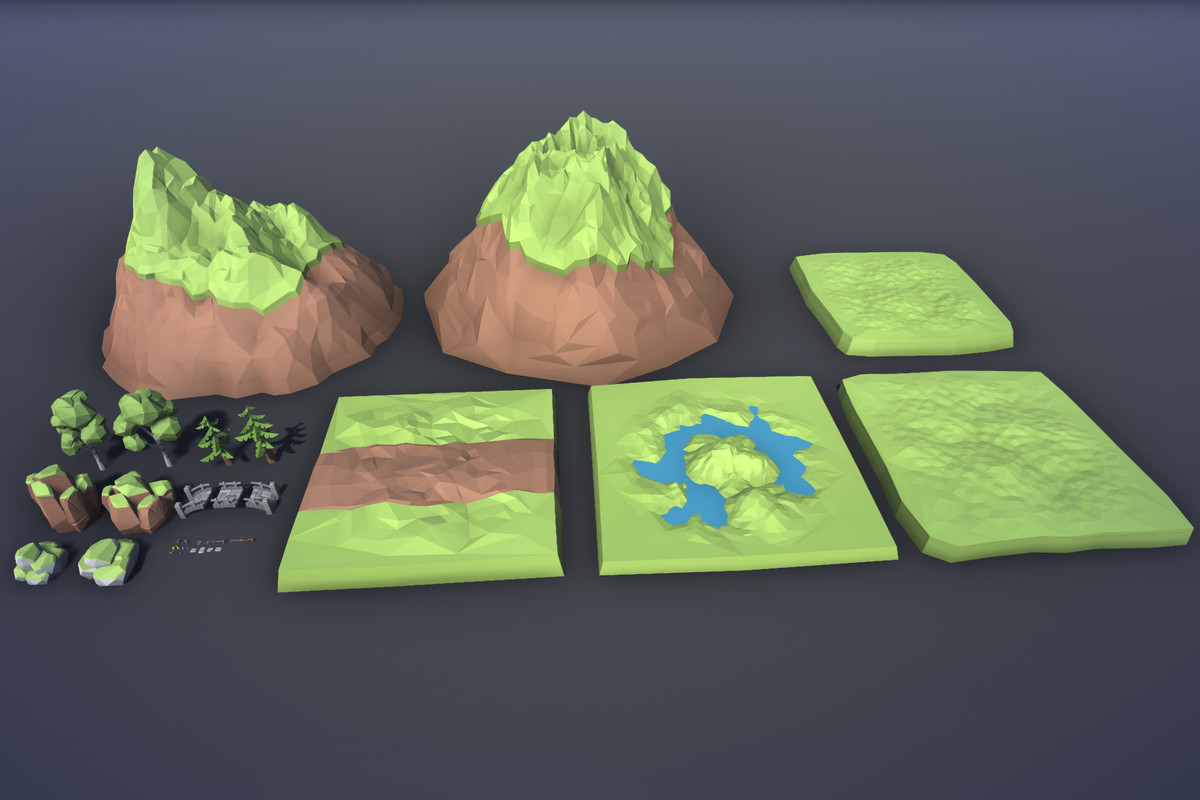
- Terrain Tiles (Meadow, Lake) (4x): 515 – 1818 tris (average 1384 tris)
- Mountains (2x): 1830 – 1946 tris (average 1888 tris)
- Flowers (Hyacinth, Sunflower, Daffodil) (3x): 848 – 1796 tris (average 1399 tris)
- Grass (2x): 440 – 534 tris (average 487 tris)
- Rocks (4x): 376 – 576 tris (average 494 tris)
- Mushrooms (4x): 416 – 660 tris (average 574 tris)
- Trees (Birch Trees, Fir Trees)(4x): 1520 – 1890 tris (average 1673 tris)
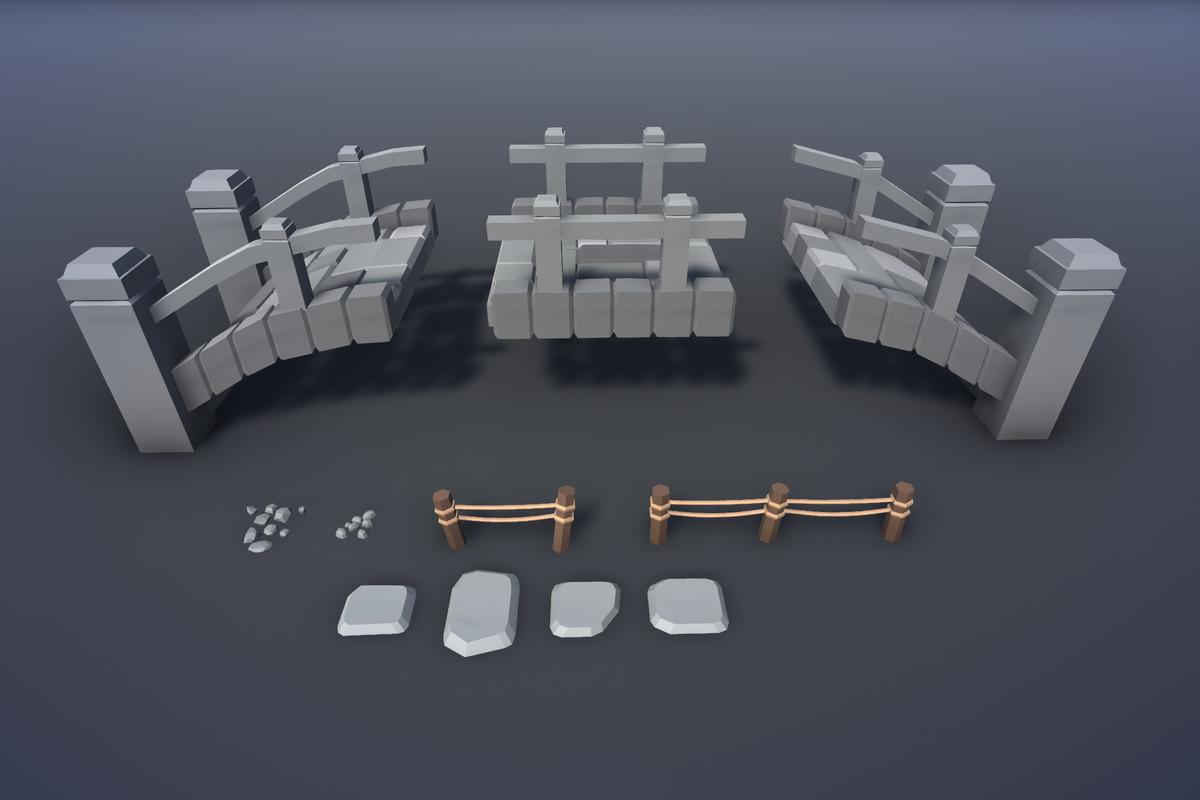
Added in version 3.0
- Bridge parts (3x): 792 - 904 tris (average 853 tris)
- Fences (2x): 400 - 716 tris (average 558 tris)
- Pebbles (2x): 440 - 442 tris (average 441 tris)
- Floor Tiles (4x): 62 - 68 tris (average 67 tris)
From the publisher's Asset Store listing.
Technical details
Polycount
The overall polygon count varies from 67 tris (Floor Tile) to 1946 tris (Mountain), the average triangle count is 890 tris.
Texture
All models share the same 256x256 texture to increase performance and are ready to use for your PC/Mobile game and VR/AR experience.
Compatibility
Supports all Render Pipelines and Unity versions from Unity 2019 or higher. The Universal Render Pipeline (URP) is used by default. Adjusting the project for the Built-In or High-Definition Render Pipeline (HDRP) only takes a few seconds (details in the Readme).
Pivot Points
Pivot Point adjusted to be at the bottom of the mesh (since version 1.1). Simplifies the use of procedural generators.
Compatibility
| Unity version | Built-in | URP | HDRP |
|---|---|---|---|
| 6000.2.0f1 | Compatible | Compatible | Compatible |
| 2021.3.45f1 | Compatible | Compatible | Compatible |
Supports all Render Pipelines and all Unity versions from Unity 2019 or higher. The Universal Render Pipeline (URP) is used by default. Adjusting the project for the Built-In or the High-Definition Render Pipeline (HDRP) only takes a few seconds (details in the Read Me).
As listed on the Asset Store.