
 View on Asset Store (opens in new tab)
Package details
- Latest version
- 1.0
- Last updated
- First released
- Unity version
- 2021.1.10 or later
- Package size
- 1.7 MB
- Files
- 122
- Favorites
- 21
- Views in the past week
- 3
- Requires
Price tracking
- Last checked
- Tracked since
- Lowest recorded
- $7.50 on
Keywords

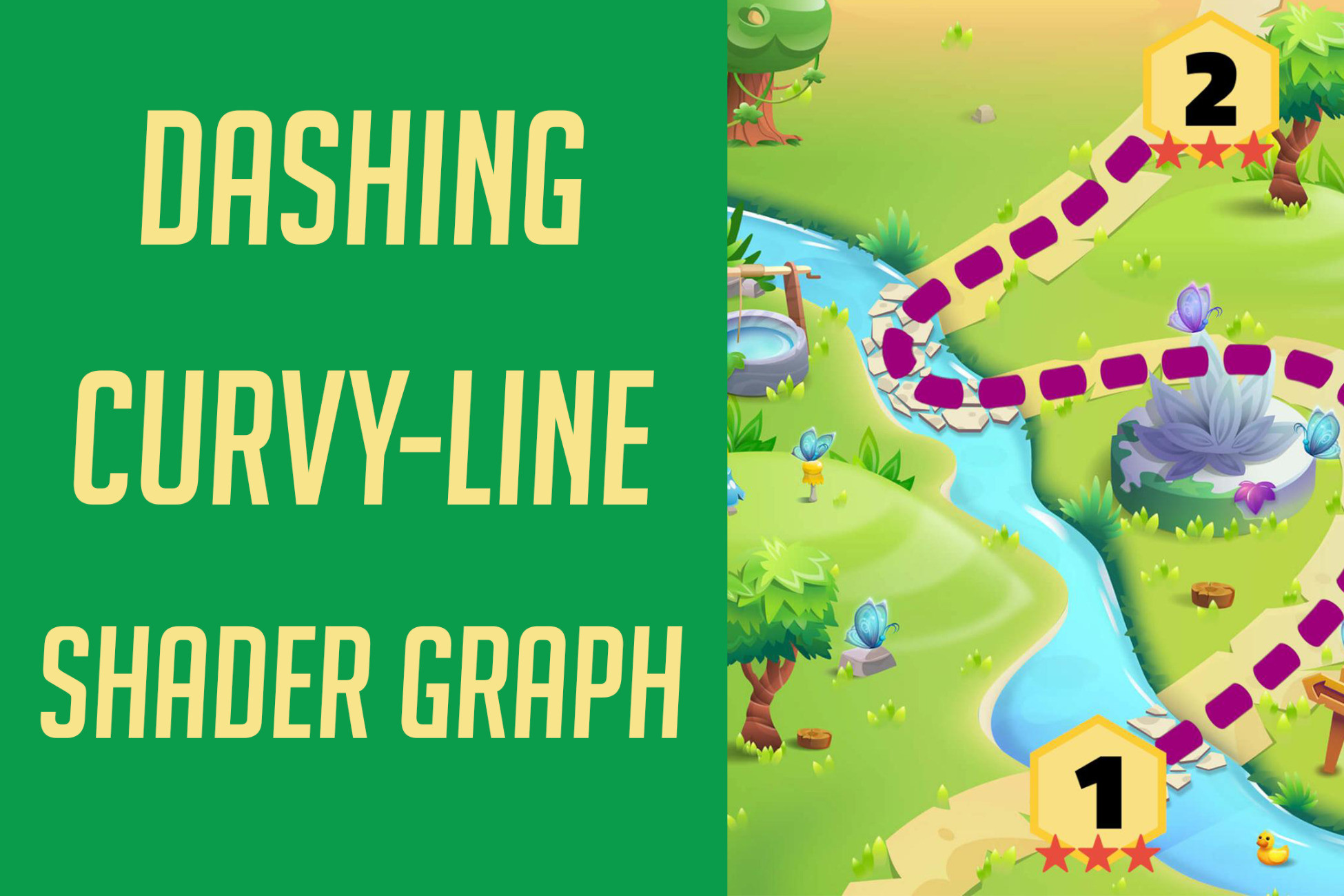
Dashing Curvy-Line Shader Graph
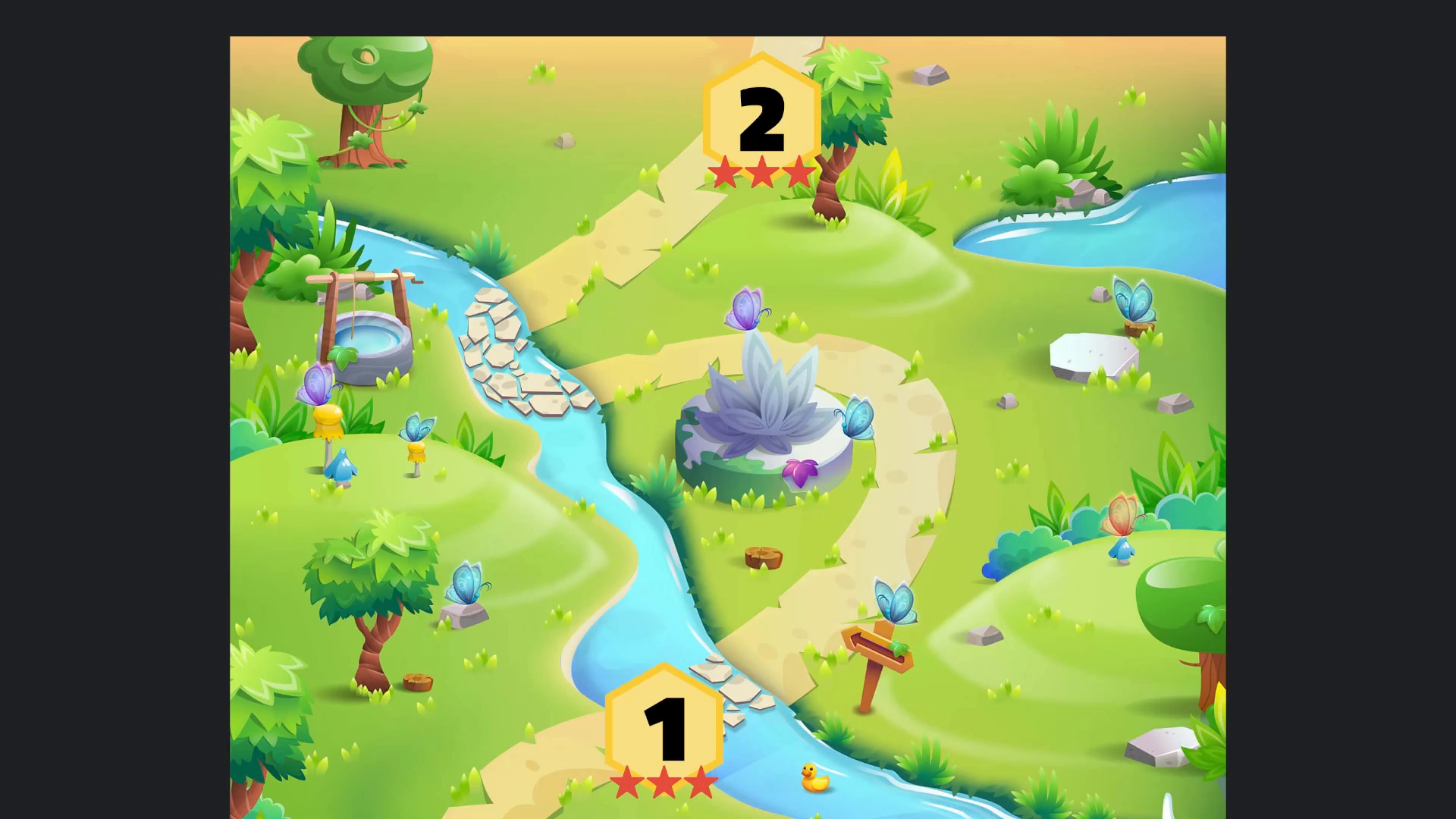
With is shader you can create awesome looking dashing lines which are useful for level maps or treasure maps or maybe guiding the player in 2D games.
Price $15.00
Buy on Asset Store (opens in new tab)
Affiliate link · Purchases support this site
Price history
Last 6 months
USDAsset preview
1 / 1
Dashing Curvy-Line Shader Graph video 1 (plays on the Asset Store)
About this asset
Create awesome dashing curved lines for your 2D or 3D games with this shader graph.
This asset uses BG Curve under MIT license, see Third-Party Notices.txt file in package for details.
From the publisher's Asset Store listing.
Technical details
Simply you can check the demo scene or follow the next steps:
- Make sure that you are using Universal RP as explained in “How to Apply Shader Graph” above.
- Make sure that BG-Curve asset is installed.
- Right Click in Hierarchy > Create Others > BansheeGz to create BGCurve GameObject.
- Add line renderer component
- In the BGCurve component click on components tab then add CcLineRenderer.
- Add DashinLineMat material to the Line Render
- Start adding points and controlling curves using BGCurve
- Adjust the settings of the DashinLineMat to control the dashing line properties.
Compatibility
| Unity version | Built-in | URP | HDRP |
|---|---|---|---|
| 2021.1.10f1 | Not listed | Compatible | Not listed |
You need to use the following for this asset to work:
- URP
- BG Curve
As listed on the Asset Store.