
 View on Asset Store (opens in new tab)
Package details
- Latest version
- 1.1
- Last updated
- First released
- Unity version
- 2020.3.12 or later
- Package size
- 897 KB
- Files
- 20
- Favorites
- 46
- Views in the past week
- 7
Price tracking
- Last checked
- Tracked since
- Lowest recorded
- $13.99 on
Keywords

Lavish Polygon Collider 2D Editor
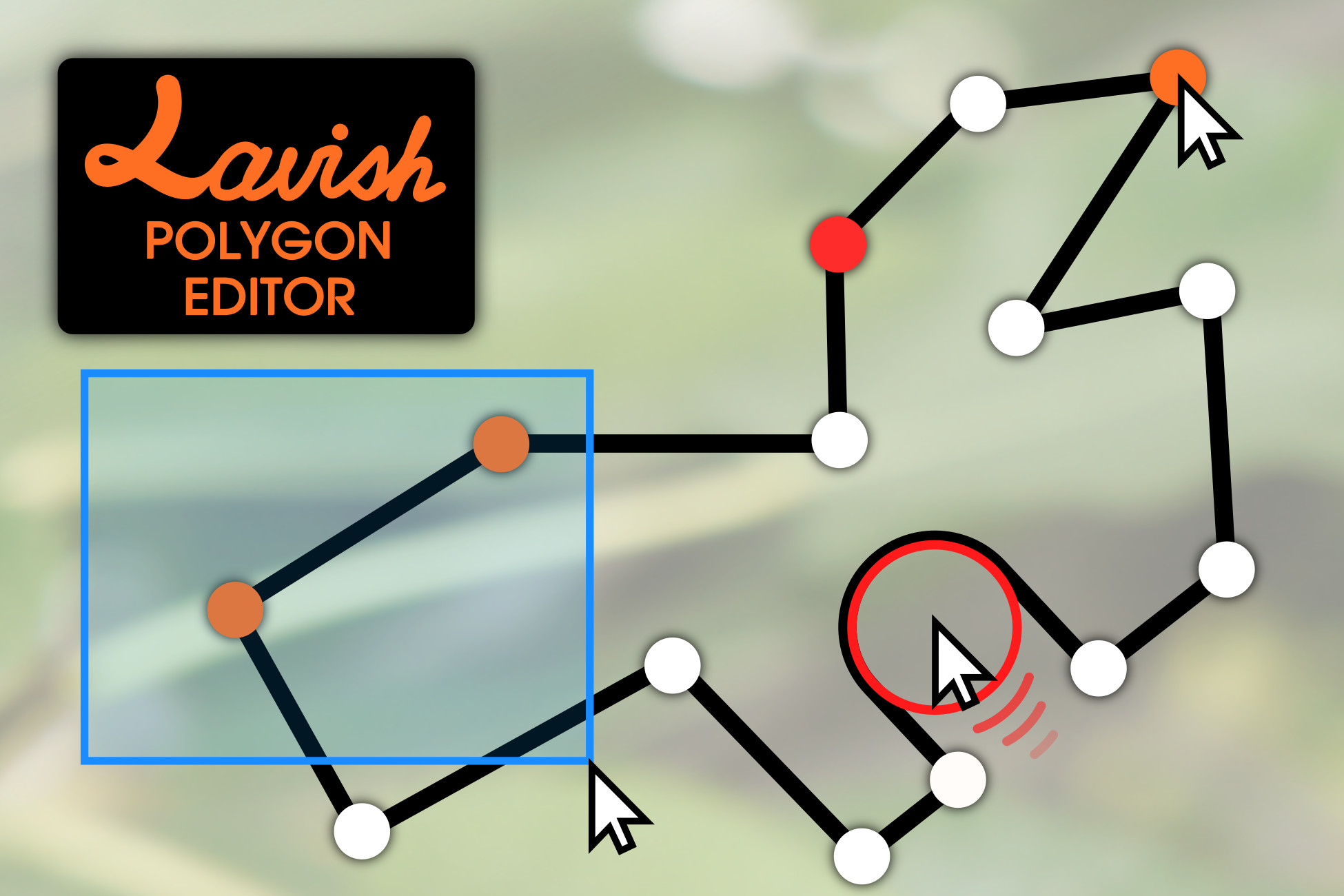
Lavish Polygon Editor is a set of tools for Polygon Collider 2D that override the default tools to bring you much more flexible and advanced ways to edit your collider polygons.
Affiliate link · Purchases support this site
Price history
Last 6 months
USDAsset preview
1 / 5

Lavish Polygon Collider 2D Editor screenshot 1


About this asset
Lavish Polygon Editor is a set of tools for Polygon Collider 2D that override the default tools to bring you much more flexible and advanced ways to edit your collider polygons.
Support Discord - Twitter - Website - Forum
This asset has been at minimum tested on Unity 2020.3.12f1 and on Unity 2021.1.2f1, on Windows and Linux.
Features:
• Advanced collider point editing functionality:
↳ Hold shift to select multiple points.
↳ Move multiple points at a time.
↳ Delete multiple points at a time.
↳ Box (de-)select points.
↳ Double-click a point to select all connected points.
↳ Add points to edges.
↳ Create new point loops and holes.
↳ Hold Shift to snap to an 0.1 unit grid.
• Interactive boolean tools:
↳ The "Knife" tool lets you easily chop a polygon into multiple parts.
↳ The "Brush" tool lets you add/remove regions of a collider by painting.
• Interactive collider polygon simplification algorithm:
↳ Adjust how many points to remove.
↳ Adjust the preference for removing points from straight lines/short edges.
↳ Simplify a specific selection of the points in a collider polygon.
• Flip the polygon on the X or Y axis.
• Reset the collider to the SpriteRenderer's physics shape.
• Apply your collider polygon to the Sprite asset's physics shape.
• Move the position of the GameObject without moving the points of the polygon in world space.
• Very optimised, works well with large numbers of points.
• Documentation available right in the inspector.
From the publisher's Asset Store listing.
Technical details
• Advanced collider point editing functionality:
↳ Hold shift to select multiple points.
↳ Move multiple points at a time.
↳ Delete multiple points at a time.
↳ Box (de-)select points.
↳ Double-click a point to select all connected points.
↳ Add points to edges.
↳ Create new point loops and holes.
↳ Hold Shift to snap to an 0.1 unit grid.
• Interactive boolean tools:
↳ The "Knife" tool lets you easily chop a polygon into multiple parts.
↳ The "Brush" tool lets you add or remove entire regions of a collider polygon by painting in the Scene window.
• Interactive collider polygon simplification algorithm:
↳ Adjust how many points to remove.
↳ Adjust the algorithm's preference for removing points from straight lines or short edges.
↳ Simplify a specific selection of the points in a collider polygon.
• Flip the polygon on the X or Y axis.
• Reset the collider to the SpriteRenderer's physics shape.
• Apply your collider polygon to the Sprite asset's physics shape.
• Move the position of the GameObject without moving the points of the polygon in world space.
• Very optimised, works well with large numbers of points.
• Documentation available right in the inspector.
Compatibility
| Unity version | Built-in | URP | HDRP | Custom |
|---|---|---|---|---|
| 2020.3.12f1 | Compatible | Compatible | Compatible | Compatible |
As listed on the Asset Store.