
 View on Asset Store (opens in new tab)
Package details
- Latest version
- 1.0
- Last updated
- First released
- Unity version
- 2019.4.29 or later
- Package size
- 69.2 MB
- Files
- 98
- Favorites
- 260
- Views in the past week
- 45
Price tracking
- Last checked
- Tracked since
- Lowest recorded
- Free on
Keywords

Scene Teleportation
- Price drop
Discount -100%
Previous price
$9.99
Price Free
Get it free on Asset Store (opens in new tab)
Affiliate link · Purchases support this site
Price history
Last 6 months
USDAsset preview
1 / 5

Scene Teleportation screenshot 1


About this asset
Scene Teleportation
The whole purpose of this asset is to make the teleportation easy. Whether you want to teleport objects within the same scene or to a new scene, this asset should help you get started in no time.
Package content
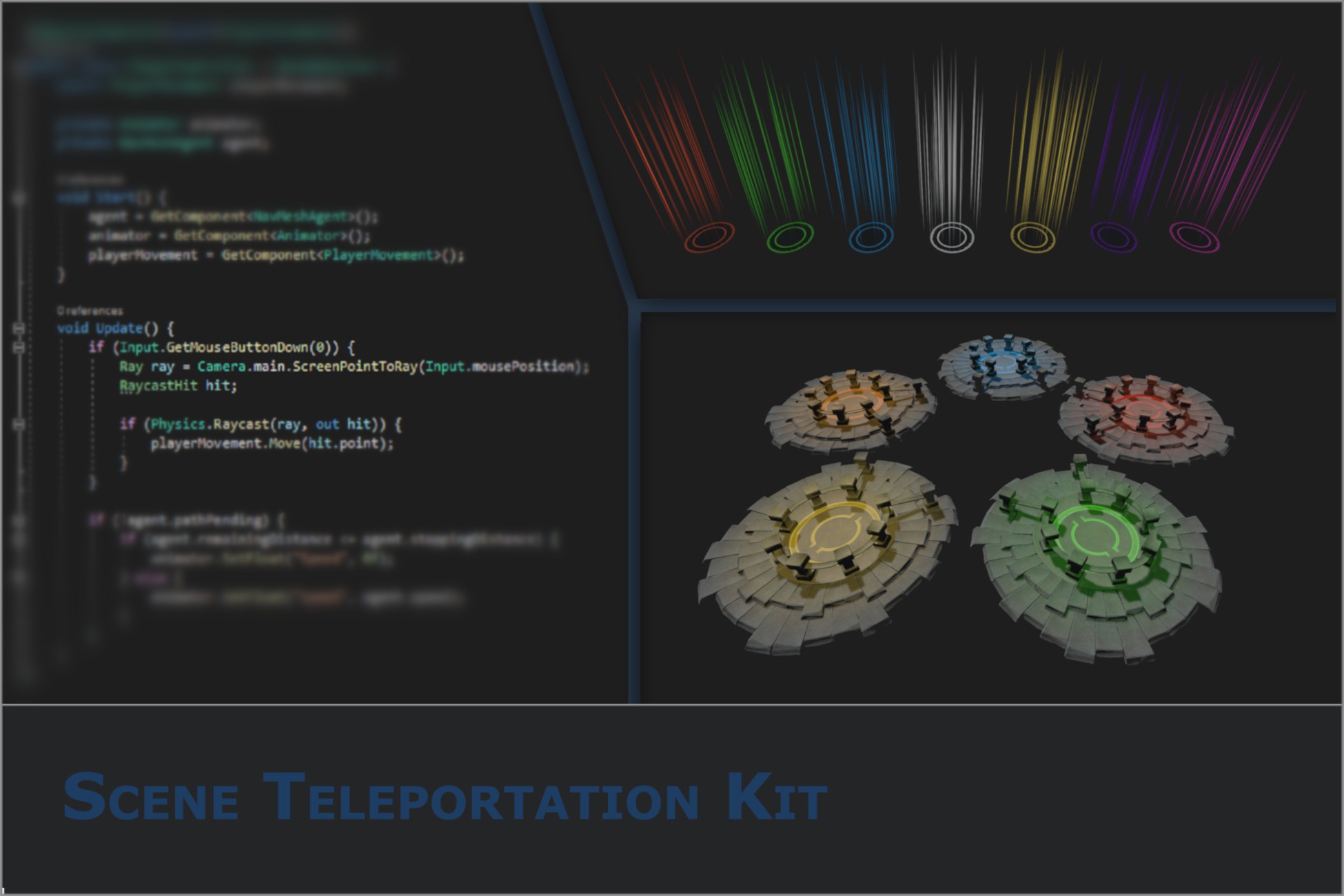
Modular 3D platform:
The modular 3D platform is sculpted in ZBrush and painted in Substance Painter. There are plenty of modular blocks and you can design your own platform in any way you wish. The project contains some prefabs to get you started.
Make human character for demo purpose:
The character that is used for demo purpose is created with MakeHuman free software. Animations can be hooked up in the PlayerAnimator that you can find in Assets/Scene Teleportation Kit/Source/player/animation. The player animator only uses two animations, idle and walk. You can download those from the Standard Unity Assets package that you can download free from the Asset Store.
Teleport visual effects:
There is a VFX that you can use for portal/spawn points. You can change the color of the effect to any one you like by simply picking the color in the inspector.
Scripts
There are a couple of simple script files that you can modify in any way you like. Scripts are used for teleportation within the scene as well between the scenes. Keep in mind that the teleported object is retained between the scenes, that is, the object is not destroyed when teleporting to new scene but rather moved to a new scene. Note also that demo scenes do not contain camera object, as camera is attached to the player object which will be moved between the scenes. This can be subject to change in future versions.
From the publisher's Asset Store listing.
Compatibility
| Unity version | Built-in | URP | HDRP |
|---|---|---|---|
| 2019.4.29f1 | Compatible | Not listed | Not listed |
As listed on the Asset Store.