
 View on Asset Store (opens in new tab)
Package details
- Latest version
- 2.1.1
- Last updated
- First released
- Unity version
- 6000.3.0 or later
- Package size
- 7.0 MB
- Files
- 490
- Favorites
- 82
- Views in the past week
- 25
Price tracking
- Last checked
- Tracked since
- Lowest recorded
- $30.00 on
Keywords

Pixel Harmony - Image Editor
- Price drop
Pixel Harmony empowers Unity with advanced image editing tools. Enhance visuals effortlessly within your project, bringing out the best in your creative vision.
Lowest in 6 months
Get 42% off on Asset Store (opens in new tab)Affiliate link · Purchases support this site
Price history
Last 6 months
USDAsset preview
1 / 15

Pixel Harmony - Image Editor screenshot 1



About this asset
📝 Summary
Pixel Harmony is an image editing plugin for the Unity engine. It offers an array of image manipulation tools, extending your creative scope without leaving the Unity environment.
Minimize the back-and-forth with external software. With Pixel Harmony, enjoy the convenience of making timely, efficient edits to your images within the Unity workspace.
Significant attention was put into designing the user interface that is both straightforward and intuitive, ensuring a welcoming experience for new users.
🌟 Features
For a quick overview of features, refer to the "Technical Details" section below.
For a comprehensive feature list with detailed descriptions, please visit the:
If you have any questions or problems: 💬 Forum / FAQ
Any feedback is greatly appreciated!
🏃 Runtime
Presently, Pixel Harmony functions primarily as an editor-only tool. Nevertheless, runtime functionality is actively being developed. Once integrated, it will enable the utilization of various tools, adjustments, and filters for runtime purposes, further expanding the versatility of Pixel Harmony.
☎️ Long-Term Support
Pixel Harmony is still in development and will receive further updates bringing more features and overall improvements.
📜 Roadmap
🛑 Limitations
Pixel Harmony currently supports a maximum canvas size of 4096x4096. Having many layers can also affect the overall performance.
There are a few settings available that allow configuring the rendering process, which can help improve the performance.
From the publisher's Asset Store listing.
Technical details
📈 Performance
Benefit from fast processing times thanks to GPU operations and the combination of Job + Burst.
🔧 Tools
Pixel Harmony provides a tools suite that includes:
- Move
- Brush
- Erase
- Clone
- Eyedropper
- Bucket Fill
- Crop
- Free Transform
- Perspective
- Rotate
- Render
- Zoom
- Dodge
- Burn
- Sponge
- and many more…
💧 Filters
Pixel Harmony provides a diverse range of filters:
- Distort
- Anti-Tile
- Various Blur modes (Gaussian, Average, High Pass, Bilateral)
- Pixelate
- Mosaic
- Offset
- Solarize
- Fill
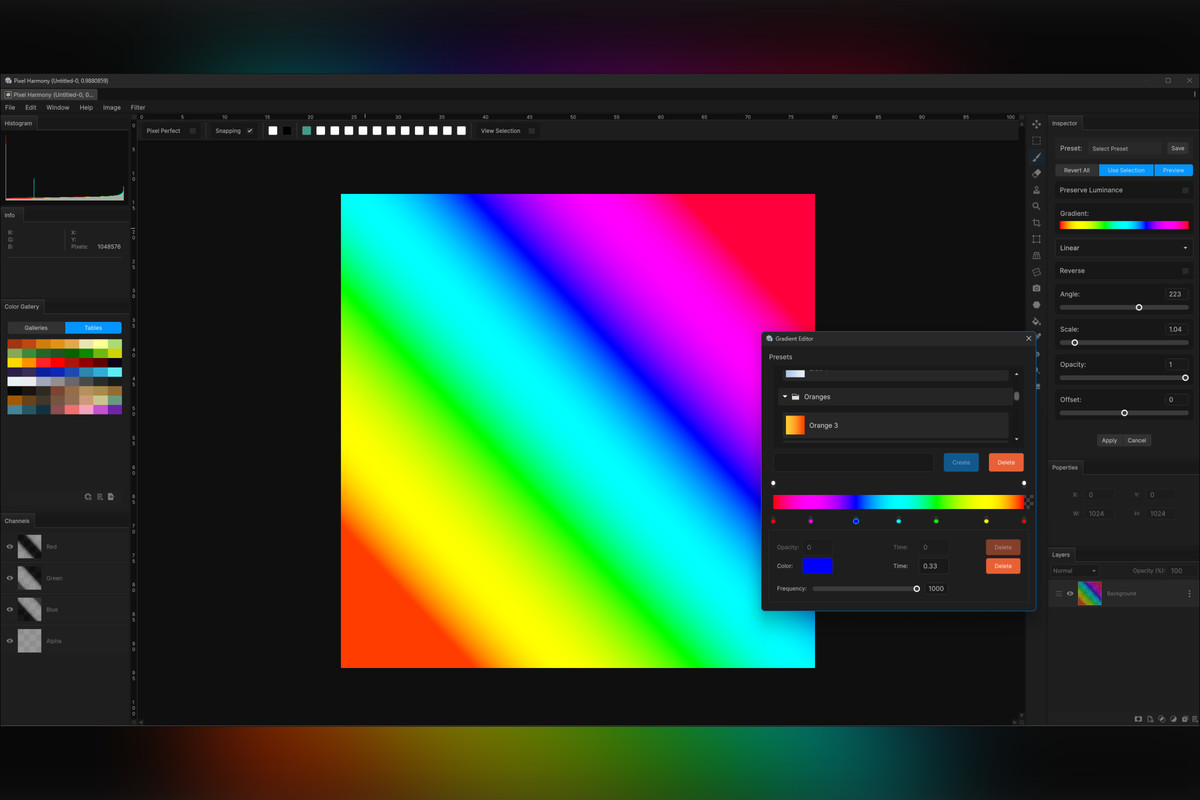
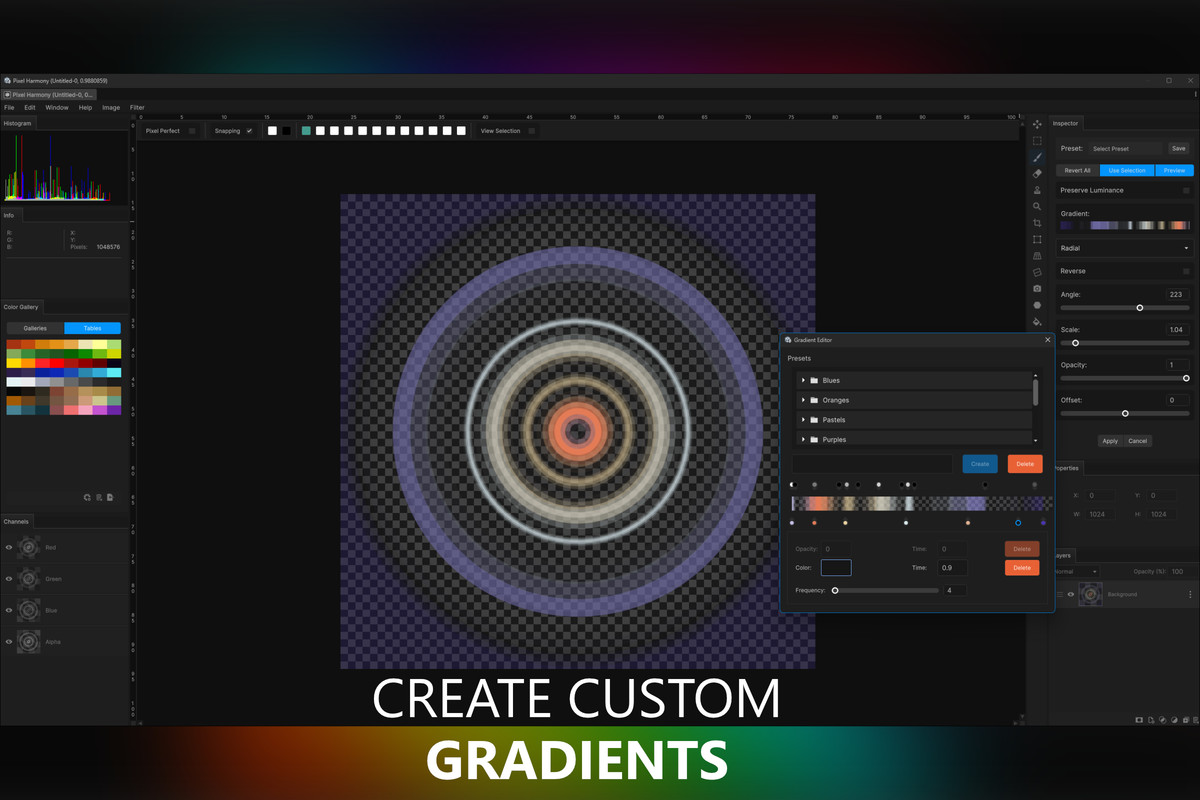
- Multiple Gradient types (Radial, Linear, Diamond, Reflected, Angle)
- Pattern
- Emboss
- Noise
- Sharpen
- Glowing Edge
- Custom Convolution
- MipMap
- and more…
⭕ PBR Material Generation
Pixel Harmony is equipped with full PBR generation filters including:
- Height map
- Normal map
- Smoothness/Roughness map
- Metallic map
- Ambient Occlusion map
Generate complete PBR materials swiftly from a single albedo map!
🔆 Adjustments
A multitude of adjustments are available such as:
- Brightness and Contrast
- Color Balance
- Levels
- Channel Mixer/Swap/Clamp
- Desaturation
- Color Replacement
- Exposure
- Flip (Horizontal and Vertical)
- Gradient Map
- Hue, Saturation, and Brightness adjustments
- Invert
- Lift, Gain, and Gamma
- Mirror (Horizontal and Vertical)
- Posterize
- Threshold
- Tone Correction
- Vibrance
- and more…
🎨 Color Galleries
With Pixel Harmony, create personalized color galleries.
🔖 Presets
Save your current adjustment and filter settings, and project creation settings as presets. Access these presets from any project on your local machine.
🗃 Resources
Create unique resources like brushes, gradients, patterns, and color galleries. All resources, presets, and plugin settings are stored in your local 'Documents/Pixel Harmony' folder for easy multi-project accessibility.
💾 Save and Load Projects
Conveniently save projects to a custom file and restore them to their previous state as needed.
💿 Exporting
Easily export your canvas output to png, jpg, or jpeg image files. Additionally, export individual graphical layers through the layer menu.
🖼️ Resampling
Choose from a range of resampling methods when upscaling or downscaling an image.
🗄 Undo/Redo
Pixel Harmony records every change, allowing you to undo or redo edits with ease. Adjust the number of available history records stored in memory via "Preferences".
⌨ Keyboard Shortcuts
Accelerate your workflow with a variety of keyboard shortcuts.
🖼 Layers System
Pixel Harmony boasts a layer-based rendering system, enabling the creation, duplication, merging, and reordering of layers.
Each layer type—Pixel, Shape, Adjustment, Solid Color, Gradient—offers unique editing capabilities.
🟡 Snapping
⏺ Layer Mask
Every layer can have its own layer mask. You can unlink the mask from the layer content for separate alterations.
🖌 Painting
Pixel Harmony enables versatile painting options with varied settings such as brush type, opacity, radius, symmetry, color, and blend mode.
🔲 Preview Window
Pixel Harmony offers a convenient preview window, enabling you to view the canvas output in a separate floating window while painting.
✏️ Pen Support
Enjoy the convenience of painting with a tablet, with pressure sensitivity support.
🪄 Blending Modes
Pixel Harmony offers 32 different blending modes for diverse visual effects.
🔧 Brush Creation and Settings
Create custom brushes and configure them according to your requirements. Adjust settings like flow, shape, falloff, spacing, scatter, jitter, and effects like fade, trail, continuous, and texture.
Compatibility
| Unity version | Built-in | URP | HDRP |
|---|---|---|---|
| 6000.3.0f1 | Compatible | Compatible | Compatible |
To use Pixel Harmony you need Unity version 2021.3 or newer.
Requires the following packages to be installed:
- Editor Coroutines
- Burst
- Collections
- Input System
- Mathematics
- Vector Graphics
As listed on the Asset Store.