
 View on Asset Store (opens in new tab)
Package details
- Latest version
- 1.2.2b
- Last updated
- First released
- Unity version
- 2021.3.6 or later
- Package size
- 2.1 MB
- Files
- 19
- Favorites
- 17
- Views in the past week
- 14
Price tracking
- Last checked
- Tracked since
- Lowest recorded
- $4.99 on
Keywords

BCam - RTS Camera
- Price drop
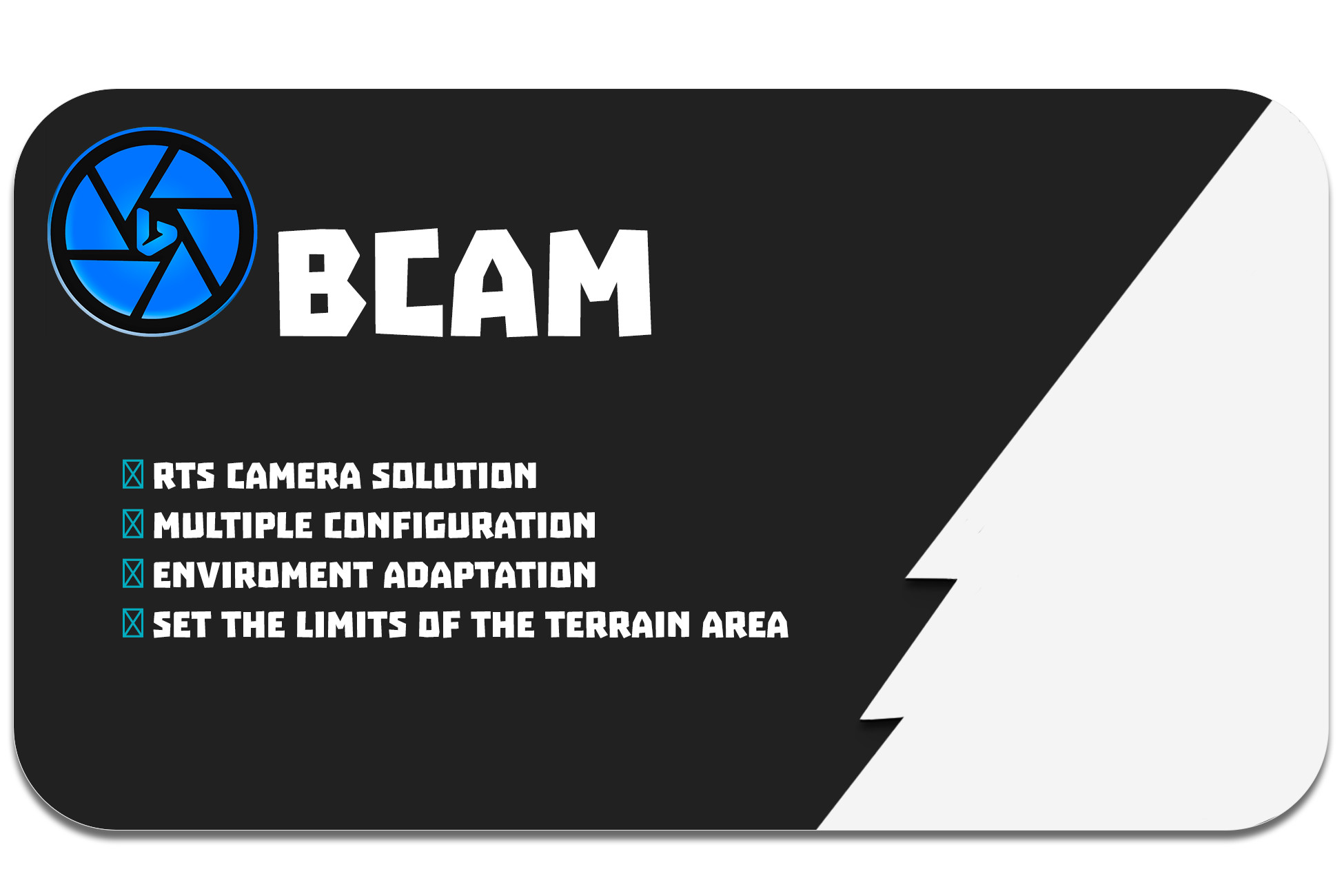
That tool is a complete RTS Camera solution for all kind of projects with keyboard and mouse controls.
Lowest recorded price
Get 75% off on Asset Store (opens in new tab)Affiliate link · Purchases support this site
Price history
Last 6 months
USDAsset preview
1 / 2

BCam - RTS Camera screenshot 1

About this asset
That tool is a complete RTS Camera solution for all kind of projects with keyboard and mouse controls.
- We have created the definitive RTS Camera tool for all kind of project. 🎞
- With it you can forget about the code, because with the tool you can set all the options of the RTS Camera with an intuitive interface.
- Automatic adaptation to the environment
- Adapt the limit area to your map limits for mantain the camera into your game area.
- Physical Camera option, which prevent the camera to get clipped inside any object.🧱
BCam is made up of a window for configure the initial settings for the Camera Rig and of a Camera Controller component with a bunch of options for get the best configuration for your RTS Camera.
We have developed a graphical interface, in which without programming, you can easily manage all the settings of the RTS Camera. The tool itself is responsible for automatically set by default the best configuration for all kind of projects.
This component gives you the option to have a triple A camera for all kind of RTS projects, like city builders, roguelikes, battle strategy games, and so on.
The camera currently uses the unity input system by default, so it won't cause any problem with your project. If you're use the new Input System, remember to check "Both" at the active input handling option, in the player settings, of the project settings.
From the publisher's Asset Store listing.
Technical details
- RTS Camera creation & configuration
- Window for set the Camera
- Camera Controller component for set and change all the options available
- A beautifull and intuitive interface for manage all the fields.
Compatibility
| Unity version | Built-in | URP | HDRP | Custom |
|---|---|---|---|---|
| 2021.3.6f1 | Compatible | Compatible | Compatible | Compatible |
As listed on the Asset Store.