
 View on Asset Store (opens in new tab)
Package details
- Latest version
- 1.1
- Last updated
- First released
- Unity version
- 2020.3.11 or later
- Package size
- 65.8 MB
- Files
- 185
- Favorites
- 13
- Views in the past week
- 2
Price tracking
- Last checked
- Tracked since
- Lowest recorded
- $10.00 on
URP Extensions: Sun Shafts, Motion Blur, Realistic Water
Affiliate link · Purchases support this site
Price history
Last 6 months
USDAsset preview
1 / 7

URP Extensions: Sun Shafts, Motion Blur, Realistic Water screenshot 1


About this asset
Note: not working on Unity 6 (URP 17).
Latest supported Unity version is 2022.3 (URP 14)
WebGL demo
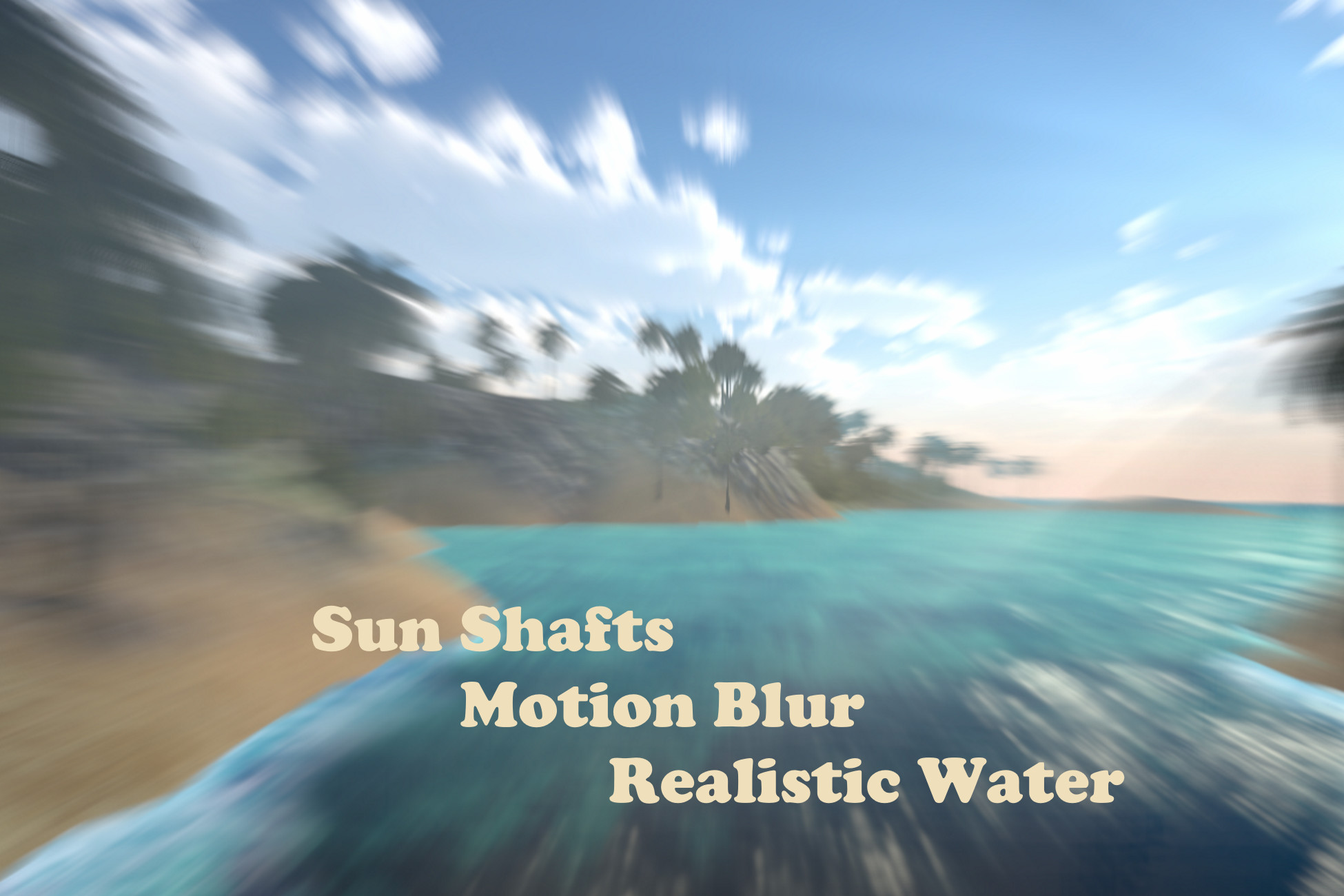
Package contains three render features: sun shafts, motion blur and planar reflections.
Sun Shafts can be configured to work for sky color texture, geometry outline or geometry normals outline. Each method fits it's own scene configuration: large open-world scenes, close interiors etc.
Motion Blur
added motion blur depending on camera movement, externally configured speed factor or static blur with configurable direction.
It's working out of the box w/o any required modifications of scene objects. Blur affects all layers included in the set of layers to blur in the render feature properties.
Planar Reflection used for two water shaders: opaque and transparent. Transparent is faster, but lack of some features, i.e. refraction. Opaque is more heavy but gives more features.
All shaders implemented on ShaderGraph except those that is working with Depth Buffer, but they are simple.
Shaders are linked to render feature properties, so no extra actions required to include them in build.
Note: motion blur is working only for opaque objects. Transparents remaining unblurred regardless of layer. You can see it in WebGL demo for transparent water.
Note: for Unity 2020.3.11f1 and above, URP version 10.5.0+
Note: Demo scene is using special script to set custom RendererPipeline asset for current Quality Settings in order to make effects visible. You can just add all renderer features from demo custom renderer to your forward renderer.
From the publisher's Asset Store listing.
Compatibility
| Unity version | Built-in | URP | HDRP |
|---|---|---|---|
| 2020.3.11f1 | Not listed | Compatible | Not listed |
As listed on the Asset Store.