
 View on Asset Store (opens in new tab)
Package details
- Latest version
- 2026.0.0
- Last updated
- First released
- Unity version
- 6000.4.0 or later
- Package size
- 90.6 MB
- Files
- 96
- Favorites
- 93
- Views in the past week
- 11
Price tracking
- Last checked
- Tracked since
- Lowest recorded
- $14.90 on
Keywords
- Search for Flood Rainy Puddles
- Search for Painting
- Search for material blending
- Search for wet shader
- Search for Height Blend
- Search for Vertex Color Shader
- Search for Polybrush Shader
- Search for ice shader
- Search for URP Vertex Paint
- Search for Water shader
- Search for Multi Layer Shader
- Search for Mesh painting

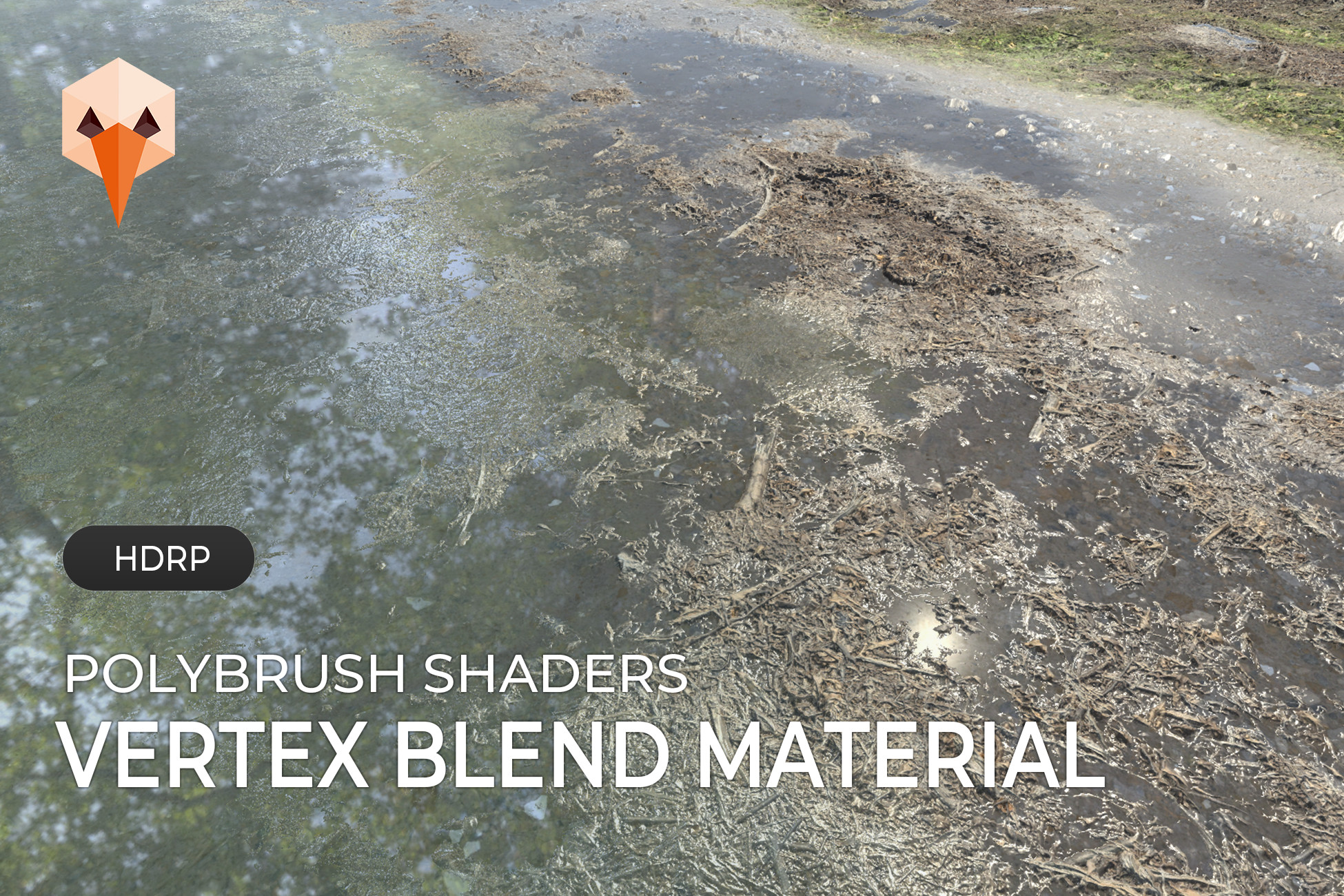
HDRP - Polybrush Shaders
Enhance your environments with powerful vertex painting shaders. Fully compatible with Unity 6 .
Affiliate link · Purchases support this site
Price history
Last 6 months
USDAsset preview
1 / 5

HDRP - Polybrush Shaders video 1


About this asset
This shader pack is designed to work seamlessly with Polybrush, allowing you to blend multiple textures directly on your meshes. Whether you're creating terrains, walls, or detailed props, you can easily paint and control material transitions in real time.
From simple setups to advanced layered materials, the included shaders give you full flexibility to match your project’s needs.
Find here our version compatible with the Built-In and Universal Render Pipeline.
This package already contains 12 shaders. The Basic Lite and Pro, the advanced Standard Pro, the Flood and the Rainy Puddles Lite and Pro shaders. Other shaders will be added over time (cf list below).
Shaders :
Each shader comes with different versions (Basic, Lite or Pro)
- Basic
- Standard
- Flood
- Rainy and puddles
- Snow
The package contains 3 types of shaders
Basic :
The Basic shaders are the lightest and easiest to use.
They include a main layer and a secondary effect layer, making them perfect for simple setups and optimized performance.
Lite :
The Lite versions expand on the Basic shaders with additional features.
While they may vary slightly depending on the shader, they generally include displacement and tessellation options, offering a good balance between visual quality and performance.
Pro :
The Pro shaders are the most advanced versions in the package.
They include up to 3 fully paintable layers, along with displacement and tessellation support.
Depending on the shader, an additional wet layer may also be available for more dynamic and realistic effects.
Features :
- Fully compatible with HDRP
- Unity 6 support
- Designed for Polybrush / vertex color workflows
- Multi-layer texture blending using vertex colors
- Supports:
- Base Color
- Normal Maps
- Mask Maps (Metallic / AO / Height / Smoothness packed)
- Height-based blending for realistic material transitions
- Independent control per layer (tiling, intensity, blending)
- Smooth and natural transitions between materials
- Works on any mesh (environment, props, modular assets)
Wet Features
Create realistic wet surfaces and puddle effects with advanced controls
- Paint wetness and puddles
- Precise layer blending control using height map data
- Advanced displacement settings for added surface depth
- Tessellation support with distance-based fading (min/max control)
- Enhanced reflections for more convincing water surfaces
- Height map with parallax control for extra detail
- Brightness and saturation controls per layer
- Animated water waves normal map (intensity, speed, direction)
- Procedural raindrop simulation with adjustable size and splash speed
- The package includes 2 high-quality 4K texture atlases in .png format, each organized into 8x8 frames for detailed and seamless animation control.Rain ripple effects are animated using a flipbook-based normal map atlas, providing smooth and realistic surface motion.
Snow Features
Create convincing snow coverage with flexible and artist-friendly controls.
- Add realistic snow accumulation using a dedicated Mask Map
- Advanced blending controls for smooth and natural snow transitions
- Subtle glittering effect to simulate light interaction with snow crystals
- Choose between Smoothness-based or Emissive sparkle modes for different visual styles
- Ability to mask glitter effects using Shadow and Ambient Occlusion maps for more grounded and realistic results
Benefits
- Paint materials directly in the scene with full artistic control
- Create rich and detailed environments without complex setups
- Easily scale from simple to advanced workflows (Basic → Pro)
- Save time with real-time iteration
- Optimized for game-ready performance
Support & Compatibility
- Unity Versions: Unity 6.4 LTS and newer
- Render Pipeline: High Definition Render Pipeline (HDRP)
- Rendering: Compatible with Forward rendering
- Platforms: PC, Console
- Shader Type: Opaque
- Includes: Demo materials and examples
Polybrush Installation :
Important: Polybrush has been deprecated by Unity and is no longer available through the Unity Registry. To use this package, Polybrush must be installed manually via the Package Manager using its Git package name.
Installation steps:
- Open Window > Package Manager.
- Click the + button in the top-left corner.
- Select Install package from Git URL...
- Enter: com.unity.polybrush
- Click Install.
Once Polybrush is installed, all painting features included in this package will be available as expected.
----------------------------------------------------------------------------------
If you have any questions, please feel free to contact us : [email protected]
From the publisher's Asset Store listing.
Compatibility
| Unity version | Built-in | URP | HDRP |
|---|---|---|---|
| 6000.4.0f1 | Not listed | Not listed | Compatible |
As listed on the Asset Store.