
 View on Asset Store (opens in new tab)
Package details
- Latest version
- 1.0.3
- Last updated
- First released
- Unity version
- 2018.4.24 or later
- Package size
- 448.2 MB
- Files
- 187
- Favorites
- 158
- Views in the past week
- 20
Price tracking
- Last checked
- Tracked since
- Lowest recorded
- Free on
Keywords

Curve Designer
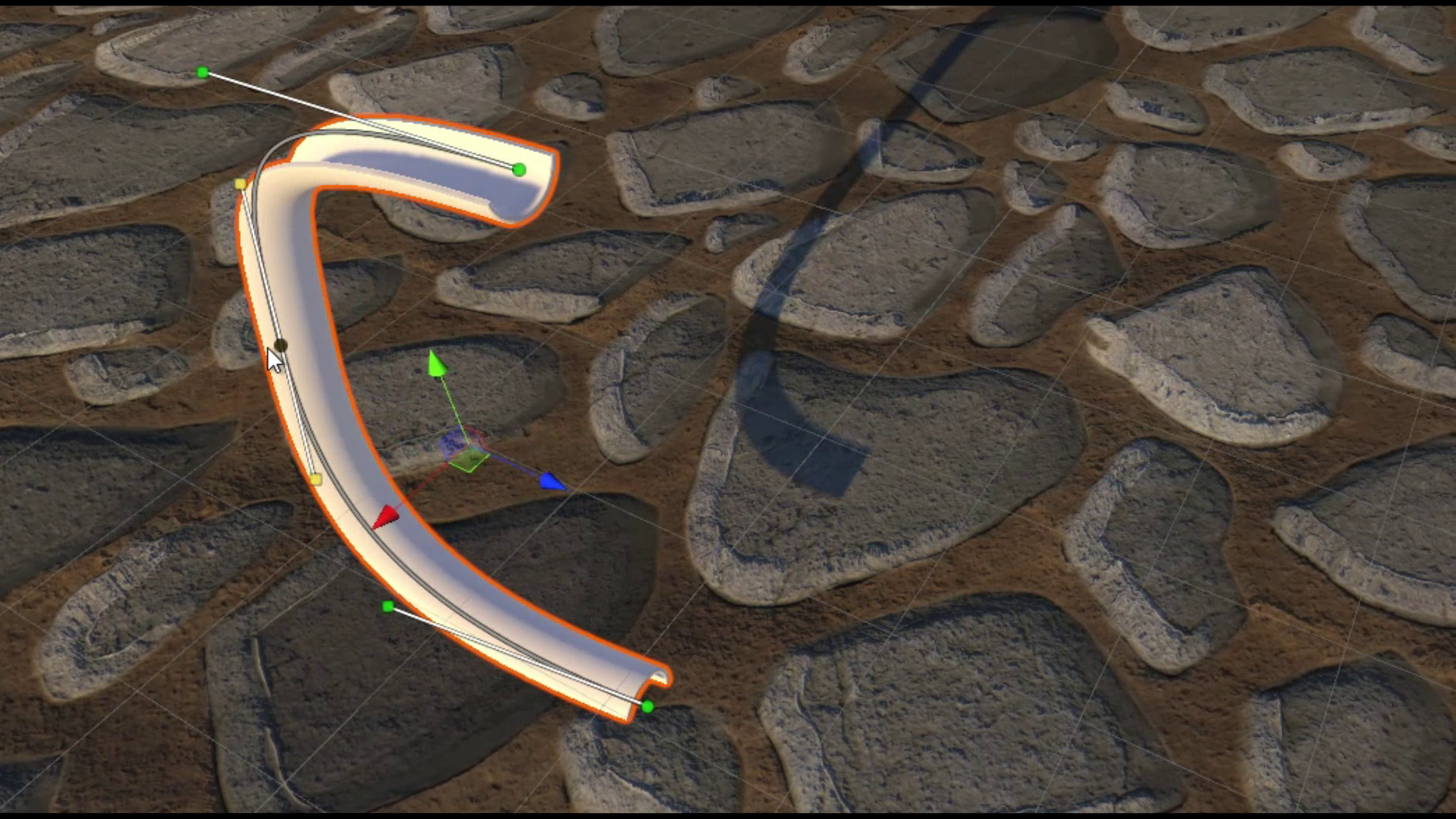
Curve Designer allows you to easily model curved surfaces in the Unity editor. Perfect for designing tubes, ramps, half-pipes, roads and more.
Affiliate link · Purchases support this site
Price history
Last 6 months
USDAsset preview
1 / 5

Curve Designer screenshot 1

About this asset
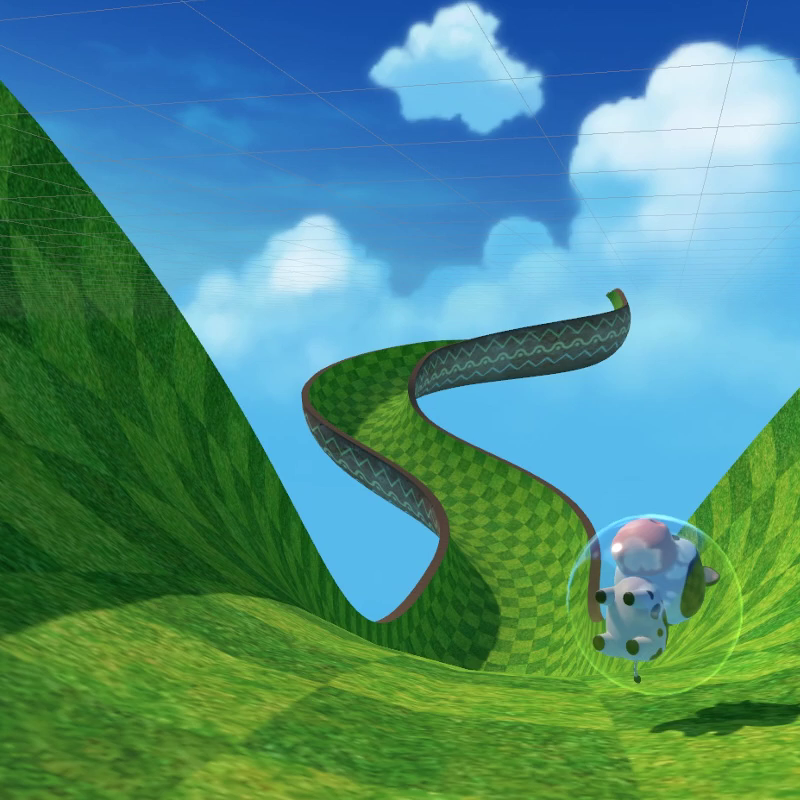
Curve Designer was built to allow developers to create highly customized curves without leaving the editor. This allows developers to rapidly iterate on level design ideas without having to switch to a 3D modeling application.
Curve Designer is different from most spline tools because it allows you to configure properties of the curve at different points along the curve, and then interpolate between them. For example you could add some rotation points to twist the curve to create banked turns for a racing game. Editing these points is very simple and each point type has a high-quality custom user-interface.
These curves support MeshColliders, so performing collision checks against curves is no problem. You can also edit these curves at runtime via scripts, allowing you to have curves that morph and shift at runtime.
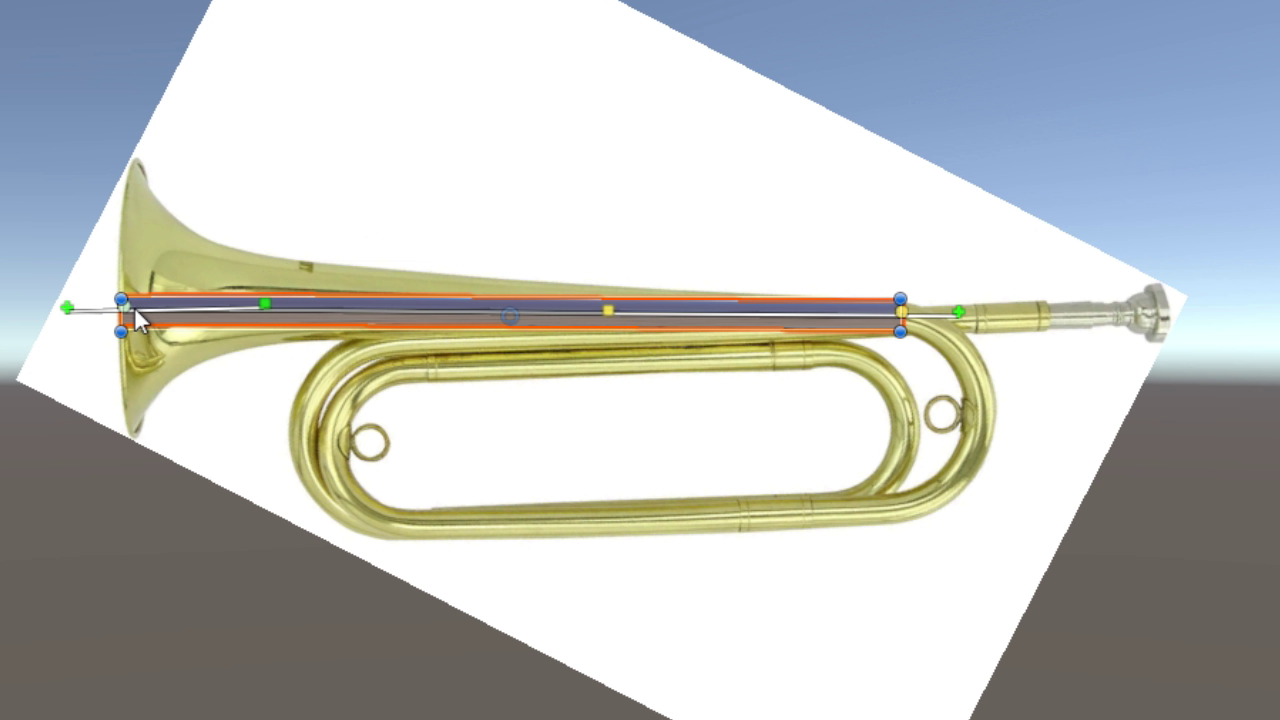
Curve Designer can also serve the role of a simple spline tool for defining paths for characters and other objects to follow.
From the publisher's Asset Store listing.
Technical details
- Mesh generation runs entirely on a seperate thread
- Fully dynamic mesh generation works at runtime
- High quality custom UI makes the tool very easy to learn
- MeshCollider support for collision detection
- Supports many different curve shapes