
 View on Asset Store (opens in new tab)
Package details
- Latest version
- 2.2
- Last updated
- First released
- Unity version
- 2021.1.17 or later
- Package size
- 2.6 MB
- Files
- 33
- Favorites
- 27
- Views in the past week
- 6
Price tracking
- Last checked
- Tracked since
- Lowest recorded
- $4.99 on

Toonify
- Price drop
Discount -50%
Previous price
$9.99
Price $4.99
Lowest recorded price
Get 50% off on Asset Store (opens in new tab)Affiliate link · Purchases support this site
Price history
Last 6 months
USDAsset preview
1 / 12

Toonify screenshot 1


About this asset
◼ Follow me for more useful creations! ◼
YouTube | Facebook | Twitter | Instagram
◼ Description ◼
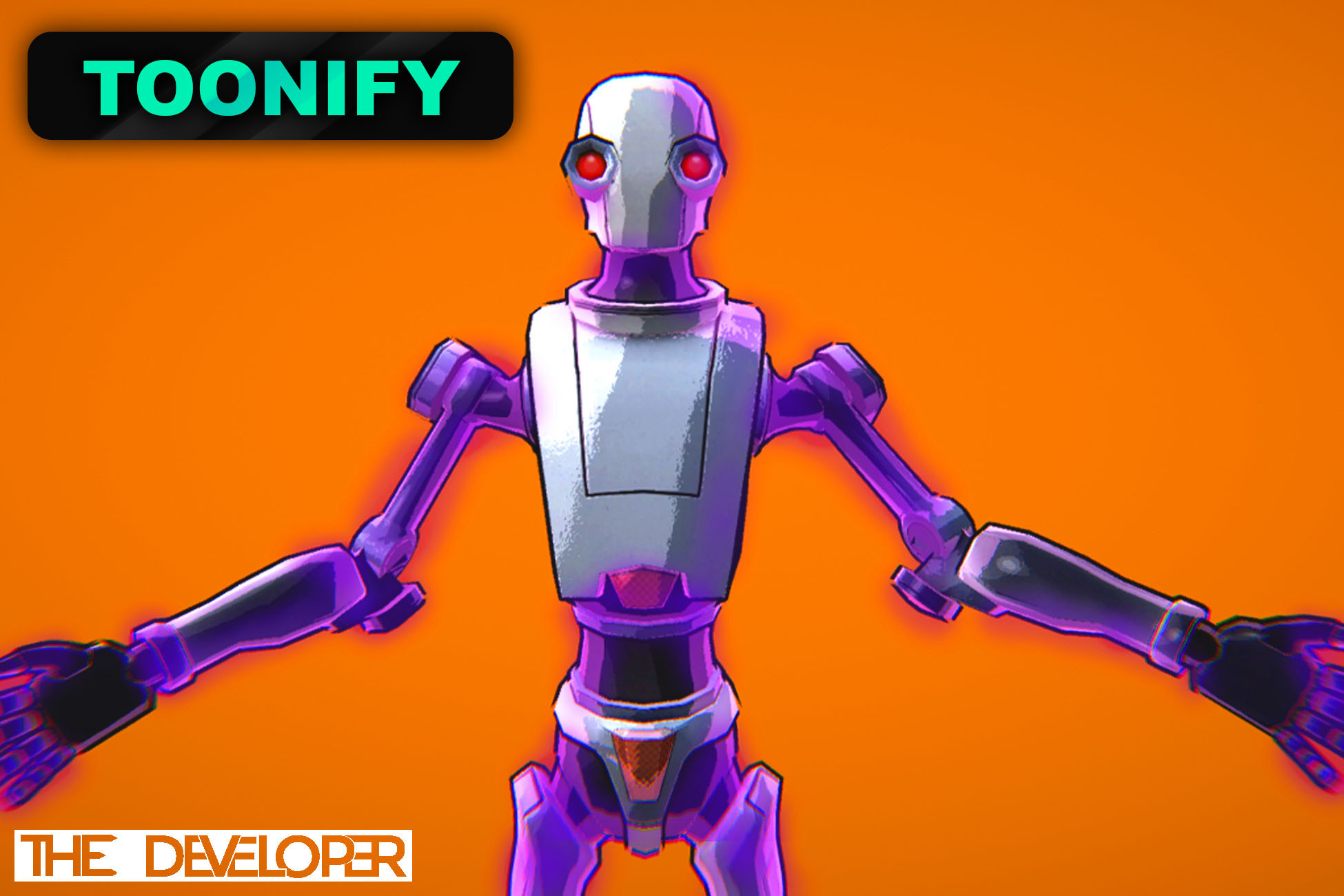
Toonify contains 3 procedural and 3 non-procedural toon shaders.
+ The procedural shaders generate the tooning by themselves, they only require one thing - ramp factor!
+ The non-procedural shaders on the other hand require a texture that has the bands on it!
◼ Details ◼
All of the shaders are optimized for minimal resource usage and best performance.
They also support normal maps, specular highlights, rim lighting and outlining.
You can check out the README.pdf for a full guide on how to use all of the shaders to maximum advantage!
◼ How to use? ◼
1) Create a new material & assign the shader you want
2) Give it the properties you want(check out the README.pdf for detailed examples)
3) Put it on a mesh
◼ Requirements ◼
Your project has to use the Built-in Rendering Pipeline!
YouTube | Facebook | Twitter | Instagram
◼ Description ◼
Toonify contains 3 procedural and 3 non-procedural toon shaders.
+ The procedural shaders generate the tooning by themselves, they only require one thing - ramp factor!
+ The non-procedural shaders on the other hand require a texture that has the bands on it!
◼ Details ◼
All of the shaders are optimized for minimal resource usage and best performance.
They also support normal maps, specular highlights, rim lighting and outlining.
You can check out the README.pdf for a full guide on how to use all of the shaders to maximum advantage!
◼ How to use? ◼
1) Create a new material & assign the shader you want
2) Give it the properties you want(check out the README.pdf for detailed examples)
3) Put it on a mesh
◼ Requirements ◼
Your project has to use the Built-in Rendering Pipeline!
From the publisher's Asset Store listing.
Compatibility
| Unity version | Built-in | URP | HDRP |
|---|---|---|---|
| 2021.1.17f1 | Compatible | Not listed | Not listed |
As listed on the Asset Store.