
 View on Asset Store (opens in new tab)
Package details
- Latest version
- 1.2.0
- Last updated
- First released
- Unity version
- 2020.3.12 or later
- Package size
- 21.3 MB
- Files
- 48
- Favorites
- 71
- Views in the past week
- 18
Price tracking
- Last checked
- Tracked since
- Lowest recorded
- $25.00 on
Keywords

Dynamic Music System
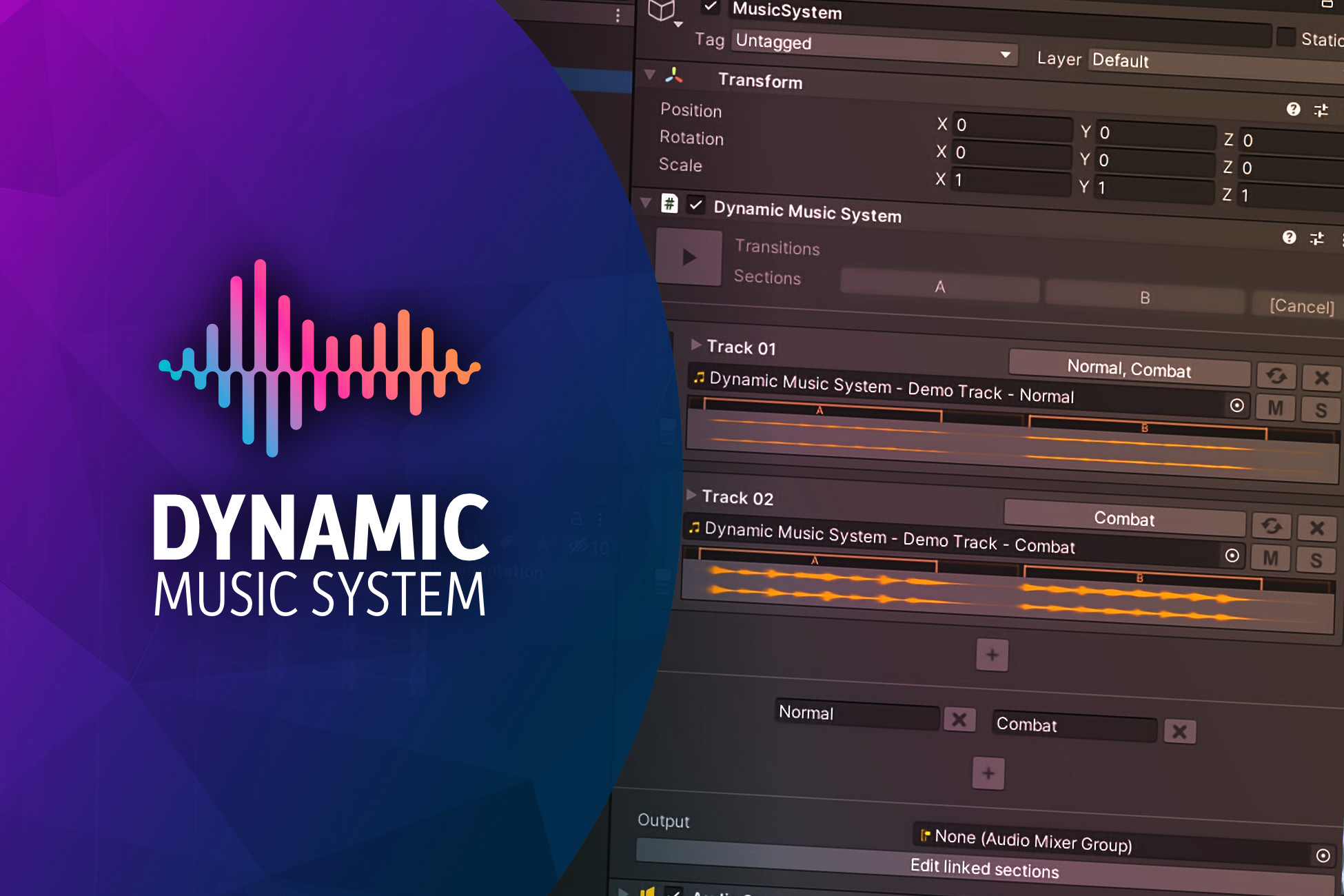
Powerful adaptive music system with horizontal resequencing and vertical layering. Reads cue markers directly from wave-files, and supports edit-time playback.
Affiliate link · Purchases support this site
Price history
Last 6 months
USDAsset preview
1 / 2

Dynamic Music System video 1

About this asset
A lightweight but powerful adaptive music system which reads metadata from wave-files to determine where sections and transitions begin and end. It supports both horizontal resequencing and vertical layering at the same time.
Games using this asset
- Dwerve by Half-Human Games (PC, Mac, soon Nintendo Switch)
- Rocket Rumble by PixelNAUTS (PC, Mac)
How it works
- Inside your DAW, add markers where each section begins and ends.
- Export your track(s) with your markers embedded.
- Add your wave file as a clip in the inspector. The system detects transitions and sections based on your cue names.
Please read the user guide for more detailed information.
Note: To be able to use all features of this system, you need to be able to embed cue markers in your audio files using audio software like Reaper or Audacity.
Features
- Edit sections in your DAW
- No need to manually write down where sections start and end.
- Seamless horizontal sequencing
- Go from section to section, right on the beat.
- Sections can have lead-ins and tails, smoothing out transitions.
- Vertical layering
- Smoothly crossfade from one state into another state.
- Transitions
- Use an additional cymbal swell, drum fill or anything else to transition into any section.
- Can be reused for different sections, or even randomized.
- Easy to use
- Tell the system to go to a given section or state. The system handles the rest.
- Save time by auditioning the music right in the inspector
- Identify problems before playing the game.
Bonus content: A script that lets you easily extract various metadata from wave files, useful for anyone looking to make their own music or audio systems.
Compatibility
Uses native Unity audio, which means it should support any platform that Unity itself supports, with the exception of WebGL.
Known issues (v1.2.0)
- If the game freezes, or the framerate is close to zero, the system will sometimes make transitions jarring, due to not being able to detect the current play position of the AudioSource in time before the end of the current section.
- The waveform display doesn't line up exactly to the timeline, but gives an estimation.
- Auditioning in the inspector doesn't work when previewing the component as a prefab in the inspector (but works in the scene hierarchy and in the full prefab editor). A message is displayed when this is the case.
- Interruption is not currently supported. Any section that starts to play will be played until the end before it can transition into other sections. This can be worked around by using multiple music systems, and starting/stopping as needed.
Support
Please reach out to me for any questions or issues. My e-mail address can be found on my website (near the bottom).
From the publisher's Asset Store listing.
Technical details
Uses native Unity audio, relying on PlayScheduled() and AudioSettings.dspTime for accurate transitions between sections.
Make sure to enable background processing in your project settings. This avoids issues when switching sections when the game window is unfocused.
Compatibility
| Unity version | Built-in | URP | HDRP | Custom |
|---|---|---|---|---|
| 2020.3.48f1 | Compatible | Compatible | Compatible | Compatible |
| 2020.3.12f1 | Compatible | Compatible | Compatible | Compatible |
As listed on the Asset Store.