
 View on Asset Store (opens in new tab)
Package details
- Latest version
- 2.1.3
- Last updated
- First released
- Unity version
- 2021.3.32 or later
- Package size
- 1.0 MB
- Files
- 35
- Favorites
- 128
- Views in the past week
- 14
Price tracking
- Last checked
- Tracked since
- Lowest recorded
- Free on
Keywords

Icon Creator - Generate Fast, Easy & Complete - Icons Generator
Icon Creator is a perfect tool for generating Icons from 3D models.Choose the prefabs you need, launch Icon Creator, and have ready-to-use icons. Icon creation made effortless! - Icon Generator easy
Affiliate link · Purchases support this site
Price history
Last 6 months
USDAsset preview
1 / 16

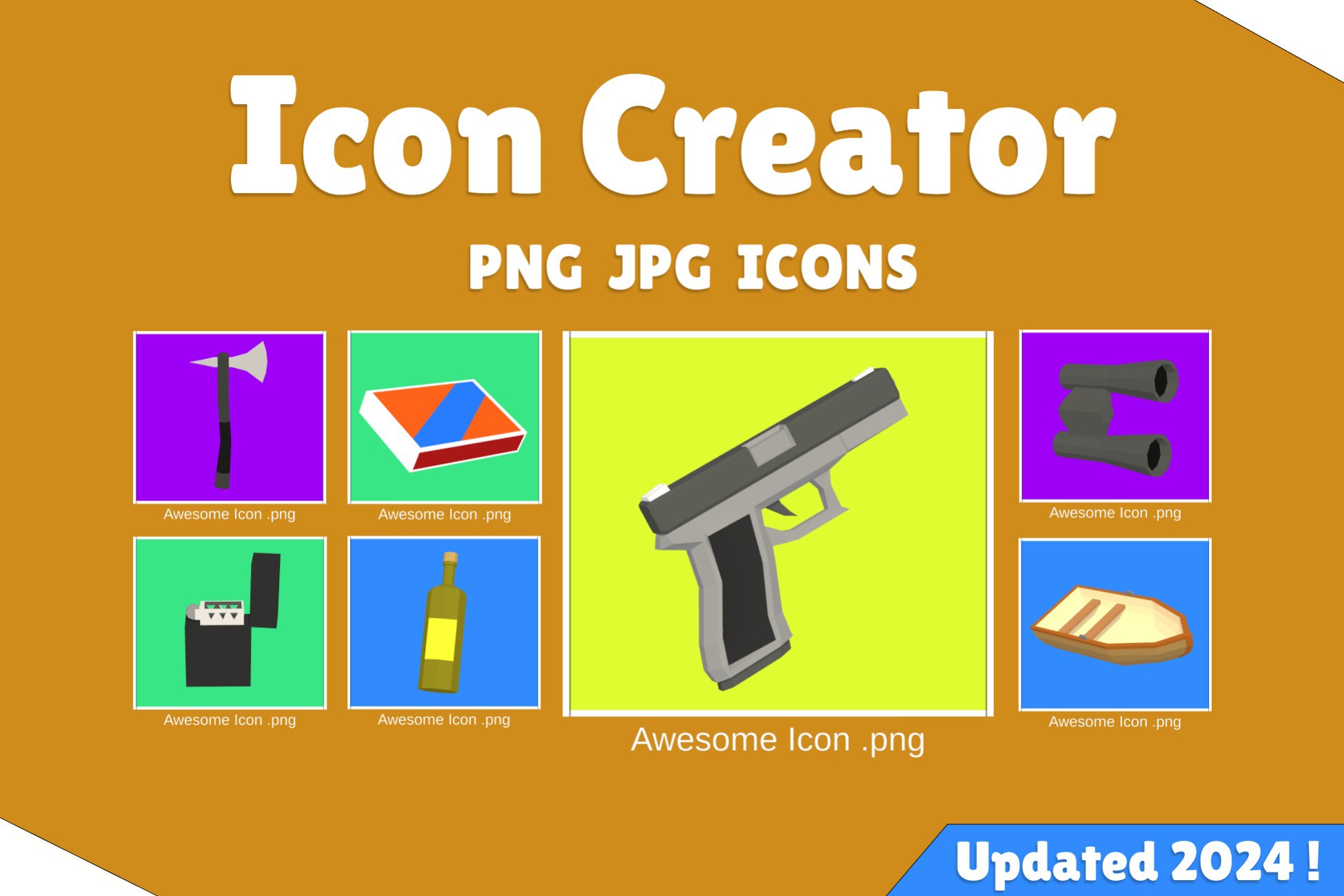
Icon Creator - Generate Fast, Easy & Complete - Icons Generator screenshot 1


About this asset
📸 What is Icon Creator?
Icon Creator is a simple, yet powerful tool that quickly generates icons for your items and prefabs. It gives you a whole folder of ready-to-go icons in no time.
If you've got a bunch of 3D items and need to whip up icons for them fast and without fuss, Icon Creator is your go-to tool!
Features:
📸 Icon generator: Generates Icons easily from 3D models and prefabs. Supports particles systems, sprite renderers, VFX effects and more!
📸 In-Editor Tool: Works directly in the editor. Just choose your prefabs and objects, right-click, and bam! You've got your icons.
📸 Best Fit: It's easy to control how your icon looks. Include Guide lines to help you.
📸 Animation Support: Grab the coolest parts of your animations for your icons. It's a breeze to select any part of your animation!
📸 Camera Movement Support: You can move your camera up and down to get the best view for your icon!
📸 Works with All Pipelines: Plays nice with built-in, URP, and HDRP pipelines.
📸 Supports Post-Processing: Make your icons look even better with post-processing effects.*
📸 Prefab Icon Link Tool: Easily track the icons you've already created.
📸 Flexible Folder Placement: You can put the Icon Creator folder anywhere in your project.
📸 Advanced Options: Gain Complete Control Over Your Icons' Format, Quality, and User Experience.
*Note: Transparent backgrounds and post-processing can't be used at
the same time.
Save Time, Enhance Quality - Try Icon Creator Now!
Links:
Check the documentation for limitations, infos and GIFs!
**This asset was fully redesigned on June 2023**
Last Update Notes:
Added Guide Lines
Added Tooltips
Added Foldout Groups
Added Shortcut for editing ambient color
Added Advanced Options
Added Rotate All Button
Added Particle System Controllers
Added Quick Background Changer
Added Reset Rotation X and Z Button
Added Guide Line Custom Color
Need Help To Create Levels For Your Game?
From the publisher's Asset Store listing.
Compatibility
| Unity version | Built-in | URP | HDRP | Custom |
|---|---|---|---|---|
| 2023.2.5f1 | Compatible | Compatible | Compatible | Not listed |
| 2022.3.17f1 | Compatible | Compatible | Compatible | Compatible |
| 2021.3.32f1 | Compatible | Compatible | Compatible | Compatible |
Attention: Post processing and transparency is not yet supported.
As listed on the Asset Store.