
 View on Asset Store (opens in new tab)
Package details
- Latest version
- 6.0
- Last updated
- First released
- Unity version
- 6000.5.5 or later
- Package size
- 67.2 MB
- Files
- 137
- Favorites
- 31
- Views in the past week
- 17
Price tracking
- Last checked
- Tracked since
- Lowest recorded
- $9.99 on
Keywords

Advanced Spawn System For FSM AI And Invector Item
Affiliate link · Purchases support this site
Price history
Last 6 months
USDAsset preview
1 / 8
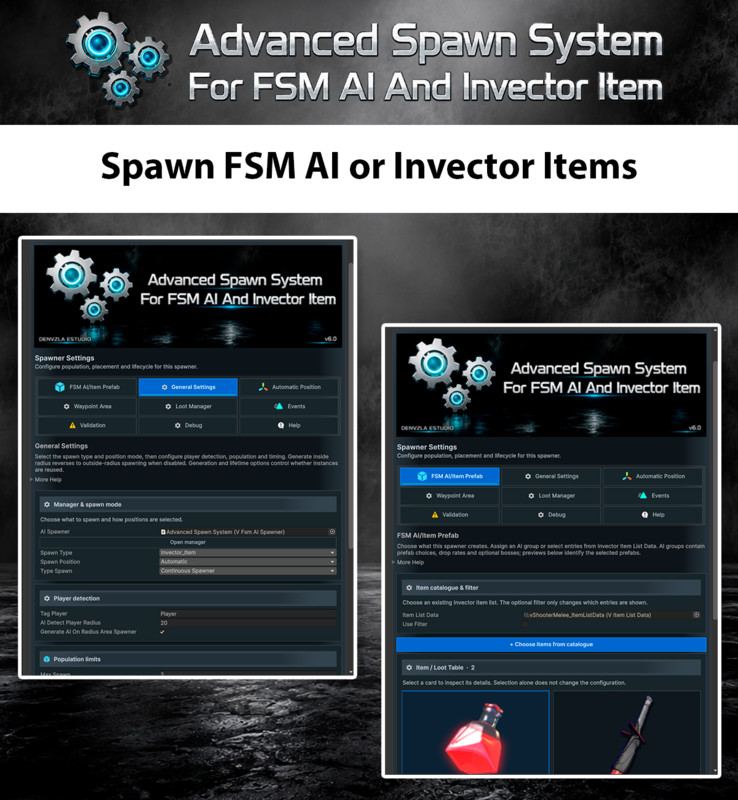
Advanced Spawn System For FSM AI And Invector Item screenshot 1

About this asset
⚠ Important ⚠
This package is included with the purchase of Advanced Spawn System
🤖 ADVANCED SPAWN SYSTEM FOR FSM AI AND INVECTOR ITEM
Create, organize and control Invector FSM AI enemies and Invector Items through a flexible spawn system designed for automatic encounters, zones, waves, bosses and reusable pooled objects.
Version 6.0 modernizes the complete workflow for Unity 6, Invector FSM AI and the current Third Person Controller generation.
✅ VERIFIED ENVIRONMENT
• Unity 6000.5.5f1
• Invector FSM AI Template 1.2
• Invector Third Person Controller — Shooter Template 2.6.7
• Optional AI Navigation 2.0.14
Shooter includes the Melee functionality. Shooter-specific integration is isolated through Invector's INVECTOR_SHOOTER symbol, avoiding mandatory Shooter component requirements in the common runtime.
⚙️ FLEXIBLE SPAWN MODES
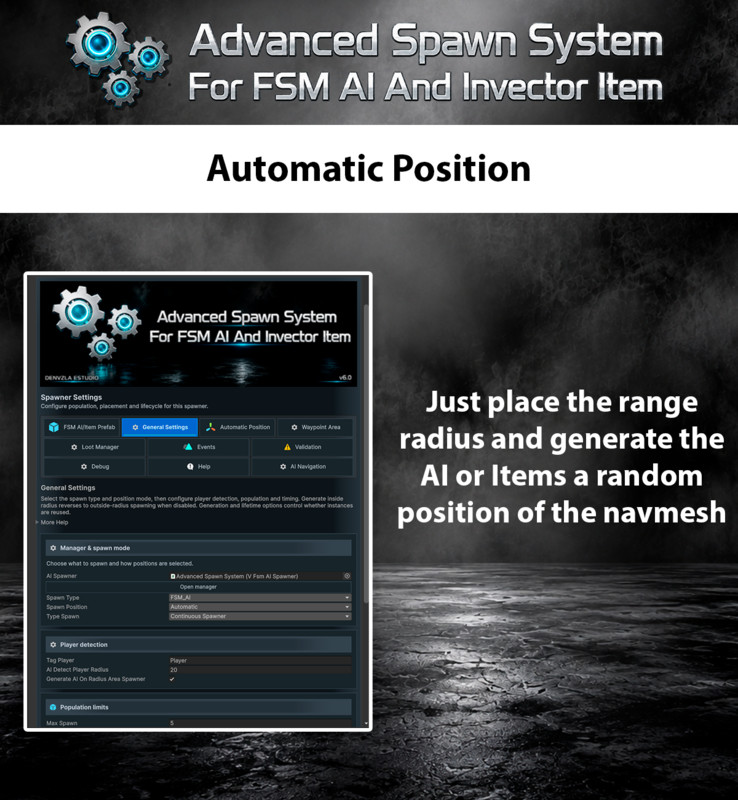
• Automatic spawning
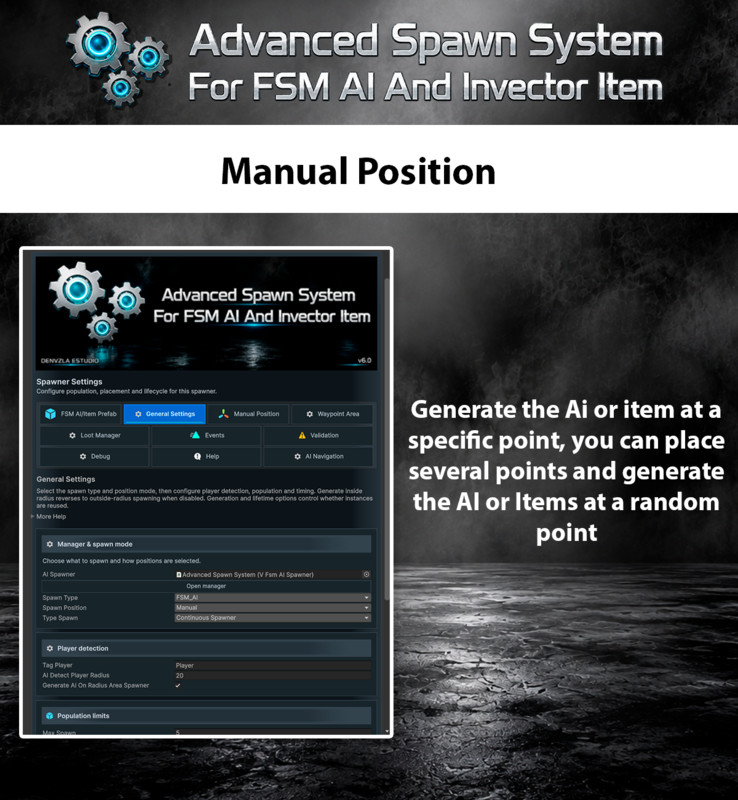
• Manual spawn positions
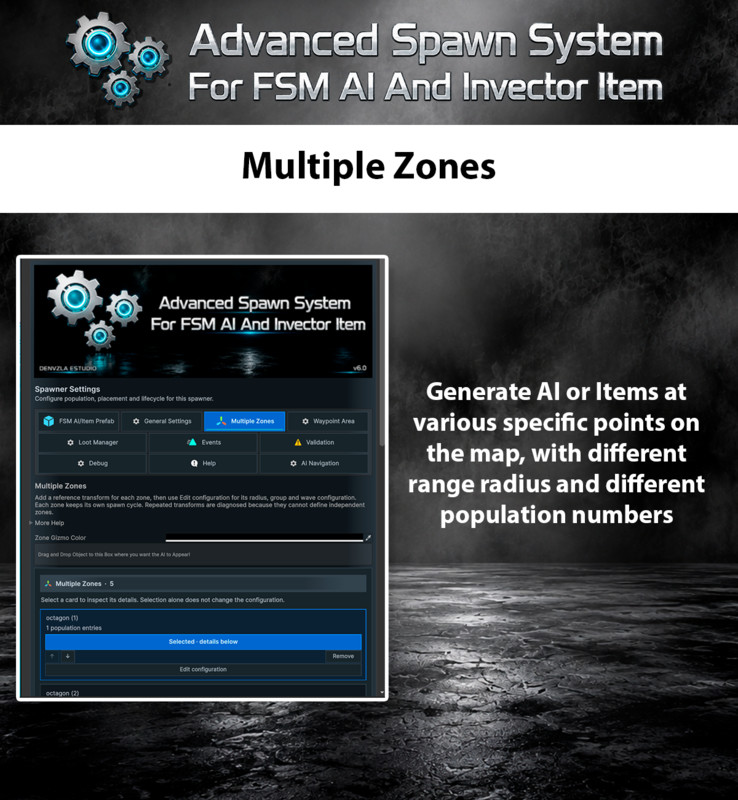
• Single and multiple spawn zones
• Safe zone exit and re-entry
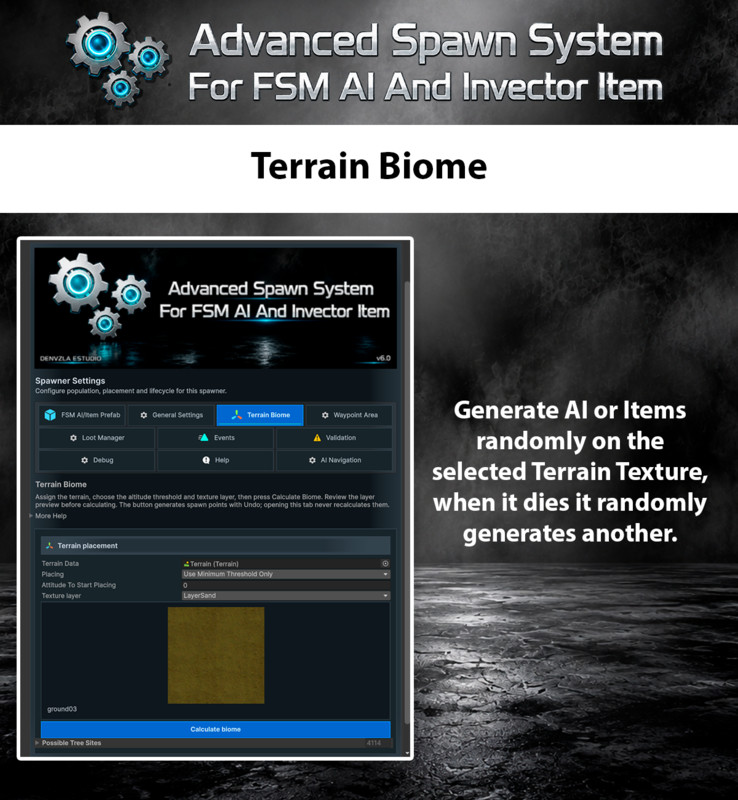
• Terrain and biome spawning
• Ordered wave encounters
• Boss spawning
• FSM AI Groups
• Invector Item spawning
• Configurable population limits
• Spawn delays, intervals and replacement behavior
🧠 STABLE SPAWN LIFECYCLE
Version 6.0 introduces coordinated spawn ownership for automatic spawning, zones and waves.
• One valid spawn for each request
• Pending requests count toward the population limit
• Protection against duplicate coroutines and events
• Safe component disable and re-enable cycles
• Multiple player colliders do not duplicate zone entry
• Deaths are processed only once
• Waves and bosses complete only once
• Invalid or rejected requests do not consume population
• Scene changes and disabled objects are handled safely
♻️ OBJECT POOLING
Reuse FSM AI enemies and Invector Items without creating duplicate listeners, rewards, inventory entries or death events.
• Stable create, activate, initialize, die, store and reuse lifecycle
• Safe position and rotation restoration
• Previous navigation paths are cleared when possible
• Population reservations are released after failed placement
• Reused enemies remain associated with the correct zone or wave
• Invector Item data is restored through supported public APIs
Pooling is recommended for frequently reused objects. Instantiate mode remains available for objects controlled by external scripts that destroy their GameObjects.
🗺️ OPTIONAL AI NAVIGATION INTEGRATION
Version 6.0 adds a dedicated AI Navigation workflow using the installed public Unity APIs.
• NavMeshSurface selection
• Multiple surface support
• Agent Type inspection
• Area Mask configuration
• NavMeshModifier, NavMeshModifierVolume and NavMeshLink access
• Manual Build, Update and Clear actions
• Optional spawn-point validation
• Reject or adjust invalid positions
• Bounded search distance and attempt count
• NavMeshAgent prefab validation
• Safe pooled-agent placement
• Optional valid and invalid point gizmos
• Clear diagnostics without Console spam
NavMesh validation is disabled by default, preserving the behavior of existing projects.
🌊 ZONES, WAVES AND BOSSES
• One cycle per logical zone entry
• Safe re-entry after leaving a zone
• Independent state for different zones
• Wave members remain associated with their owning wave
• Survivors from another wave cannot complete the current wave
• Invalid or empty waves fail safely
• Boss population follows the same global limits
• Boss death and encounter completion are processed once
🎒 INVECTOR ITEM SUPPORT
• Spawn entries from Invector Item List Data
• Item-specific spawn events
• Item pooling and reuse
• Safe regeneration of consumed pooled entries
• No NavMeshAgent requirement for item-only configurations
• Rejected AI navigation positions do not affect item spawning
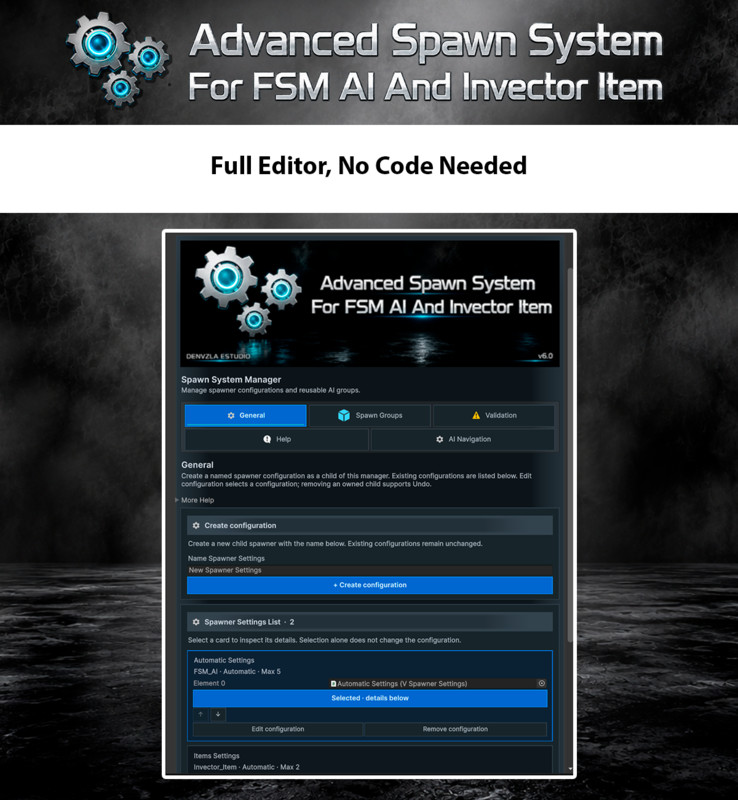
🎨 MODERN CUSTOM EDITORS
The complete Editor workflow has been redesigned for Unity 6 while preserving existing serialized data.
• Large proportional headers
• Professional graphite panels
• Blue navigation
• Prefab and group cards
• Real asset previews
• Synchronized selected-item details
• Contextual help inside every tab
• Tooltips and extended “More Help” sections
• Compact actions for adding, removing and reordering entries
• Undo/Redo support
• Correct prefab overrides
• No scene changes caused by navigation or card selection
🔍 VALIDATION AND RUNTIME DEBUG
Inspect configuration problems before entering Play Mode.
Validation detects:
• Missing or incompatible prefabs
• Missing FSM AI components
• Missing ragdoll requirements
• Missing NavMeshAgent when navigation validation is enabled
• Null or duplicate group members
• Invalid spawn values
• Empty waves
• Invalid bosses
• Incompatible population limits
• Invalid navigation configuration
• Missing references
Runtime Debug displays the real state of:
• Created instances
• Pending requests
• Active instances
• Living instances
• Available pooled objects
• Current zone
• Current wave
• Active boss
• Overall spawn cycle
📦 INCLUDED DEMOS
Examples demonstrate:
• Automatic spawning
• Multiple zones
• Terrain and biome spawning
• Wave encounters
• Pooling and reuse
• FSM AI groups
• Invector Items
• AI Navigation and NavMesh validation
The demo folder is safe to delete after learning the workflow.
🔄 COMPATIBILITY WITH EXISTING PROJECTS
Version 6.0 preserves public APIs, serialized fields, enum values, GUIDs and existing configuration data from version 5.3.1.
New AI Navigation options are disabled by default, allowing existing scenes and prefabs to retain their established spawning behavior.
📘 DOCUMENTATION
The package includes:
• Complete user guide
• Demo instructions
• Migration guide from 5.3.1
• AI Navigation setup
• Troubleshooting
• Contextual help directly inside every Custom Editor
⚠️ REQUIREMENTS
This add-on requires Invector FSM AI Template and a compatible Invector Third Person Controller edition.
AI Navigation features require the Unity AI Navigation package. The remaining spawn functionality continues to use the normal Unity navigation APIs and add-on configuration.
Integration
- Unity Terrains
- Gaia
- Map Magic
- Third Person Controller (Invector)
- FSM AI Template
- UnityNavMesh
Follow us for updates and news
From the publisher's Asset Store listing.
Compatibility
| Unity version | Built-in | URP | HDRP | Custom |
|---|---|---|---|---|
| 6000.5.5f1 | Compatible | Compatible | Compatible | Compatible |
As listed on the Asset Store.