
 View on Asset Store (opens in new tab)
Package details
- Latest version
- 1.0.0
- Last updated
- First released
- Unity version
- 2019.4.18 or later
- Package size
- 622 KB
- Files
- 7
- Favorites
- 3
- Views in the past week
- 2
Price tracking
- Last checked
- Tracked since
- Lowest recorded
- $7.99 on
Keywords

Procedural UI Pack
Procedural UI Pack is a tool for Unity with the aim of speeding up the creation of graphical interfaces by building the necessary textures in real time.
Affiliate link · Purchases support this site
Price history
Last 6 months
USDAsset preview
1 / 6
Procedural UI Pack screenshot 1

About this asset
Procedural UI Pack is a tool for Unity that simplifies and speeds up the creation of graphical interfaces. It allows the construction in real time of the necessary textures by defining simple parameters in an intuitive and highly configurable way.
Procedural UI Pack is:
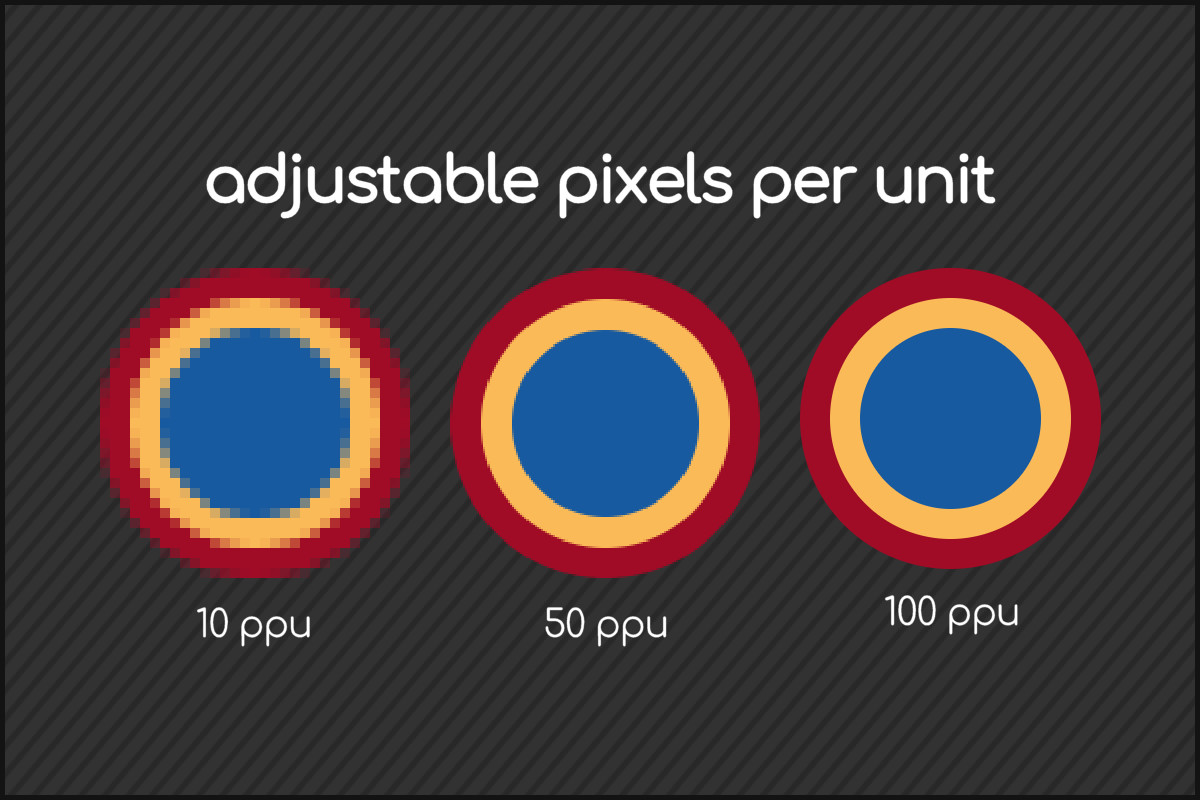
- fast: it uses an algorithm designed to create textures in real time quickly and without impacting too heavily on overall performance.
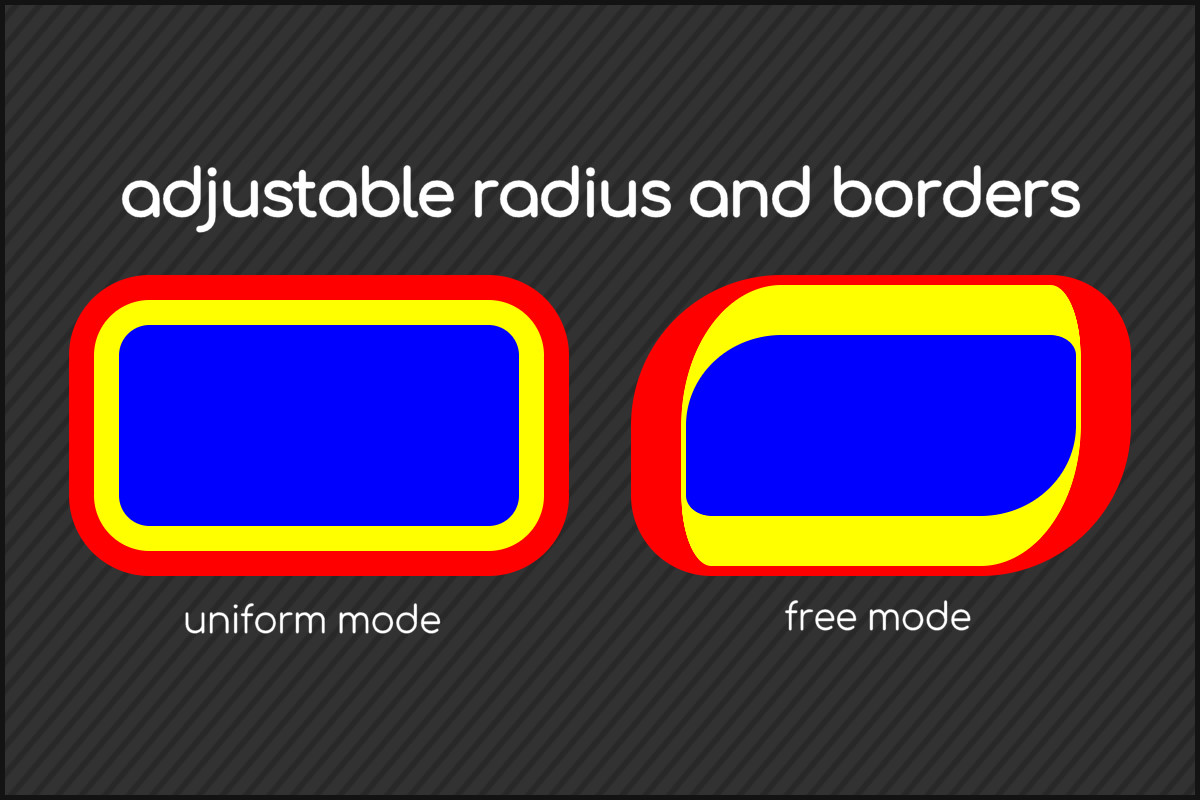
- configurable: it allows you to configure different parameters in a totally independent way for each of the 4 corners of the texture to be created.
- extendable: it includes well-formatted algorithm source code to allow the creation of extensions to best suit your needs.
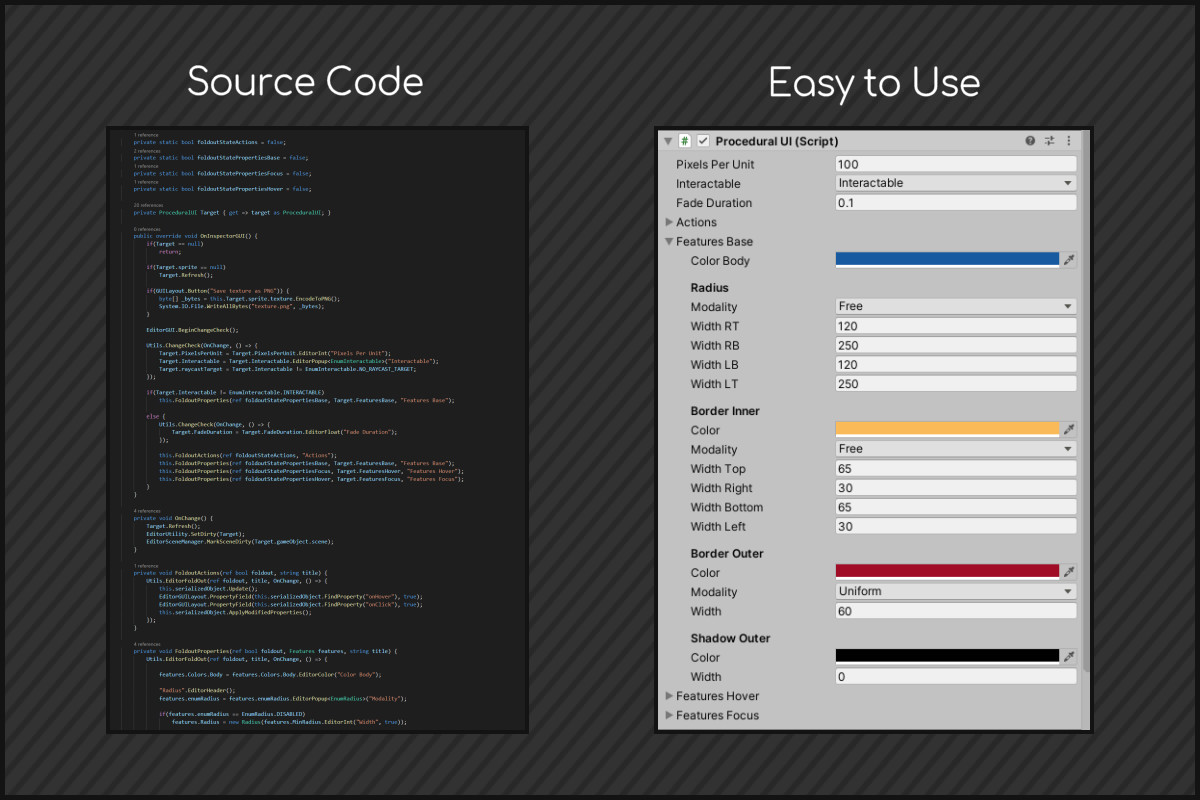
- easy: it allows to be configured both through the Unity Inspector and through a C# script according to your needs.
For any questions or suggestions write to [email protected]
From the publisher's Asset Store listing.
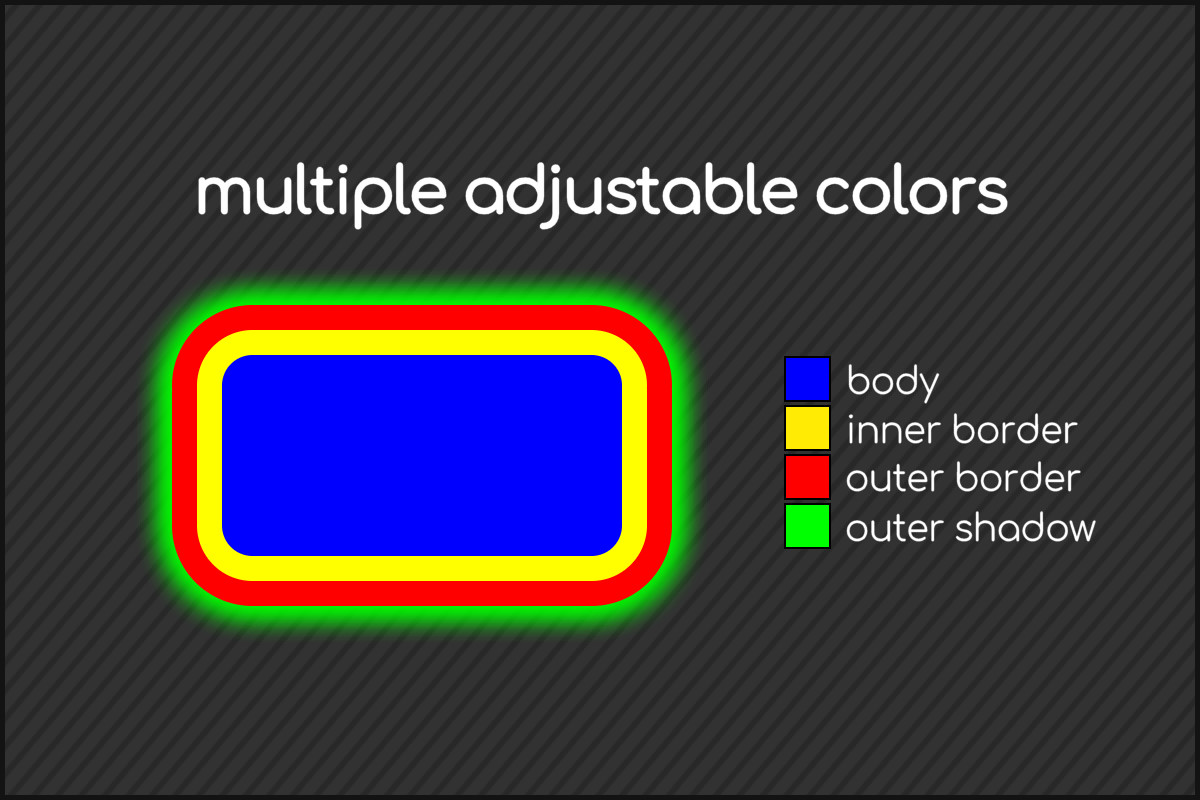
Technical details
The Procedural UI Pack creates in real time a texture composed by body, inner edge, outer edge and outer shadow. To use it, download the package through the Unity Asset Store and add the ProceduralUI script inside a GameObject with the presence of a RectTransform. ProceduralUI extends the Image class and, for this reason, it will not be possible to add other graphic components within the same GameObject. Procedural UI Pack allows the configuration of the textures both through the Unity inspector and through a C# script.