
 View on Asset Store (opens in new tab)
Package details
- Latest version
- 2.1.20
- Last updated
- First released
- Unity version
- 2022.3.62 or later
- Package size
- 208.4 MB
- Files
- 1,160
- Favorites
- 172
- Views in the past week
- 46
Price tracking
- Last checked
- Tracked since
- Lowest recorded
- $22.50 on
Keywords
MapMagic 2 Brush
Brush module for MapMagic2 - node-based procedural map generator. Allows sculpting/painting terrain with MapMagic graph.
Price $45.00
Buy on Asset Store (opens in new tab)
Affiliate link · Purchases support this site
Price history
Last 6 months
USDAsset preview
1 / 19

MapMagic 2 Brush screenshot 1


About this asset
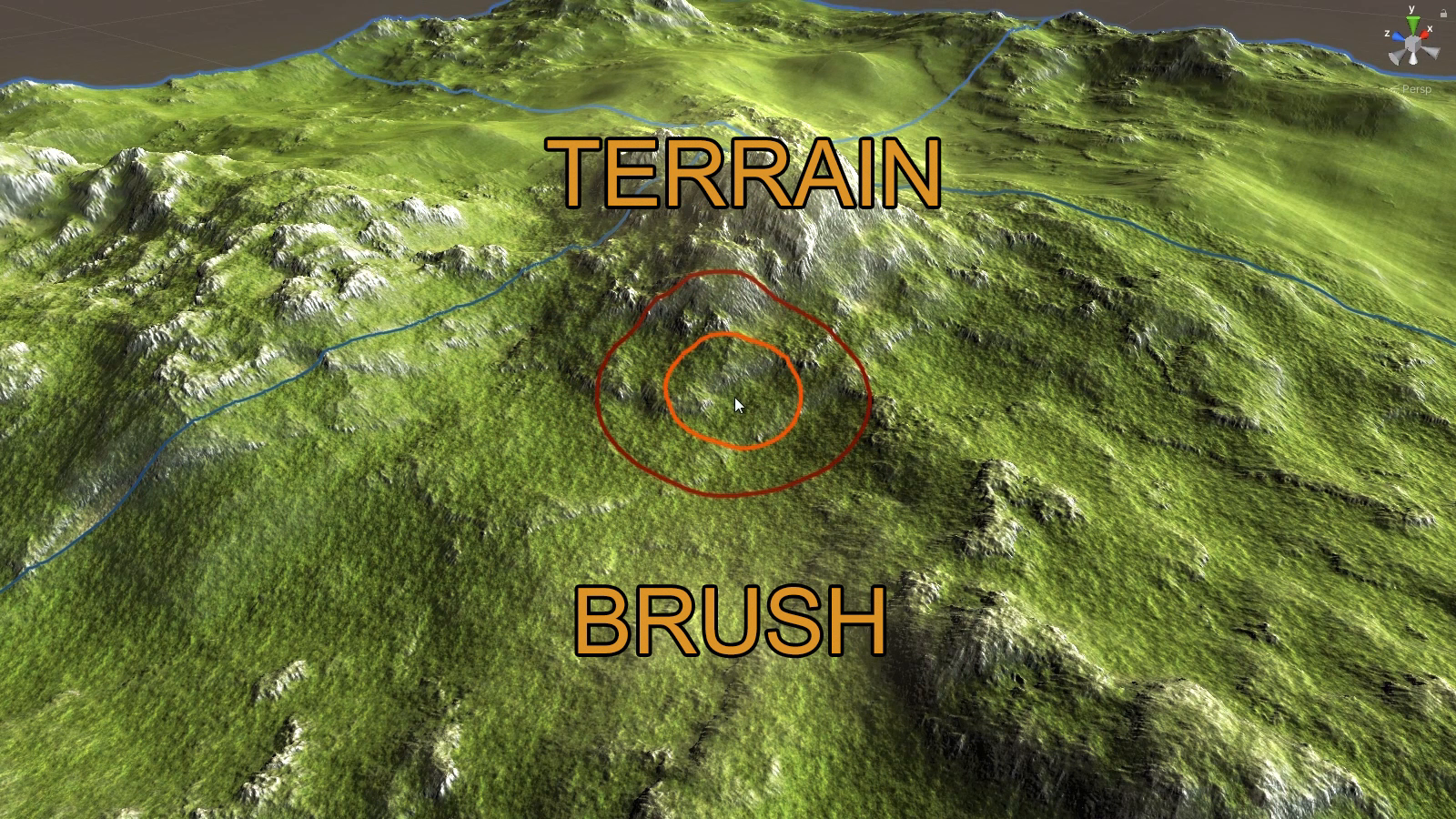
What if we could paint with MapMagic effect?
MapMagic Brush is terrain sculpting and painting tool tool, and can be used to paint height, textures, objects (with Objects module), trees (with Objects module) and grass/detail, and even at the same time. The brush effect is defined with MapMagic nodes graph: this way you can create the exact brush behavior you like.
MapMagic Brush is a module for MapMagic 2 asset (free, comes with this package). For painting with objects and trees Objects module is required. For painting roads Splines module is required.
MapMagic Brush might come in handy for an outsource level-design. You can use MapMagic Brush as your own in-house tool - the final result is saved in terrain data asset and could be merged with the main project. The main project doesn't require MapMagic to be installed.
This tools gives an opportunity for a headway as a level designer - you can create yourself a collection of useful brush graphs. They will speed up and enhance a quality of your work.
From the publisher's Asset Store listing.
Compatibility
| Unity version | Built-in | URP | HDRP | Custom |
|---|---|---|---|---|
| 2022.3.62f1 | Compatible | Compatible | Compatible | Compatible |
As listed on the Asset Store.