
 View on Asset Store (opens in new tab)
Package details
- Latest version
- 1.1.01
- Last updated
- First released
- Unity version
- 2020.1.0 or later
- Package size
- 3.5 MB
- Files
- 33
- Favorites
- 14
- Views in the past week
- 4
Price tracking
- Last checked
- Tracked since
- Lowest recorded
- $5.49 on
Keywords

Dynamic Icons - Easily create your waypoints, indicators, and compasses
- Price drop
Discount -45%
Previous price
$9.99
Price $5.49
Lowest recorded price
Get 45% off on Asset Store (opens in new tab)Affiliate link · Purchases support this site
Price history
Last 6 months
USDAsset preview
1 / 11

Dynamic Icons - Easily create your waypoints, indicators, and compasses screenshot 1




About this asset
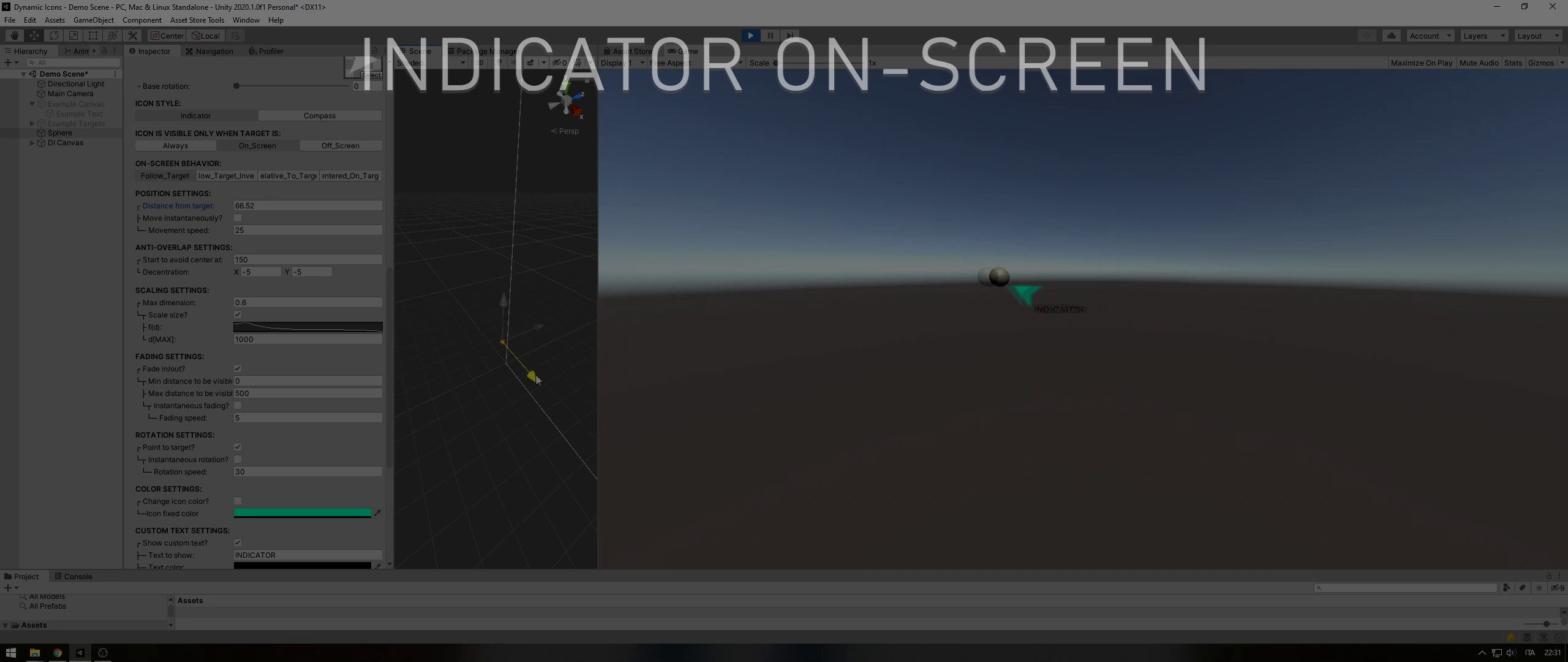
Dynamic Icons is a tool you can use to generate waypoints, indicators, and compasses in your game with just some clicks.
Your icons will follow the target helping the player to find the right path, an enemy to fight, an item to pick-up, and so on. The single icon will be generated on the fly from your custom texture.
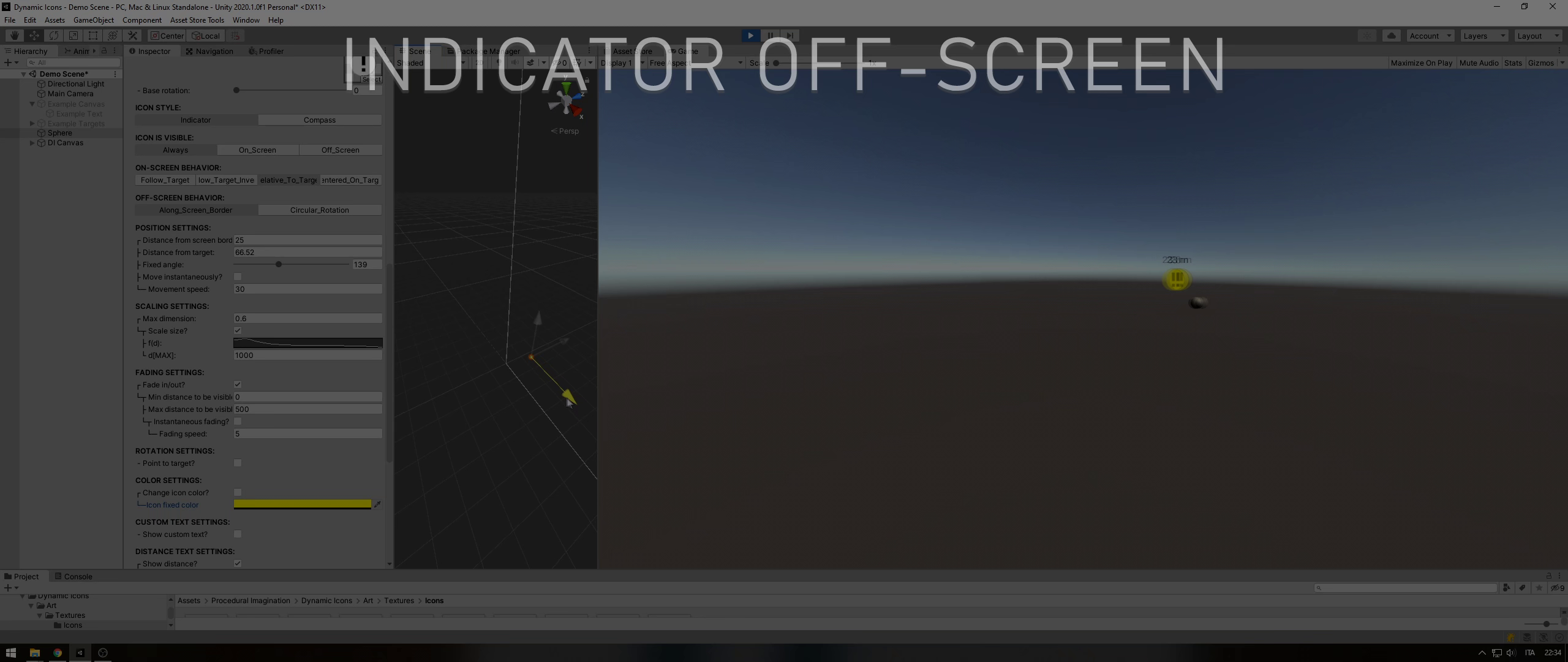
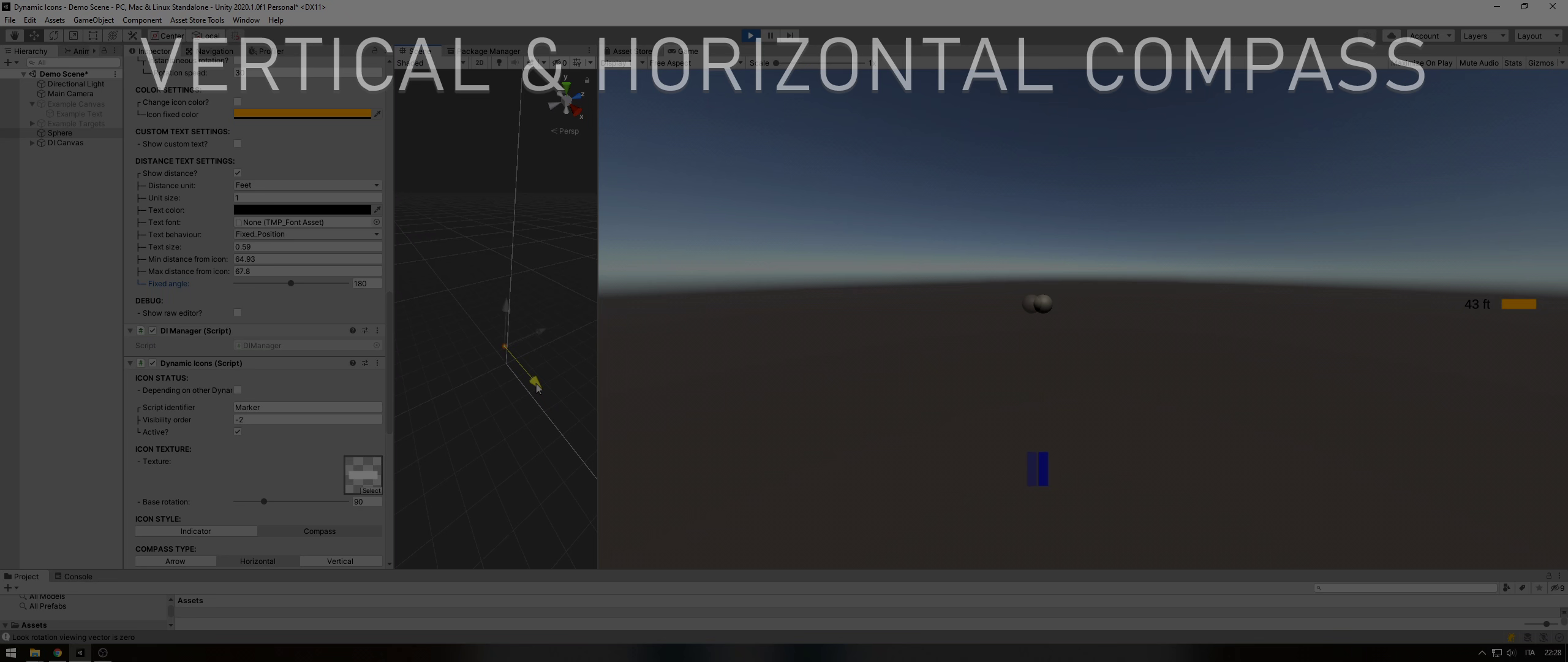
The marker can be customized to be seen when the target is on-screen and/or off-screen. It will move around the target pointing to it and, when it's not visible, the marker can also show the target direction from the main camera moving along the screen borders or rotating around the screen center.
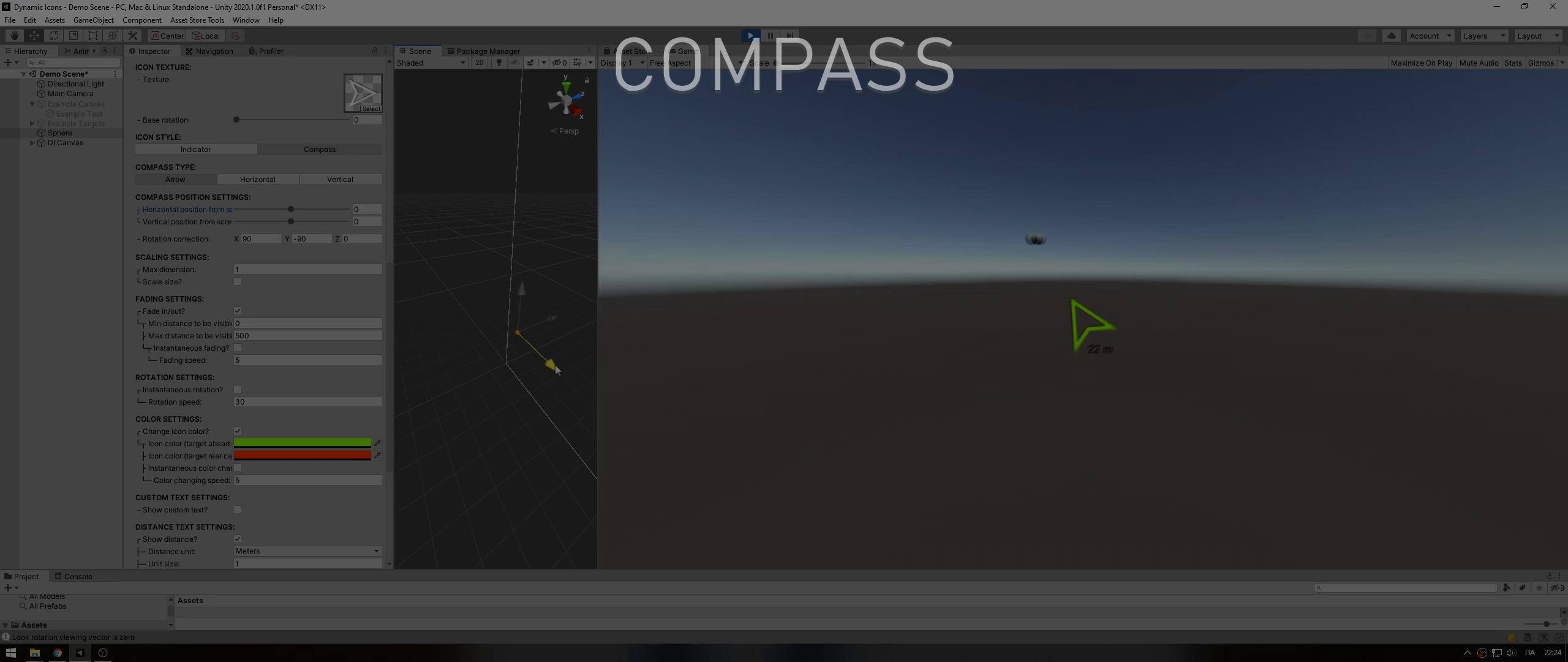
With a single click, you can change the icon behavior and use it as a compass that always shows the player where to go.
Main features:
• Plug&Build! You just need to add a single script to your GameObject, set it up using the Unity editor, and build.
• No need to create RawImage, GameObject, or anything. The script creates what it needs with a clear hierarchy.
• Add a text and/or show the distance from the target near your icon.
• Customize how colors, texts, transparency, visibility, and other parameters will change according to the distance from the target.
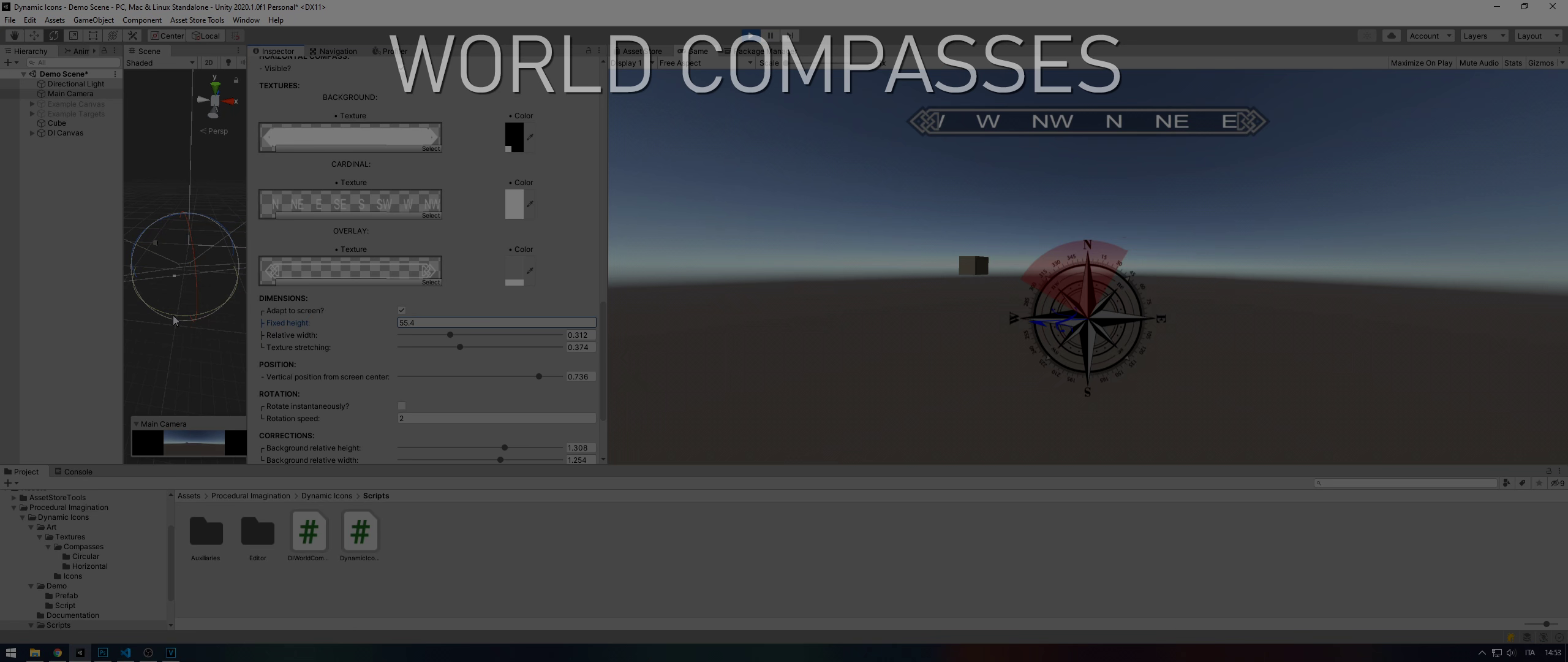
• Easily generate circular and horizontal compass.
• A custom editor full of tooltips.
• Commented code.
• DLL source code is available freely.
You can download the documentation from here if you want to know better how Dynamic Icons works and what it offers.
If you liked my work and it was useful to you, please leave a review. For any problem or question send me an email at [email protected].
From the publisher's Asset Store listing.
Compatibility
| Unity version | Built-in | URP | HDRP | Custom |
|---|---|---|---|---|
| 2020.1.0f1 | Compatible | Compatible | Compatible | Compatible |
As listed on the Asset Store.